Schenectady Photographic Society

Menu

Photoshop

Essential New Photoshop Features for Professional Retouchers with Lisa Carney

Essential New Photoshop Features for Professional Retouchers with Lisa Carney

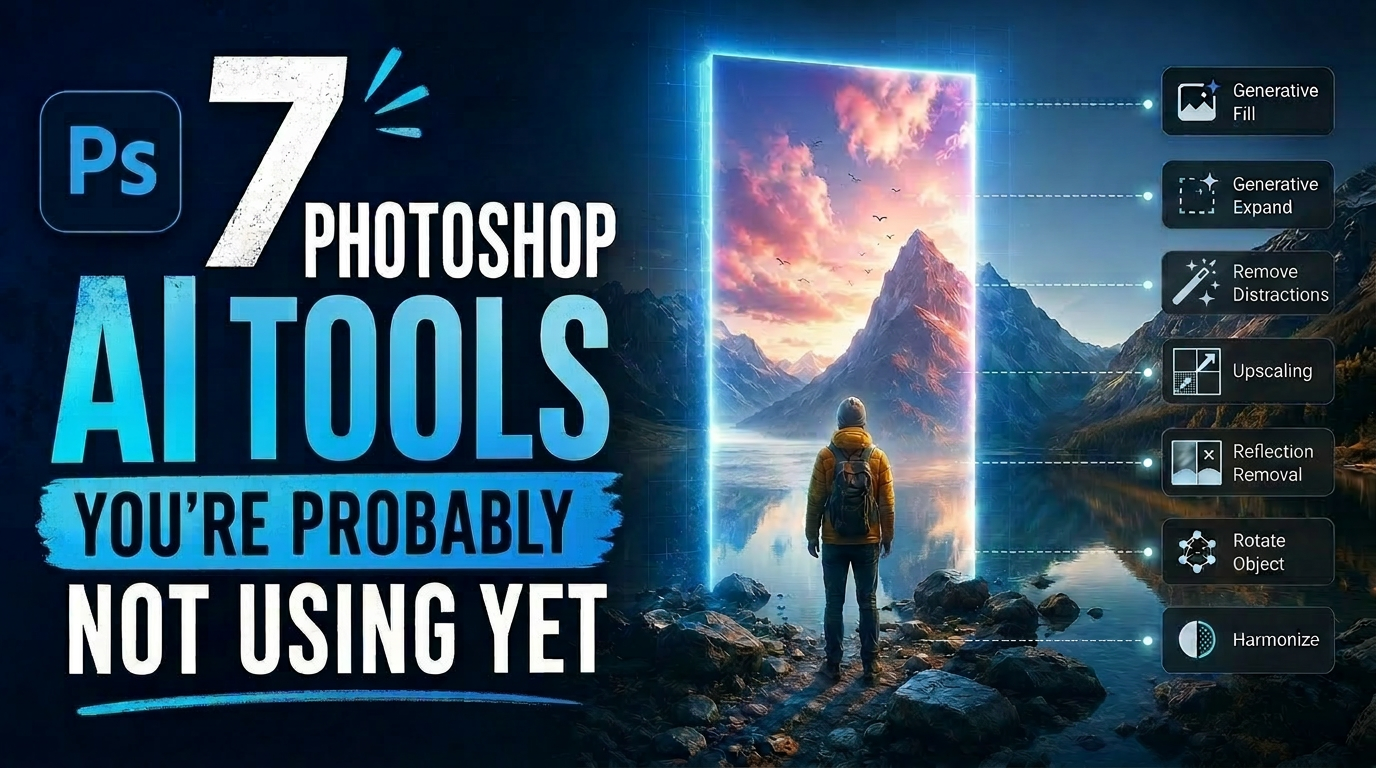
Professional retoucher Lisa Carney demonstrates the latest Photoshop features that streamline common editing tasks without the flashy headlines. These updates focus on practical workflow improvements—from automated distraction removal to intelligent layer cleanup—that save significant time on real projects. The session covers reflection removal, object rotation with 3D positioning, Read the full article here: Essential New […]
Read more: Essential New Photoshop Features for Professional Retouchers with Lisa Carney
How to Use the New Depth Mask in Adobe Camera Raw for Landscape Photography

How to Use the New Depth Mask in Adobe Camera Raw for Landscape Photography

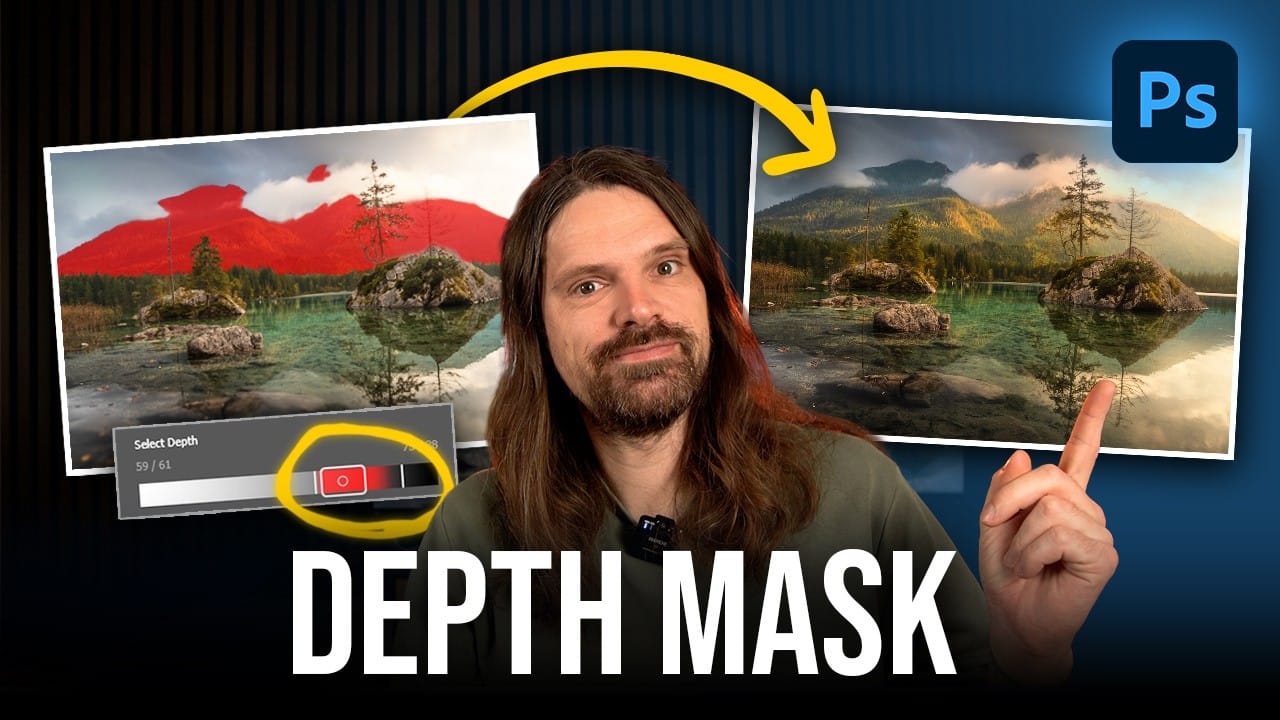
Adobe's latest Camera Raw update introduces a powerful depth mask that works with any image, not just smartphone photos with depth data. This new masking tool analyzes distance information in your photos to create precise selections based on how far objects are from the camera. The depth mask Read the full article here: How to […]

Read more: How to Use the New Depth Mask in Adobe Camera Raw for Landscape Photography
Creating Whimsical AI Composites with New Photoshop Tools

Creating Whimsical AI Composites with New Photoshop Tools

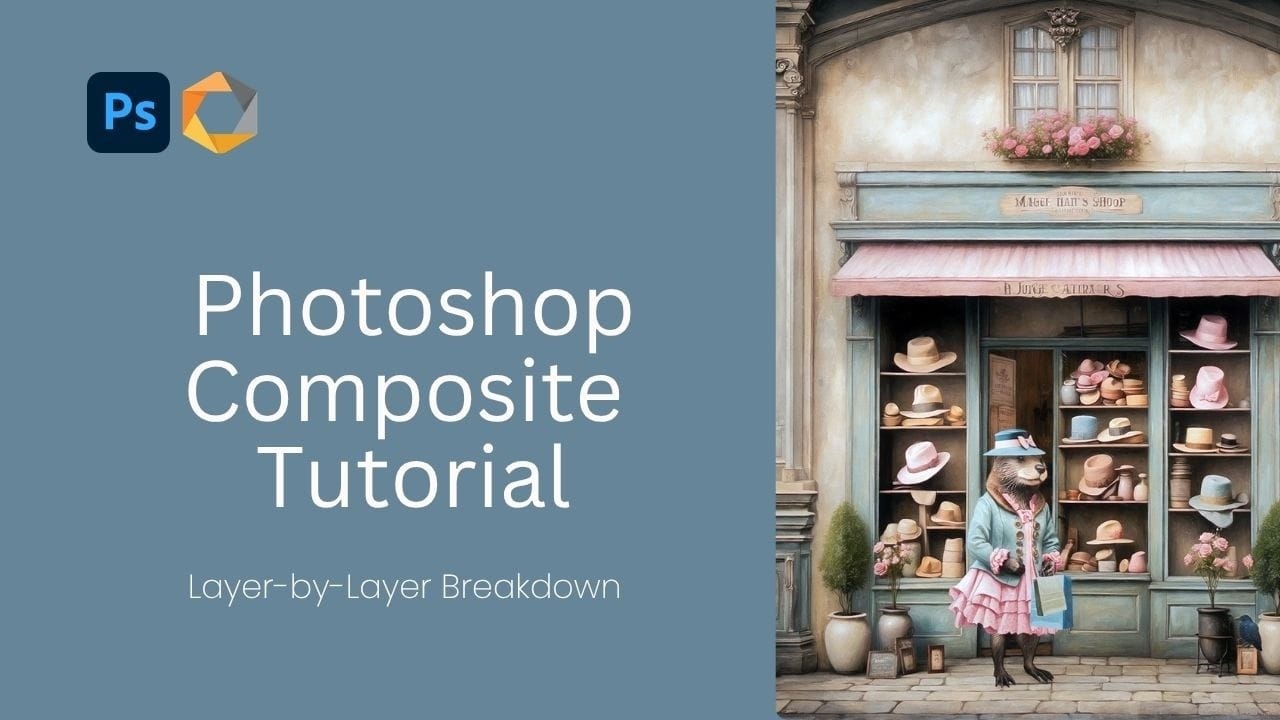
AI-generated imagery becomes truly compelling when combined with traditional compositing techniques. This behind-the-scenes look explores how to transform AI-created elements into cohesive, whimsical scenes using both classic methods and Photoshop's newest features. The tutorial demonstrates a complete workflow from background extension to character integration, showcasing how multiple adjustment Read the full article here: Creating Whimsical […]

Read more: Creating Whimsical AI Composites with New Photoshop Tools
How to Choose the Right AI Model in Photoshop for Every Task

How to Choose the Right AI Model in Photoshop for Every Task

Photoshop now includes eight different AI models from three providers, but knowing which one to use for specific tasks can save you both generative credits and frustration. Each model excels at different types of work—from generating images from scratch to seamlessly editing existing photos. Understanding the distinction between generative Read the full article here: How […]

Read more: How to Choose the Right AI Model in Photoshop for Every Task
Hazy Blooms: Beautiful Dreamy Floral Backgrounds

Hazy Blooms: Beautiful Dreamy Floral Backgrounds

Hazy Blooms: Dreamy Floral Backgrounds is a collection of 50 ai-generated soft-focus floral images filled with pastel gradients, glowing light, and delicate atmospheric blur. Each image was created with a dreamy, ethereal aesthetic inspired by fine art photography and romantic botanical studies. Perfect for branding, packaging, social media, moodboards, wallpapers, Read the full article here: […]

Read more: Hazy Blooms: Beautiful Dreamy Floral Backgrounds
Transform Photos into Ink Drawings in Photoshop

Transform Photos into Ink Drawings in Photoshop

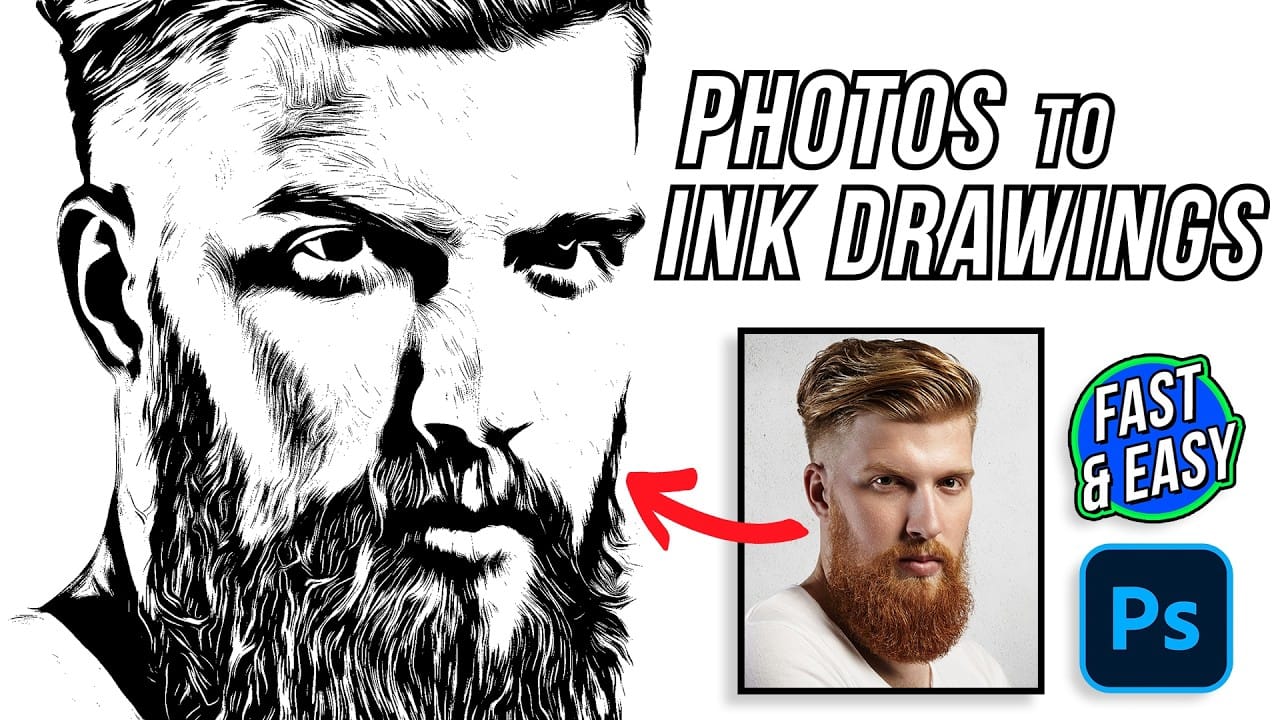
Traditional ink drawings capture bold contrasts and artistic expression through pure black and white elements. This technique transforms ordinary photographs into striking ink artwork by combining specific filters with smart object workflows for complete creative control. The method uses oil paint effects, shadow adjustments, and threshold conversion to create authentic Read the full article here: […]

Read more: Transform Photos into Ink Drawings in Photoshop