Schenectady Photographic Society

Menu

Photoshop

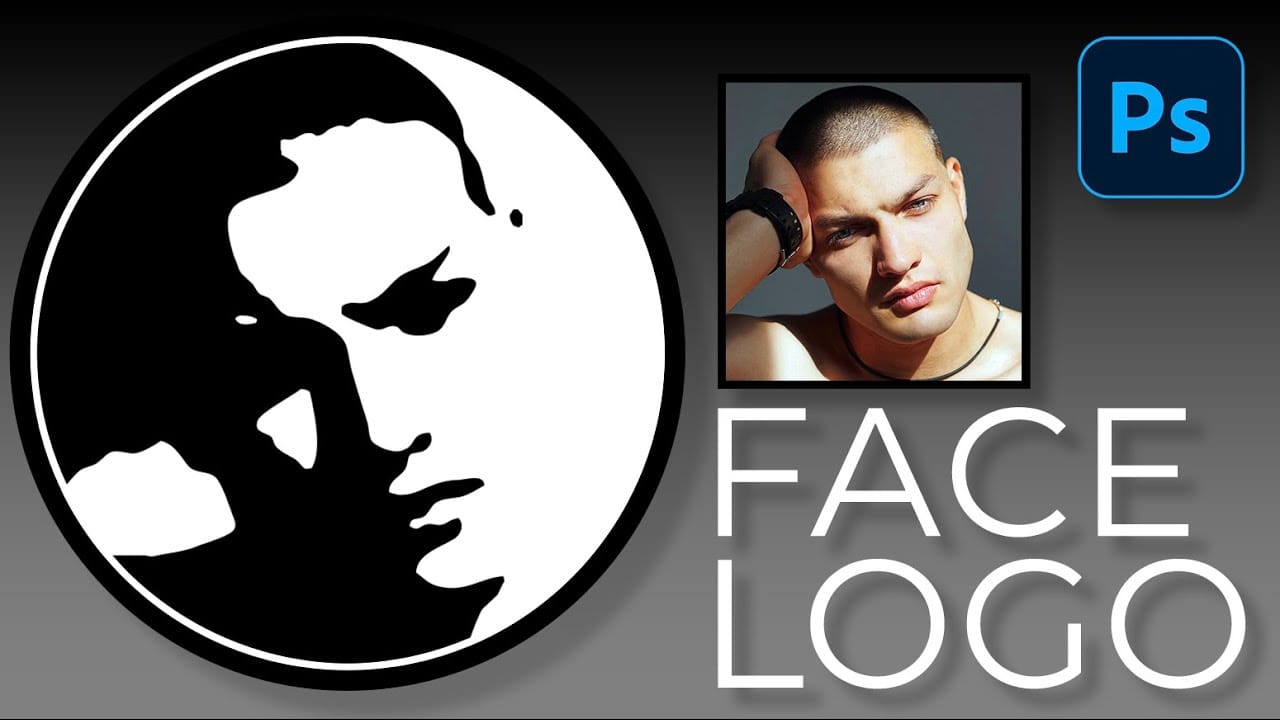
How to Convert a Portrait Photo into a Black and White Logo Design

How to Convert a Portrait Photo into a Black and White Logo Design

Portrait photos can be transformed into bold, graphic logos with the right combination of filters and adjustments. This technique uses Gaussian blur and threshold adjustments to convert photographs into high-contrast black and white designs suitable for branding, badges, or stamps. The process involves subject isolation, smart filtering, and precise path Read the full article here: […]
Read more: How to Convert a Portrait Photo into a Black and White Logo Design
How to Create Sharp Halftone Effects in Photoshop

How to Create Sharp Halftone Effects in Photoshop

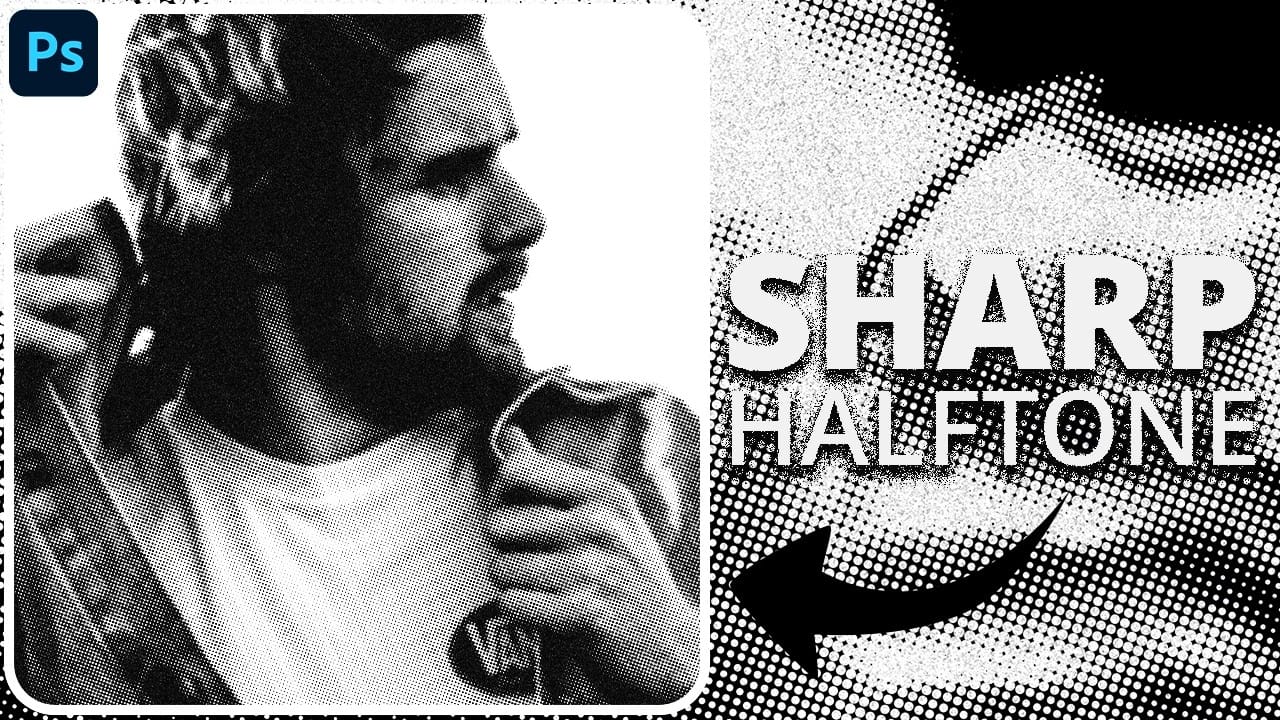
Traditional halftone effects in print media created depth through visible dot patterns that gave images character and texture. While Photoshop's built-in Filter Gallery offers a quick halftone option, it produces blurry results that lack the crisp definition of professional halftone work. This technique uses the Color Halftone filter Read the full article here: How to […]

Read more: How to Create Sharp Halftone Effects in Photoshop
Create a Sci-Fi Hologram Effect in Photoshop

Create a Sci-Fi Hologram Effect in Photoshop

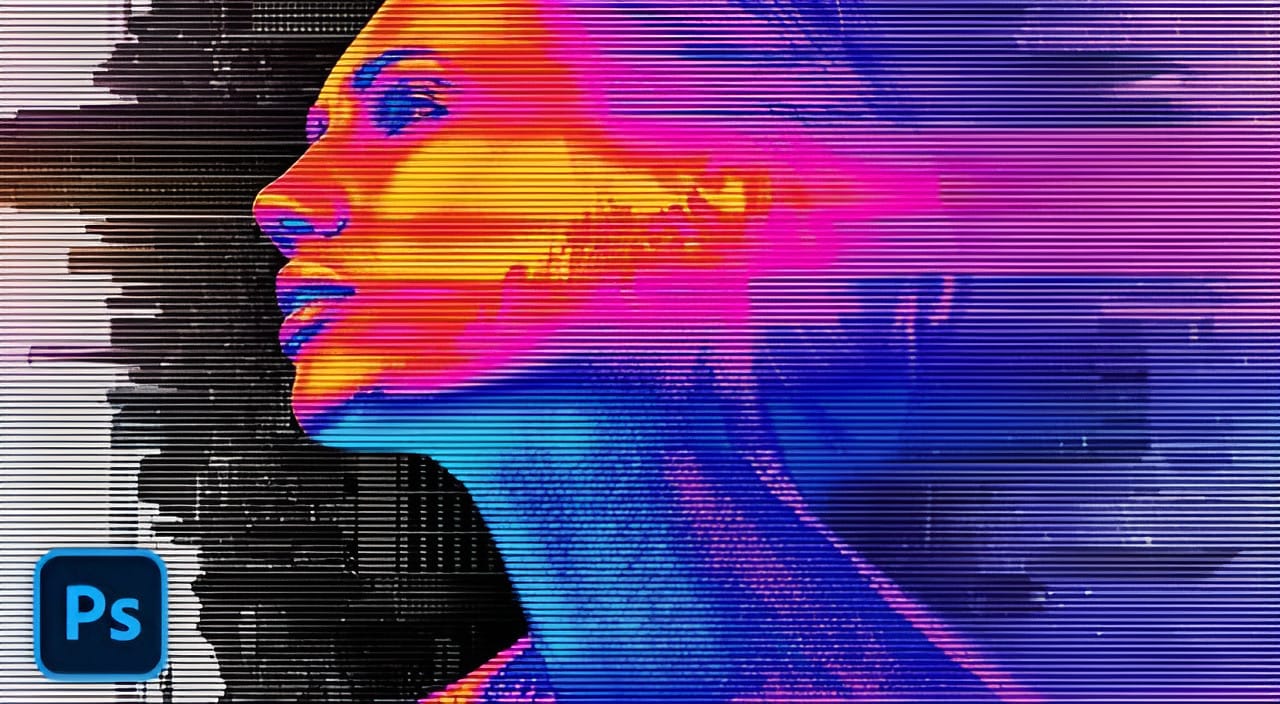
Transform ordinary portraits into futuristic holographic projections with this sci-fi effect technique. The process combines motion blur, gradient mapping, and scan line patterns to create the distinctive translucent appearance of holographic displays. This method keeps your subject vibrant and colorful while converting the background to black and white, emphasizing the Read the full article here: […]

Read more: Create a Sci-Fi Hologram Effect in Photoshop
Photoshop's Generative Fill Gets Major Upgrade: New Model Comparison and Quality Test

Photoshop's Generative Fill Gets Major Upgrade: New Model Comparison and Quality Test

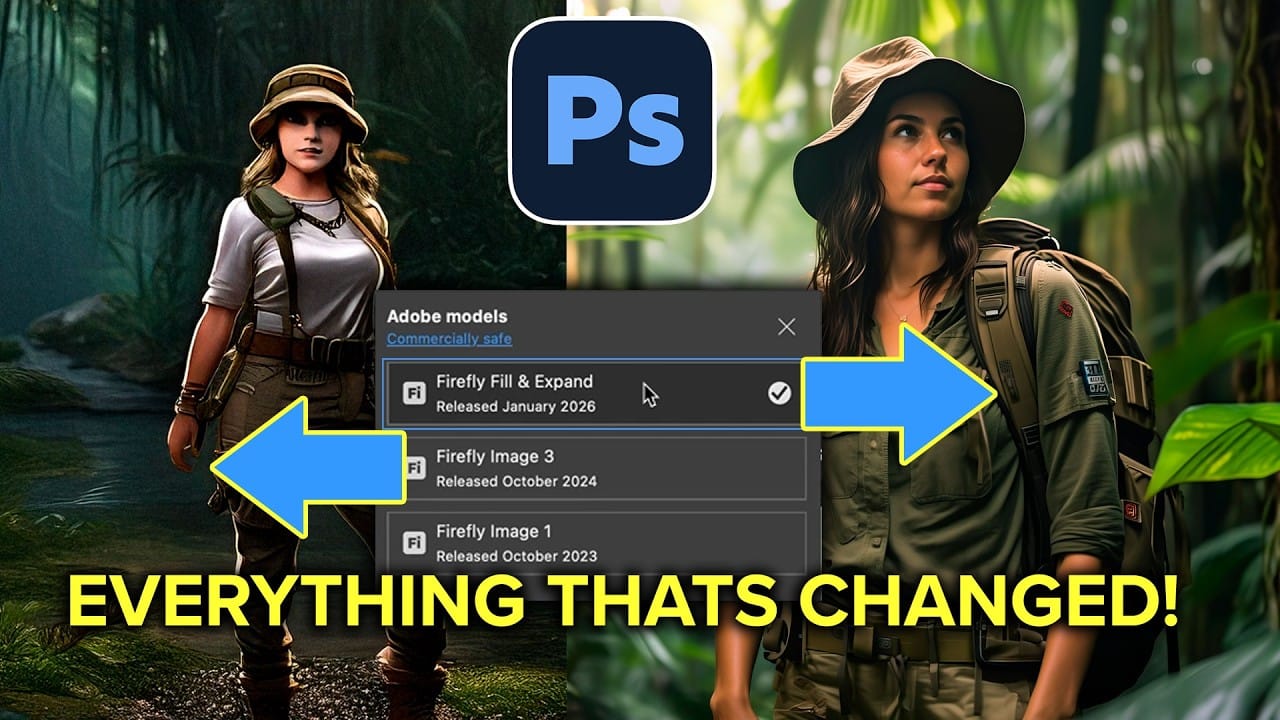
Adobe's latest Generative Fill update brings the new Firefly Fill and Expand model with double the resolution and dramatically improved quality for generating people, hands, and complex objects. The upgrade moves from 1024×1024 to 2048×2048 pixel output, allowing for larger selections without quality loss. This comprehensive comparison tests Read the full article here: Photoshop's Generative […]

Read more: Photoshop's Generative Fill Gets Major Upgrade: New Model Comparison and Quality Test
How to Create a Custom Chain Brush in Photoshop

How to Create a Custom Chain Brush in Photoshop

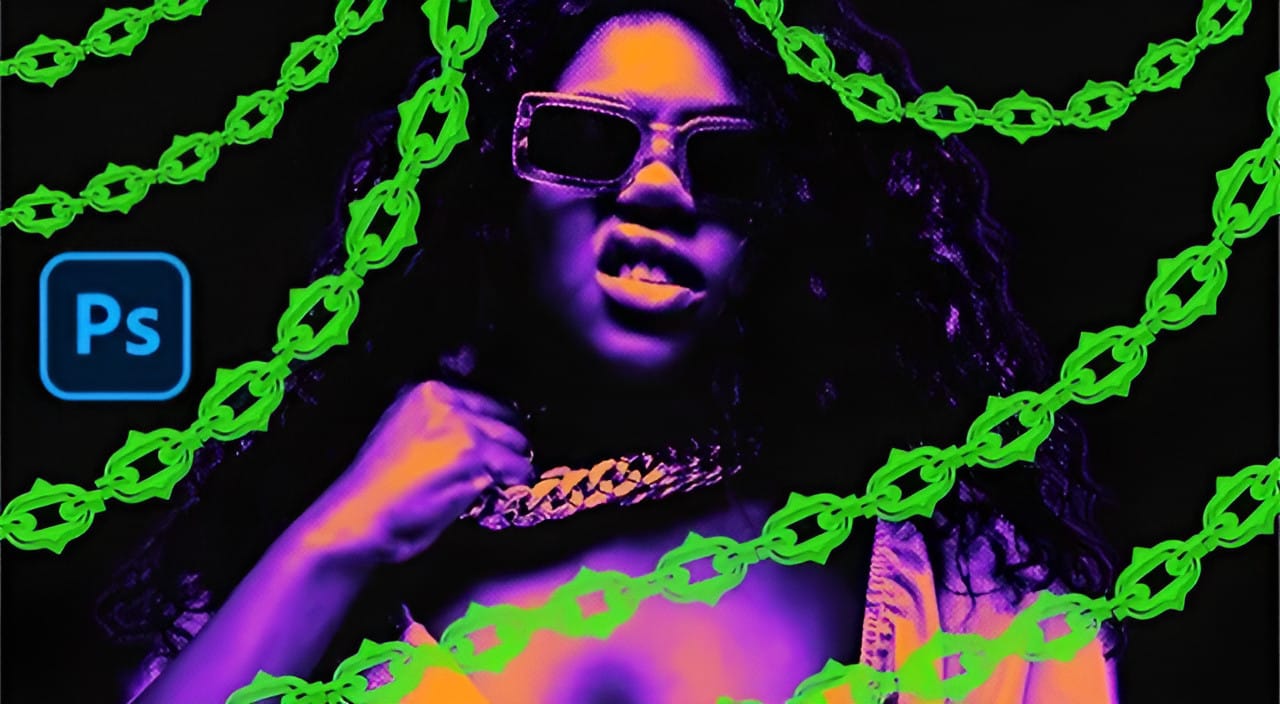
Custom chain brushes unlock creative possibilities for digital artwork, fantasy scenes, and decorative designs. This technique transforms a basic chain image into a seamless, paintable brush that automatically links segments together as you draw. The process combines image preparation, background removal, and precise brush settings to create a tool that Read the full article here: […]

Read more: How to Create a Custom Chain Brush in Photoshop
Using Gemini 3 Nano Banana Pro for AI Photo Restoration in Photoshop

Using Gemini 3 Nano Banana Pro for AI Photo Restoration in Photoshop

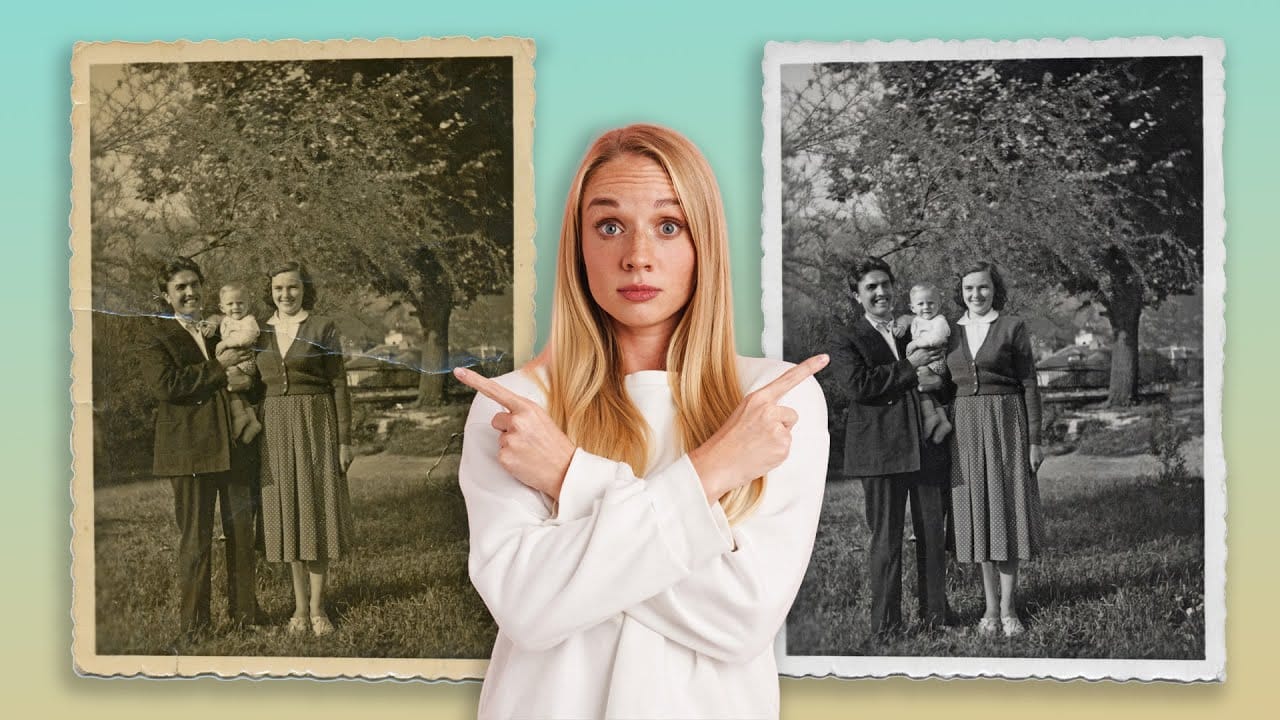
Old photographs tell stories, but damage from age, fading, and color casts can make them difficult to appreciate. While traditional photo restoration requires advanced skills and hours of manual work, new AI models are changing the game. The key is finding one that repairs damage without changing how people actually Read the full article here: […]

Read more: Using Gemini 3 Nano Banana Pro for AI Photo Restoration in Photoshop
7 Essential Photoshop Shortcuts for Digital Illustrators

7 Essential Photoshop Shortcuts for Digital Illustrators

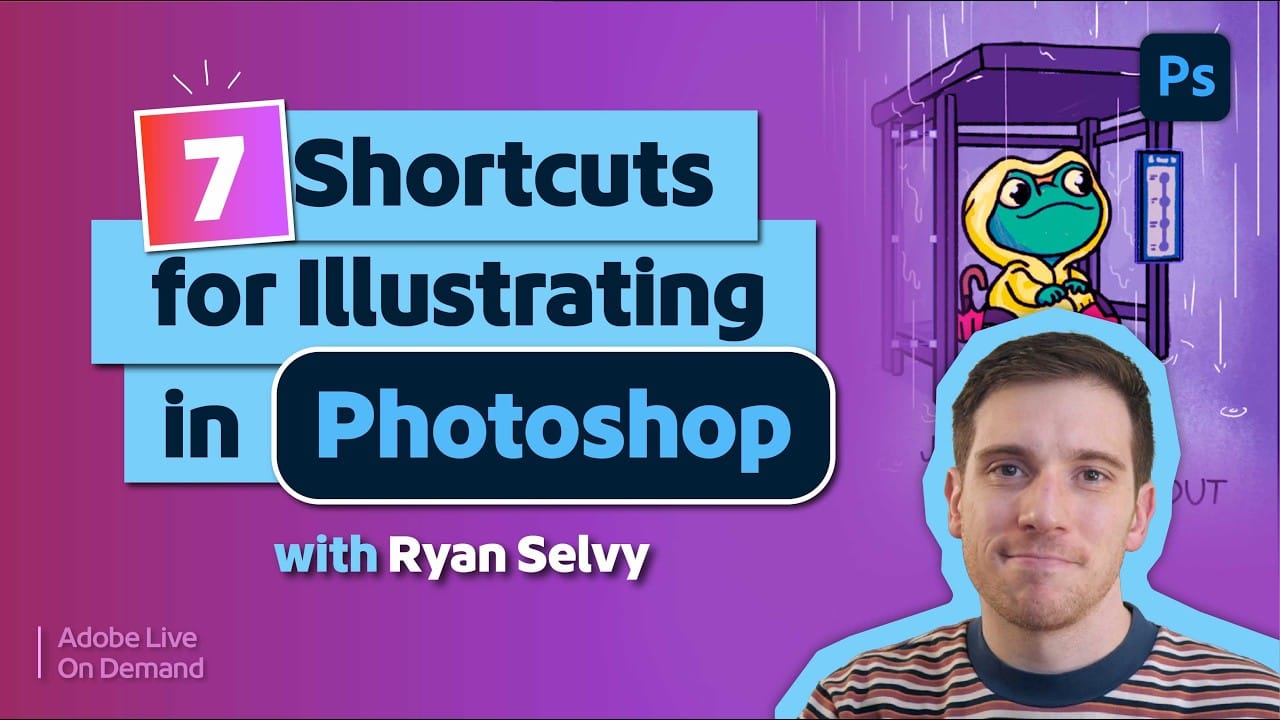
Digital illustration in Photoshop becomes significantly faster when you master the right shortcuts and viewing techniques. The biggest challenge illustrators face is objectively evaluating their own work—spotting errors that would be obvious in someone else's art. These seven shortcuts focus on two key areas: seeing your work Read the full article here: 7 Essential Photoshop […]

Read more: 7 Essential Photoshop Shortcuts for Digital Illustrators