Schenectady Photographic Society

Menu

Photoshop

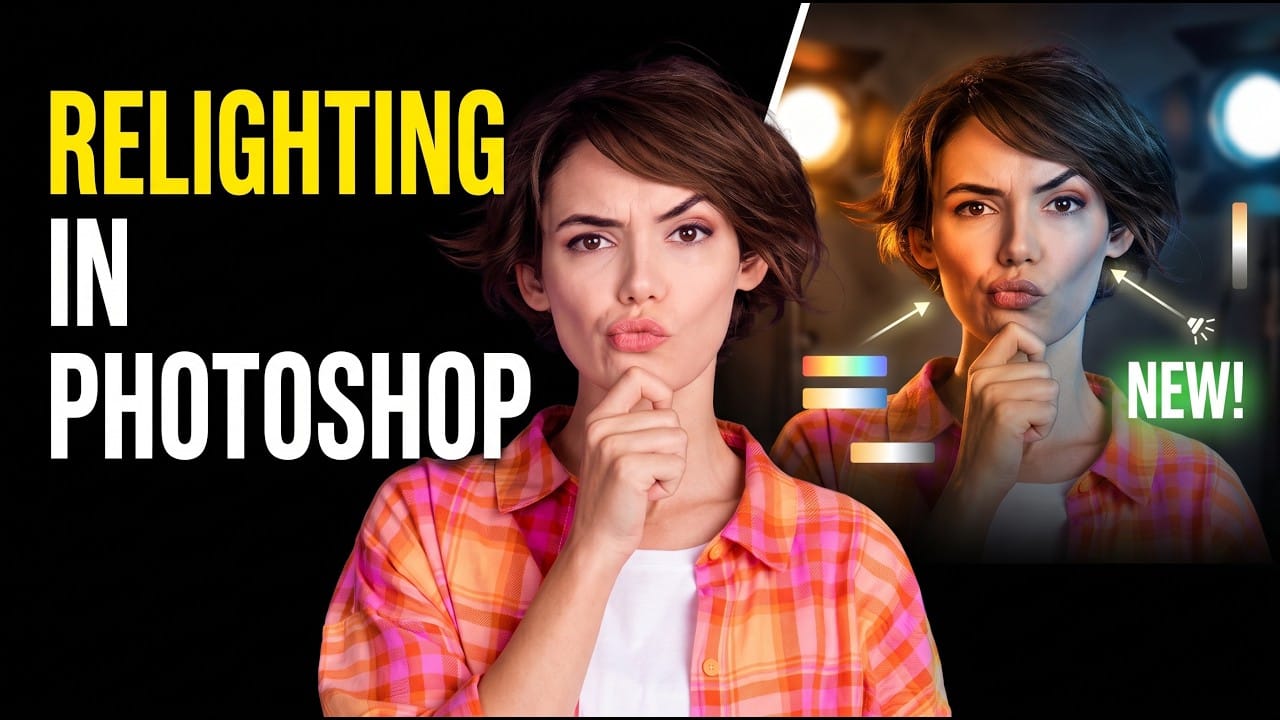
How to Use Photoshop’s AI Relight Layer

How to Use Photoshop’s AI Relight Layer

Photoshop’s Relight Layer lets you reposition and adjust up to three AI-generated light sources to change the direction, color, and softness of lighting in a photo. It’s available in Photoshop beta, where you can preview the effect before committing to a higher-resolution render. See how to Read the full article here: How to Use Photoshop’s […]

Read more: How to Use Photoshop’s AI Relight Layer
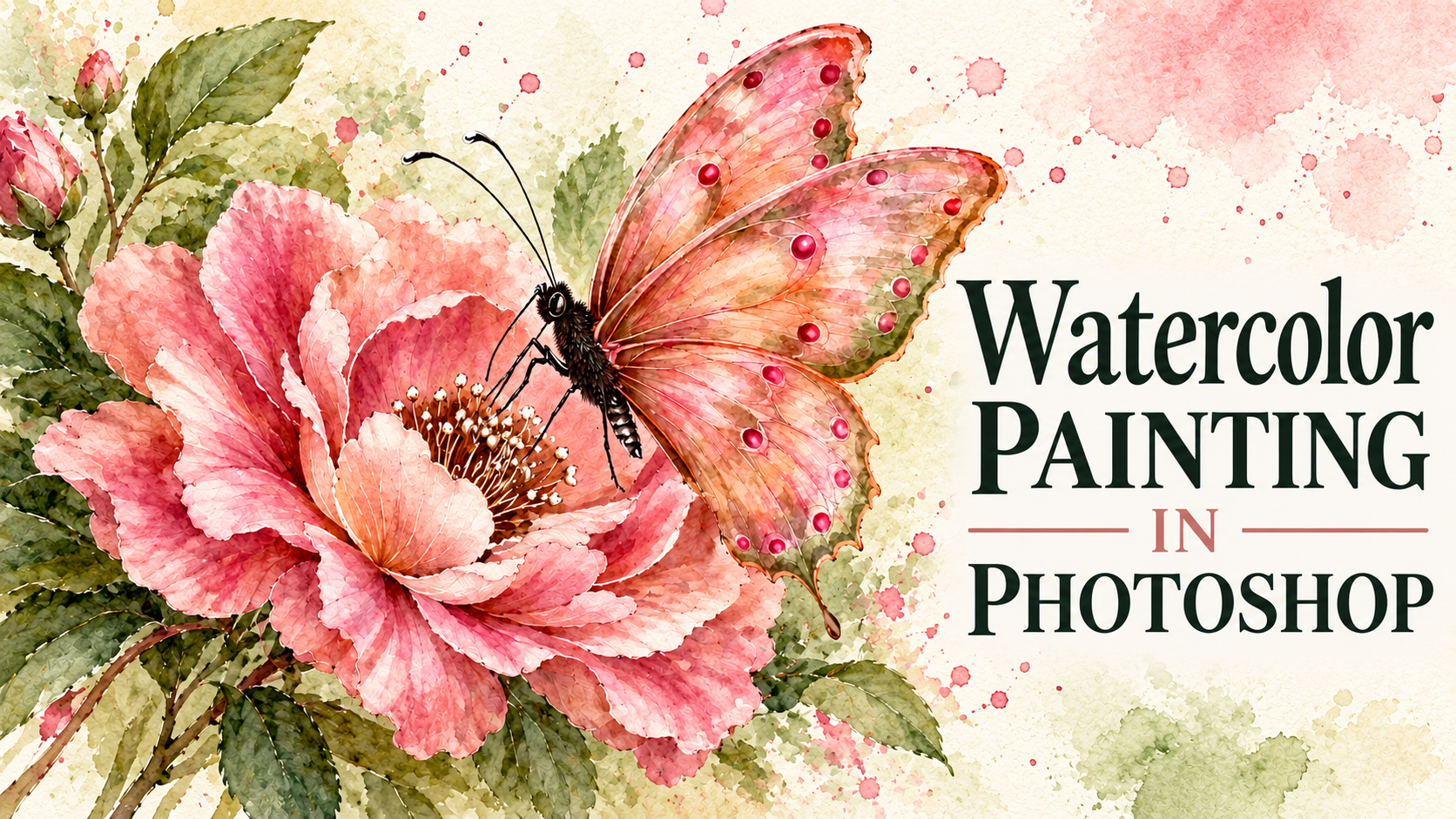
Paint Realistic Watercolor Illustrations in Photoshop

Paint Realistic Watercolor Illustrations in Photoshop

Build a watercolor illustration in Photoshop by layering translucent brushstrokes over textured paper. The process starts with shadows, preserves the paper’s light areas as highlights, and gradually adds color and texture. You’ll also see how splatters, drips, and blooms can give a finished painting a more natural, hand- Read the full article here: Paint Realistic […]

Read more: Paint Realistic Watercolor Illustrations in Photoshop