Schenectady Photographic Society

Menu

Photoshop

Create Realistic Water Reflections Using Generative Fill in Photoshop

Create Realistic Water Reflections Using Generative Fill in Photoshop

Traditional reflection techniques in photo editing often produce unrealistic results because they simply flip and copy existing image elements. Real reflections show different viewing angles and reveal surfaces not visible in the original photograph—like the underside of vehicles or objects viewed from below water level. Generative fill technology solves Read the full article here: Create […]

Read more: Create Realistic Water Reflections Using Generative Fill in Photoshop
Photoshop Integration with ChatGPT: Real-World Performance Test

Photoshop Integration with ChatGPT: Real-World Performance Test

Adobe's new integration brings Photoshop functionality directly into ChatGPT, promising to streamline photo editing through conversational commands. This hands-on evaluation reveals how well the AI-powered interface actually performs compared to traditional Photoshop workflows. Understanding the real capabilities and limitations of this integration helps determine when it's Read the full article here: Photoshop Integration with ChatGPT: […]

Read more: Photoshop Integration with ChatGPT: Real-World Performance Test
How to Create an Authentic Bauhaus Poster Design in Photoshop

How to Create an Authentic Bauhaus Poster Design in Photoshop

Bauhaus design represents one of the most influential movements in modern visual communication, characterized by geometric precision, bold typography, and a limited but striking color palette. This minimalist approach prioritizes functionality while creating powerful visual impact through the careful arrangement of basic shapes and clean lines. The authentic Bauhaus aesthetic Read the full article here: […]

Read more: How to Create an Authentic Bauhaus Poster Design in Photoshop
How to Create a Double Exposure Portrait Poster in Photoshop

How to Create a Double Exposure Portrait Poster in Photoshop

Double exposure effects transform ordinary portraits into striking artistic compositions by blending a silhouette with another image. This technique creates dramatic posters where the subject's profile becomes a window into landscapes, textures, or abstract elements. The process uses channel selections, layer masks, and clipping masks to seamlessly merge Read the full article here: How to […]

Read more: How to Create a Double Exposure Portrait Poster in Photoshop
How to Create Circle Cropped Photos with Transparent Backgrounds in Photoshop

How to Create Circle Cropped Photos with Transparent Backgrounds in Photoshop

Circular cropping transforms standard photographs into clean, professional profile images perfect for websites, social media, and presentations. The frame tool method creates non-destructive crops with transparent backgrounds that export seamlessly across different platforms. This streamlined workflow eliminates the need for complex selections or masks while maintaining full control over image Read the full article here: […]

Read more: How to Create Circle Cropped Photos with Transparent Backgrounds in Photoshop
Understanding Generative AI Credits: Which Tools Cost Nothing and Which Tools Drain Your Budget

Understanding Generative AI Credits: Which Tools Cost Nothing and Which Tools Drain Your Budget

Navigating the world of AI-powered editing tools can be confusing when you're unsure which features consume credits and which are free to use. Many powerful AI functions don't require any credits at all, while others can quickly exhaust your monthly allowance depending on which models and Read the full article here: Understanding Generative AI Credits: […]

Read more: Understanding Generative AI Credits: Which Tools Cost Nothing and Which Tools Drain Your Budget
How to Use Generative Upscale to Restore and Enhance Low-Resolution Images in Photoshop

How to Use Generative Upscale to Restore and Enhance Low-Resolution Images in Photoshop

Low-resolution images often limit your creative projects, especially when you need sharp prints or high-quality displays. Photoshop's Generative Upscale feature transforms small, pixelated photos into crisp, detailed images using AI-powered enhancement. This tool offers three distinct AI models, each designed for specific image types—from landscapes and portraits Read the full article here: How to Use […]

Read more: How to Use Generative Upscale to Restore and Enhance Low-Resolution Images in Photoshop
How to Use Harmonize to Automatically Match Lighting in Photoshop Composites

How to Use Harmonize to Automatically Match Lighting in Photoshop Composites

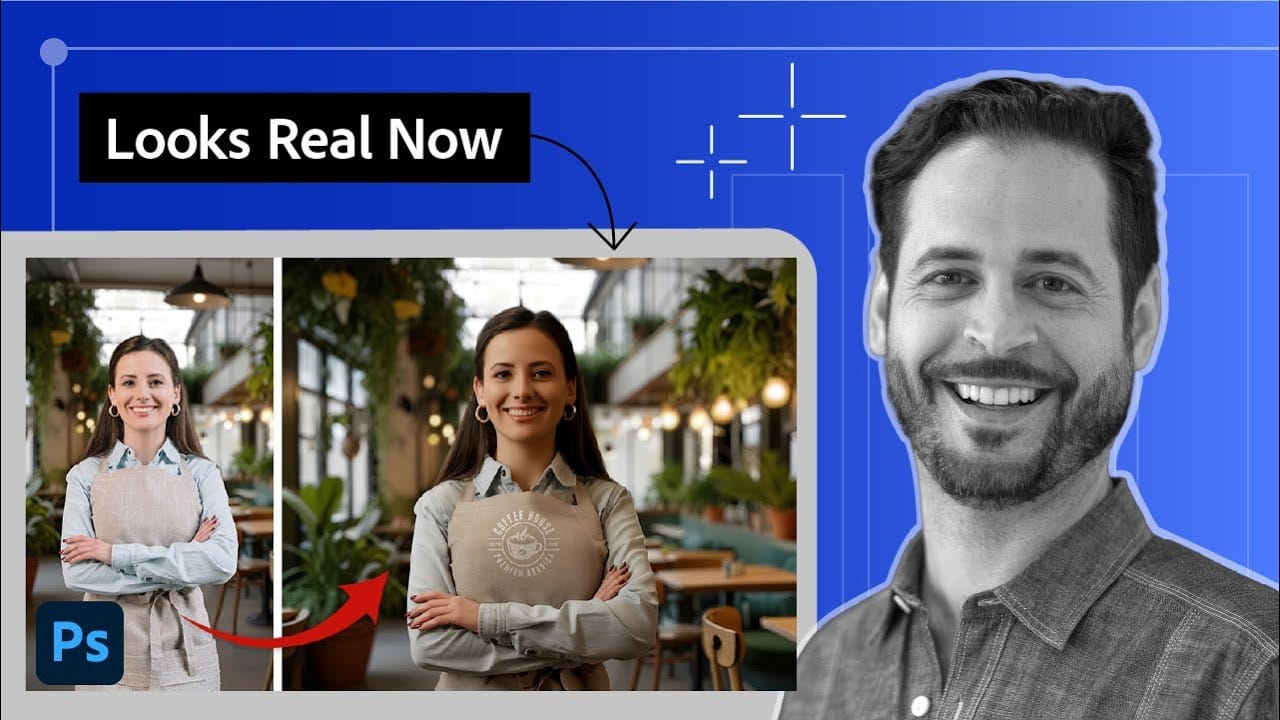
Creating seamless composites traditionally requires hours of manual color correction and lighting adjustments. The new Harmonize tool changes this by automatically analyzing your background and matching your subject's lighting, shadows, and color tones with a single click. This AI-powered feature eliminates the need for complex adjustment layers and Read the full article here: How to […]

Read more: How to Use Harmonize to Automatically Match Lighting in Photoshop Composites