Schenectady Photographic Society

Menu

Photoshop

Master Layer Comps in Photoshop for Faster Design Workflow

Master Layer Comps in Photoshop for Faster Design Workflow

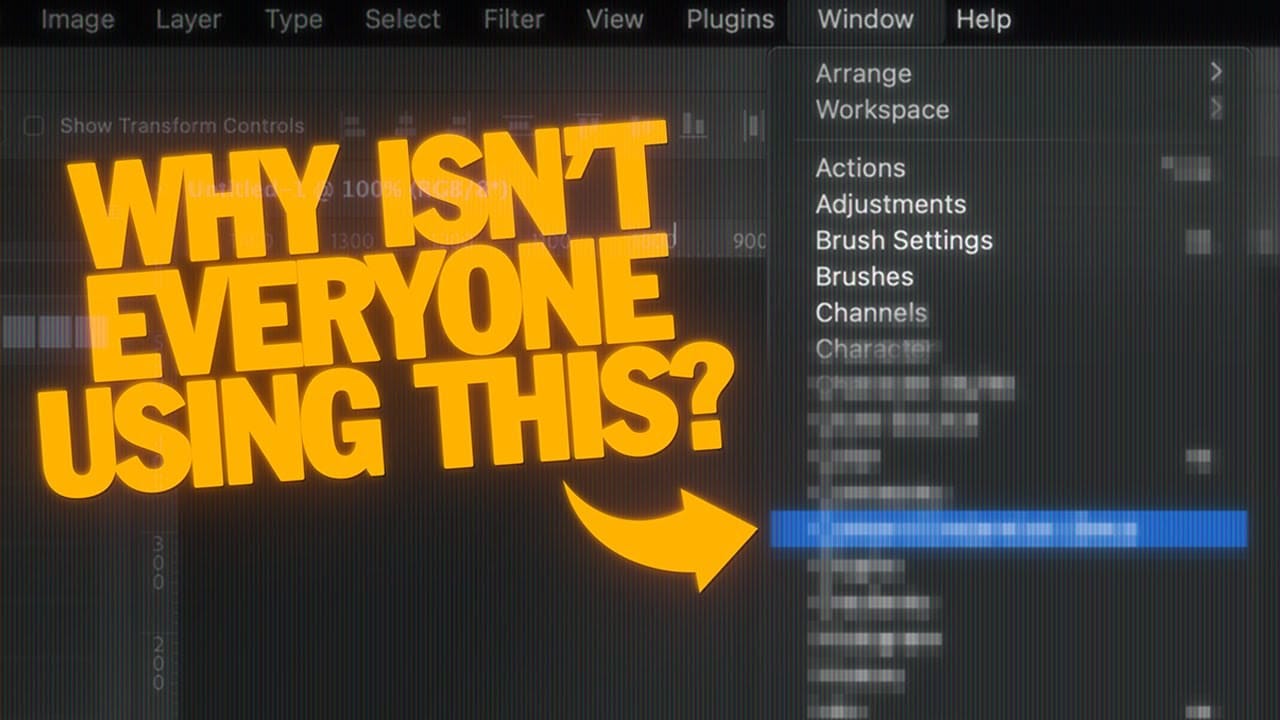
Design iterations can quickly spiral into chaos without proper version control. Layer Comps in Photoshop offers a powerful solution that most designers overlook, letting you save snapshots of your layer panel's visibility, position, and appearance at different stages of your project. This hidden feature transforms how you approach Read the full article here: Master Layer […]
Read more: Master Layer Comps in Photoshop for Faster Design Workflow
How to Create a Can Mockup in Photoshop Using Smart Objects and Masks

How to Create a Can Mockup in Photoshop Using Smart Objects and Masks

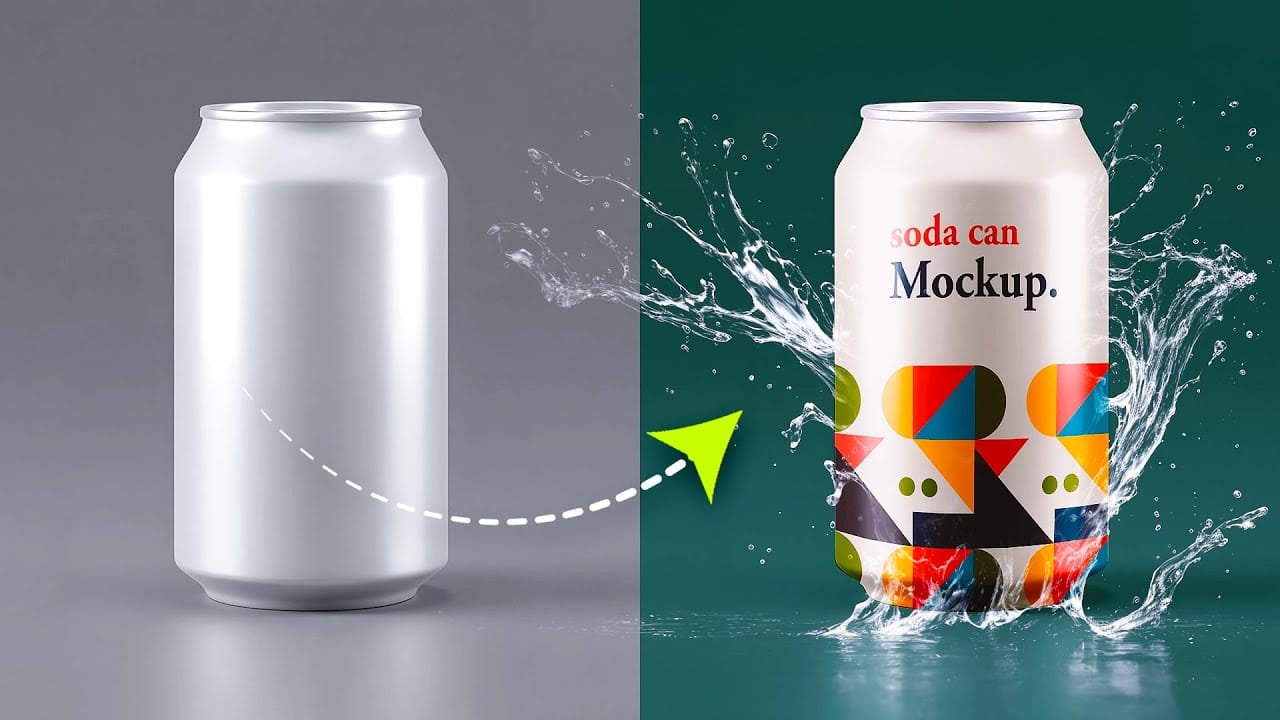
Professional can mockups transform flat designs into realistic product presentations that clients can instantly visualize. This technique combines precise measurement, smart object workflow, and blending modes to wrap your graphics seamlessly around curved surfaces. The process creates reusable templates that automatically apply proper perspective and lighting effects to any design Read the full article here: […]

Read more: How to Create a Can Mockup in Photoshop Using Smart Objects and Masks
Cutting Out Complex AI Images Using Channel Masking in Photoshop

Cutting Out Complex AI Images Using Channel Masking in Photoshop

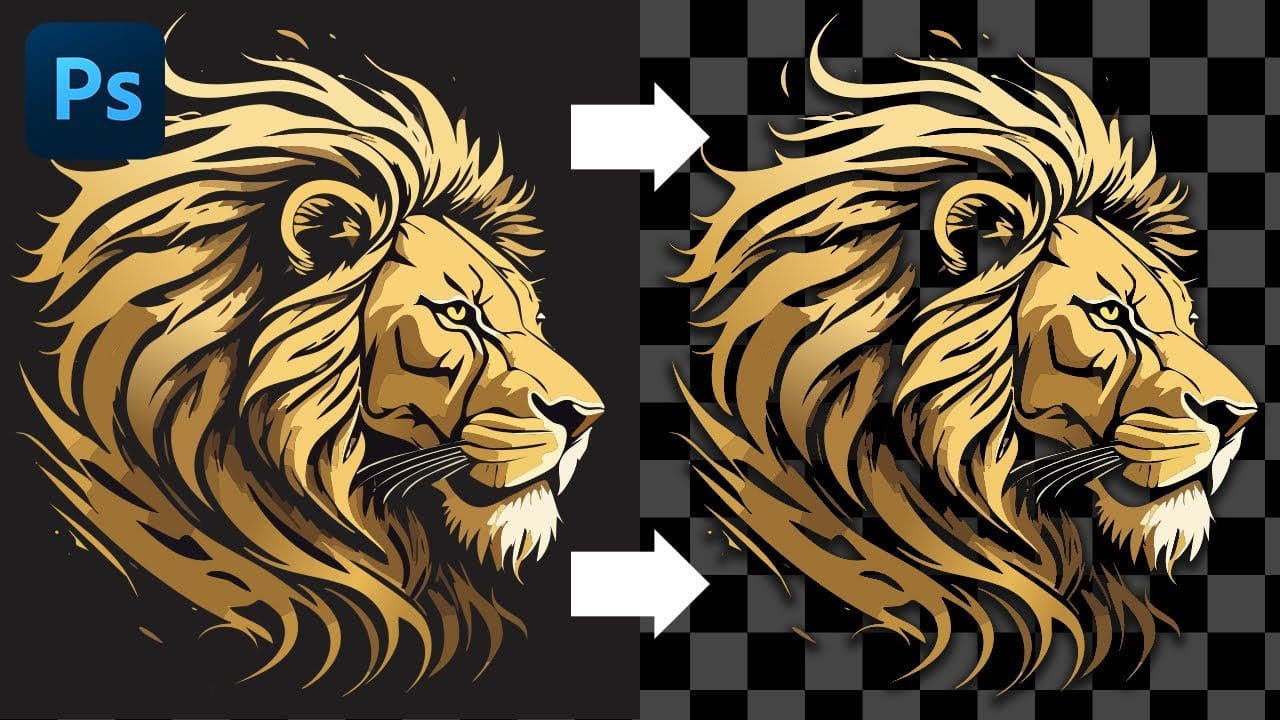
AI-generated images often contain intricate details that challenge standard background removal tools. When automatic selection methods fail to capture complex edges and fine details, manual techniques become essential. This technique demonstrates how to use channel masking to create precise selections that preserve every detail of your AI artwork. Watch the Read the full article here: […]

Read more: Cutting Out Complex AI Images Using Channel Masking in Photoshop
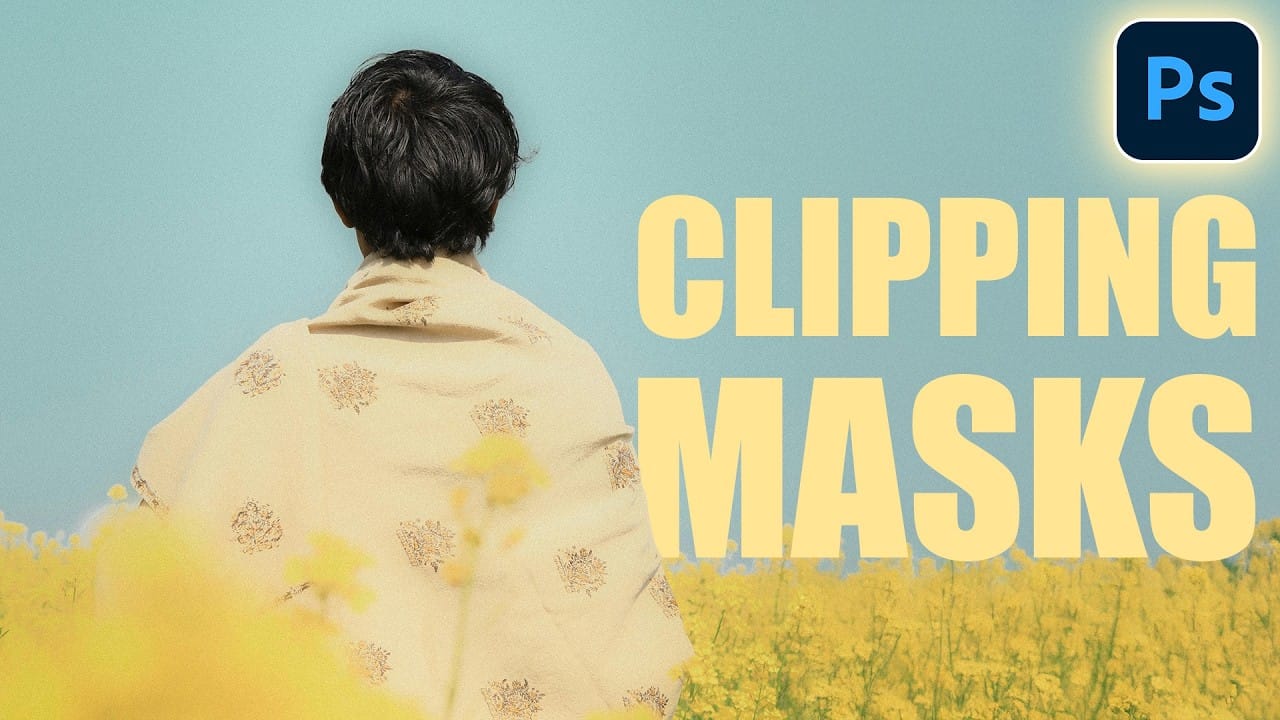
How to Place Images Inside Text Using Clipping Masks in Photoshop

How to Place Images Inside Text Using Clipping Masks in Photoshop

Text filled with vibrant images creates striking visual impact that transforms ordinary typography into compelling design elements. This technique uses Photoshop's clipping mask feature to seamlessly insert any photograph into letter shapes. The method works for posters, social media graphics, and branding projects where bold visual statements matter Read the full article here: How to […]

Read more: How to Place Images Inside Text Using Clipping Masks in Photoshop
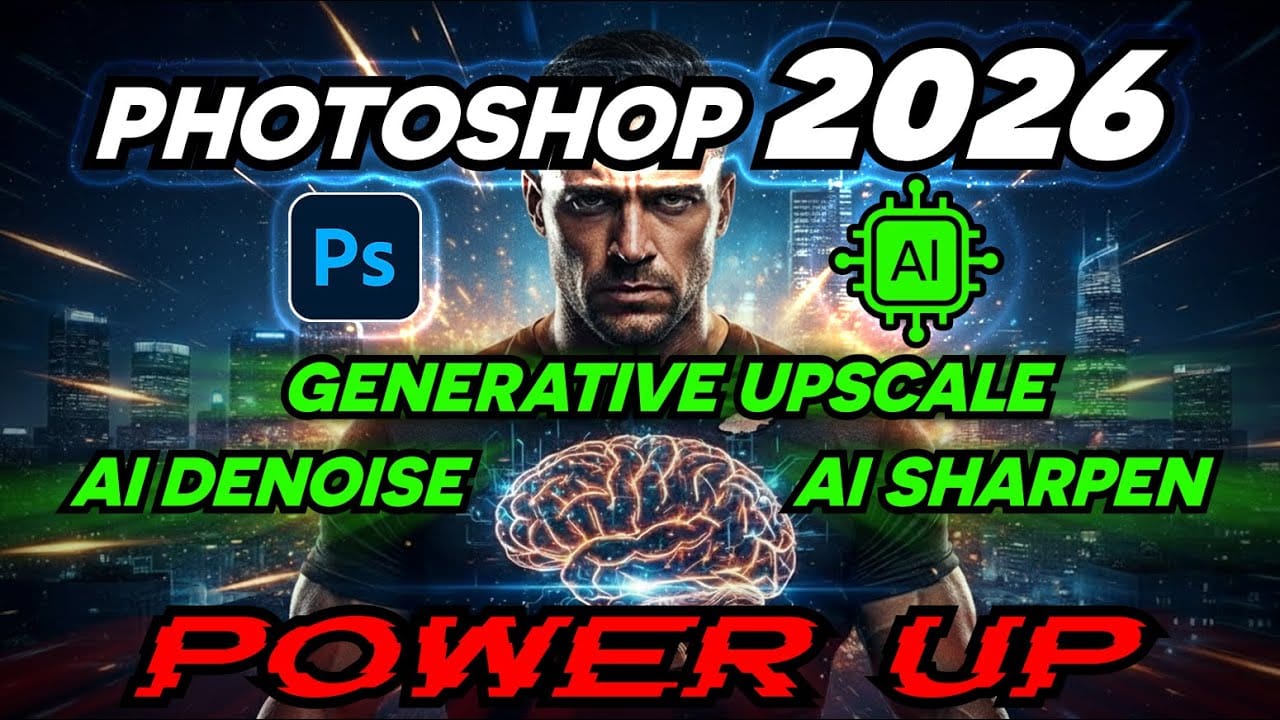
How to Use Photoshop 2026's New AI Upscale, Sharpen, and Denoise Filters

How to Use Photoshop 2026's New AI Upscale, Sharpen, and Denoise Filters

Photoshop 2026 introduces three powerful AI filters that transform low-quality images into crisp, professional results. These tools tackle common photo problems: pixelated enlargements, soft details, and grain from low-light conditions. Each filter uses advanced AI models to enhance different aspects of your images, with options ranging from standard to premium Read the full article here: […]

Read more: How to Use Photoshop 2026's New AI Upscale, Sharpen, and Denoise Filters
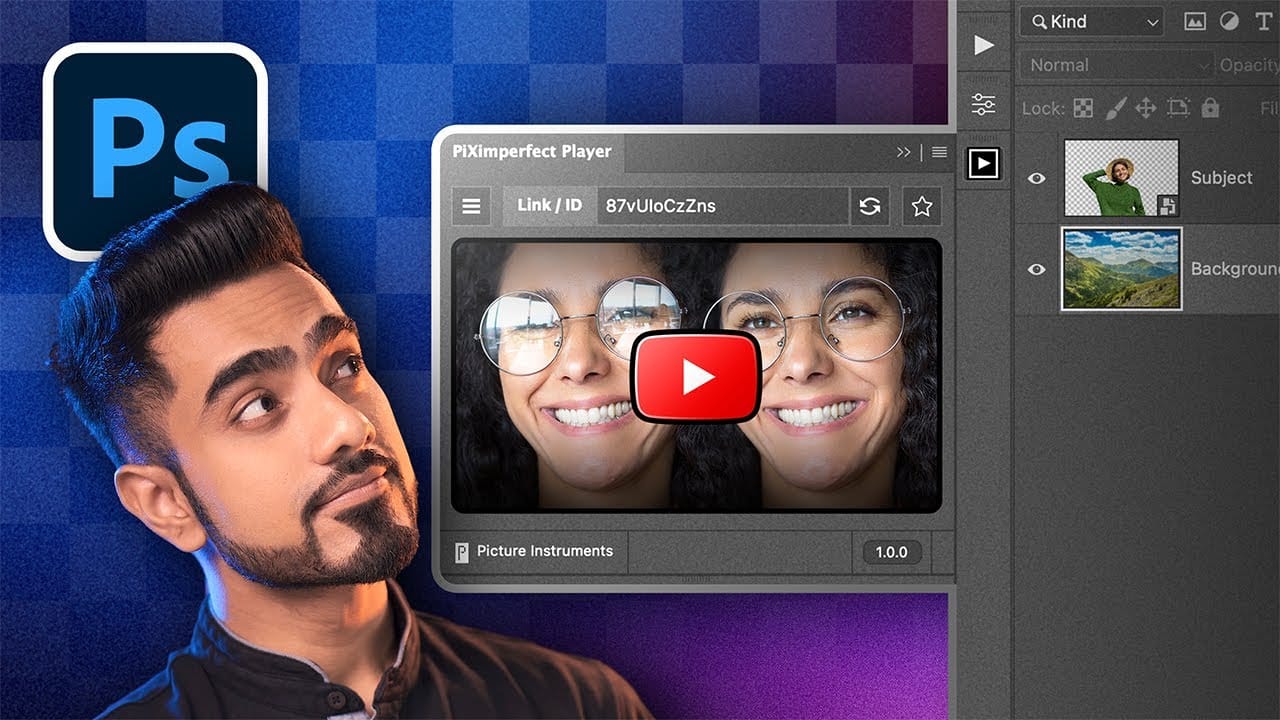
How to Watch YouTube Videos Inside Photoshop with Free Plugin

How to Watch YouTube Videos Inside Photoshop with Free Plugin

Following Photoshop tutorials often means constant tab switching between YouTube and your workspace. This free plugin eliminates that frustration by embedding YouTube videos directly inside Photoshop panels. The PiXerfect Player keeps your tutorials visible while you work, maintaining focus and workflow momentum without missing crucial steps. Watch the Tutorial Key Read the full article here: […]

Read more: How to Watch YouTube Videos Inside Photoshop with Free Plugin
How to Create Collage Text Effects in Photoshop

How to Create Collage Text Effects in Photoshop

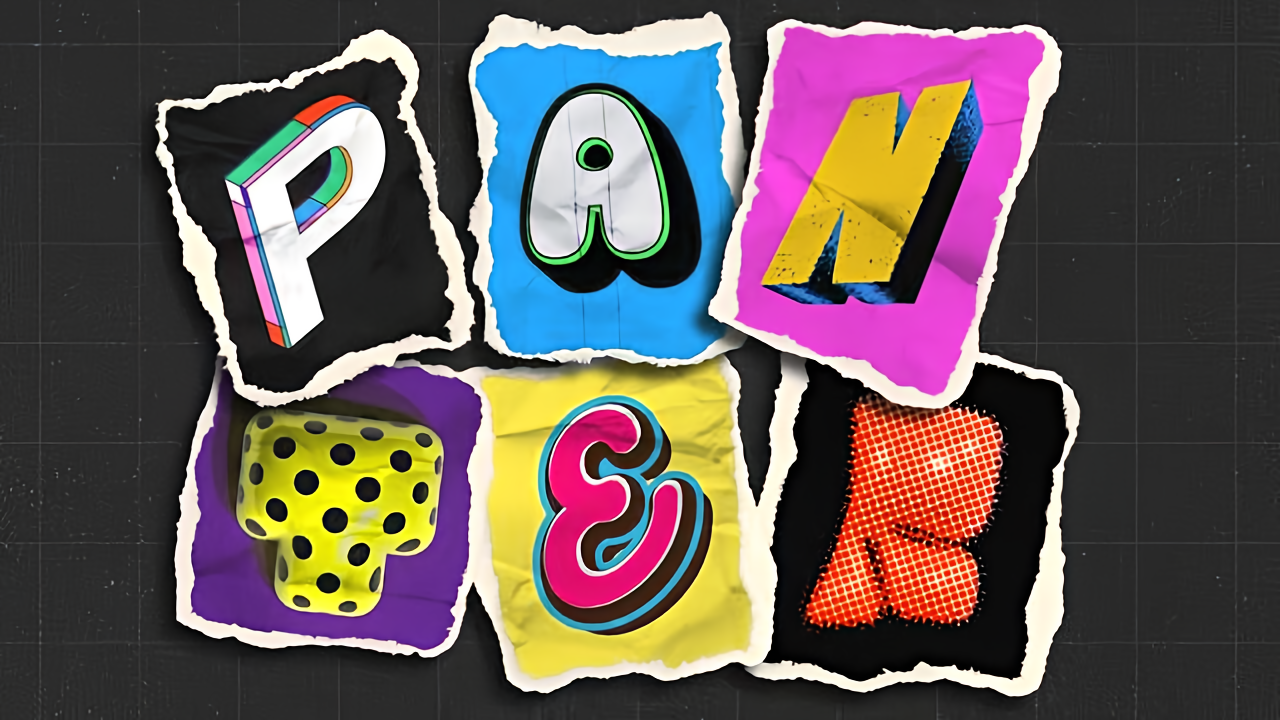
Collage text transforms simple typography into visually striking artwork by combining wrapped paper textures, strategic warping, and careful masking techniques. This creative approach gives letters dimension and character, perfect for artistic projects and unique design elements. The technique involves layering textured materials within letter shapes, then using Photoshop's Read the full article here: How to […]

Read more: How to Create Collage Text Effects in Photoshop