Schenectady Photographic Society

Menu

Photoshop

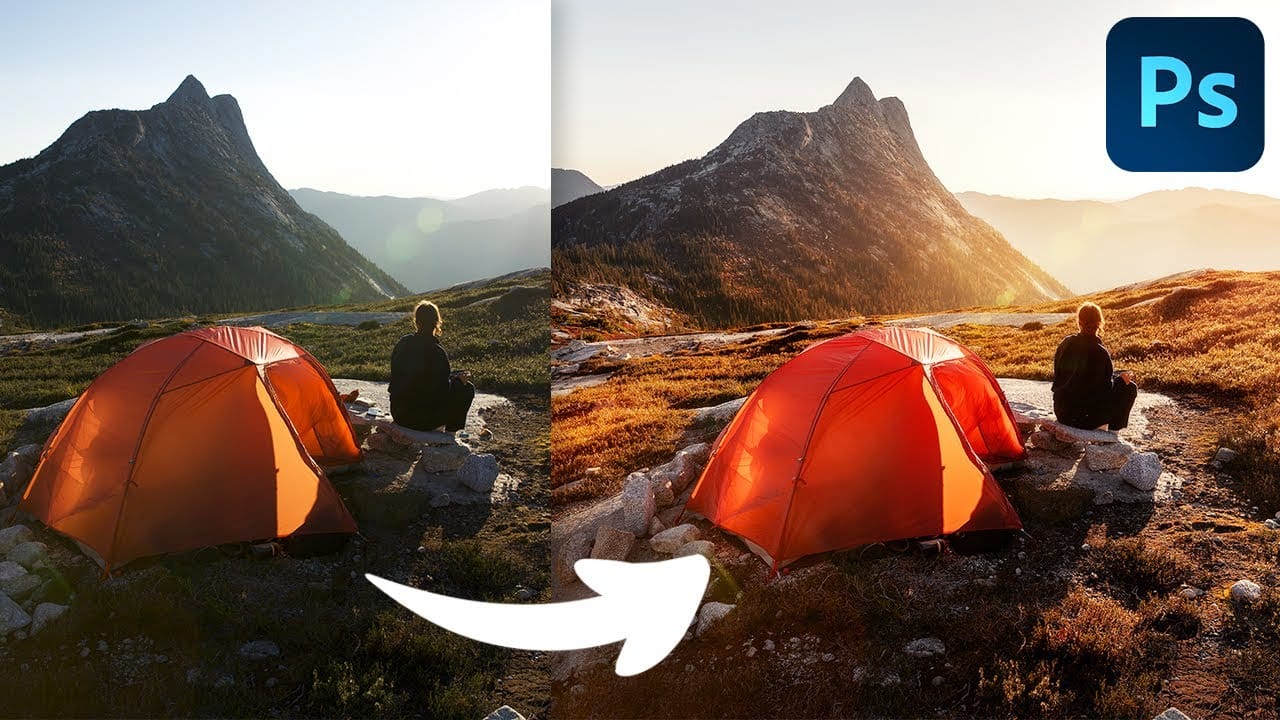
Complete Photoshop Editing Workflow: 5 Steps from Raw to Polished

Complete Photoshop Editing Workflow: 5 Steps from Raw to Polished

Photoshop offers endless possibilities for photo enhancement, but many photographers never move beyond basic adjustments because the software feels overwhelming. This comprehensive workflow breaks down photo editing into five manageable stages that work consistently across different photography styles. The systematic approach covers everything from initial raw processing to advanced lighting Read the full article here: […]

Read more: Complete Photoshop Editing Workflow: 5 Steps from Raw to Polished
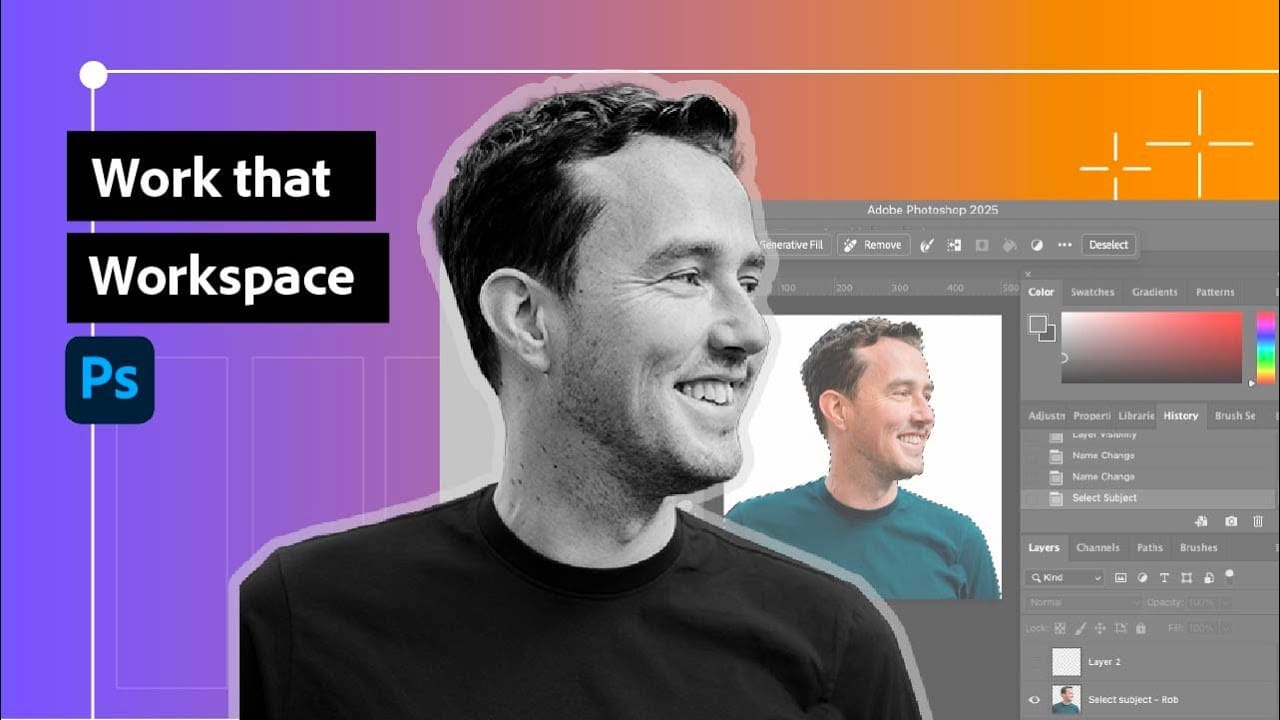
Photoshop Workspace Basics: Navigation, Zooming, and Essential Interface Elements

Photoshop Workspace Basics: Navigation, Zooming, and Essential Interface Elements

Photoshop's interface can feel overwhelming when you first open the program. Dozens of panels, tools, and menus compete for attention, making simple tasks feel complicated. This tutorial breaks down the essential workspace elements and teaches fundamental navigation skills that form the foundation of efficient Photoshop work. Watch the Read the full article here: Photoshop Workspace […]

Read more: Photoshop Workspace Basics: Navigation, Zooming, and Essential Interface Elements
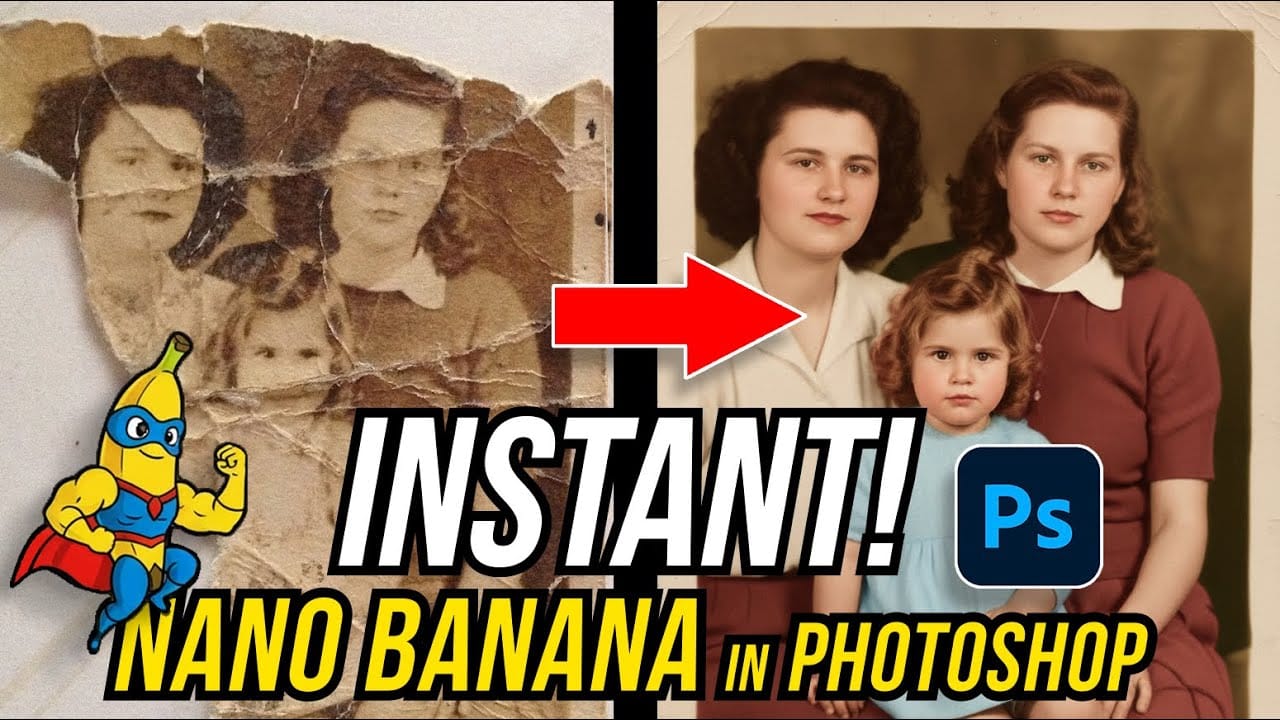
How to Restore Old Damaged Photos Using Nano Banana in Photoshop

How to Restore Old Damaged Photos Using Nano Banana in Photoshop

Old family photos with scratches, tears, and missing sections can seem beyond repair. Google's Nano Banana AI model, now integrated into Photoshop, makes full restoration possible in minutes rather than hours. This powerful tool excels at maintaining facial characteristics while automatically filling in damaged areas and adding realistic Read the full article here: How to […]

Read more: How to Restore Old Damaged Photos Using Nano Banana in Photoshop
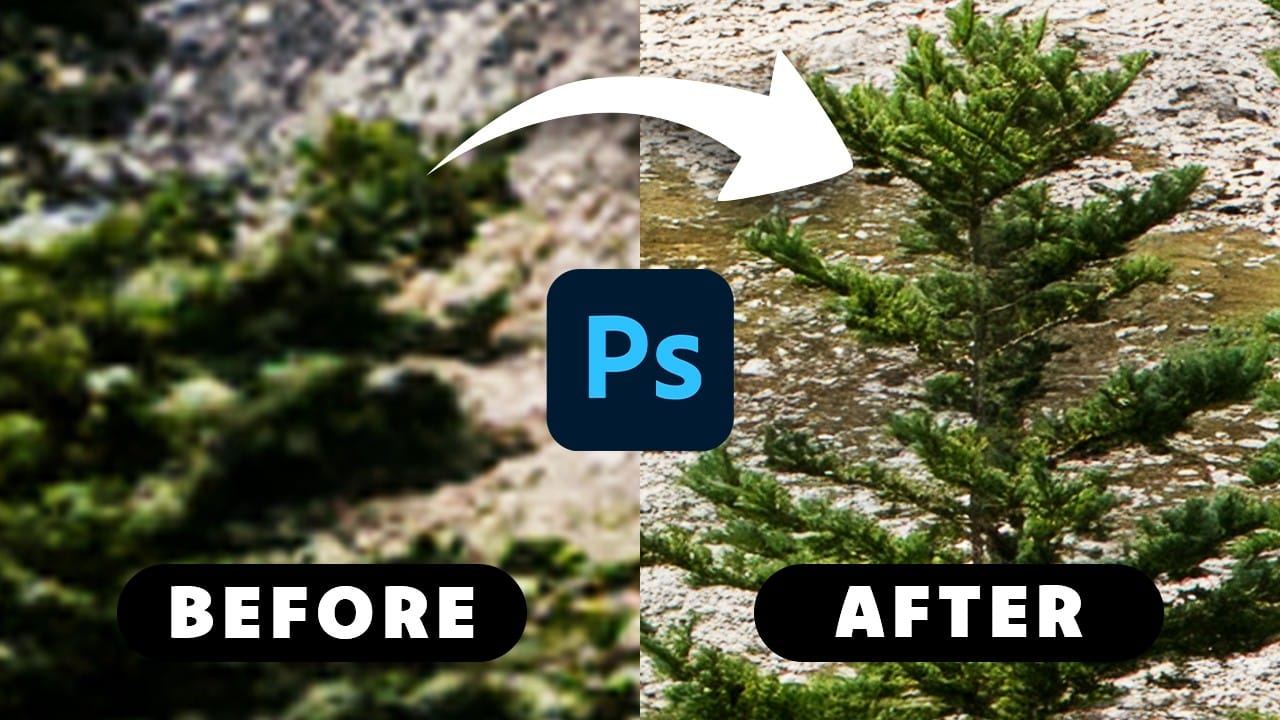
How to Get Higher Quality Results from Photoshop's Generative Fill Tool

How to Get Higher Quality Results from Photoshop's Generative Fill Tool

Photoshop's Generative Fill creates impressive AI extensions, but the results often look blurry and pixelated when viewed at full size. This quality limitation makes many AI-generated areas unusable for printing or large displays. This technique shows how to work around the 1024×1024 pixel quality limit to create much Read the full article here: How to […]

Read more: How to Get Higher Quality Results from Photoshop's Generative Fill Tool
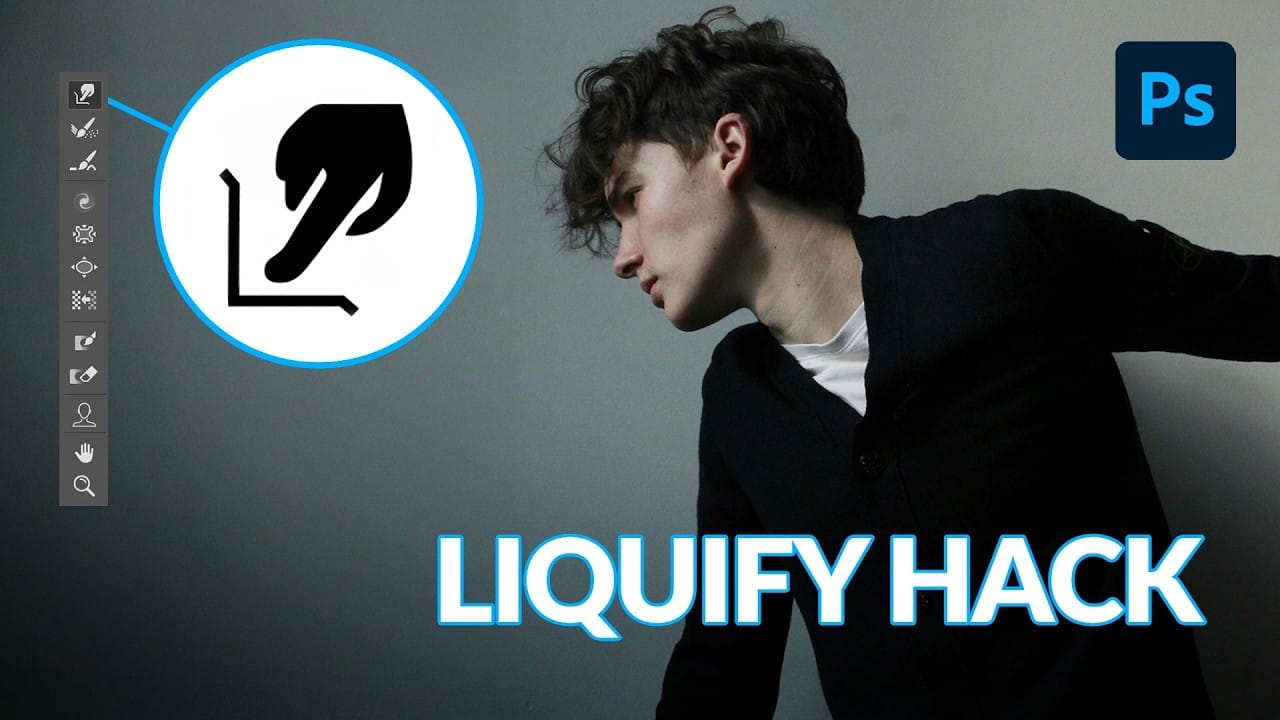
How to Use Photoshop's Liquify Tool for Non-Destructive Portrait Retouching

How to Use Photoshop's Liquify Tool for Non-Destructive Portrait Retouching

Clothing wrinkles, hair that lacks volume, and awkward fabric bunching can distract from an otherwise great portrait. Photoshop's Liquify tool offers a powerful solution for smoothing out these issues while preserving the natural look of your subject. This tutorial demonstrates how to use the Liquify tool non-destructively with Read the full article here: How to […]

Read more: How to Use Photoshop's Liquify Tool for Non-Destructive Portrait Retouching
The Beauty of Digital Mistakes: Glitch Effects and Visual Aberrations in Photoshop

The Beauty of Digital Mistakes: Glitch Effects and Visual Aberrations in Photoshop

Once, a broken image or pixelated frame meant something had gone wrong. Now, those same visual errors are a creative choice. Designers and digital artists are using glitch effects to turn imperfections into style — bending pixels, breaking color channels, and distorting shapes until they feel alive again. Maybe it’s Read the full article here: […]

Read more: The Beauty of Digital Mistakes: Glitch Effects and Visual Aberrations in Photoshop