Schenectady Photographic Society

Menu

Photoshop

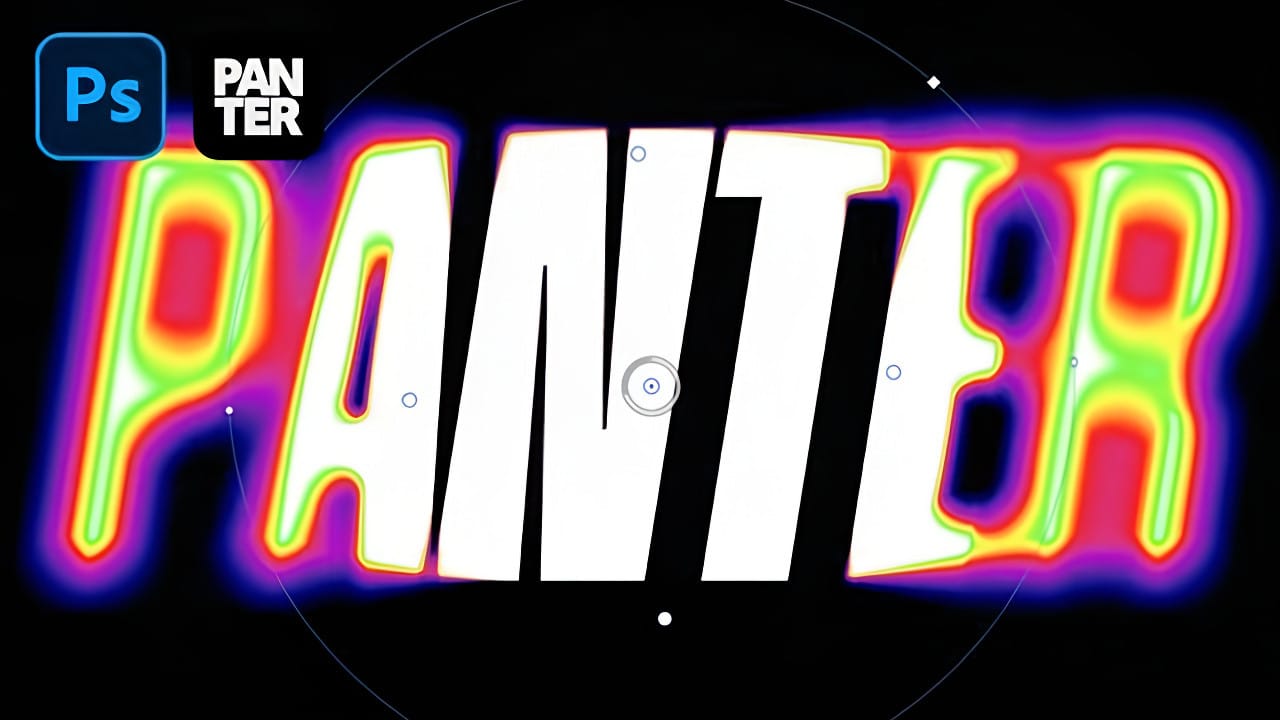
Creating a Blurry Heatmap Text Effect with Gradient Maps in Photoshop

Creating a Blurry Heatmap Text Effect with Gradient Maps in Photoshop

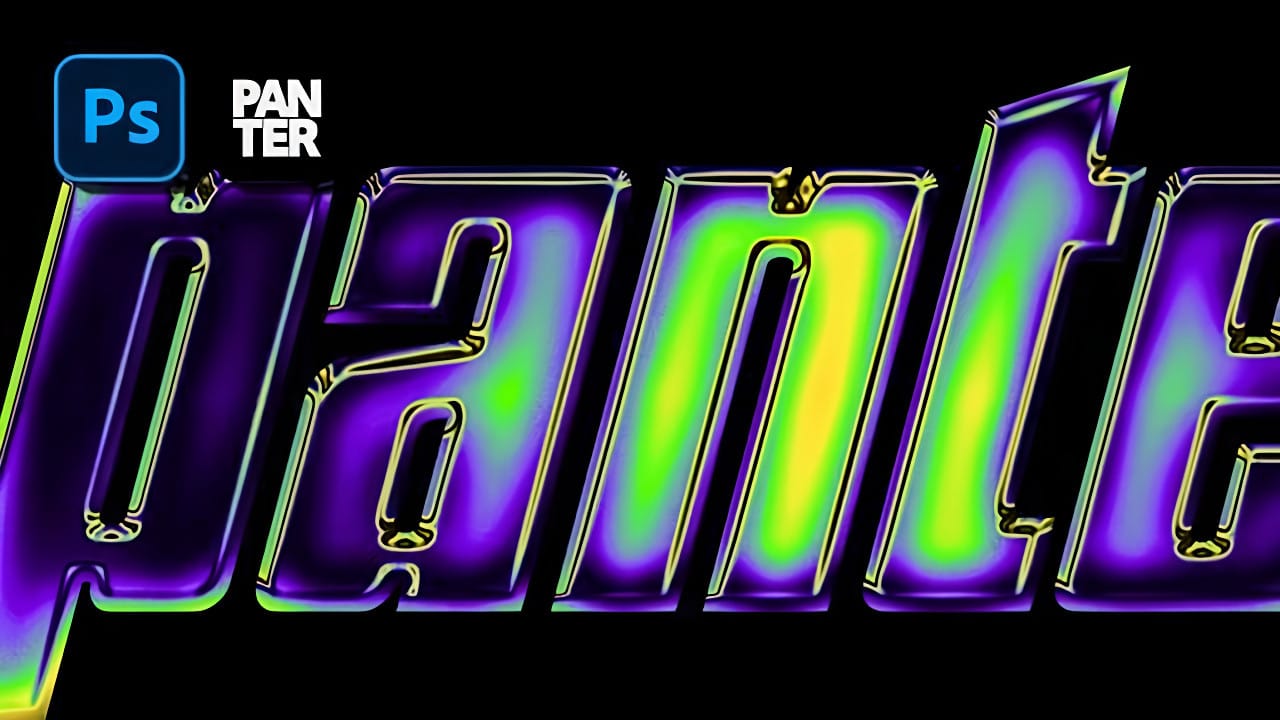
Heatmap effects transform ordinary text into dynamic, energy-filled visuals that pulse with color and movement. These vibrant gradients suggest thermal imaging or data visualization, making them perfect for tech presentations, gaming graphics, or modern branding projects. This technique combines Photoshop's gradient mapping with strategic blur effects to create Read the full article here: Creating a […]

Read more: Creating a Blurry Heatmap Text Effect with Gradient Maps in Photoshop
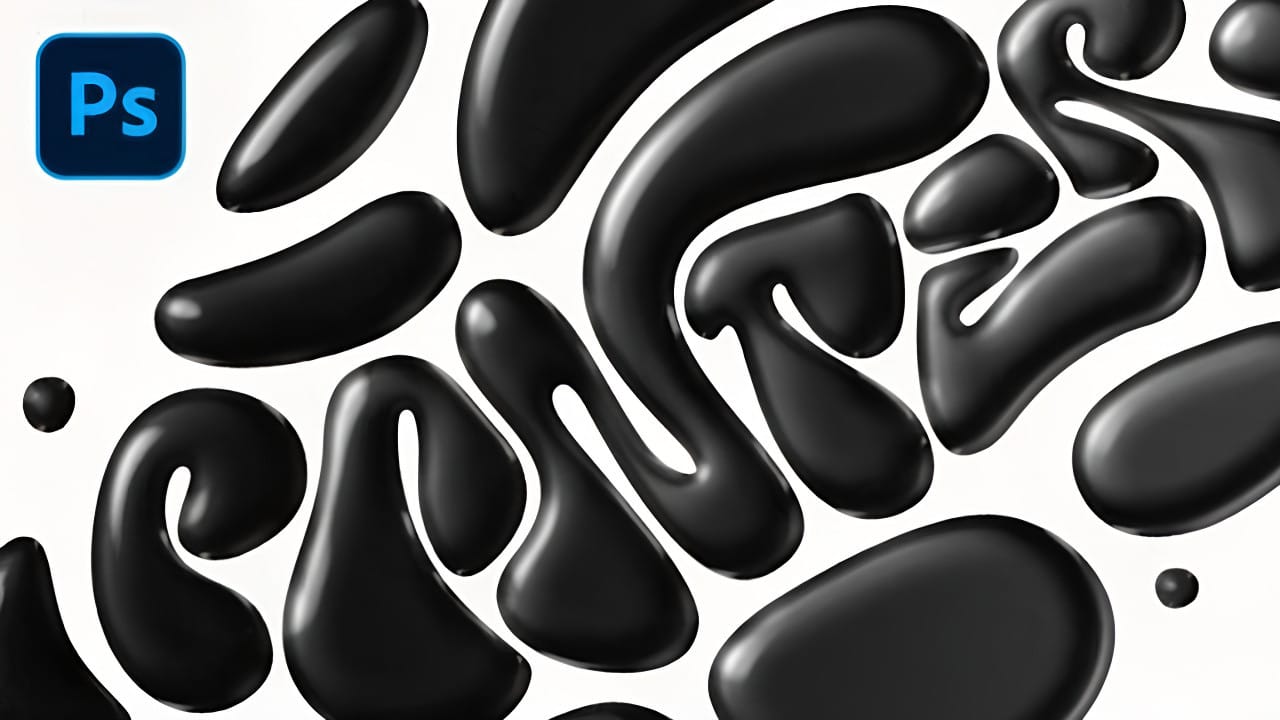
How to Create a Black Liquid Text Effect in Photoshop

How to Create a Black Liquid Text Effect in Photoshop

Black liquid typography creates a mysterious, viscous aesthetic that flows between elegant and edgy. This striking effect transforms ordinary text into something that appears to drip, bubble, and shine like thick ink or oil. The technique combines vector shapes with strategic layer effects to build depth and dimension. Multiple duplicated Read the full article here: […]

Read more: How to Create a Black Liquid Text Effect in Photoshop
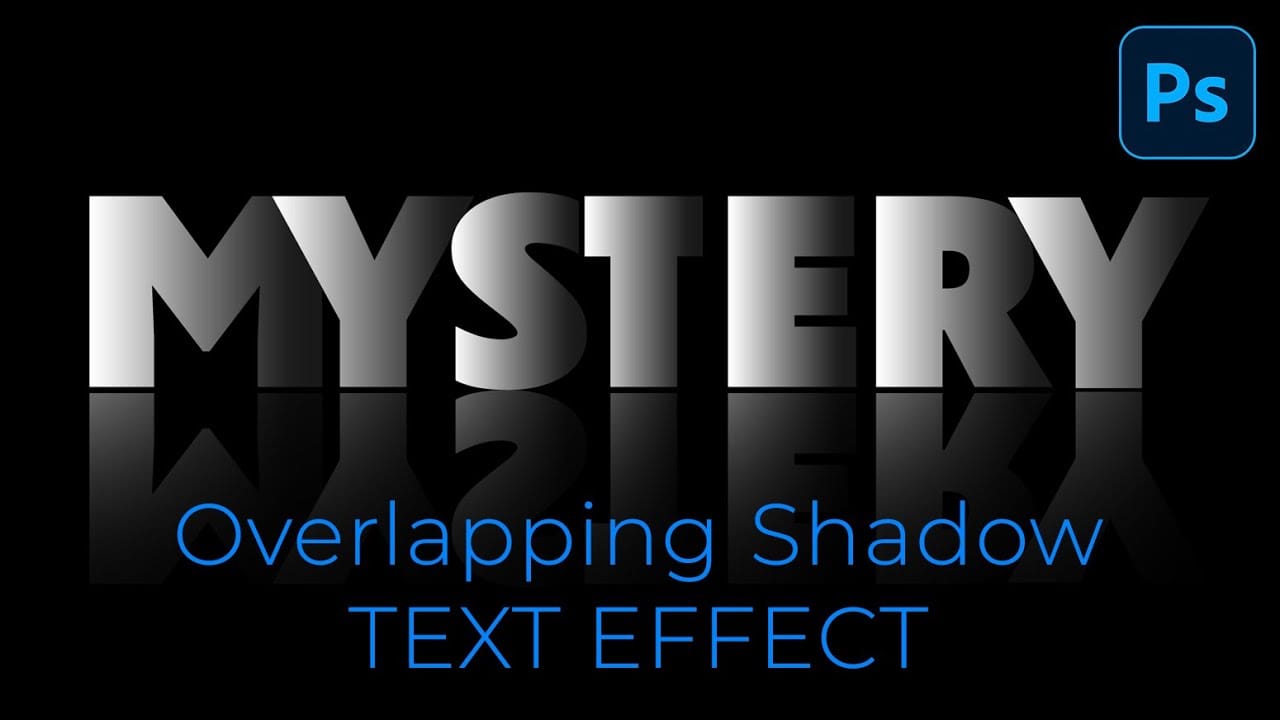
How to Create Overlapping Shadow Text Effect in Photoshop

How to Create Overlapping Shadow Text Effect in Photoshop

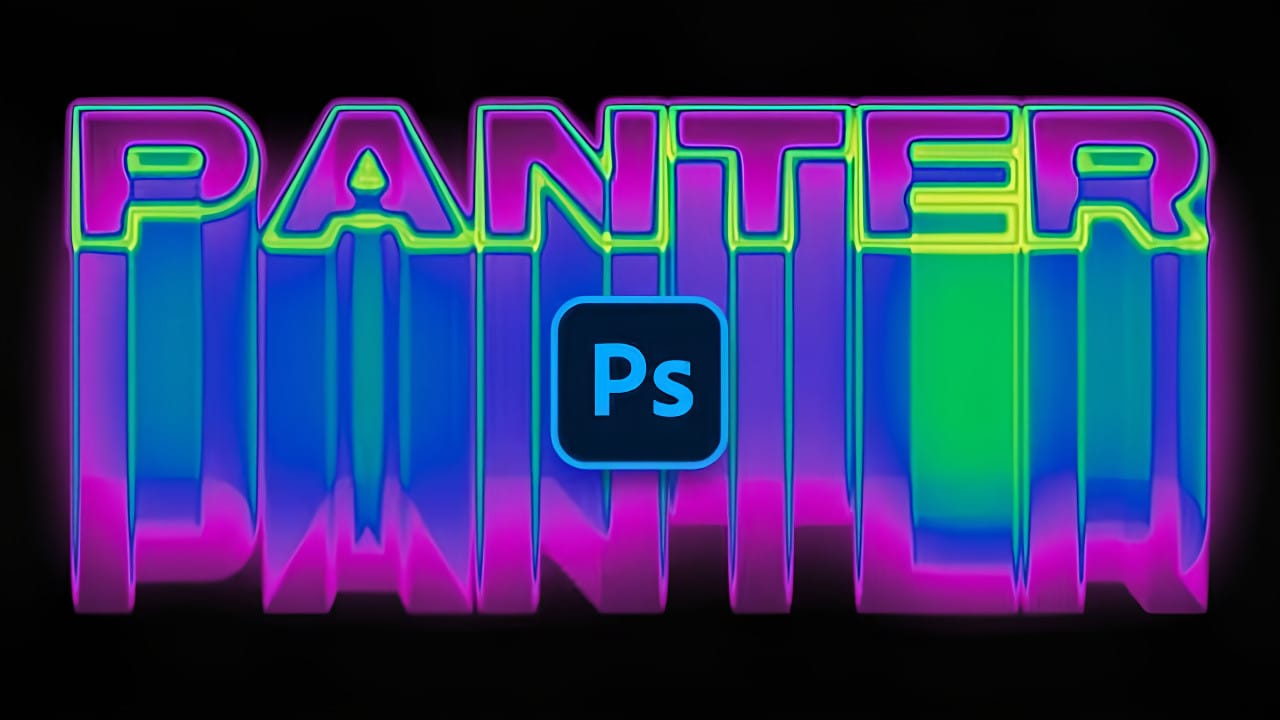
Dramatic text effects transform ordinary typography into striking visual statements that command attention. The overlapping shadow technique creates depth and dimension by layering individual characters with gradient overlays and reflections. This effect works particularly well for movie titles, album covers, and promotional graphics where bold, cinematic impact matters most. Watch Read the full article here: […]

Read more: How to Create Overlapping Shadow Text Effect in Photoshop
How to Create a Wood Burn Effect in Photoshop

How to Create a Wood Burn Effect in Photoshop

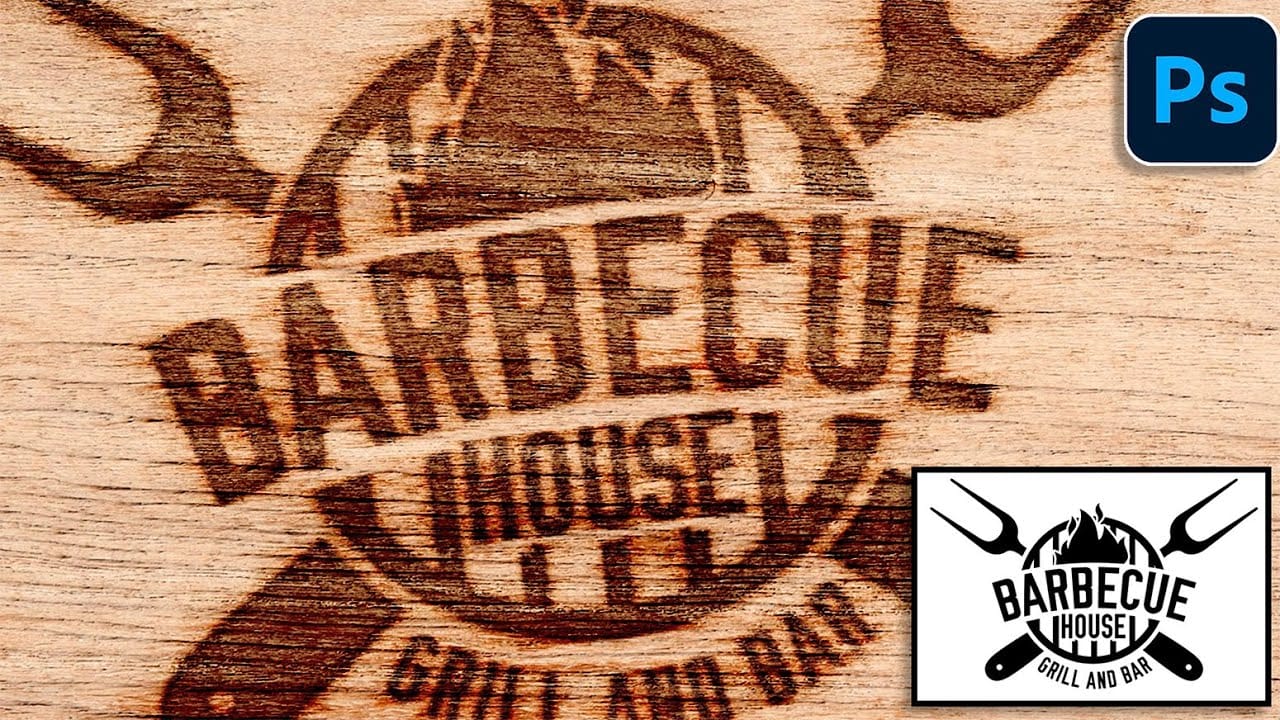
Wood burning transforms simple text and graphics into rustic, branded designs that carry the authenticity of crafted woodwork. This timeless aesthetic connects digital art with traditional craftsmanship, creating visuals that feel both handmade and professional. Photoshop's layering and blending capabilities make it possible to simulate the charred, weathered Read the full article here: How to […]

Read more: How to Create a Wood Burn Effect in Photoshop
Create X-Ray Neon Motion Blur Text Effect in Photoshop

Create X-Ray Neon Motion Blur Text Effect in Photoshop

Neon signs have an unmistakable electric presence that transforms any space into something vibrant and alive. The ghostly glow of neon tubes creates an otherworldly atmosphere that blends retro nostalgia with futuristic energy. This tutorial demonstrates how to recreate that captivating neon aesthetic in Photoshop, complete with motion blur effects Read the full article here: […]

Read more: Create X-Ray Neon Motion Blur Text Effect in Photoshop
How to Create Gradient Chrome Text Effect in Photoshop

How to Create Gradient Chrome Text Effect in Photoshop

Chrome effects elevate text from ordinary typography into polished, metallic masterpieces that command attention. The reflective surfaces and dimensional depth create that premium look perfect for modern logos, eye-catching headlines, and promotional graphics that need to stand out. This technique demonstrates how to build realistic chrome text using gradient overlays, Read the full article here: […]

Read more: How to Create Gradient Chrome Text Effect in Photoshop