Schenectady Photographic Society

Menu

Photoshop

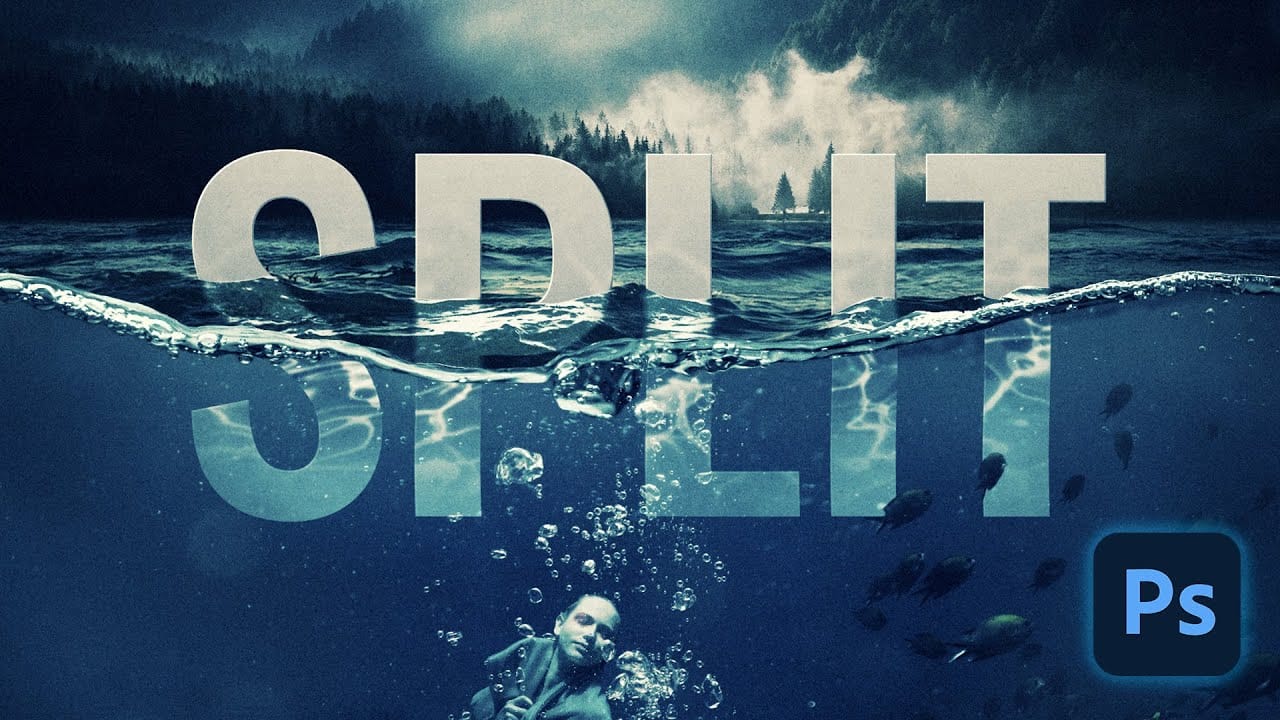
How to Create a Split Water Effect in Photoshop Using Smart Objects

How to Create a Split Water Effect in Photoshop Using Smart Objects

Split water photography creates dramatic visuals that reveal both the underwater and above-water worlds in a single frame. This technique captures the mysterious boundary where light bends, visibility drops, and subjects take on an otherworldly quality beneath the surface. The process combines multiple images and advanced Photoshop techniques to recreate Read the full article here: […]
Read more: How to Create a Split Water Effect in Photoshop Using Smart Objects
Create Grungy Retro Halftone Effect in Photoshop

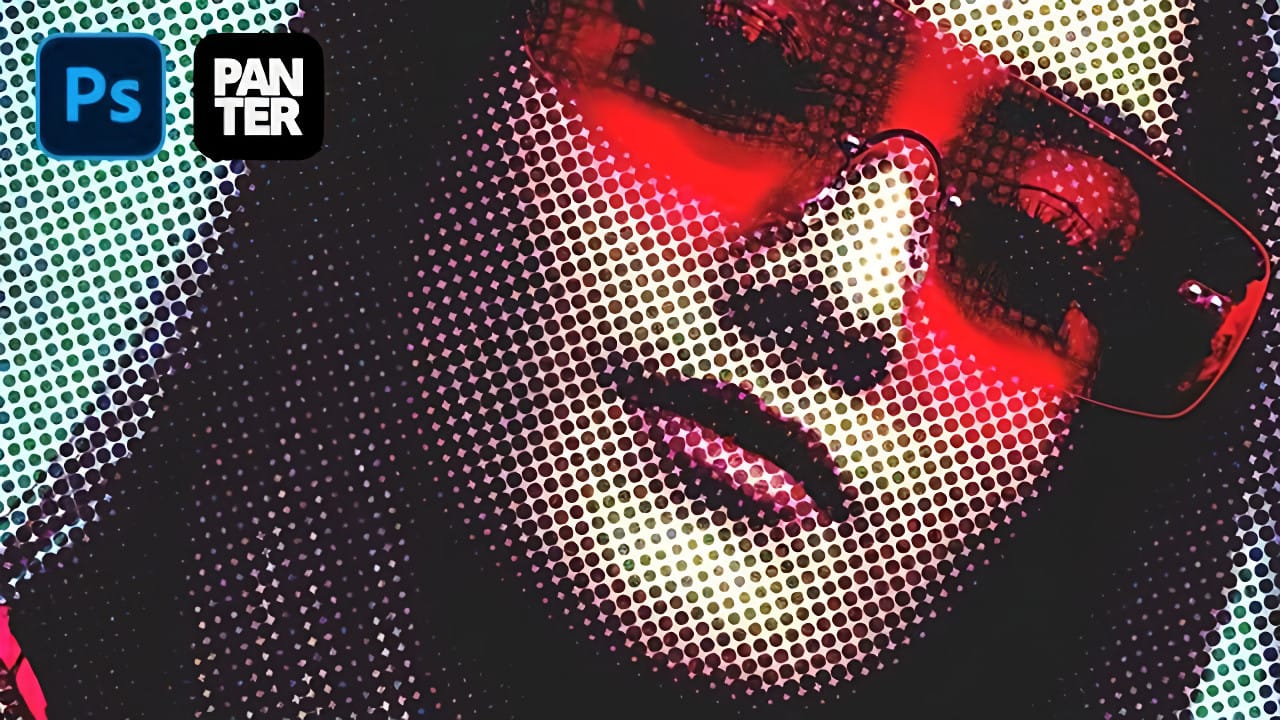
Create Grungy Retro Halftone Effect in Photoshop

Vintage poster art captured attention through bold contrasts, visible printing dots, and rough textures that gave images character. The halftone effect recreates this aesthetic by breaking up continuous tones into distinct dots, mimicking old-school printing techniques. This technique transforms clean digital photos into gritty, retro-style artwork. The method combines Photoshop& Read the full article here: […]

Read more: Create Grungy Retro Halftone Effect in Photoshop
Transform Photos into Realistic Watercolor Paintings in Photoshop

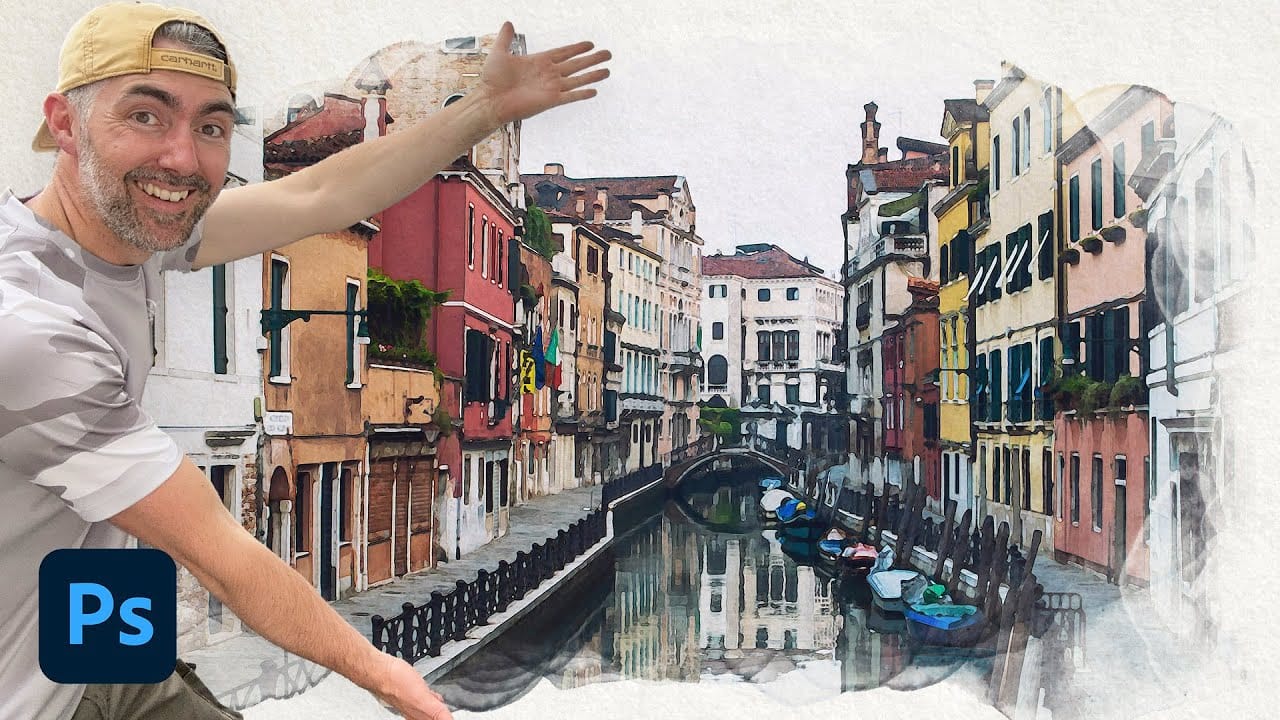
Transform Photos into Realistic Watercolor Paintings in Photoshop

Watercolor paintings capture a unique blend of spontaneity and control that's instantly recognizable. The way pigments blend and flow creates organic textures that feel both deliberate and accidental, with soft edges that seem to breathe life into static images. This tutorial demonstrates how to recreate that distinctive watercolor Read the full article here: Transform Photos […]

Read more: Transform Photos into Realistic Watercolor Paintings in Photoshop
Understanding AI Image Generation: How It Works and How to Use It

Understanding AI Image Generation: How It Works and How to Use It

AI image generation has transformed creative workflows across industries. Tools that once required extensive technical knowledge now allow anyone to create stunning visuals using simple text descriptions. The technology has evolved from experimental novelty to practical design solution. This Adobe tutorial breaks down the core concepts behind AI image generation Read the full article here: […]

Read more: Understanding AI Image Generation: How It Works and How to Use It
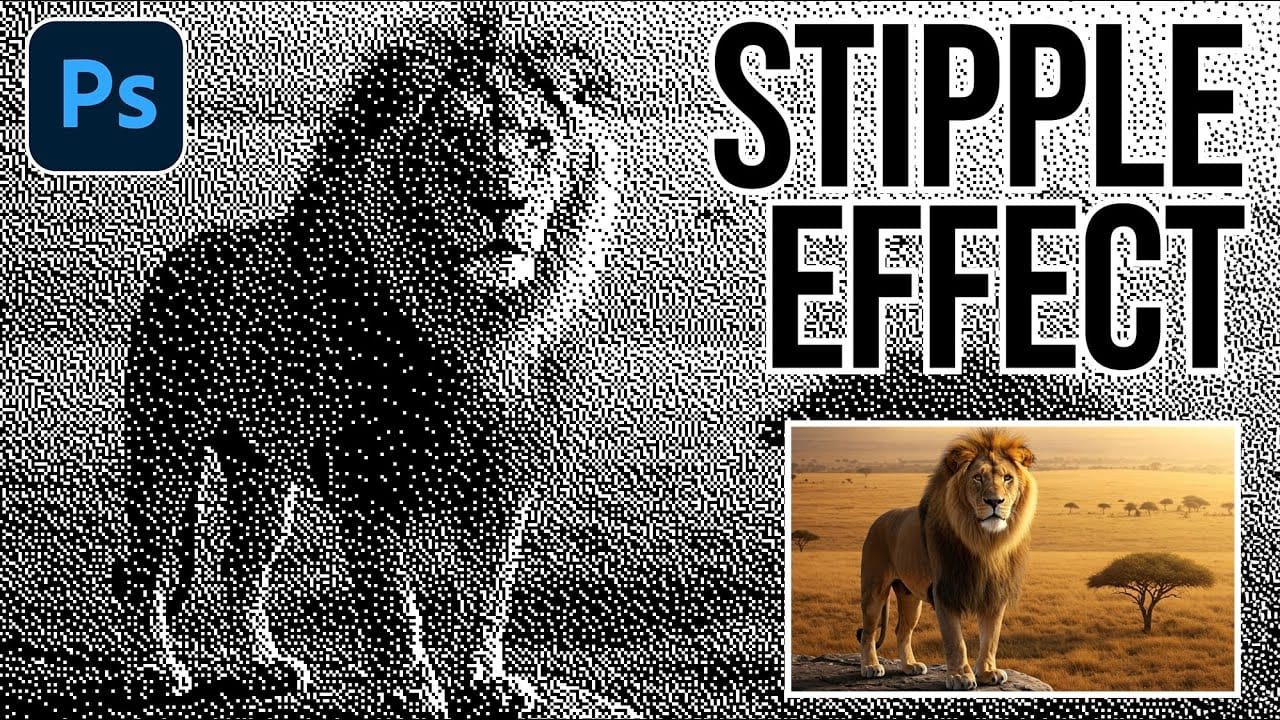
How to Create a Stippled Ink Drawing Effect in Photoshop

How to Create a Stippled Ink Drawing Effect in Photoshop

Hand-drawn stippled portraits have captivated artists for centuries with their unique texture created entirely from dots and speckles. This pointillistic technique transforms smooth photographic surfaces into artwork that feels both timeless and distinctly handcrafted. This tutorial demonstrates how to recreate that classic stippled ink effect digitally, giving you complete control Read the full article here: […]

Read more: How to Create a Stippled Ink Drawing Effect in Photoshop
Understanding the Adobe Ecosystem: Everything Adobe Does Beyond Creative Cloud

Understanding the Adobe Ecosystem: Everything Adobe Does Beyond Creative Cloud

If you're using Adobe Creative Cloud, you might not realize you're only seeing a small part of what Adobe does today. While millions of us use Photoshop and Premiere Pro daily, Adobe has quietly built an empire that powers everything from Netflix's personalized recommendations Read the full article here: Understanding the Adobe Ecosystem: Everything Adobe […]

Read more: Understanding the Adobe Ecosystem: Everything Adobe Does Beyond Creative Cloud
Photoshop Dynamic Text Feature Tutorial: Auto-Fitting Typography Design

Photoshop Dynamic Text Feature Tutorial: Auto-Fitting Typography Design

Typography design often involves endless manual adjustments to make text fit perfectly within defined spaces. Every resize means recalculating font sizes, line breaks, and spacing to maintain clean alignment and readability. Photoshop's new Dynamic Text feature automatically handles these calculations, creating pixel-perfect left and right margins while intelligently Read the full article here: Photoshop Dynamic […]

Read more: Photoshop Dynamic Text Feature Tutorial: Auto-Fitting Typography Design
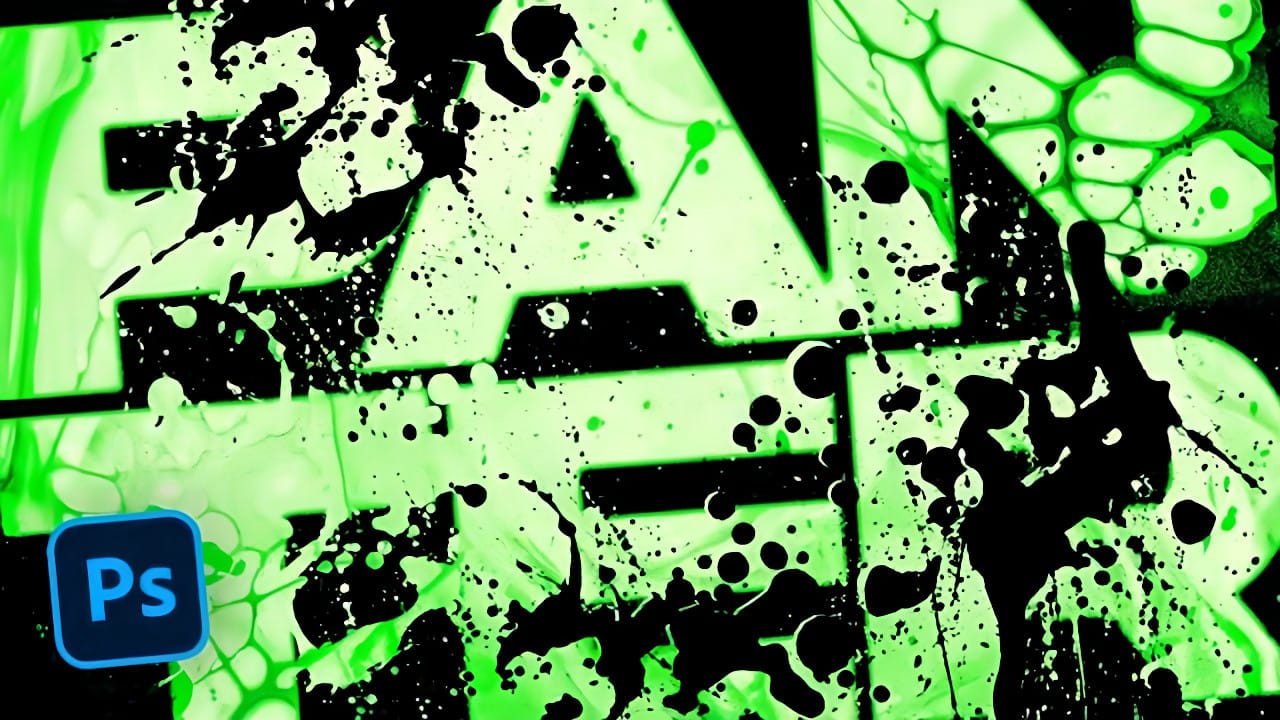
How to Create a Grungy Splatter Text Effect in Photoshop

How to Create a Grungy Splatter Text Effect in Photoshop

Grungy text effects capture the raw energy of street art and underground design movements. The weathered, distressed look adds character and rebellion to typography, making it perfect for band posters, urban branding, and edgy graphic projects. This video demonstrates how to combine custom splatter brushes, texture overlays, and adjustment layers Read the full article here: […]

Read more: How to Create a Grungy Splatter Text Effect in Photoshop