Schenectady Photographic Society

Menu

Photoshop

Creative Uses of Photoshop's Difference Blending Mode

Creative Uses of Photoshop's Difference Blending Mode

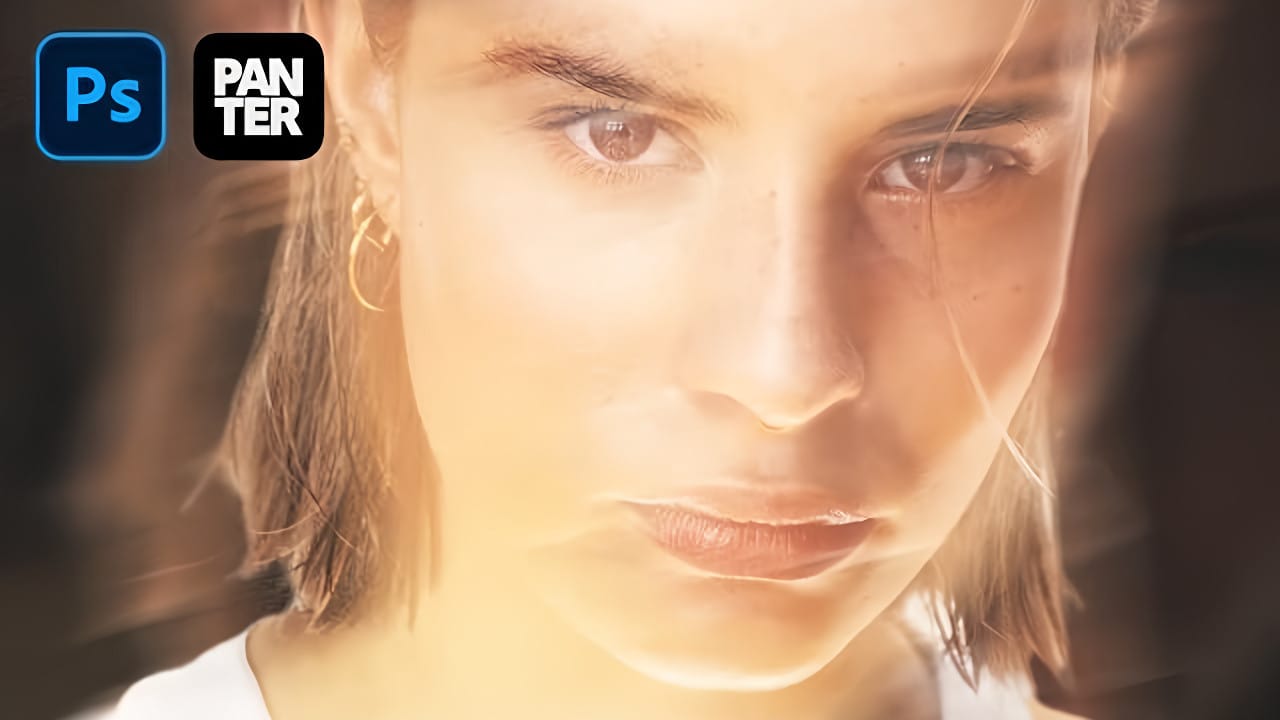
The Difference blending mode often gets overlooked in Photoshop, dismissed as too unpredictable or harsh for creative work. Most designers know it as a utility tool for layer alignment, but this powerful mode can create striking effects when used thoughtfully. From grungy texture overlays to vintage solarized looks, Difference mode Read the full article here: […]
Read more: Creative Uses of Photoshop's Difference Blending Mode
How to Create a Long Exposure Glow Effect in Photoshop

How to Create a Long Exposure Glow Effect in Photoshop

Motion blur and glowing light trails create some of photography's most captivating visual effects. The ethereal quality of long exposure photography transforms ordinary subjects into dreamlike compositions with flowing energy and luminous movement. This technique recreates that signature glow digitally, allowing you to achieve stunning motion effects without Read the full article here: How to […]

Read more: How to Create a Long Exposure Glow Effect in Photoshop
Essential Type Tool Techniques in Photoshop

Essential Type Tool Techniques in Photoshop

Text in Photoshop offers far more creative potential than basic typing and font selection. Advanced type tool techniques unlock professional-level text manipulation, from precise warping control to custom character distortion and knockout effects. These methods transform ordinary text into dynamic design elements that integrate seamlessly with complex compositions and visual Read the full article here: […]

Read more: Essential Type Tool Techniques in Photoshop
How to Create a Blurry Halftone Text Effect in Photoshop

How to Create a Blurry Halftone Text Effect in Photoshop

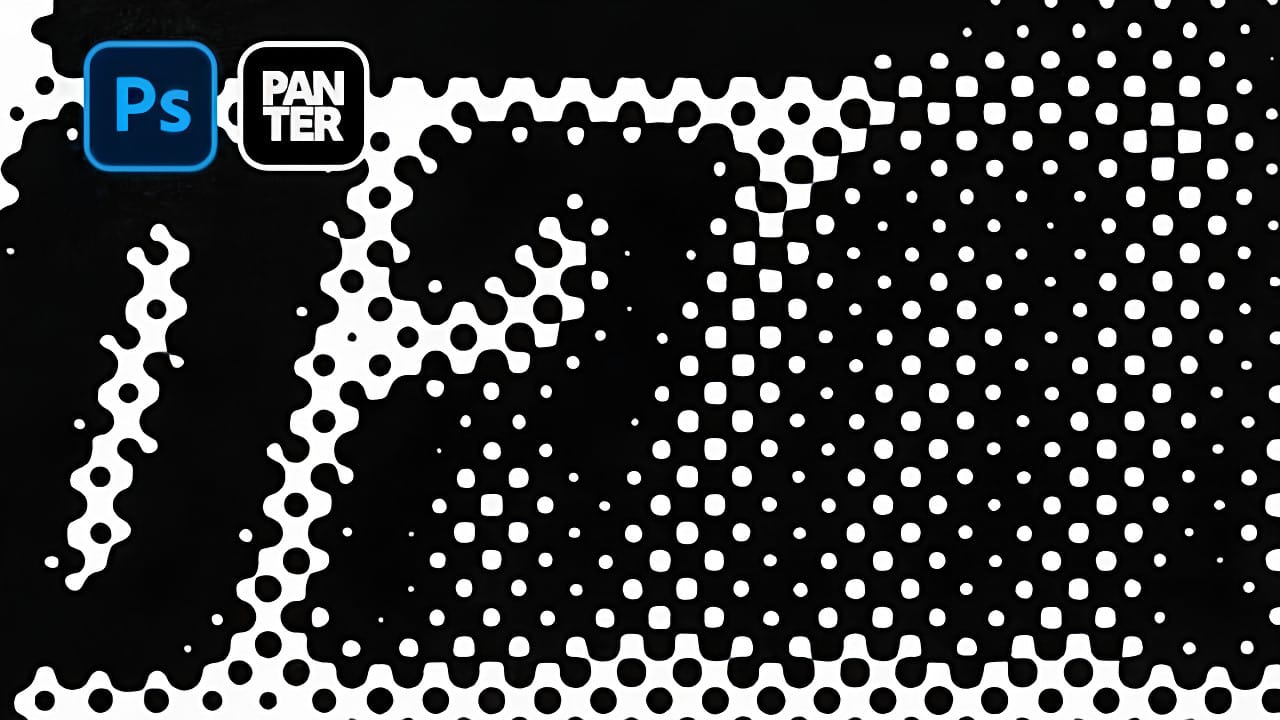
Comic book aesthetics and vintage print textures bring a distinctive visual punch to modern digital typography. The halftone effect—those characteristic dot patterns from traditional printing—creates instant nostalgia and graphic impact when combined with strategic blur techniques. This technique transforms simple text into dynamic graphic elements that capture the Read the full article here: How to […]

Read more: How to Create a Blurry Halftone Text Effect in Photoshop
Create an Abstract Liquid Glass Dispersion Effect in Photoshop

Create an Abstract Liquid Glass Dispersion Effect in Photoshop

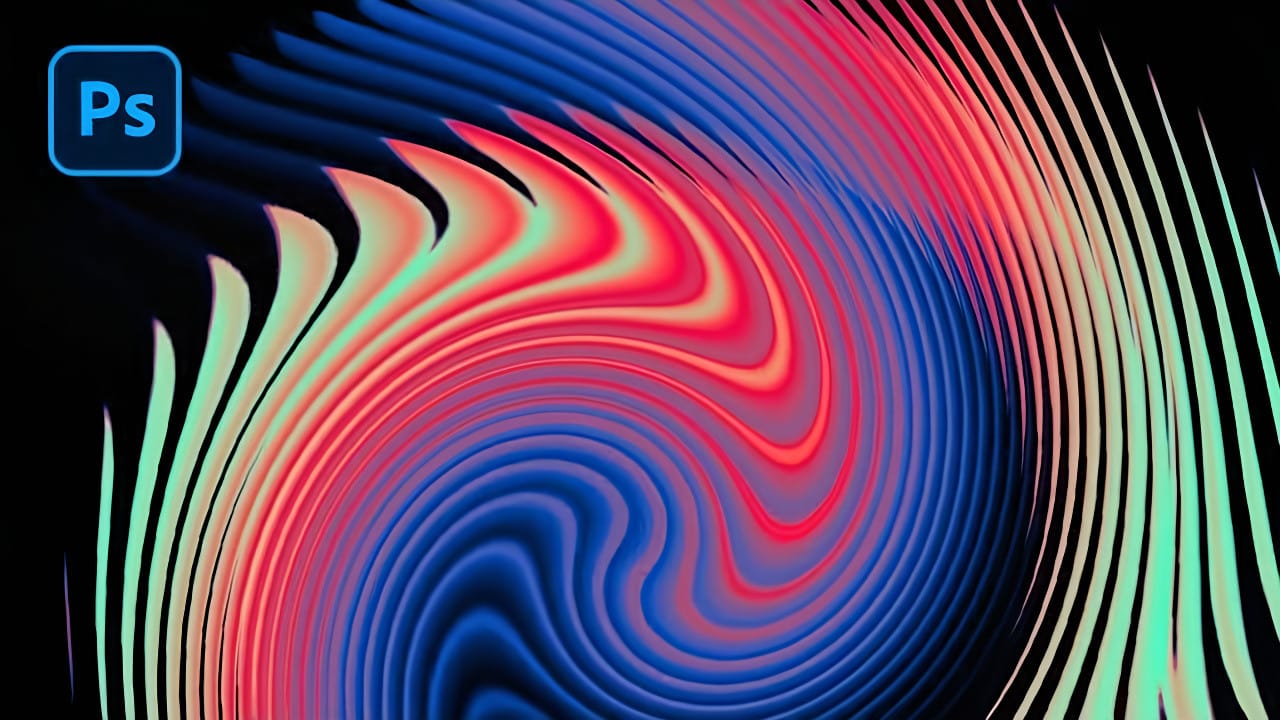
Abstract liquid glass effects combine the ethereal beauty of flowing water with the crystalline clarity of glass, creating mesmerizing visual compositions. These effects transform simple geometric shapes into complex, organic forms that appear to bend and flow like liquid while maintaining the reflective qualities of glass surfaces. This technique opens Read the full article here: […]

Read more: Create an Abstract Liquid Glass Dispersion Effect in Photoshop
Complete Guide to AI Photo Editing with Photoshop's Generative Fill

Complete Guide to AI Photo Editing with Photoshop's Generative Fill

Modern photo editing has entered a new era where artificial intelligence can solve complex visual problems in seconds. Tasks that once required hours of manual work—removing unwanted objects, changing skies, adding realistic elements—can now be accomplished with simple selections and text prompts. This comprehensive tutorial demonstrates 37 practical Read the full article here: Complete Guide […]

Read more: Complete Guide to AI Photo Editing with Photoshop's Generative Fill
Creating a Colorful Pixelated Effect in Photoshop

Creating a Colorful Pixelated Effect in Photoshop

The colorful pixelated effect transforms ordinary photographs into vibrant, retro-style artwork reminiscent of 8-bit video games and digital pop art. This distinctive visual style combines traditional mosaic filtering with advanced color manipulation to create bold, simplified imagery that captures attention. This technique works particularly well for portraits, creating striking poster-like Read the full article here: […]
Read more: Creating a Colorful Pixelated Effect in Photoshop
Create a Distorted Photocopy Scan Effect in Photoshop

Create a Distorted Photocopy Scan Effect in Photoshop

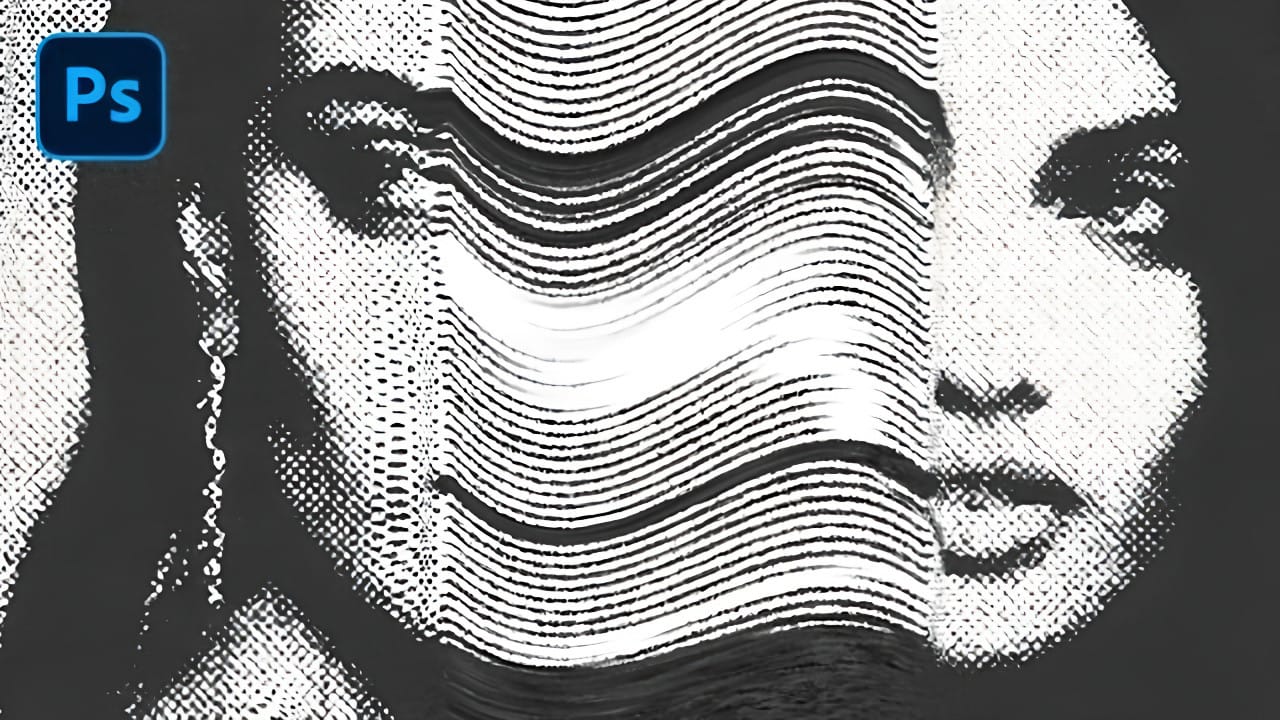
Vintage photocopy effects capture the imperfect charm of analog reproduction—those streaky scan lines, halftone dots, and mysterious distortions that made every copy slightly different. These gritty, mechanical textures add authentic character to digital designs, evoking the era when photocopiers were the primary way to duplicate documents and images. This Read the full article here: Create […]

Read more: Create a Distorted Photocopy Scan Effect in Photoshop