Schenectady Photographic Society

Menu

Photoshop

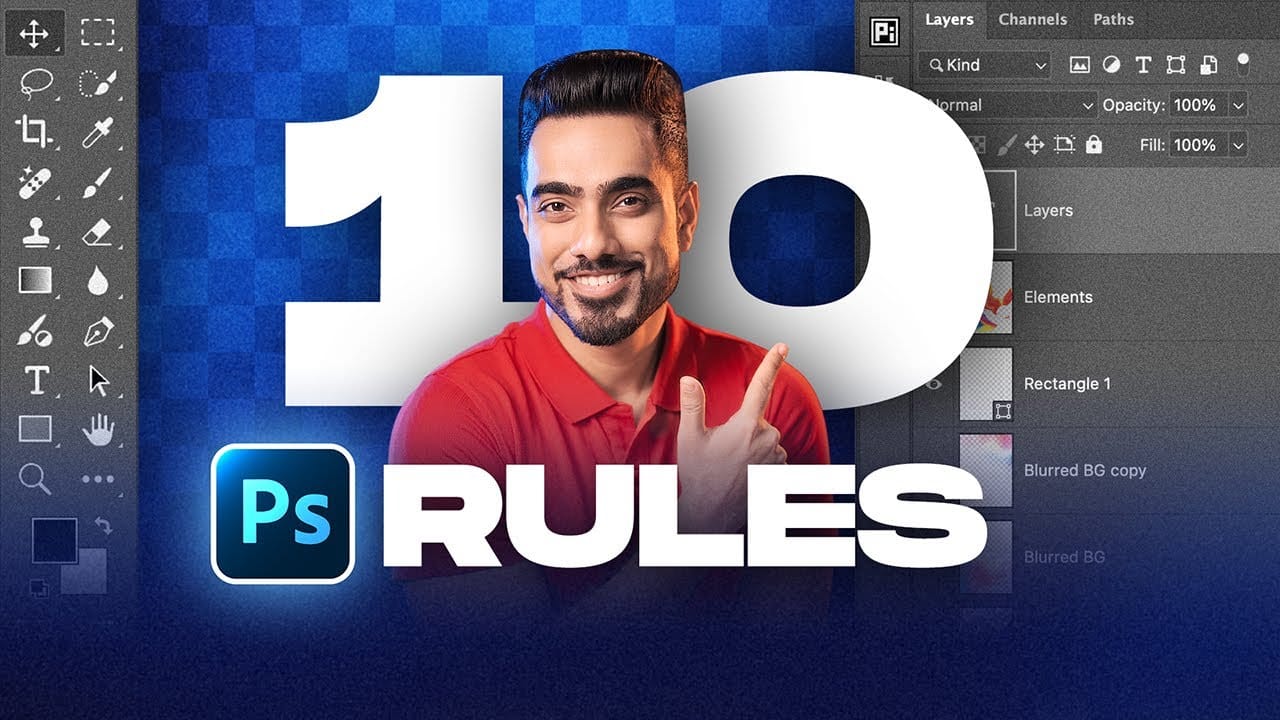
10 Essential Photoshop Rules Every Beginner Should Know

10 Essential Photoshop Rules Every Beginner Should Know

Photoshop's vast toolkit can overwhelm newcomers, leading to common pitfalls that affect image quality and workflow efficiency. Understanding the fundamental rules of professional editing prevents costly mistakes and builds a foundation for advanced techniques. These ten essential practices cover everything from color management and file formats to smart Read the full article here: 10 Essential […]
Read more: 10 Essential Photoshop Rules Every Beginner Should Know
Create an Analog Retro-Futuristic Monitor Effect in Photoshop

Create an Analog Retro-Futuristic Monitor Effect in Photoshop

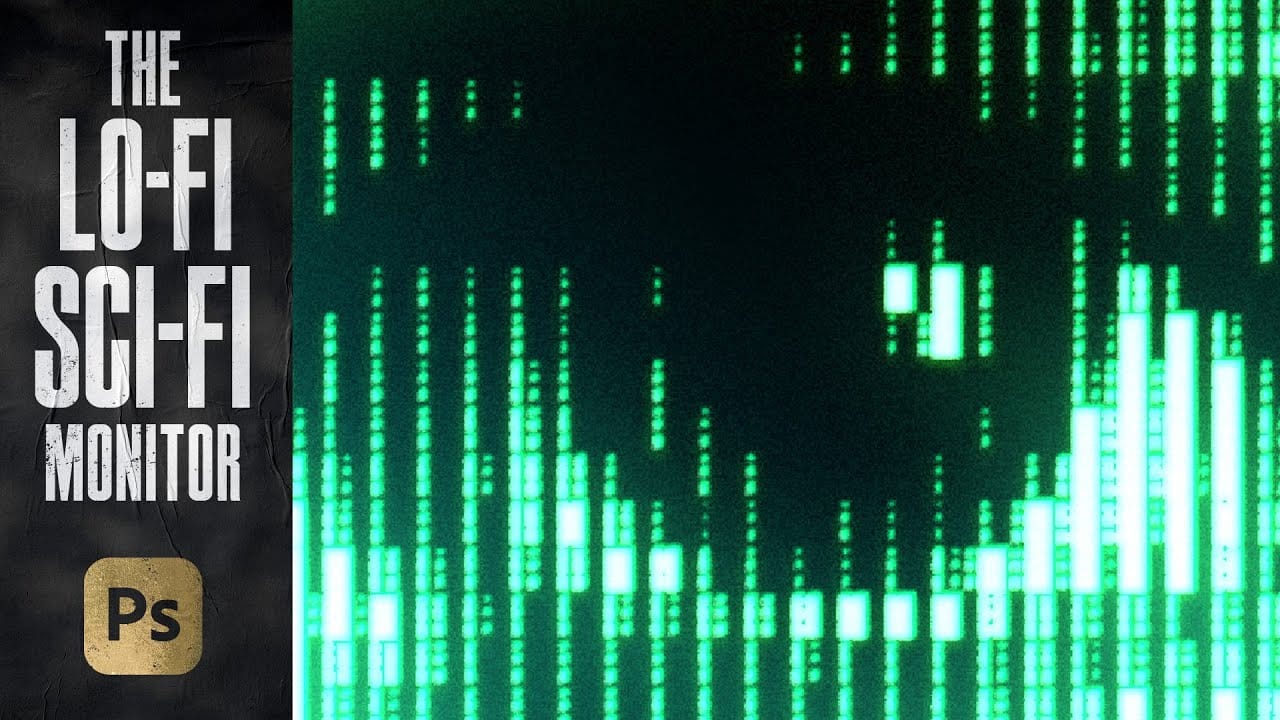
The distinctive glow of vintage computer monitors carries a powerful nostalgic appeal that transcends generations. Those chunky green pixels, flickering displays, and analog imperfections define an entire era of sci-fi aesthetics. From classic arcade games to retro-futuristic films, this visual language continues to captivate designers and artists. This tutorial demonstrates Read the full article here: […]

Read more: Create an Analog Retro-Futuristic Monitor Effect in Photoshop
Using Photoshop's New Generative Upscale Tool

Using Photoshop's New Generative Upscale Tool

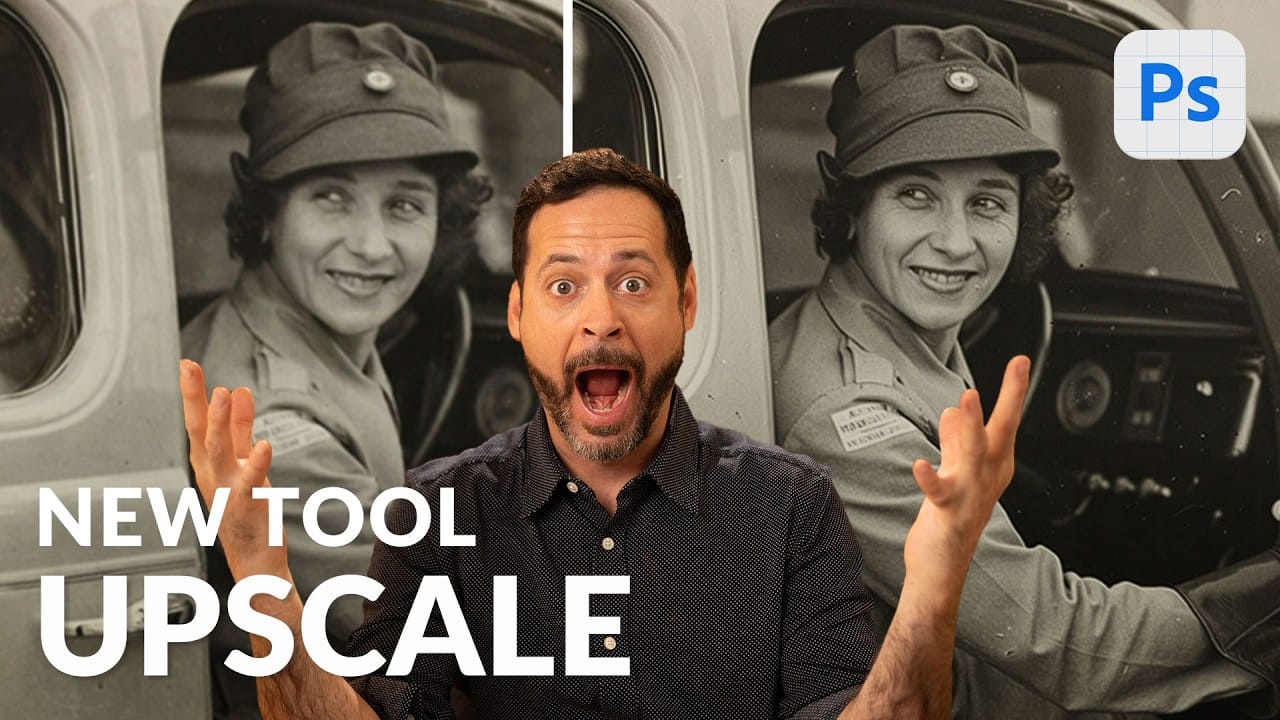
Old family photos often hold irreplaceable memories, but their small size and low resolution make them difficult to print or display properly. These cherished images deserve better than pixelated enlargements that lose all their detail and emotional impact. Photoshop's new AI-powered Generative Upscale tool changes this completely. This Read the full article here: Using Photoshop's […]

Read more: Using Photoshop's New Generative Upscale Tool
Create a Vintage Paris Poster Design in Photoshop

Create a Vintage Paris Poster Design in Photoshop

Vintage poster design captures the timeless appeal of classic advertising with its bold typography, dramatic imagery, and weathered textures. This aesthetic combines strong compositional elements with subtle aging effects to create designs that feel both nostalgic and contemporary. This tutorial demonstrates how to build a stylized Paris poster using fundamental Read the full article here: […]

Read more: Create a Vintage Paris Poster Design in Photoshop
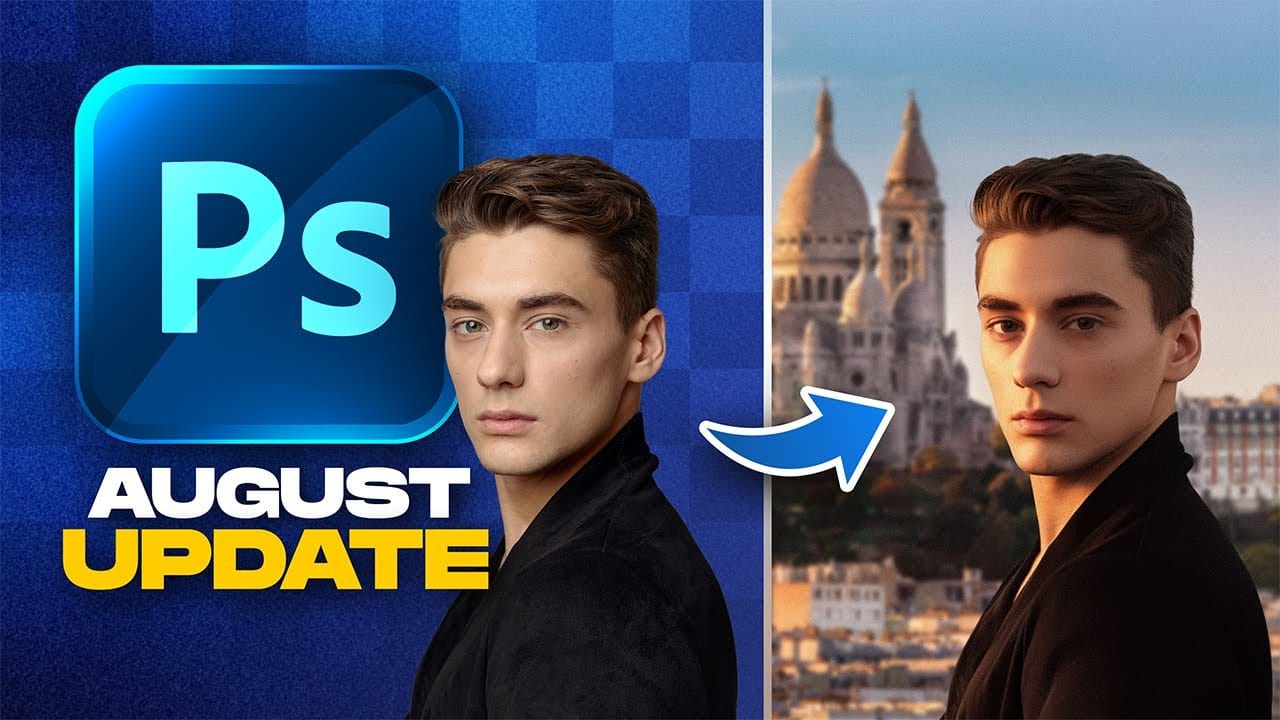
Photoshop August 2025 Update: 6 New Features Including Enhanced Remove Tool and Harmonize

Photoshop August 2025 Update: 6 New Features Including Enhanced Remove Tool and Harmonize

Adobe continues to transform Photoshop with powerful AI-driven features that streamline complex editing tasks. The August 2025 update introduces six significant enhancements, from an improved Remove Tool that creates cleaner selections to the revolutionary Harmonize feature that automatically matches lighting and shadows across composite elements. These updates address common workflow Read the full article here: […]

Read more: Photoshop August 2025 Update: 6 New Features Including Enhanced Remove Tool and Harmonize
Auto Blend layers in Photoshop with Harmonize, includes Resolution Hack

Auto Blend layers in Photoshop with Harmonize, includes Resolution Hack

Harmonize ai in Photoshop, auto compositing As promised, in my Photoshop top new feature overview, we are looking at the new Photoshop features in depth, beginning with Harmonize. Currently, this is Photoshop beta only. How to get Photoshop beta. How Harmonize works Let’s start with a picture of a couple. We want to put them […]

Read more: Auto Blend layers in Photoshop with Harmonize, includes Resolution Hack
Photoshop Roadmap Weekly #18

Photoshop Roadmap Weekly #18

Welcome back, and thanks to all the new subscribers who joined us this week—great to have you here. This is the issue #18 of Photoshop Roadmap Weekly — a curated mix of standout Photoshop tutorials, premium creative assets, and a touch of inspiration from the world of digital design and Read the full article here: […]

Read more: Photoshop Roadmap Weekly #18
Create Stunning Typography Effects with Type01 Photoshop Action

Create Stunning Typography Effects with Type01 Photoshop Action

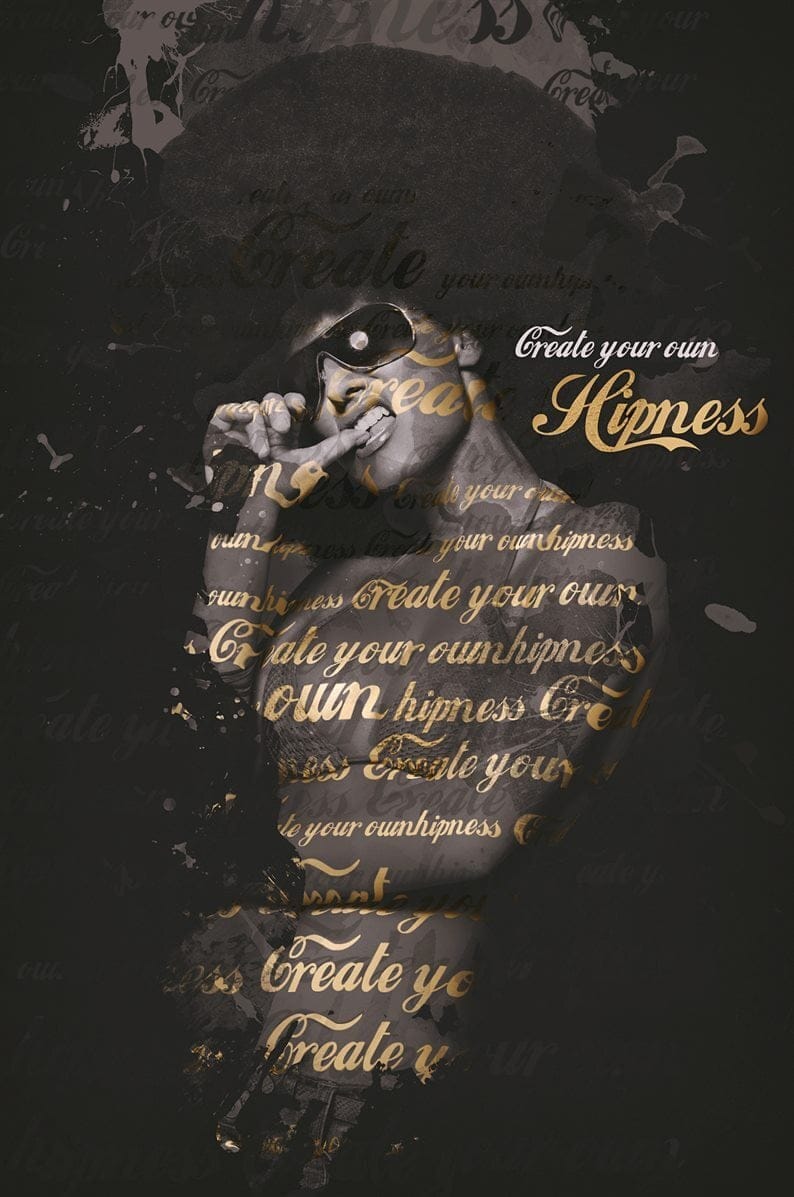
The Type01 Photoshop Action streamlines the process of creating compelling typography photo effects. This tool helps artists quickly build structured typographic designs from images by wrapping text around subjects. It includes 20 paint textures, 6 background textures, and 20 color variations, offering extensive control to achieve a polished, professional aesthetic Read the full article here: […]

Read more: Create Stunning Typography Effects with Type01 Photoshop Action