Schenectady Photographic Society

Menu

Photoshop

How to Create Realistic Design Mockups in Photoshop

How to Create Realistic Design Mockups in Photoshop

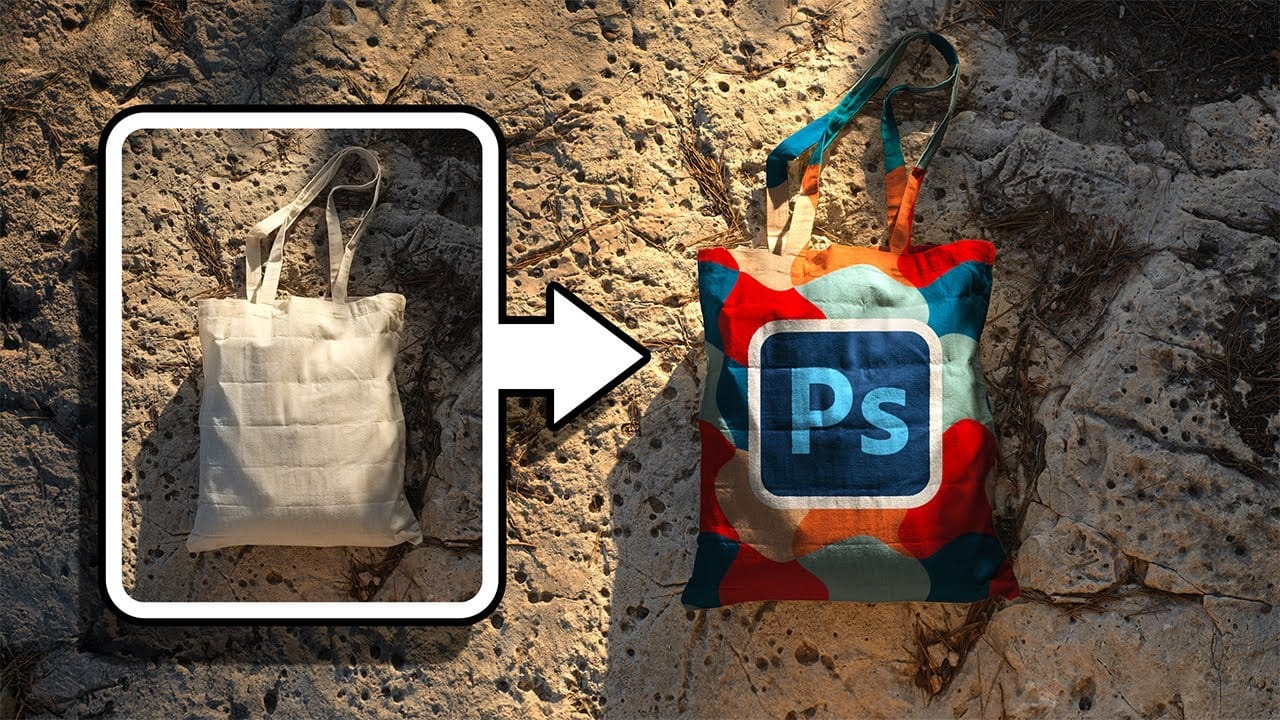
Creating convincing product mockups requires more than simply placing a design onto a template. Real fabric surfaces have subtle color variations, texture bumps, and complex lighting that affect how printed designs actually appear. This comprehensive tutorial demonstrates professional techniques for building realistic mockups from scratch. You'll learn to Read the full article here: How to […]
Read more: How to Create Realistic Design Mockups in Photoshop
Hair Selection in Photoshop: Modern AI Tools vs Traditional Techniques

Hair Selection in Photoshop: Modern AI Tools vs Traditional Techniques

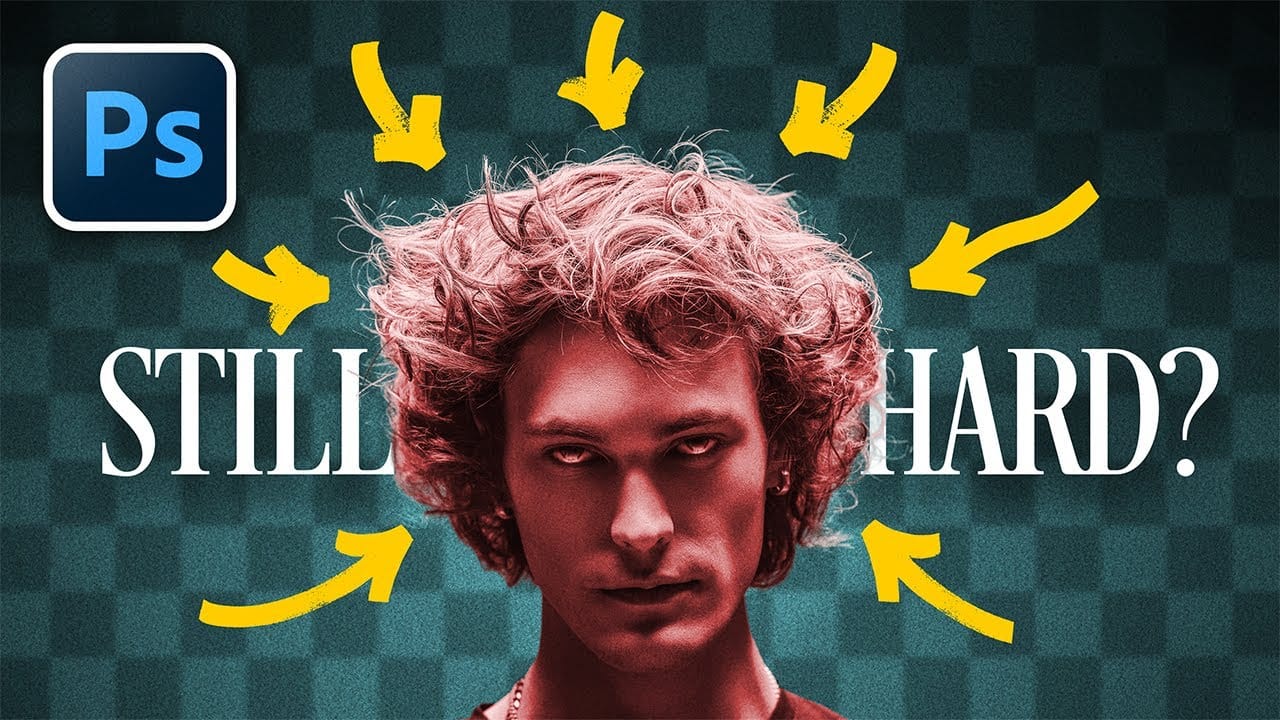
Hair selection remains one of Photoshop's most challenging tasks, even with AI-powered tools. The new Select Subject feature with cloud processing offers impressive results, but often sacrifices fine hair details that make selections look natural. This comprehensive comparison reveals when to use modern AI tools versus traditional channel-based Read the full article here: Hair Selection […]

Read more: Hair Selection in Photoshop: Modern AI Tools vs Traditional Techniques
How to Smooth Pixelated Selection Edges in Photoshop

How to Smooth Pixelated Selection Edges in Photoshop

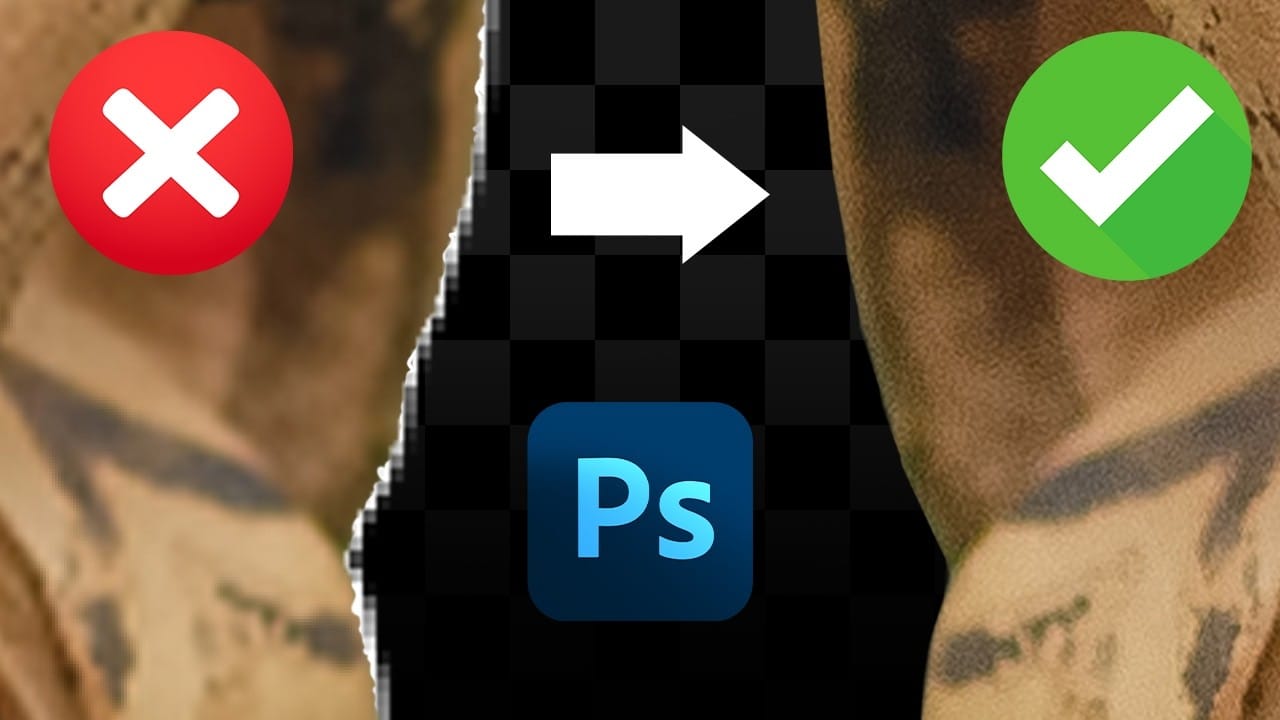
Automatic selections in Photoshop often create jagged, pixelated edges that look unprofessional when zoomed in. These blocky borders can ruin an otherwise perfect cutout, making your work appear amateurish regardless of how carefully you made the initial selection. Three simple sliders in Photoshop's Select and Mask workspace can Read the full article here: How to […]
Read more: How to Smooth Pixelated Selection Edges in Photoshop
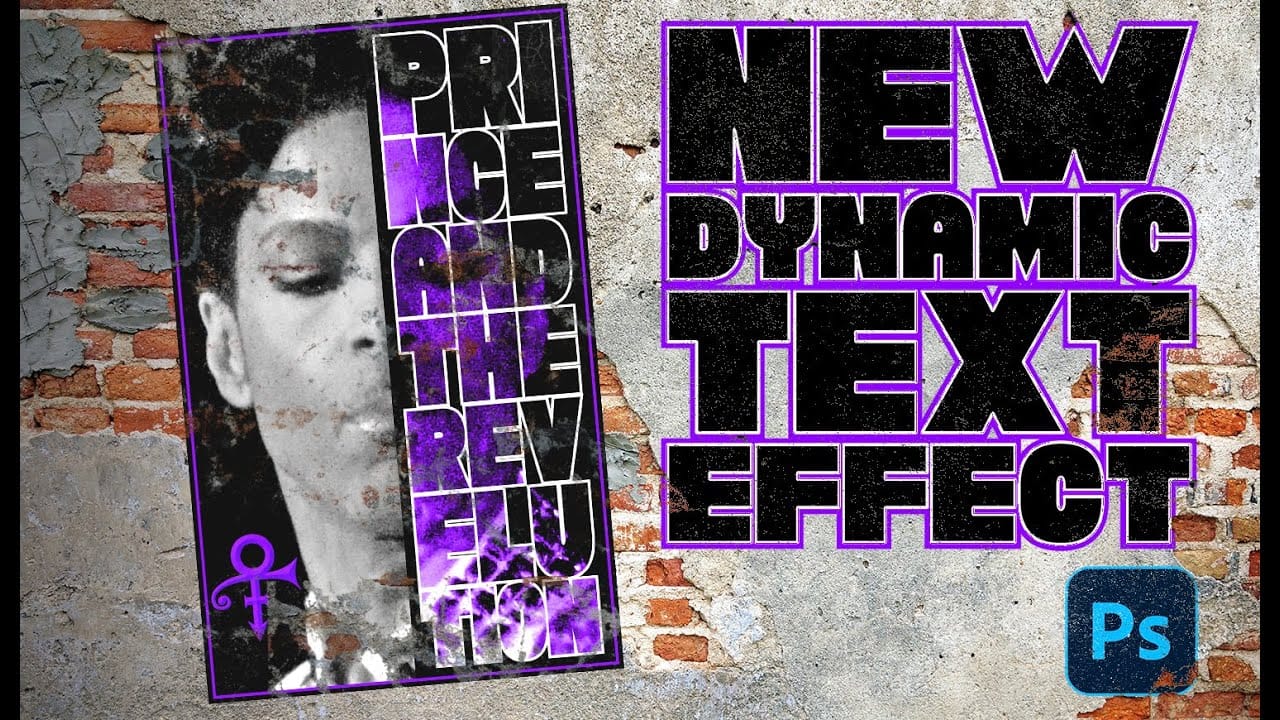
Create a Prince Poster Using Photoshop's Dynamic Text Feature

Create a Prince Poster Using Photoshop's Dynamic Text Feature

Prince's legendary status in music history deserves artwork that matches his iconic presence. Dynamic text in Photoshop offers a powerful way to create professional-looking posters that automatically adjust typography to fit perfectly within defined spaces, eliminating the tedious manual alignment process. This technique transforms ordinary text layouts into Read the full article here: Create a […]

Read more: Create a Prince Poster Using Photoshop's Dynamic Text Feature
How to Use Photoshop's New Harmonize Feature to Blend Images Automatically

How to Use Photoshop's New Harmonize Feature to Blend Images Automatically

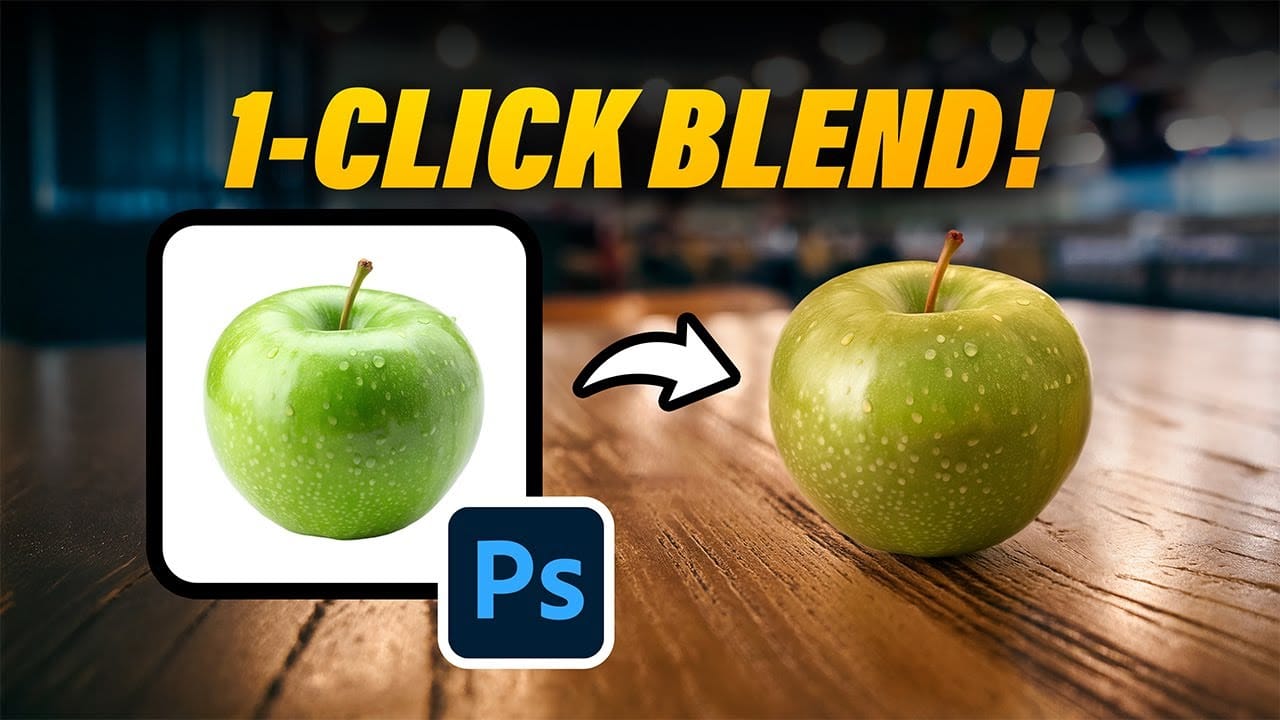
Photoshop's latest AI feature promises to solve one of compositing's biggest challenges: making cut-out objects look naturally integrated into new backgrounds. The new Harmonize tool automatically matches lighting, creates shadows, and adds reflections with a single click. This breakthrough technology eliminates hours of manual work that Read the full article here: How to Use Photoshop's […]

Read more: How to Use Photoshop's New Harmonize Feature to Blend Images Automatically
Photoshop Roadmap Weekly #17

Photoshop Roadmap Weekly #17

Welcome back, and thanks to all the new subscribers who joined us this week—great to have you here. This is the 17th issue of Photoshop Roadmap Weekly — a curated mix of standout Photoshop tutorials, premium creative assets, and a touch of inspiration from the world of digital design and Read the full article here: […]

Read more: Photoshop Roadmap Weekly #17