Schenectady Photographic Society

Menu

remove background

On-device Select subject in Photoshop, improved ai selections without the cloud

On-device Select subject in Photoshop, improved ai selections without the cloud

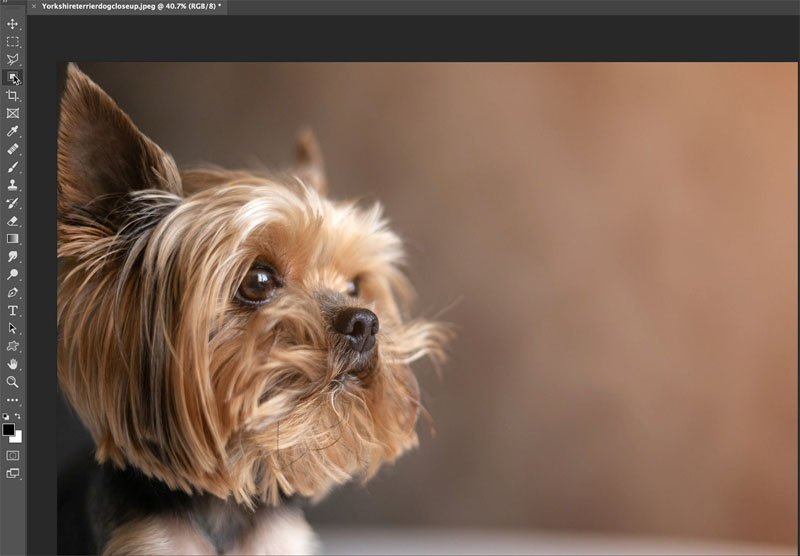
Excellent auto selections in Photoshop, right on your device Five months ago, Adobe made some huge improvements to their auto selections in Photoshop. Select subject and remove background got a new algorithm, but only for cloud-based processing. This means your photo is (invisibly, behind the scenes) uploaded to the Adobe cloud and processed (this has […]


Read more: On-device Select subject in Photoshop, improved ai selections without the cloud
How to use Select and Mask in Photoshop. Refine edges on every cutout

How to use Select and Mask in Photoshop. Refine edges on every cutout

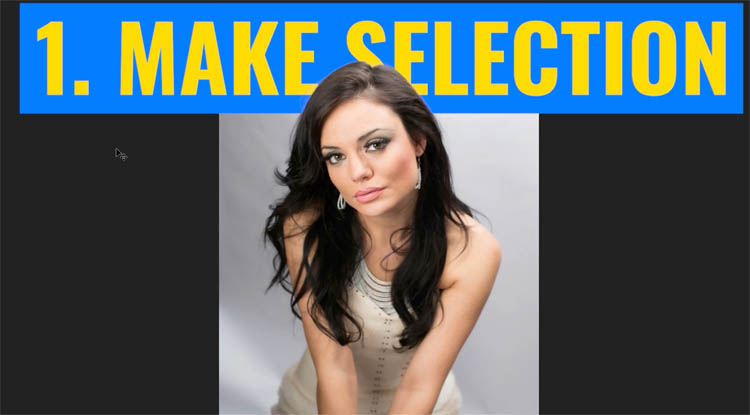
Free Photoshop tutorial. Ultimate guide to select and mask in Photoshop part 1 Hair and Fur When you make selections to cut out images, often you will have problems with the edges. You’ll see halos, jaggies, blockies, smudgies and other problems. (I just coined the phrases Smudgies and blockies, you’ll know them when you see […]

Read more: How to use Select and Mask in Photoshop. Refine edges on every cutout
Photoshop refine Mask Tricks in 2022

Photoshop refine Mask Tricks in 2022

  Making a selection in Photoshop with Color Range This is the starting image, of course, you will be using the images you are working on. If you already have a selection, skip to the mask tricks in step 2. To make a selection of the sky area, choose Selection>Color Range. (Remove background with Photoshop […]

Read more: Photoshop refine Mask Tricks in 2022