Schenectady Photographic Society

Menu

rss-feed

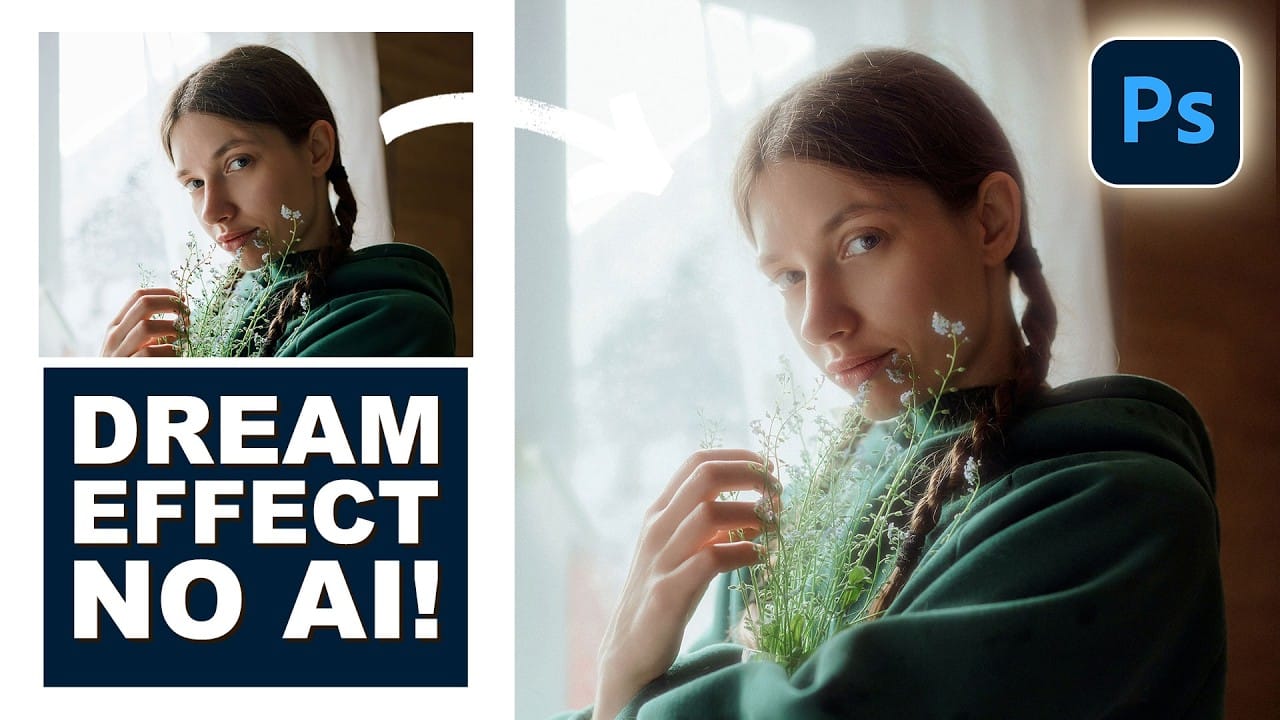
How to Build a Soft Highlight Glow Effect Manually in Photoshop

How to Build a Soft Highlight Glow Effect Manually in Photoshop

A soft light bloom adds depth and atmosphere to portraits and nature shots without making them look over-processed. This technique isolates the actual highlight information from your photo, blurs it across multiple layers, and finishes with color grading and grain — all built manually using standard Photoshop tools. Watch the Read the full article here: […]

Read more: How to Build a Soft Highlight Glow Effect Manually in Photoshop
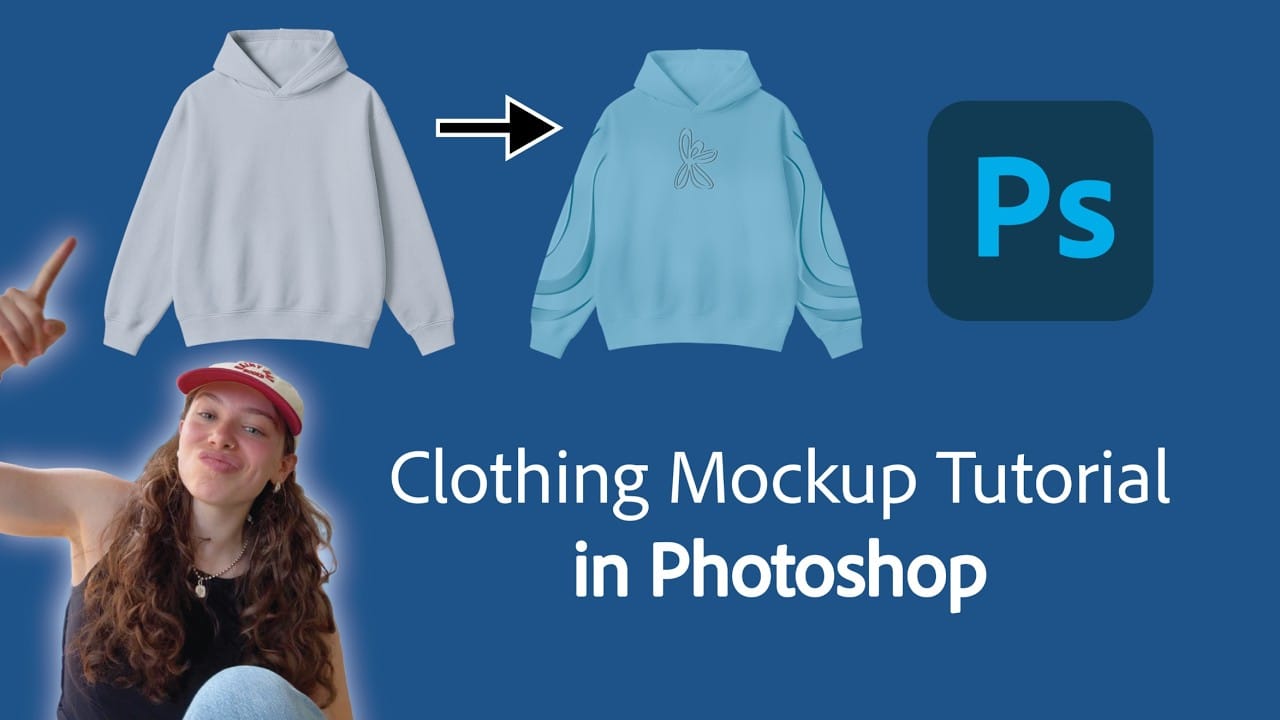
How to Build a Realistic Hoodie Mockup in Photoshop with Color Changes, Embossing, and Embroidery

How to Build a Realistic Hoodie Mockup in Photoshop with Color Changes, Embossing, and Embroidery

Building a hoodie mockup from a plain stock photo takes more than placing a graphic on top. This tutorial covers the full workflow: isolating and cleaning the garment, recoloring it with a gradient map, placing graphics with realistic shadow overlap, and finishing with embossed puff print and embroidery layer effects. Read the full article here: […]

Read more: How to Build a Realistic Hoodie Mockup in Photoshop with Color Changes, Embossing, and Embroidery
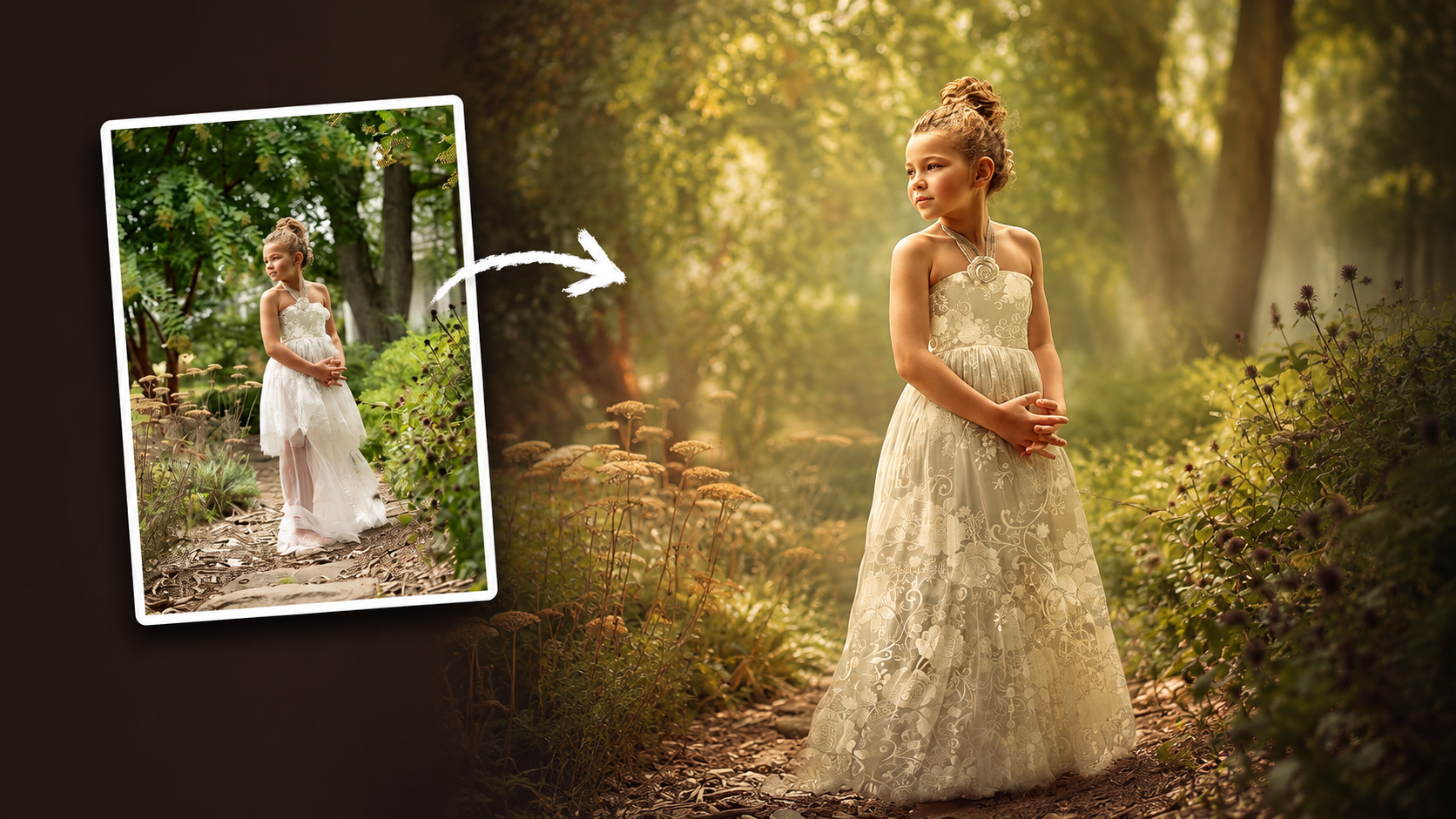
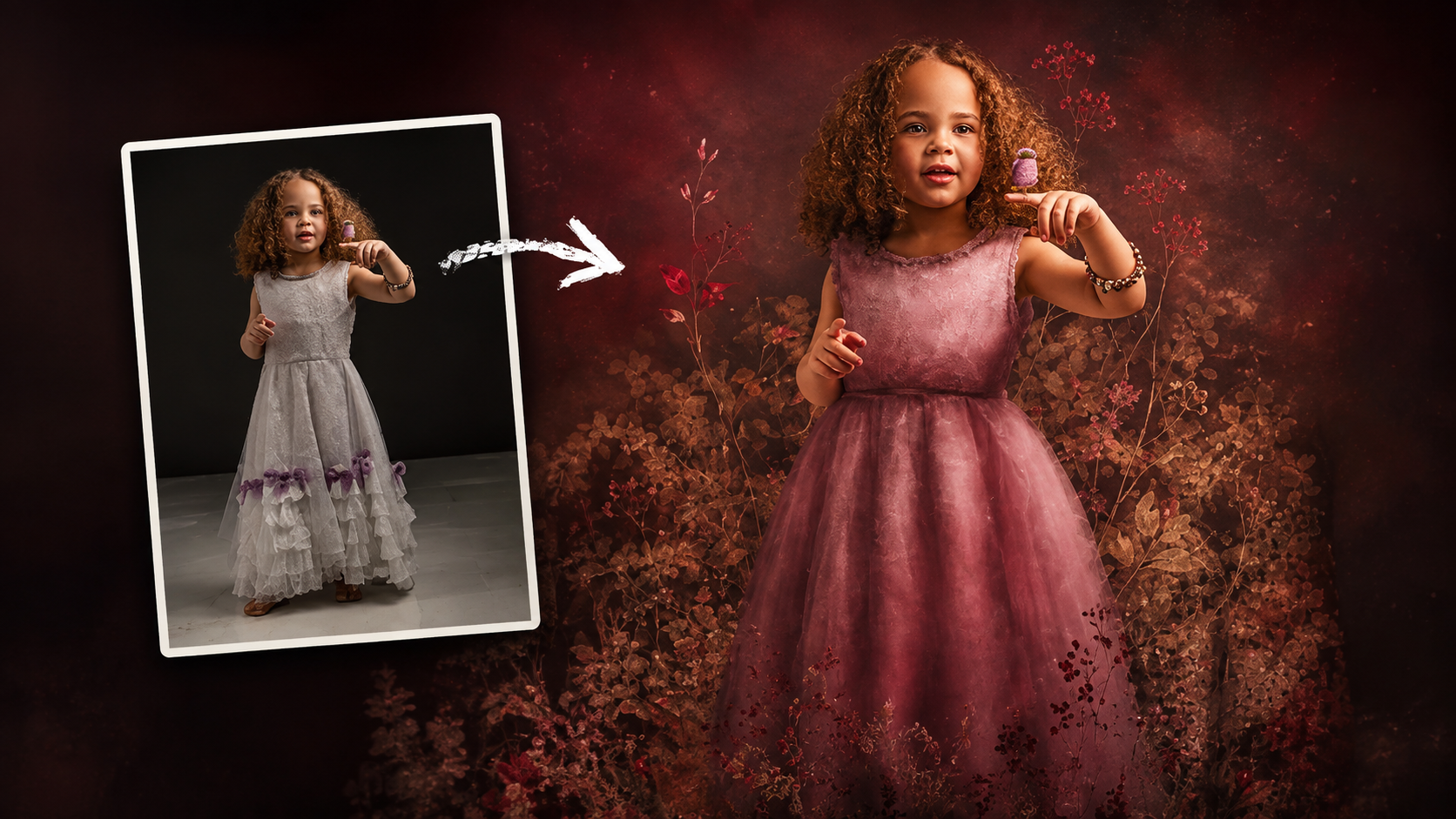
How to Use Floral Appliqué PNGs to Create Fine Art Portraits in Photoshop

How to Use Floral Appliqué PNGs to Create Fine Art Portraits in Photoshop

High-resolution floral appliqué PNGs on transparent layers open up a straightforward path to fine art portrait compositing. By combining them with subject cutouts, blend modes, clipped adjustment layers, and foliage brushes, a standard photograph can take on the depth and texture of a painted piece. Watch the Video Practical Read the full article here: How […]

Read more: How to Use Floral Appliqué PNGs to Create Fine Art Portraits in Photoshop