Schenectady Photographic Society

Menu

rss-feed

Complete Photoshop Basics Tutorial: Interface, Tools, and Essential Skills for Beginners

Complete Photoshop Basics Tutorial: Interface, Tools, and Essential Skills for Beginners

Opening Photoshop for the first time can feel overwhelming. The countless tools, panels, and menus create confusion that keeps many beginners from exploring the software's potential. This comprehensive tutorial breaks down Photoshop into manageable concepts, covering everything from basic installation to advanced workspace navigation. You'll learn Read the full article here: Complete Photoshop Basics Tutorial: […]

Read more: Complete Photoshop Basics Tutorial: Interface, Tools, and Essential Skills for Beginners
How to Replace Objects Using Reference Images in Photoshop Generative Fill

How to Replace Objects Using Reference Images in Photoshop Generative Fill

Reference images transform Generative Fill from a text-based tool into a precise visual command system. Instead of describing what you want, you show the AI exactly which object to create, leading to more accurate and predictable results. This technique works by combining traditional selection tools with the new reference image Read the full article here: […]

Read more: How to Replace Objects Using Reference Images in Photoshop Generative Fill
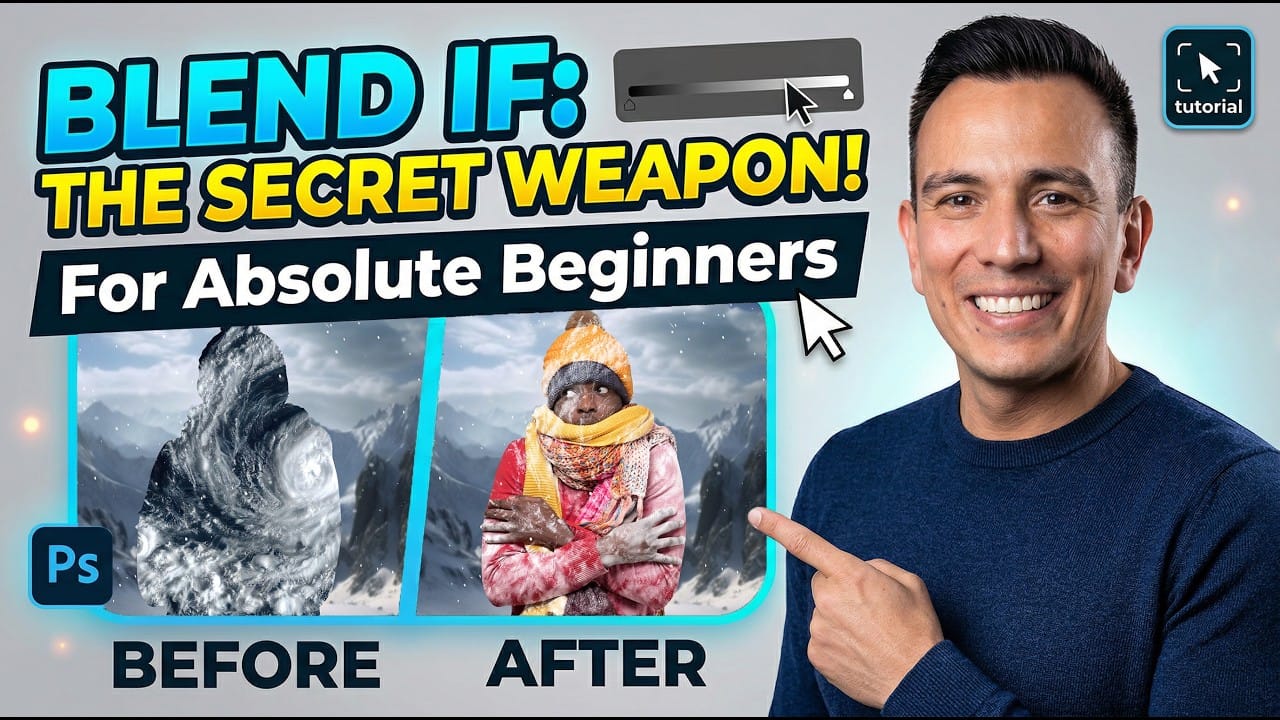
How to Use Blend If Sliders for Pixel-Perfect Transparency in Photoshop

How to Use Blend If Sliders for Pixel-Perfect Transparency in Photoshop

Blend If sliders control transparency based on brightness levels, making complex selections unnecessary. Understanding how these two simple sliders work with RGB channels opens up precise compositing possibilities that would otherwise require multiple masks and selections. The technique works by targeting specific brightness ranges from 0 to 255, allowing you Read the full article here: […]

Read more: How to Use Blend If Sliders for Pixel-Perfect Transparency in Photoshop
How to Create a Double Exposure Effect in Photoshop Using Screen Blend Mode

How to Create a Double Exposure Effect in Photoshop Using Screen Blend Mode

Double exposure effects transform ordinary portraits into striking artistic compositions by blending two images seamlessly. This technique works best with high-contrast images—silhouettes against bright backgrounds paired with nature scenes or textures. The key to successful double exposures lies in the contrast between light and dark areas. When you combine Read the full article here: How […]

Read more: How to Create a Double Exposure Effect in Photoshop Using Screen Blend Mode
How to Create a 3D Pop-Out Effect in Photoshop

How to Create a 3D Pop-Out Effect in Photoshop

The 3D pop-out effect creates the illusion that objects are breaking through and extending beyond their original boundaries. This technique transforms flat images into dynamic compositions where subjects appear to leap out of screens, frames, or backgrounds. The method relies on precise selections, layer masking, and strategic positioning to achieve Read the full article here: […]

Read more: How to Create a 3D Pop-Out Effect in Photoshop
How to Create a Steel Engraving Effect from Photos in Photoshop

How to Create a Steel Engraving Effect from Photos in Photoshop

Steel engravings were a traditional printmaking technique that created intricate illustrations with fine lines and rich tonal variation. This effect transforms ordinary photographs into artwork that mimics the detailed crosshatching and precise lines characteristic of vintage engravings found in old books and currency. The technique combines strategic filter combinations with Read the full article here: […]

Read more: How to Create a Steel Engraving Effect from Photos in Photoshop