Schenectady Photographic Society

Menu

rss-feed

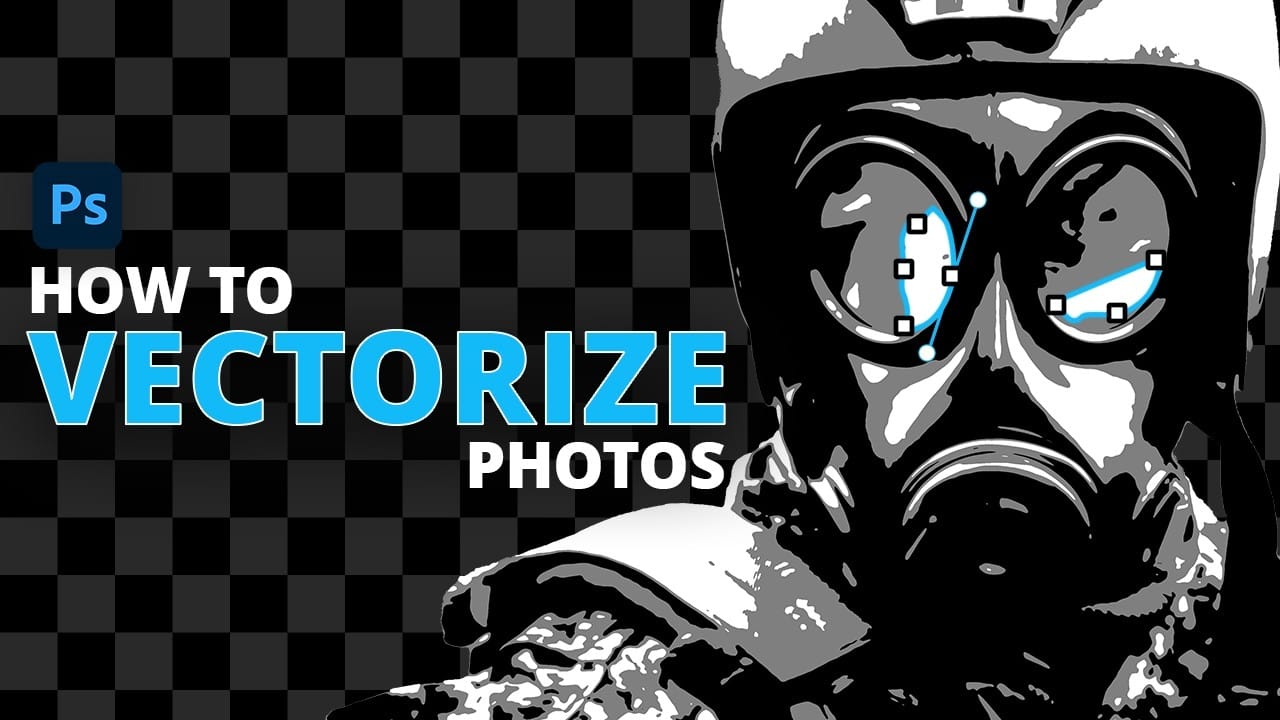
How to Convert Raster Images to Vector Paths in Photoshop

How to Convert Raster Images to Vector Paths in Photoshop

Converting photographs into scalable vector graphics opens up endless possibilities for logos, stencils, and graphic design projects. This workflow transforms any raster image into clean vector paths that maintain crisp edges at any size, perfect for everything from business cards to billboard designs. The process combines strategic image preparation with Read the full article here: […]
Read more: How to Convert Raster Images to Vector Paths in Photoshop
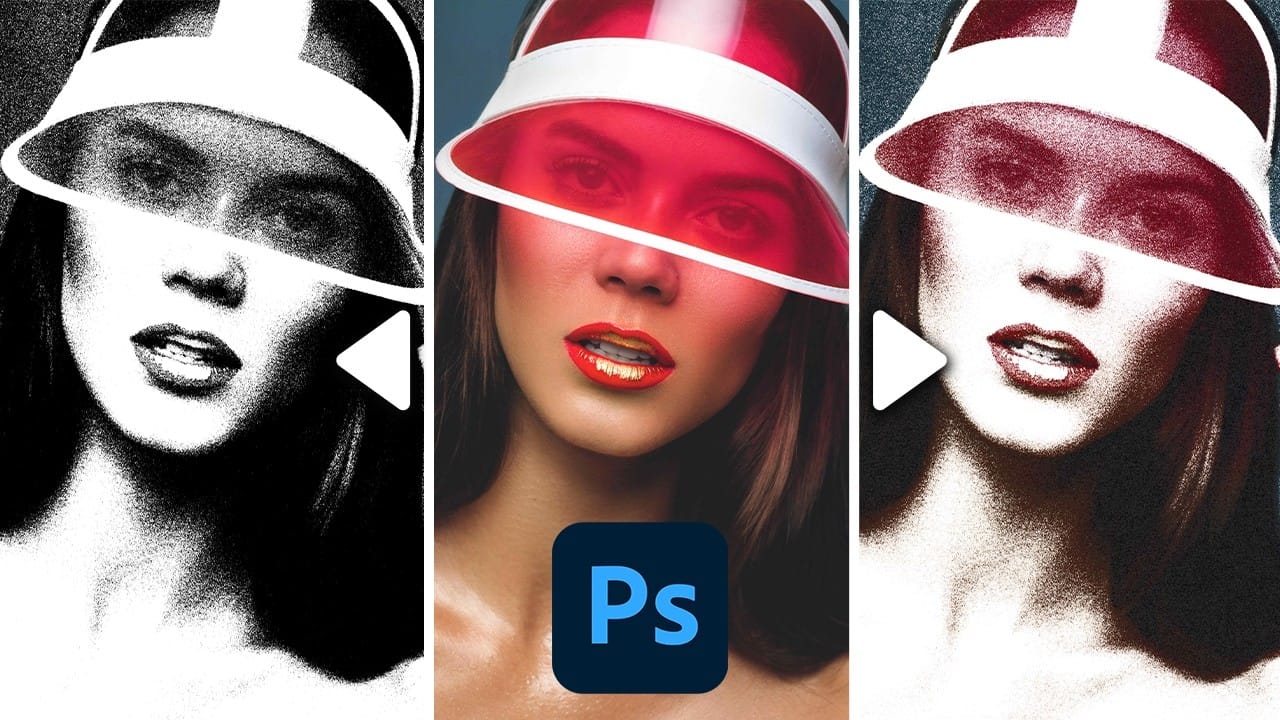
Create a Grainy Threshold Effect in Photoshop

Create a Grainy Threshold Effect in Photoshop

The threshold effect transforms photos into bold black-and-white graphics, but harsh edges can make results look digital and flat. Adding grain before applying threshold adjustments creates smoother transitions and authentic vintage texture that mimics classic print aesthetics. This technique combines smart objects, Camera Raw grain, and threshold adjustments to build Read the full article here: […]

Read more: Create a Grainy Threshold Effect in Photoshop
27 Retro Photoshop Effects to Fix Your Painfully Boring Designs

27 Retro Photoshop Effects to Fix Your Painfully Boring Designs

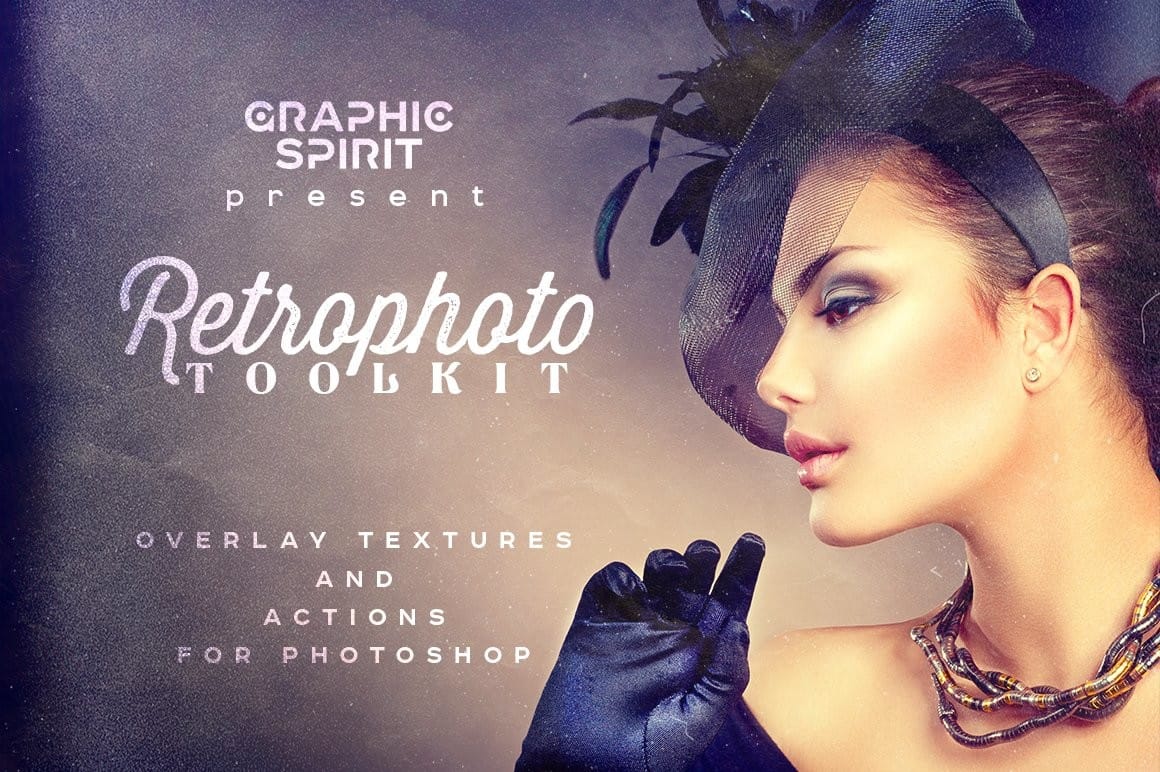
At some point, most designs start to feel a little too familiar. Clean layouts, safe color choices, the same effects over and over… everything works, but nothing really stands out. It’s not bad design—it’s just predictable. And that’s usually when things start to feel, well… a Read the full article here: 27 Retro Photoshop Effects […]

Read more: 27 Retro Photoshop Effects to Fix Your Painfully Boring Designs
Film Burn & Grain Overlay Effect

Film Burn & Grain Overlay Effect

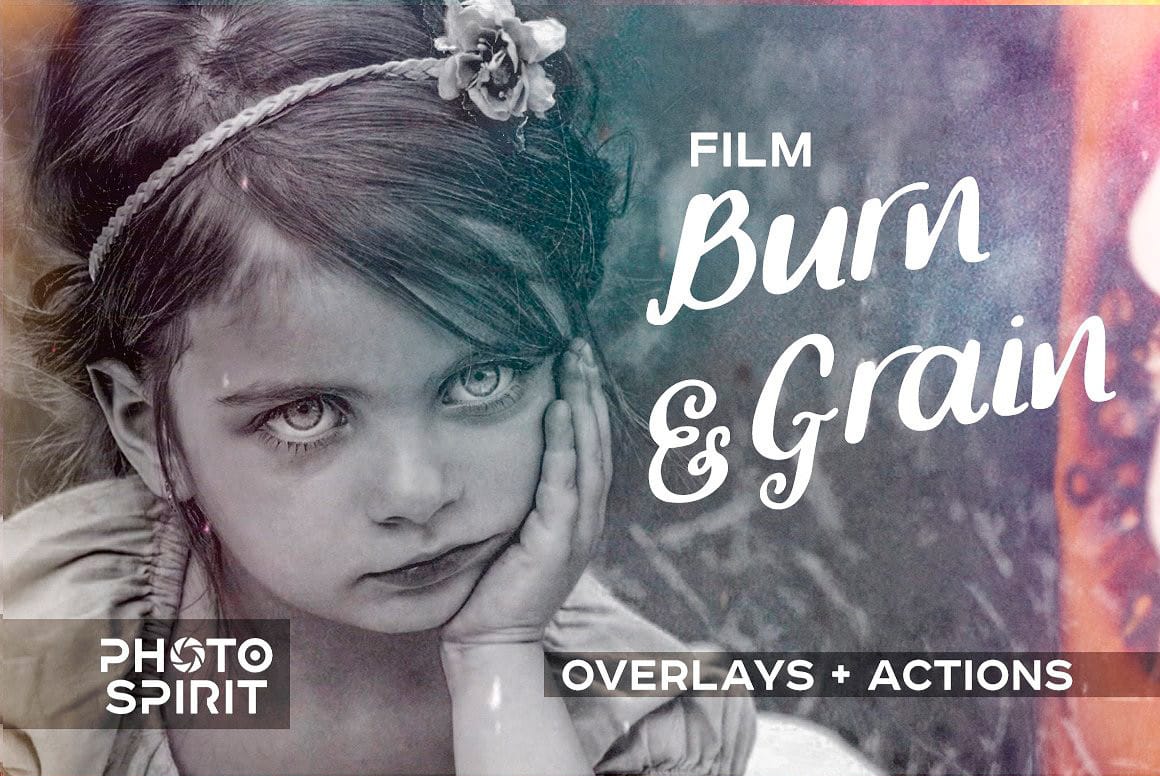
This collection includes 52 film burn and grain overlays designed to give your photos a more natural, analog feel. The overlays add light leaks, subtle grain, and soft imperfections that can bring warmth and mood to your images. They work well on both color and black and white photos, whether Read the full article here: […]

Read more: Film Burn & Grain Overlay Effect
Glitch Studio Photo Effect Bundle

Glitch Studio Photo Effect Bundle

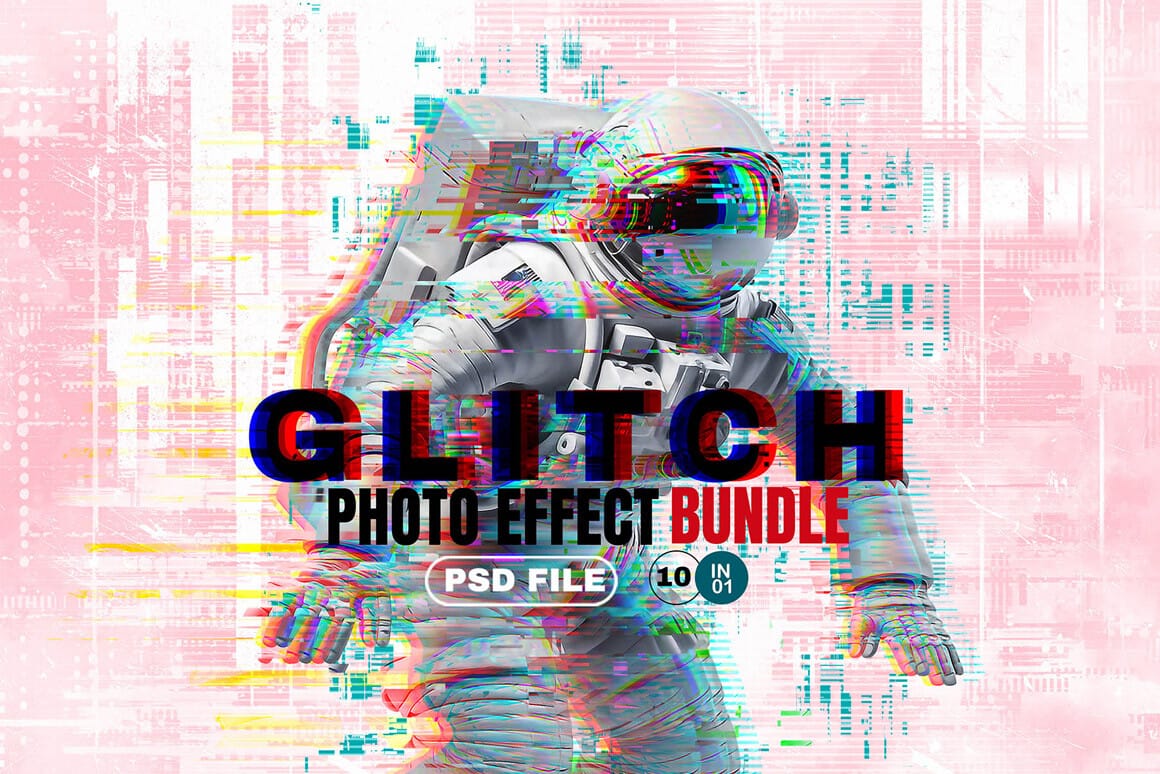
The Glitch Studio Photo Effect Bundle is a set of photo effects designed to give your images a subtle or more pronounced digital glitch look. It includes a mix of distortion styles, grain, and engraved textures that can add depth and a slightly raw, modern feel to your work. You Read the full article here: […]

Read more: Glitch Studio Photo Effect Bundle
How to Create a Retro-Futuristic Poster in Photoshop

How to Create a Retro-Futuristic Poster in Photoshop

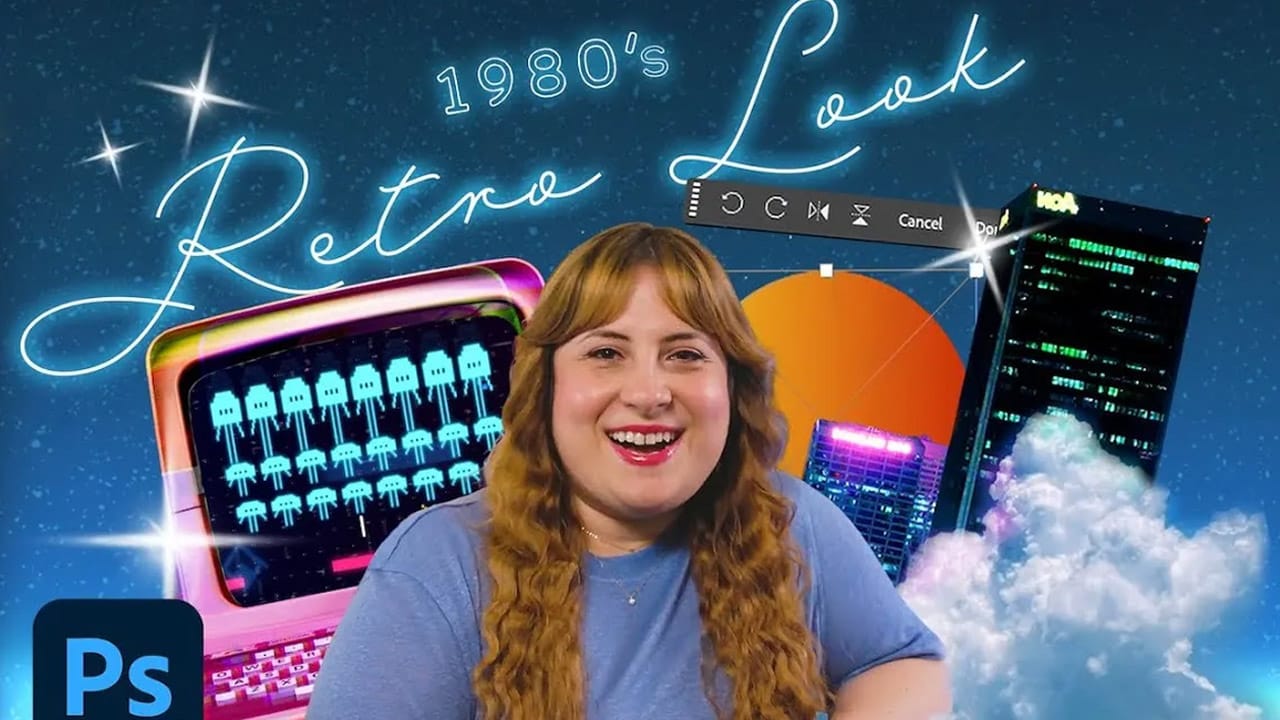
The 1980s retro-futuristic aesthetic combines electric colors, neon glows, and surreal imagery to create designs that feel both nostalgic and forward-looking. This style captures the era's vision of the future through bold cyan and magenta palettes, dreamy atmospheric effects, and dramatic lighting. Join Adobe's Gabriella as Read the full article here: How to Create a […]

Read more: How to Create a Retro-Futuristic Poster in Photoshop
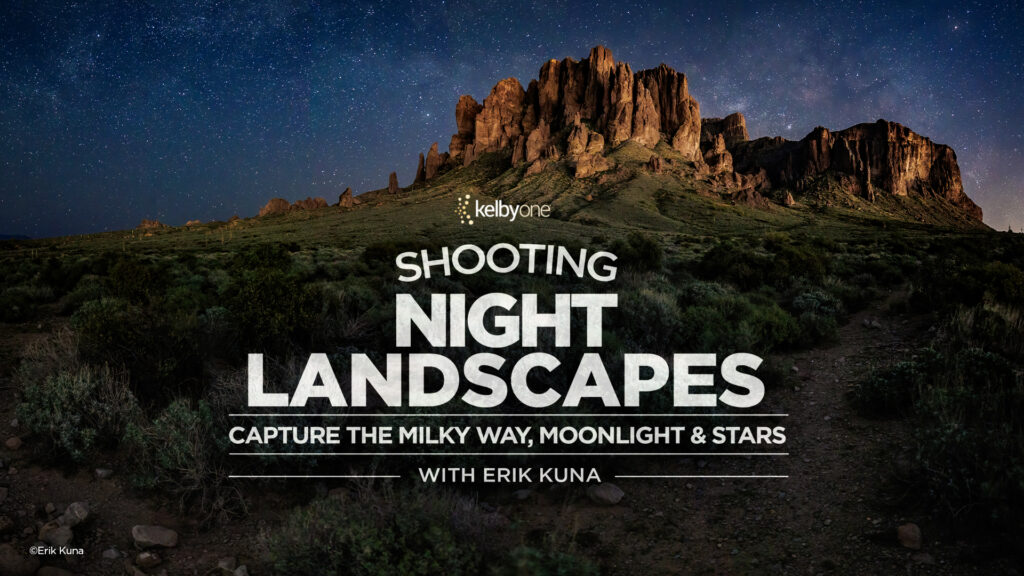
Stunning Night Landscapes: Capture the Milky Way, Moonlight & Stars with Erik Kuna

Stunning Night Landscapes: Capture the Milky Way, Moonlight & Stars with Erik Kuna

Shooting at night can feel intimidating—especially when you’re trying to capture something as complex as the Milky Way. But once you understand the process, it becomes surprisingly approachable. In Erik’s latest class, you’ll learn a simple, repeatable way to shoot night landscapes with confidence. From capturing the Milky Way to using moonlight to illuminate your […]

Read more: Stunning Night Landscapes: Capture the Milky Way, Moonlight & Stars with Erik Kuna