Schenectady Photographic Society

Menu

rss-feed

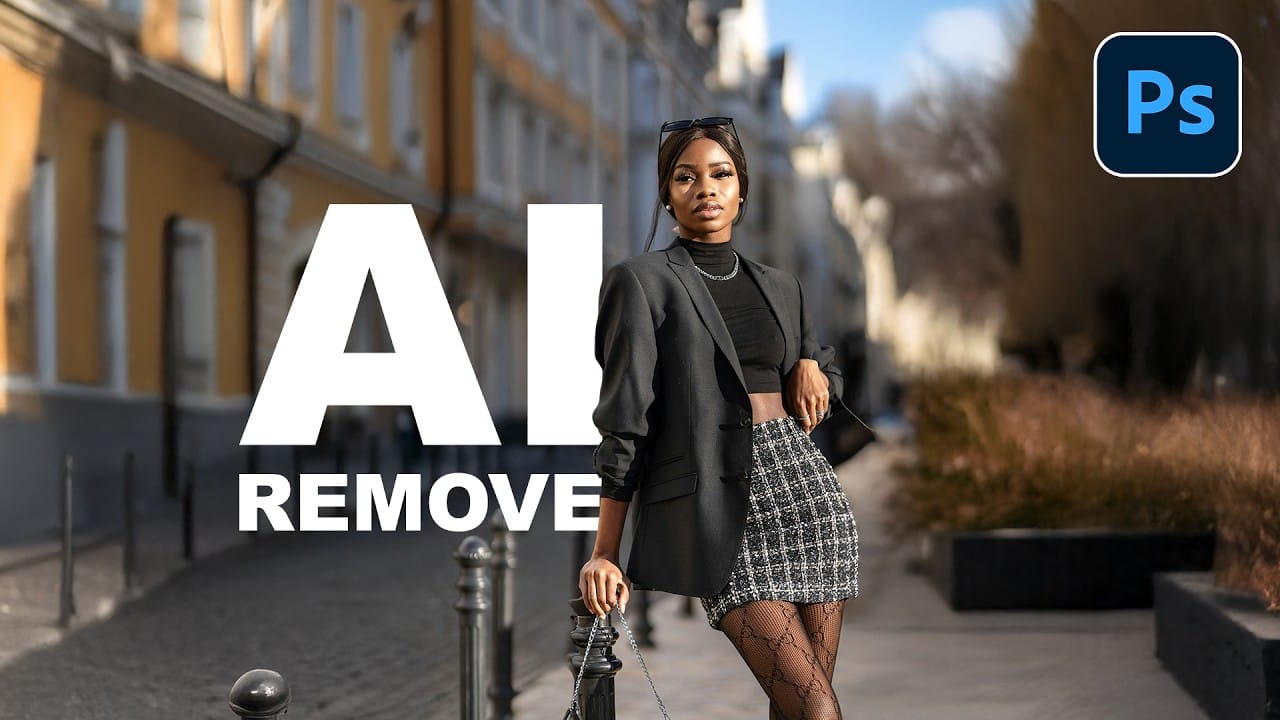
How to Use AI Masking in Adobe Camera Raw for Professional Photo Editing

How to Use AI Masking in Adobe Camera Raw for Professional Photo Editing

Adobe Camera Raw's AI masking tools automatically detect subjects, backgrounds, skies, and landscapes, letting you make precise adjustments to specific areas of your photos. These intelligent masks eliminate the need for manual selection work, while allowing you to combine and refine them for complete creative control. The technique Read the full article here: How to […]
Read more: How to Use AI Masking in Adobe Camera Raw for Professional Photo Editing
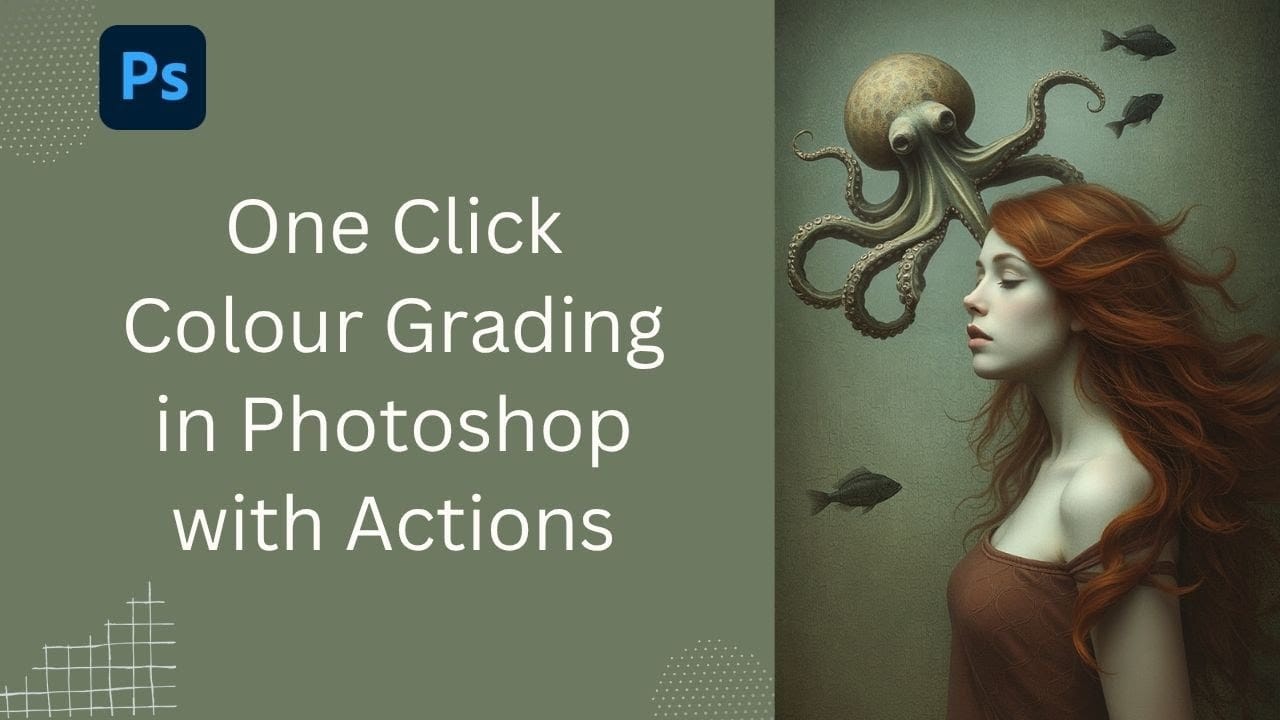
How to Remove Objects from Photos Using AI Tools in Photoshop

How to Remove Objects from Photos Using AI Tools in Photoshop

Photoshop's AI-powered object removal tools can eliminate unwanted distractions from your photos with minimal effort. The Remove Tool and Generative Fill feature automated detection for common distractions like people and wires, plus manual painting options for custom removals. These tools work on separate layers, preserving your original image Read the full article here: How to […]
Read more: How to Remove Objects from Photos Using AI Tools in Photoshop
Speed Up Your Color Grading Workflow with Photoshop Actions

Speed Up Your Color Grading Workflow with Photoshop Actions

Color grading can transform your images, but manually adjusting curves and levels for every photo takes time. Photoshop actions offer a faster approach by applying professional color treatments with a single click. This workflow uses pre-built actions, tints, and LUTs to achieve various moods and styles instantly, letting you layer Read the full article here: […]

Read more: Speed Up Your Color Grading Workflow with Photoshop Actions
7 Essential Tips for Speed Painting in Digital Art

7 Essential Tips for Speed Painting in Digital Art

Speed painting isn't just about working faster—it's about eliminating friction from your creative process. These seven techniques help you get ideas onto canvas quickly without getting bogged down in unnecessary decisions or premature details. Whether you're exploring concepts for professional work or personal Read the full article here: 7 Essential Tips for Speed Painting in […]

Read more: 7 Essential Tips for Speed Painting in Digital Art
Professional Color Grading Techniques in Photoshop

Professional Color Grading Techniques in Photoshop

Color grading transforms ordinary photos into compelling images with professional mood and atmosphere. These non-destructive techniques let you adjust tones, enhance specific colors, and create cinematic looks while preserving your original image data. Master these four essential color grading methods to develop a consistent editing workflow that elevates your photography. Read the full article here: […]

Read more: Professional Color Grading Techniques in Photoshop
How to Save Cut-Out Elements with Transparent Backgrounds in Photoshop

How to Save Cut-Out Elements with Transparent Backgrounds in Photoshop

Creating seamless photo composites requires properly saving cut-out elements with transparent backgrounds. Whether you're extracting people, objects, or other elements for later use, the file format you choose determines how easily you can place these elements into new scenes. Two main approaches work best: saving as PSD files Read the full article here: How to […]
Read more: How to Save Cut-Out Elements with Transparent Backgrounds in Photoshop
How to Create Product Mockups Using New Generative Fill Partner Models in Photoshop

How to Create Product Mockups Using New Generative Fill Partner Models in Photoshop

Low-quality product photos from clients can make creating professional mockups challenging. With Photoshop's new Generative Fill partner models, you can transform rough sample images into polished product mockups in minutes rather than hours. This workflow demonstrates how Nano Banana and Flux Context Pro streamline the entire process from Read the full article here: How to […]
Read more: How to Create Product Mockups Using New Generative Fill Partner Models in Photoshop
How to Color Grade Without Oversaturating Skin Tones Using Camera Raw

How to Color Grade Without Oversaturating Skin Tones Using Camera Raw

Professional color grading often creates a dilemma: boosting vibrant colors while keeping skin tones natural. Traditional saturation adjustments can make portraits look overprocessed, turning skin an unflattering orange or magenta. This technique uses Camera Raw's masking tools to selectively enhance background colors while protecting skin tones, creating vibrant Read the full article here: How to […]
Read more: How to Color Grade Without Oversaturating Skin Tones Using Camera Raw