Schenectady Photographic Society

Menu

rss-feed

How to Use Gemini 2.5 Nano Banana AI in Photoshop 2026

How to Use Gemini 2.5 Nano Banana AI in Photoshop 2026

Photoshop 2026 introduces Gemini 2.5 Nano Banana, a powerful AI model that transforms how you edit images. This advanced tool maintains scene coherence while allowing dramatic changes to poses, backgrounds, and camera angles. The technology understands context and lighting, creating realistic results that feel naturally integrated into your original Read the full article here: How […]


Read more: How to Use Gemini 2.5 Nano Banana AI in Photoshop 2026
How to Access Adobe's Free Stock Photos in Photoshop and Create Photo Collages

How to Access Adobe's Free Stock Photos in Photoshop and Create Photo Collages

Adobe now includes thousands of free stock photos directly in Photoshop, making it easier than ever to find professional images for your projects. These royalty-free images work perfectly for creating dynamic photo collages without leaving the application. This tutorial covers three different methods to access these free stock images and Read the full article here: […]

Read more: How to Access Adobe's Free Stock Photos in Photoshop and Create Photo Collages
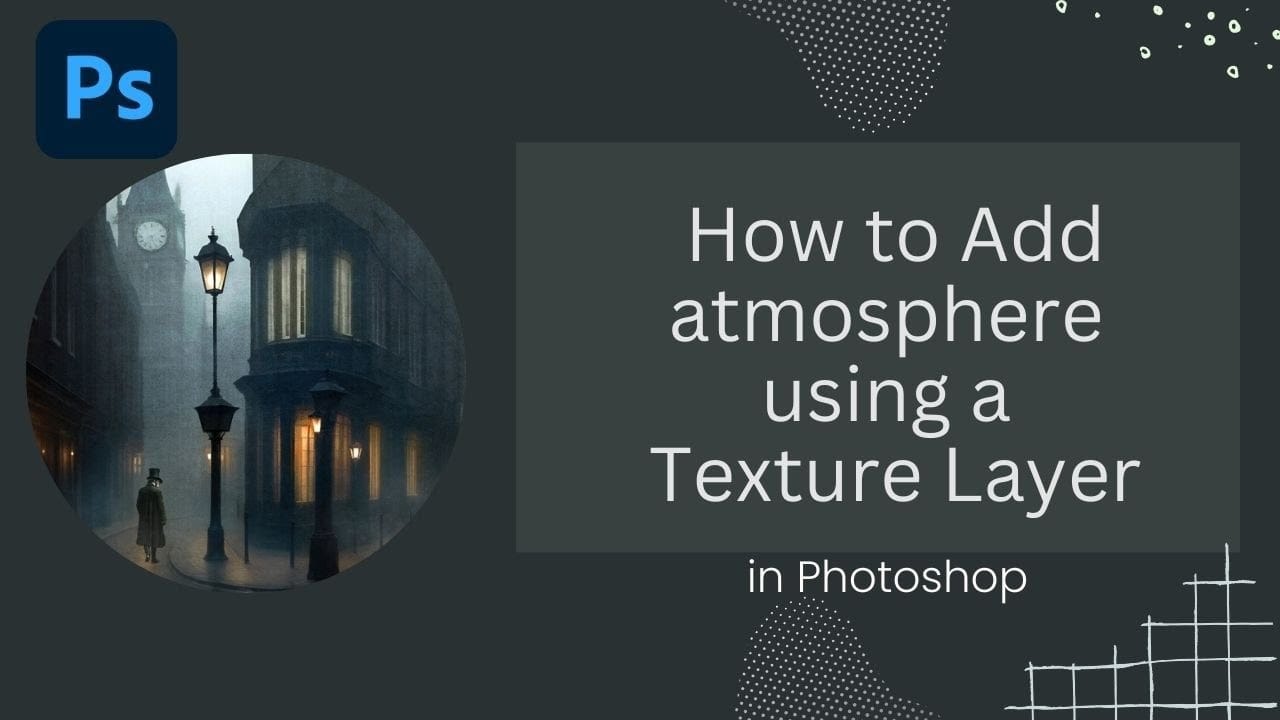
Adding Atmospheric Texture Layers in Photoshop for Moody Images

Adding Atmospheric Texture Layers in Photoshop for Moody Images

Victorian London emerges from fog-shrouded streets in classic Sherlock Holmes films, where every shadow tells a story and atmosphere becomes a character itself. The interplay of light, mist, and aged textures creates that unmistakable cinematic mood that draws viewers into another world. This video demonstrates how texture layers transform ordinary Read the full article here: […]

Read more: Adding Atmospheric Texture Layers in Photoshop for Moody Images
Master Layer Comps in Photoshop for Faster Design Workflow

Master Layer Comps in Photoshop for Faster Design Workflow

Design iterations can quickly spiral into chaos without proper version control. Layer Comps in Photoshop offers a powerful solution that most designers overlook, letting you save snapshots of your layer panel's visibility, position, and appearance at different stages of your project. This hidden feature transforms how you approach Read the full article here: Master Layer […]

Read more: Master Layer Comps in Photoshop for Faster Design Workflow
This Week on The Grid: Worldwide Photo Walk Winners Revealed + New Platypod Gear & Storytelling Secrets!

This Week on The Grid: Worldwide Photo Walk Winners Revealed + New Platypod Gear & Storytelling Secrets!

It was a big week on The Grid! Scott and Erik revealed the stunning winners of the 17th Annual Scott Kelby’s Worldwide Photo Walk, featuring some of the most creative and inspiring shots from photographers around the globe. They were also joined by Dr. Larry T. from Platypod, who unveiled two brand-new must-have tools for […]

Read more: This Week on The Grid: Worldwide Photo Walk Winners Revealed + New Platypod Gear & Storytelling Secrets!
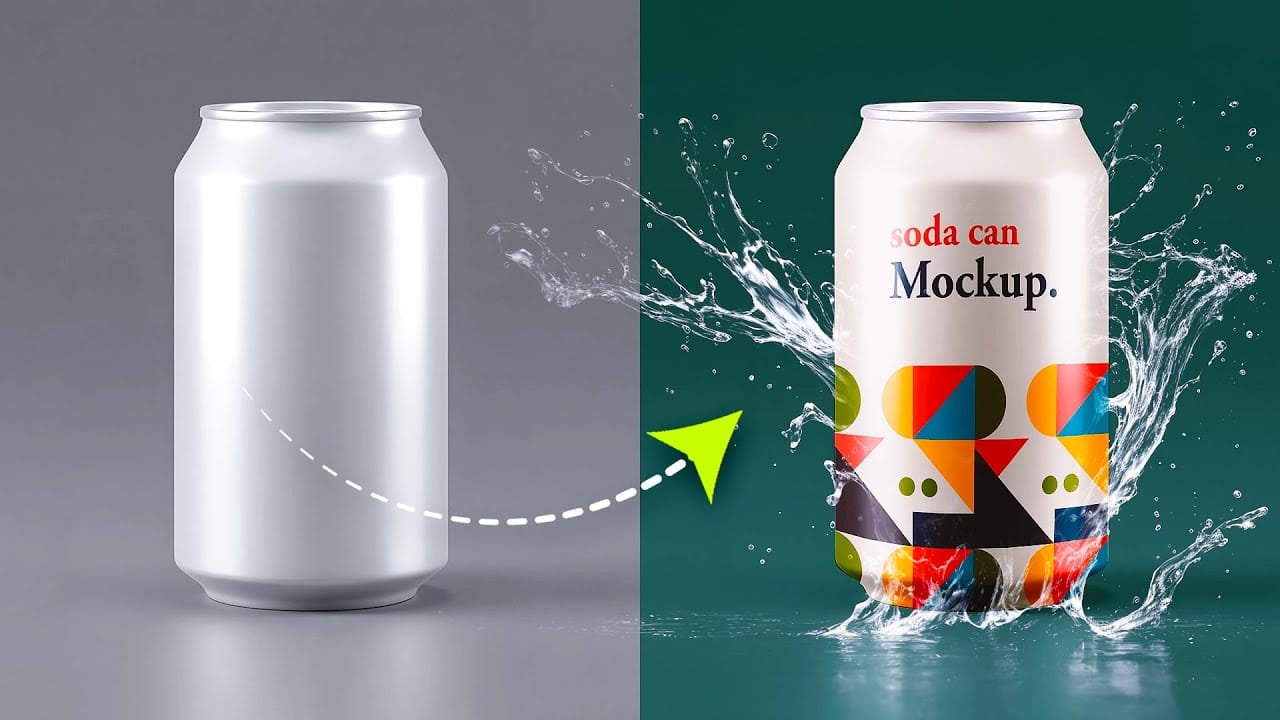
How to Create a Can Mockup in Photoshop Using Smart Objects and Masks

How to Create a Can Mockup in Photoshop Using Smart Objects and Masks

Professional can mockups transform flat designs into realistic product presentations that clients can instantly visualize. This technique combines precise measurement, smart object workflow, and blending modes to wrap your graphics seamlessly around curved surfaces. The process creates reusable templates that automatically apply proper perspective and lighting effects to any design Read the full article here: […]

Read more: How to Create a Can Mockup in Photoshop Using Smart Objects and Masks
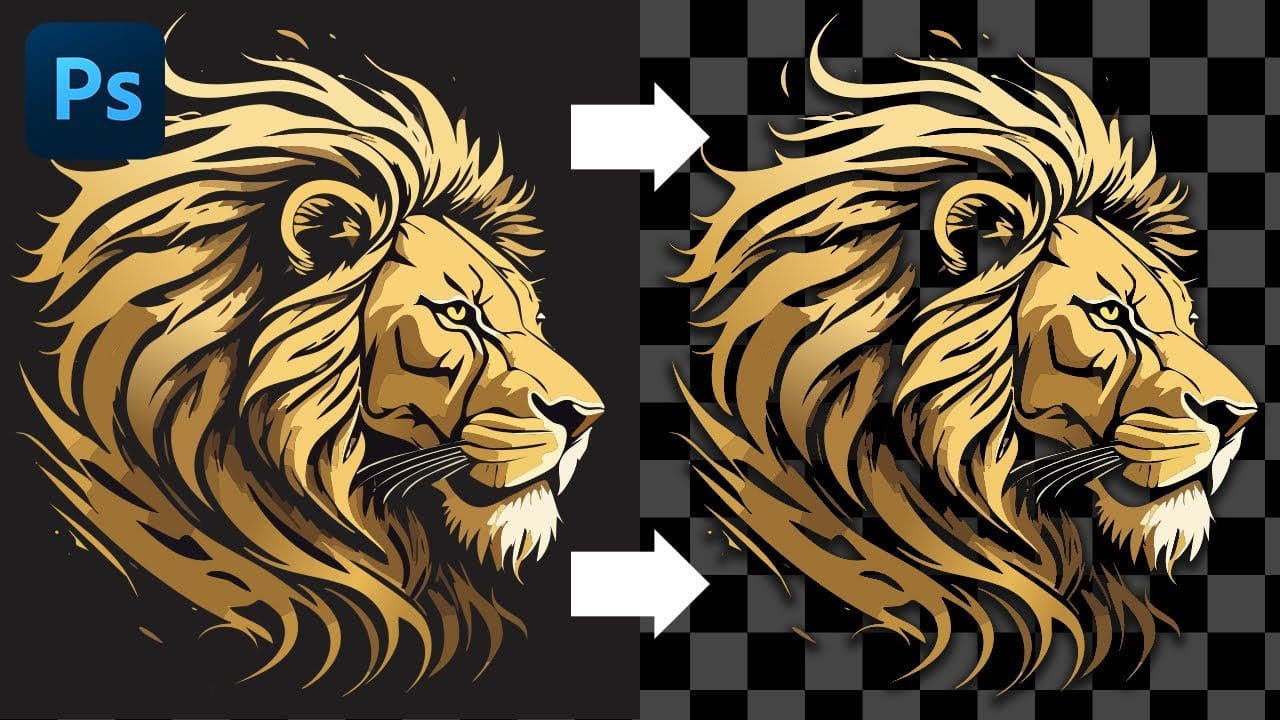
Cutting Out Complex AI Images Using Channel Masking in Photoshop

Cutting Out Complex AI Images Using Channel Masking in Photoshop

AI-generated images often contain intricate details that challenge standard background removal tools. When automatic selection methods fail to capture complex edges and fine details, manual techniques become essential. This technique demonstrates how to use channel masking to create precise selections that preserve every detail of your AI artwork. Watch the Read the full article here: […]

Read more: Cutting Out Complex AI Images Using Channel Masking in Photoshop