Schenectady Photographic Society

Menu

rss-feed

Haunting & Weird: 20 Free Fonts for Halloween and Gothic Designs

Haunting & Weird: 20 Free Fonts for Halloween and Gothic Designs

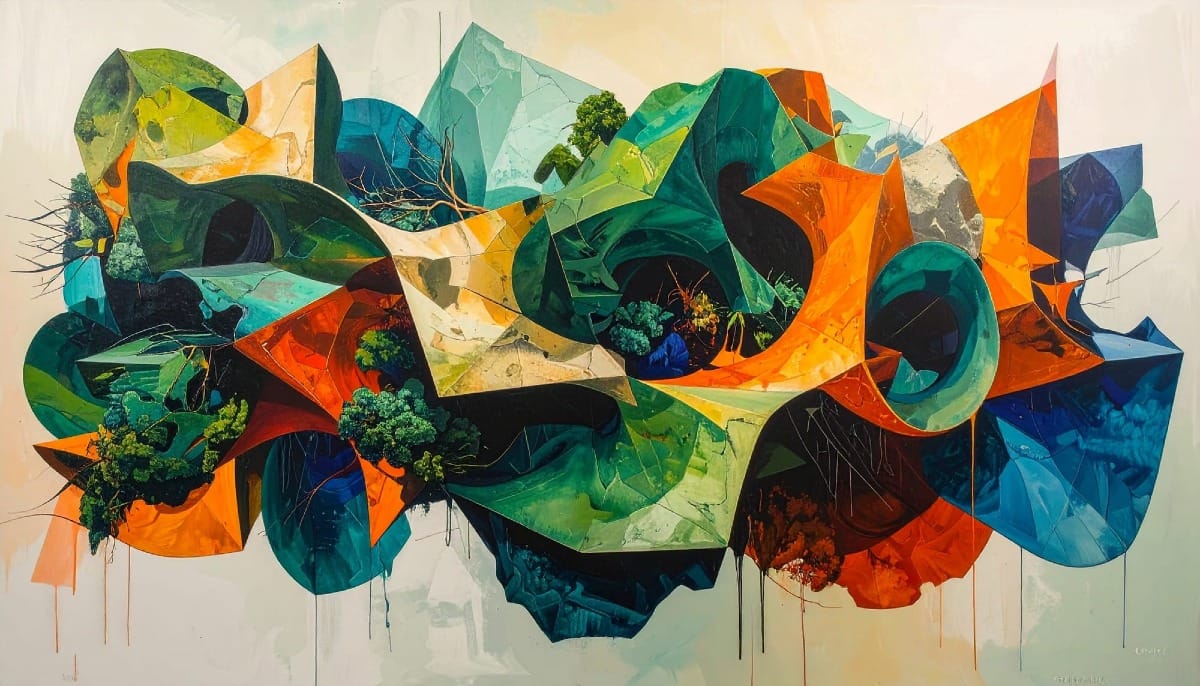
Haunting & Weird is a curated collection of 20 free fonts that celebrate the strange side of design. Blending eerie display styles with playful, characterful lettering, this selection captures the full spirit of Halloween — from creepy and dripping to odd and charming. It’s perfect for posters, invitations, packaging, and Read the full article here: […]
Read more: Haunting & Weird: 20 Free Fonts for Halloween and Gothic Designs
How to Create Textured Portrait Collages in Photoshop

How to Create Textured Portrait Collages in Photoshop

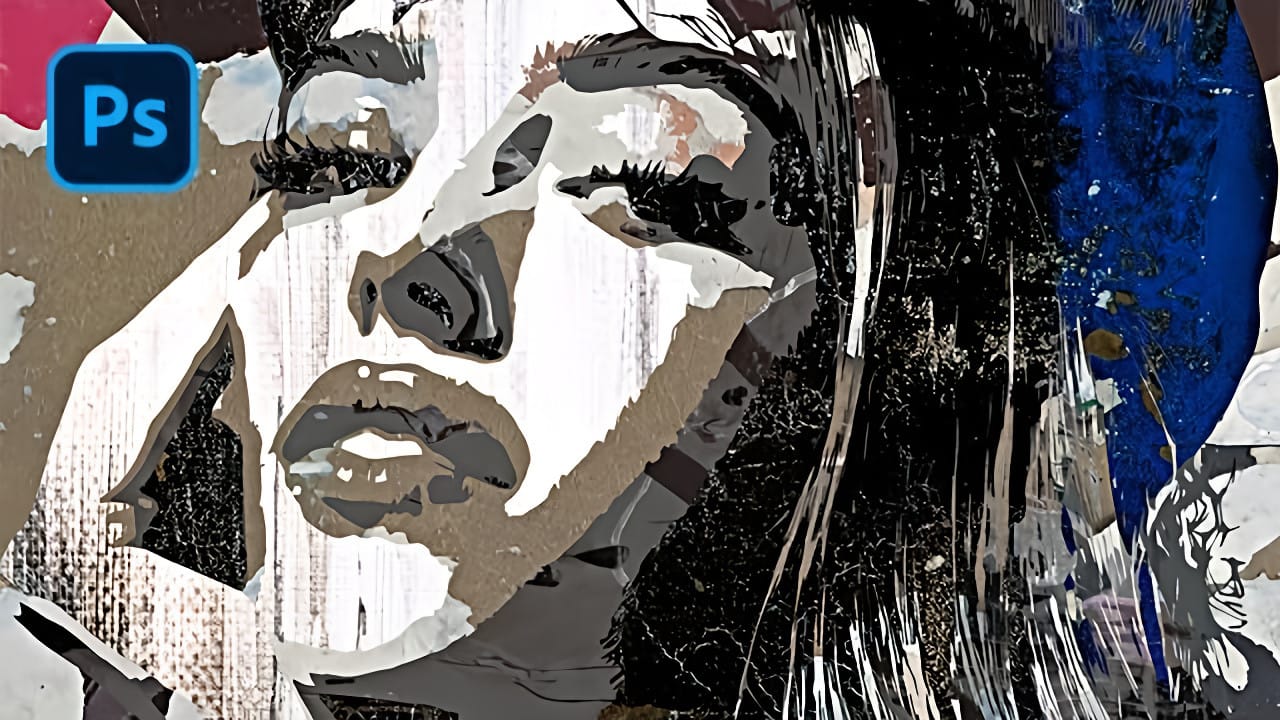
Portrait collages open up creative possibilities that go far beyond traditional photo editing. By combining artistic filters, color manipulation, and texture mapping, you can transform ordinary portraits into striking visual compositions that blend photography with graphic design elements. This technique breaks down complex imagery into simplified color zones, then maps Read the full article here: […]

Read more: How to Create Textured Portrait Collages in Photoshop
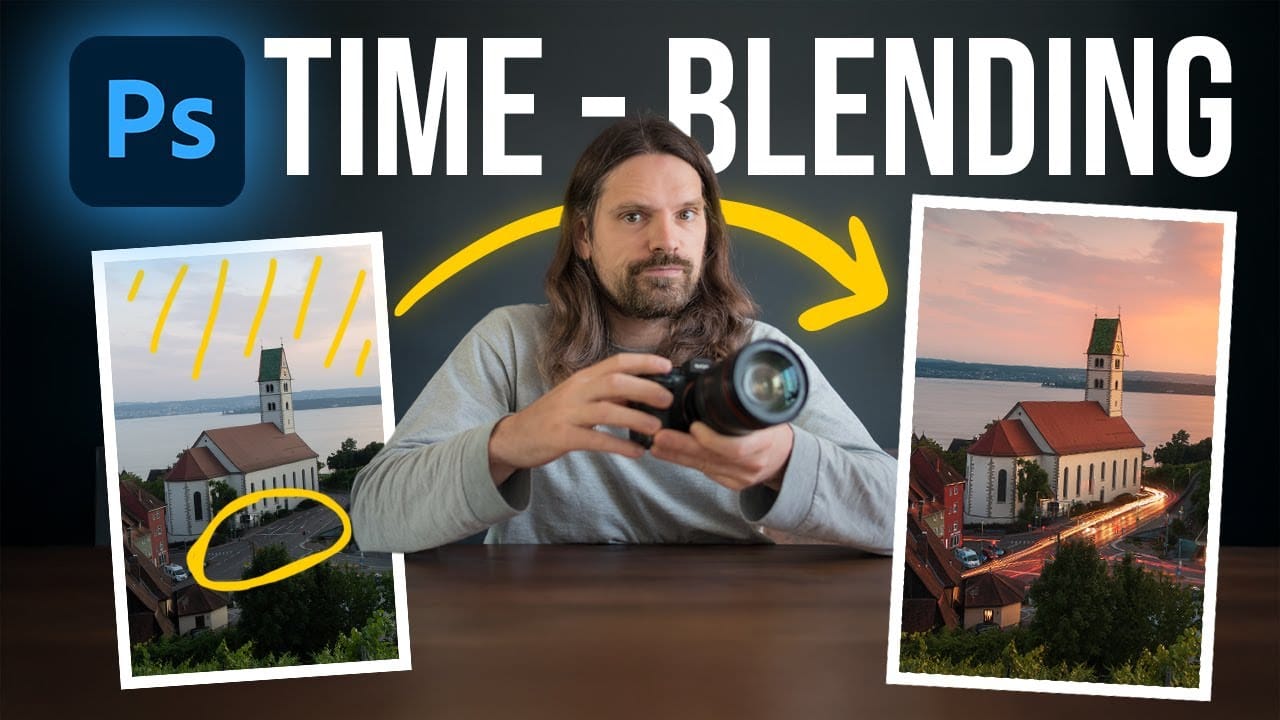
Time-Blending Photography: Combine Photos from Different Times of Day

Time-Blending Photography: Combine Photos from Different Times of Day

Empty streets and dark buildings can ruin an otherwise perfect sunset shot. Time-blending photography solves this problem by combining the best elements from different times of day — the vibrant sky from golden hour with the dynamic light trails from nighttime traffic. This technique transforms static daytime or sunset scenes into Read the full article […]

Read more: Time-Blending Photography: Combine Photos from Different Times of Day
Understanding White Balance in Photoshop: Temperature vs Tint Explained

Understanding White Balance in Photoshop: Temperature vs Tint Explained

White balance confusion ends here. Temperature and tint work differently to fix color casts, and knowing when to use each tool transforms how you correct photos. Photoshop's new Color and Vibrance adjustment layer finally brings these essential controls natively into the workspace, eliminating the need to jump into Read the full article here: Understanding White […]

Read more: Understanding White Balance in Photoshop: Temperature vs Tint Explained
How to Remove Reflections and Glare from Glasses in Photoshop Using AI

How to Remove Reflections and Glare from Glasses in Photoshop Using AI

Eyeglass glare can ruin an otherwise perfect portrait, obscuring the subject's eyes with bright reflections. Photoshop's AI tools now offer powerful solutions for removing even the most stubborn reflections while preserving natural eye details. This tutorial demonstrates proven techniques using multiple AI models and strategic masking Read the full article here: How to Remove Reflections […]

Read more: How to Remove Reflections and Glare from Glasses in Photoshop Using AI
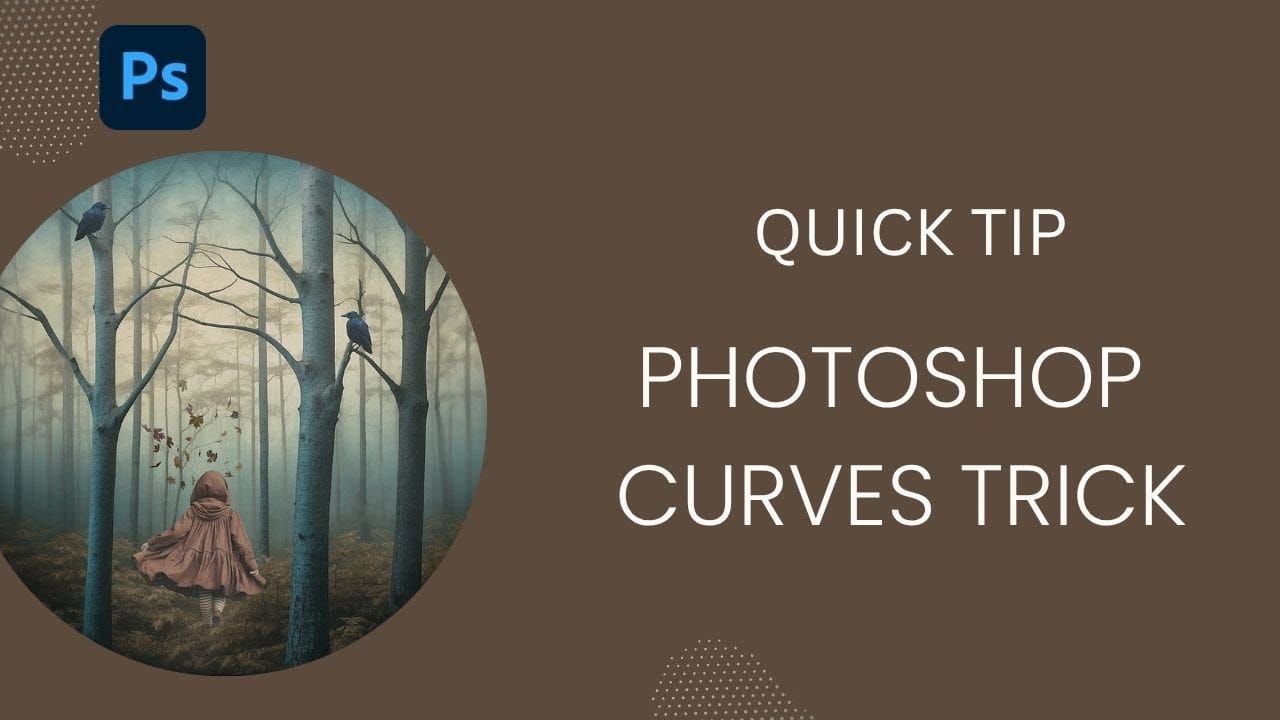
How to Use Photoshop Curves Auto Options for Color Grading

How to Use Photoshop Curves Auto Options for Color Grading

Professional color grading transforms ordinary images into visually striking compositions with rich depth and atmosphere. Hidden curves auto options in Photoshop let you assign custom colors to shadows, midtones, and highlights for dramatic enhancement. This technique goes beyond basic adjustments to create cinematic looks that bring images to life with Read the full article here: […]

Read more: How to Use Photoshop Curves Auto Options for Color Grading
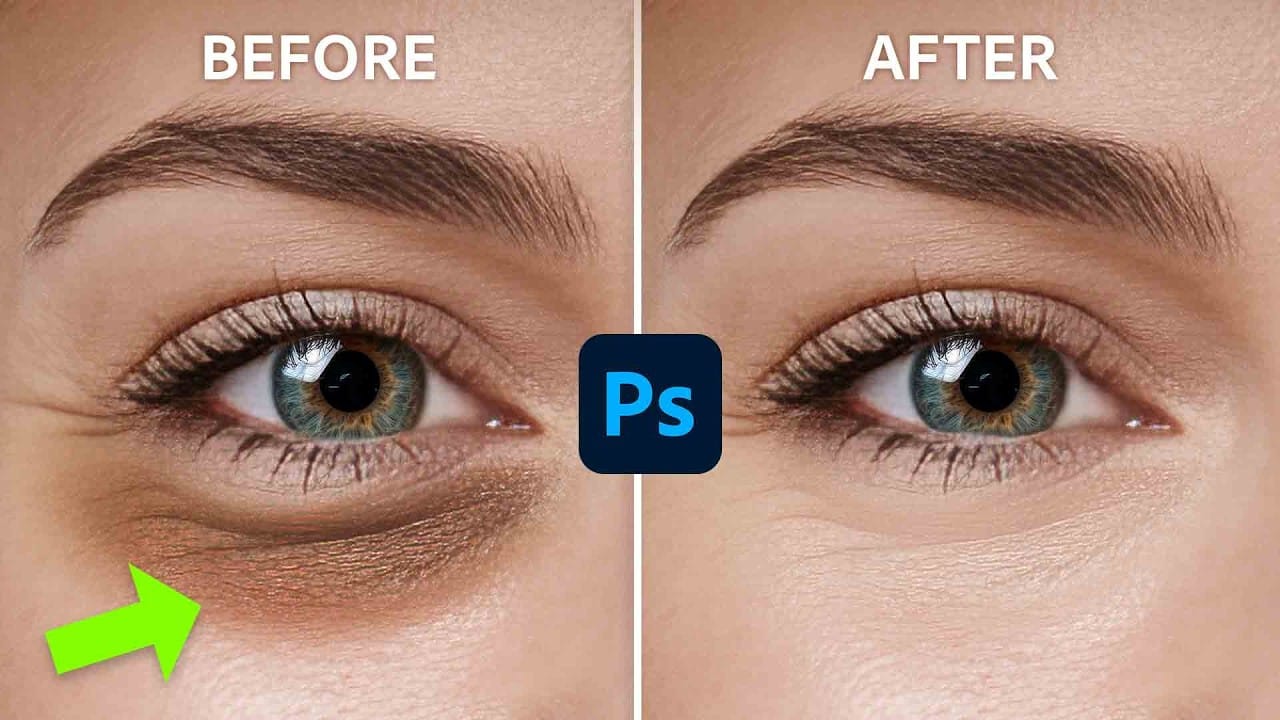
How to Remove Dark Eye Circles Using Frequency Separation in Photoshop

How to Remove Dark Eye Circles Using Frequency Separation in Photoshop

Dark under-eye circles can make portrait subjects look tired or unhealthy, even when they're not. Traditional brightening methods often create unnatural results or destroy important skin texture. This tutorial demonstrates frequency separation, a professional retouching technique that removes dark circles while preserving natural skin texture and realistic lighting Read the full article here: How to […]

Read more: How to Remove Dark Eye Circles Using Frequency Separation in Photoshop