Schenectady Photographic Society

Menu

rss-feed

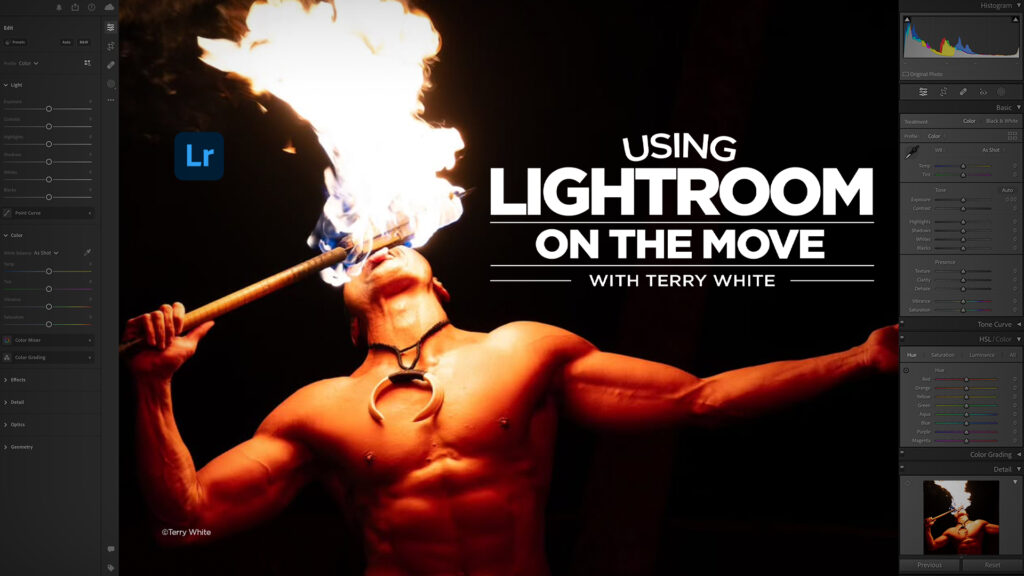
Using Lightroom on the Move: How to Stay Organized While You Travel with Terry White

Using Lightroom on the Move: How to Stay Organized While You Travel with Terry White

Traveling with your camera gear is exciting, but what about your editing workflow? If you’ve ever come home from a trip with a mountain of disorganized photos, you know the struggle. That’s where Terry White comes in with his new class. In this class, Terry shows you how to make Lightroom work for you no […]


Read more: Using Lightroom on the Move: How to Stay Organized While You Travel with Terry White
100+ Brilliant Photoshop Text Effects: The Ultimate 2025 Roundup

100+ Brilliant Photoshop Text Effects: The Ultimate 2025 Roundup

You won't admit this: You spend hours making text look like liquid gold. Not for clients. Not for your portfolio. Just because. Here's the thing: Text effects are your guilty pleasure. You tell yourself you're "practicing." You say you're " Read the full article here: 100+ Brilliant Photoshop Text Effects: The Ultimate 2025 Roundup Photoshop […]

Read more: 100+ Brilliant Photoshop Text Effects: The Ultimate 2025 Roundup
On-device Select subject in Photoshop, improved ai selections without the cloud

On-device Select subject in Photoshop, improved ai selections without the cloud

Excellent auto selections in Photoshop, right on your device Five months ago, Adobe made some huge improvements to their auto selections in Photoshop. Select subject and remove background got a new algorithm, but only for cloud-based processing. This means your photo is (invisibly, behind the scenes) uploaded to the Adobe cloud and processed (this has […]

Read more: On-device Select subject in Photoshop, improved ai selections without the cloud
Does The Order You Use AI in Lightroom Matter? Yes. It Sure Does!

Does The Order You Use AI in Lightroom Matter? Yes. It Sure Does!

Check out this great video from Adobe’s Brian Matiash (software quality engineer on Adobe’s Lightroom team), where he talks about the recommended order to apply your AI edits, what the mystery “Yellow button” means, when you should click it (and why). Check it out: Really helpful. Brian rocked that explanation! Okay, it’s an NFL Football […]

Read more: Does The Order You Use AI in Lightroom Matter? Yes. It Sure Does!
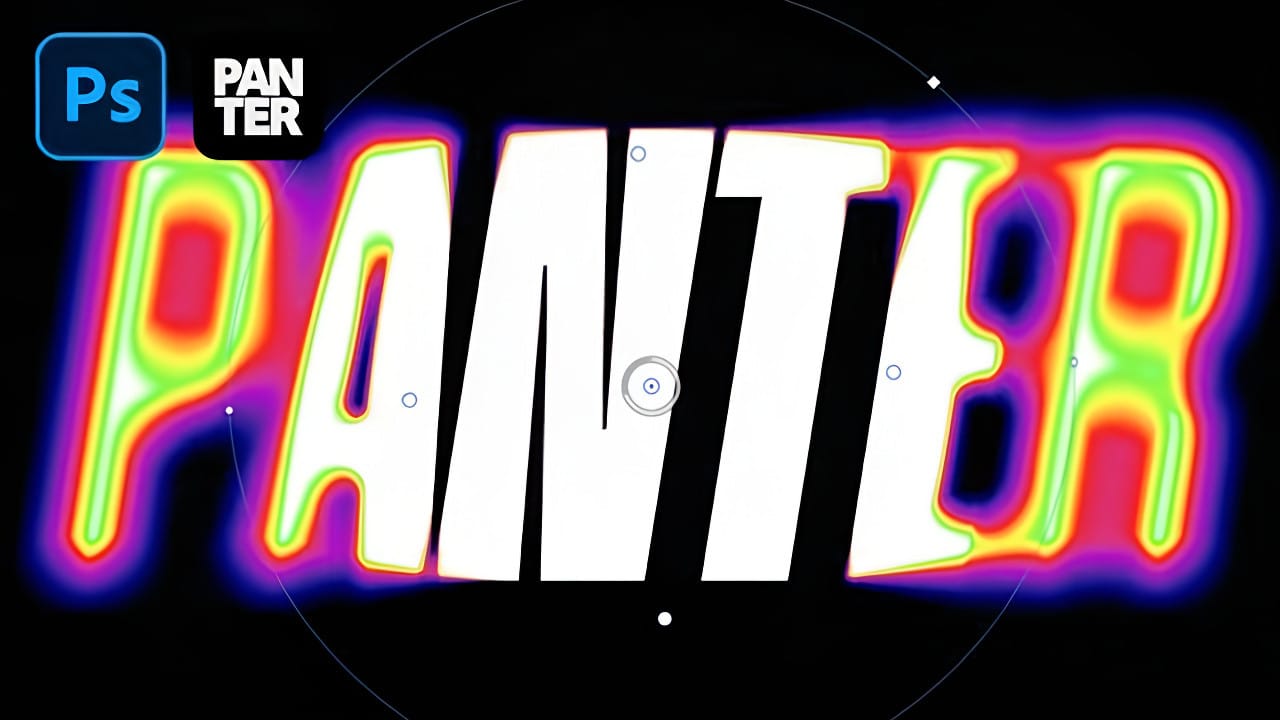
Creating a Blurry Heatmap Text Effect with Gradient Maps in Photoshop

Creating a Blurry Heatmap Text Effect with Gradient Maps in Photoshop

Heatmap effects transform ordinary text into dynamic, energy-filled visuals that pulse with color and movement. These vibrant gradients suggest thermal imaging or data visualization, making them perfect for tech presentations, gaming graphics, or modern branding projects. This technique combines Photoshop's gradient mapping with strategic blur effects to create Read the full article here: Creating a […]

Read more: Creating a Blurry Heatmap Text Effect with Gradient Maps in Photoshop