
Schenectady Photographic Society

Menu

rss-feed

AI Dust removal in Photoshop ACR, Automatically remove spots and sensor dust from photos

AI Dust removal in Photoshop ACR, Automatically remove spots and sensor dust from photos

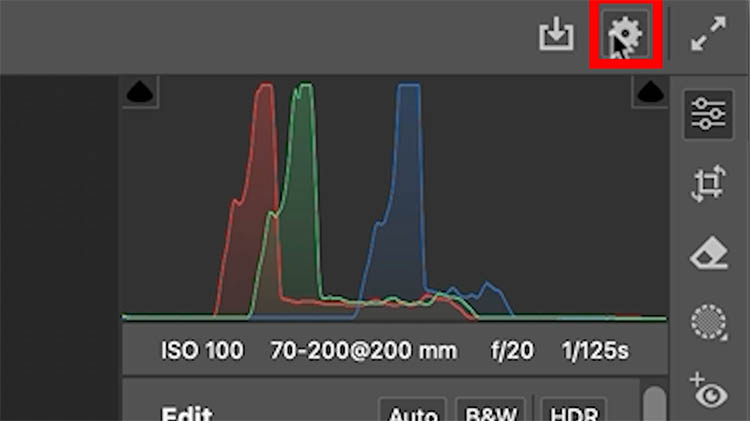
Automatically remove dust in Camera Raw in Photoshop. AI spot remover Some people are very careful and clean their lenses and sensor regularly. Even then, sometimes you can experience sensor dust, or more common, dust or dirt, or water splashes on your lens. It can happen on the front or rear glass on your lens. […]

Read more: AI Dust removal in Photoshop ACR, Automatically remove spots and sensor dust from photos
Balancing Travel & Photography: Enjoy the Moment & Still Get the Shot with Erik Kuna

Balancing Travel & Photography: Enjoy the Moment & Still Get the Shot with Erik Kuna

When you’re traveling, it’s tempting to see everything through your viewfinder. But here’s the truth: not every trip has to be a portfolio builder. Sometimes the best memories come from putting the camera down, taking a deep breath, and soaking it all in. In his new class, Erik Kuna shares how he shifted his approach […]

Read more: Balancing Travel & Photography: Enjoy the Moment & Still Get the Shot with Erik Kuna
Download 200 Free Striking Glitch Overlays

Download 200 Free Striking Glitch Overlays

This comprehensive collection provides 200 high-quality glitch overlays, meticulously designed to add digital distortion, retro-futuristic effects, and dynamic visual noise to your projects. These versatile overlays are an invaluable asset for designers, photographers, and video editors looking to infuse their work with a contemporary, edgy aesthetic, making complex effects achievable Read the full article here: […]

Read more: Download 200 Free Striking Glitch Overlays
Download 200 Extensive Free Grunge Photoshop Brushes

Download 200 Extensive Free Grunge Photoshop Brushes

This comprehensive collection offers 200 free grunge Photoshop brushes, meticulously crafted to infuse your digital artwork with authentic, distressed textures and gritty aesthetics. Each brush provides unique characteristics, ranging from subtle imperfections to bold, aged effects, empowering designers and artists to effortlessly add depth and character to their projects. This Read the full article here: […]

Read more: Download 200 Extensive Free Grunge Photoshop Brushes
10 little-known Photoshop features you should really learn (2025 Update)

10 little-known Photoshop features you should really learn (2025 Update)

Photoshop's true power isn't just in its headline features—it's in the hidden gems that can transform your workflow overnight. While everyone knows about layers and the healing brush, these lesser-known capabilities can save you hours and open up creative possibilities you never knew Read the full article here: 10 little-known Photoshop features you should really […]

Read more: 10 little-known Photoshop features you should really learn (2025 Update)
Advanced Color Grading with Apply Image Layer Masks in Photoshop

Advanced Color Grading with Apply Image Layer Masks in Photoshop

Professional color grading can transform ordinary photos into cinematic masterpieces, but heavy adjustments often create that obvious "filtered" look that screams amateur editing. The difference between natural-looking color enhancement and overdone processing lies in how the adjustments interact with your image's existing tonal structure. This advanced Read the full article here: Advanced Color Grading with […]

Read more: Advanced Color Grading with Apply Image Layer Masks in Photoshop