Schenectady Photographic Society

Menu

rss-feed

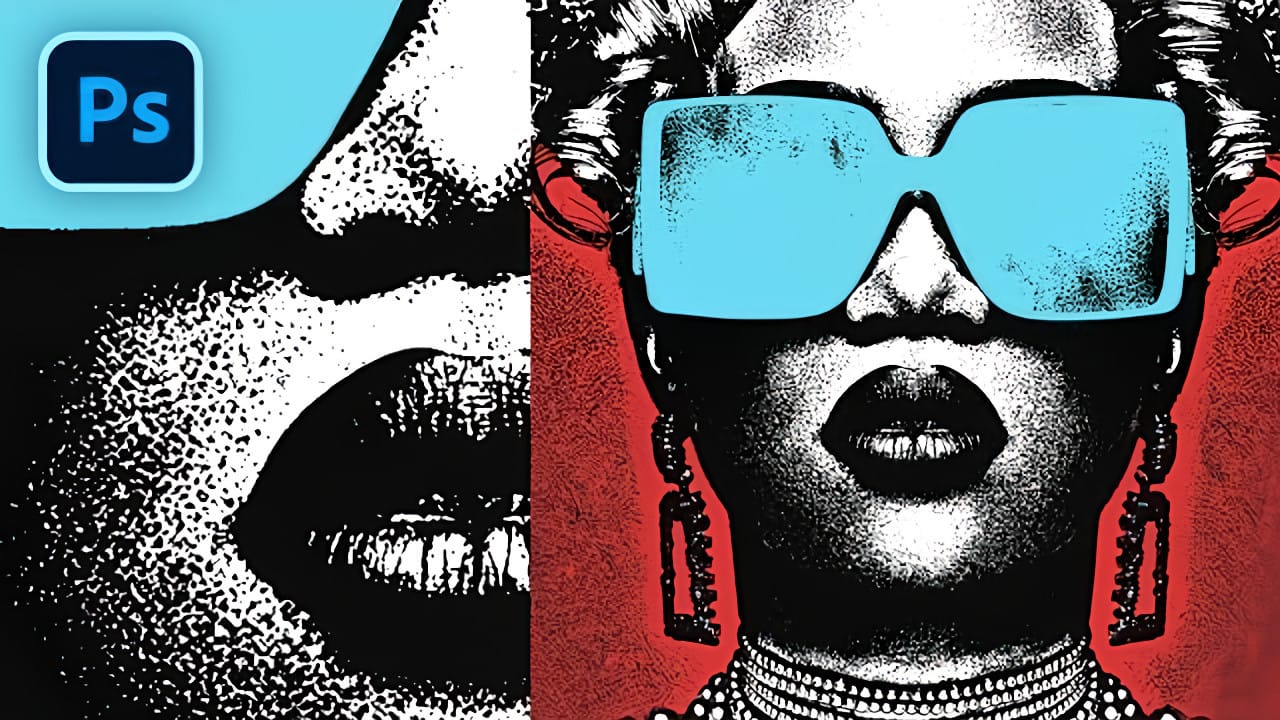
Create Grungy Halftone Line Effects in Photoshop

Create Grungy Halftone Line Effects in Photoshop

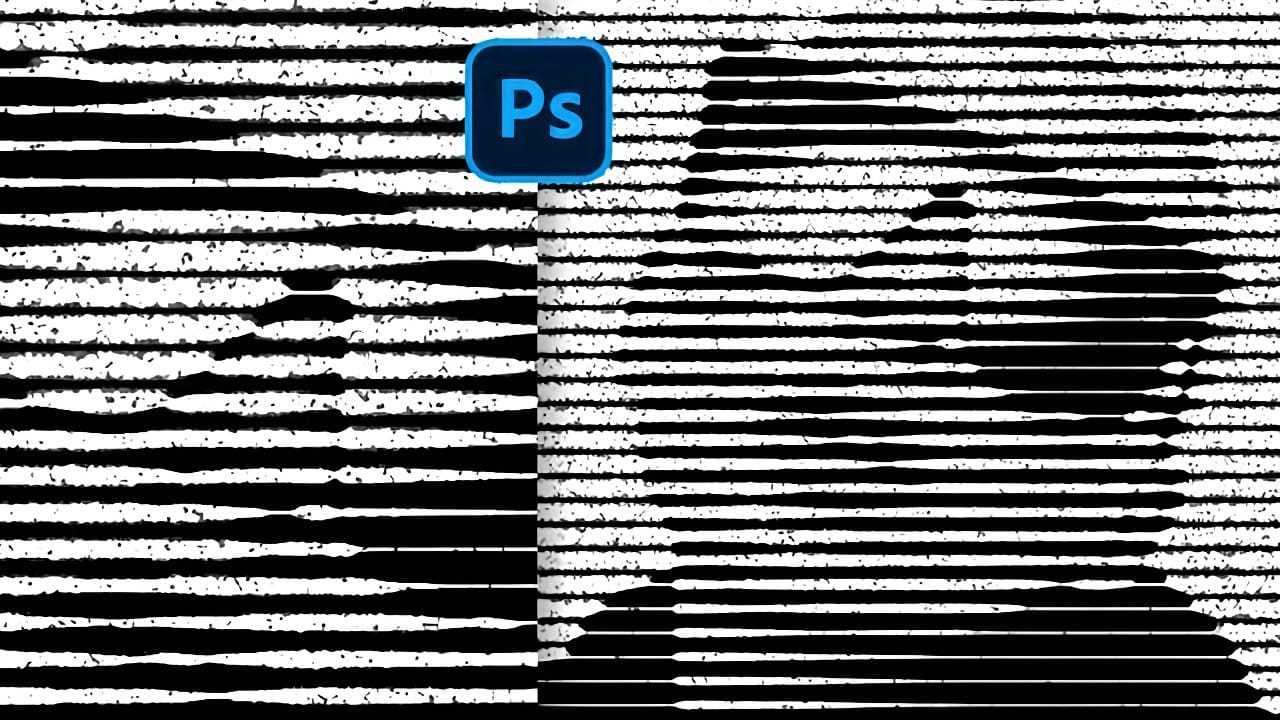
Classic halftone line patterns evoke the raw aesthetic of vintage print media, from underground zines to punk rock posters. These gritty textures transform clean digital photos into pieces that feel authentically analog, complete with the imperfections that make print work compelling. This technique combines Photoshop's halftone filters with Read the full article here: Create Grungy […]
Read more: Create Grungy Halftone Line Effects in Photoshop
How to Create a Liquid Acid Melting Effect in Photoshop

How to Create a Liquid Acid Melting Effect in Photoshop

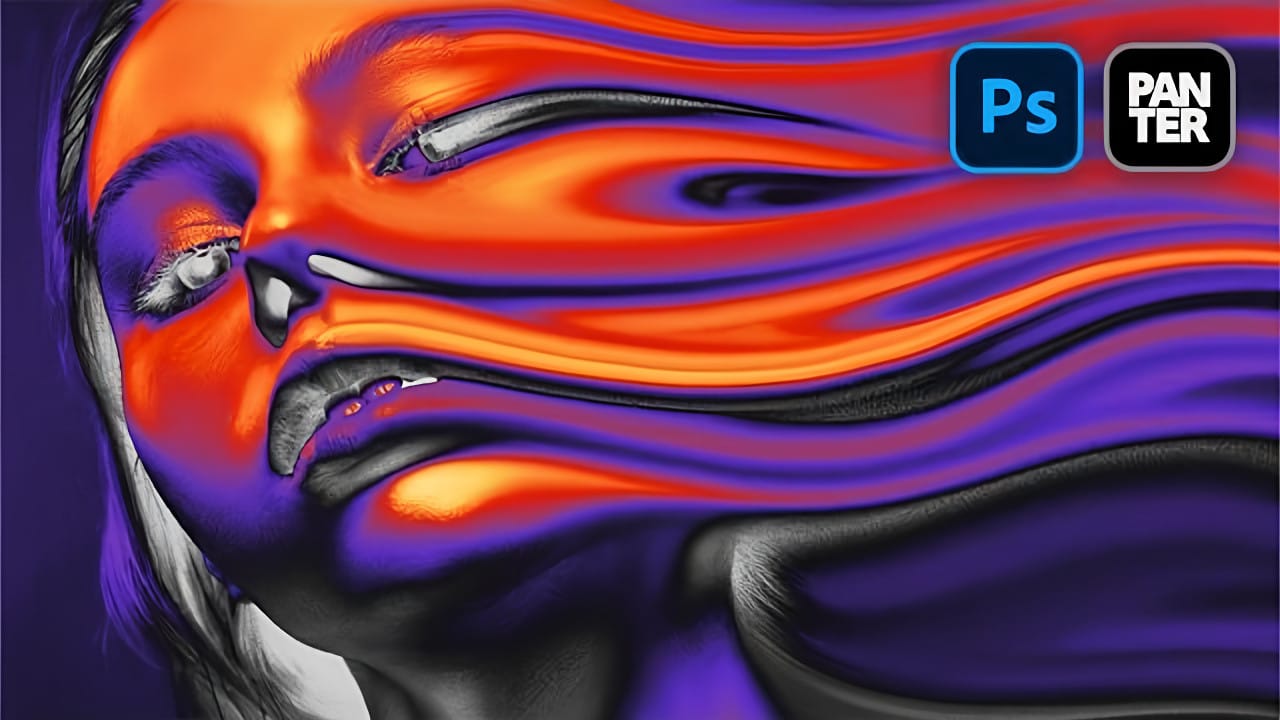
The liquid acid effect transforms ordinary portraits into surreal, otherworldly visuals that seem to melt and flow across the canvas. This distinctive distortion technique creates an organic, fluid appearance that suggests corrosive forces reshaping reality itself. This tutorial demonstrates how to achieve this striking visual using Photoshop's smudge Read the full article here: How to […]

Read more: How to Create a Liquid Acid Melting Effect in Photoshop
How to Create 3D Cylindrical Text Around a Model in Photoshop

How to Create 3D Cylindrical Text Around a Model in Photoshop

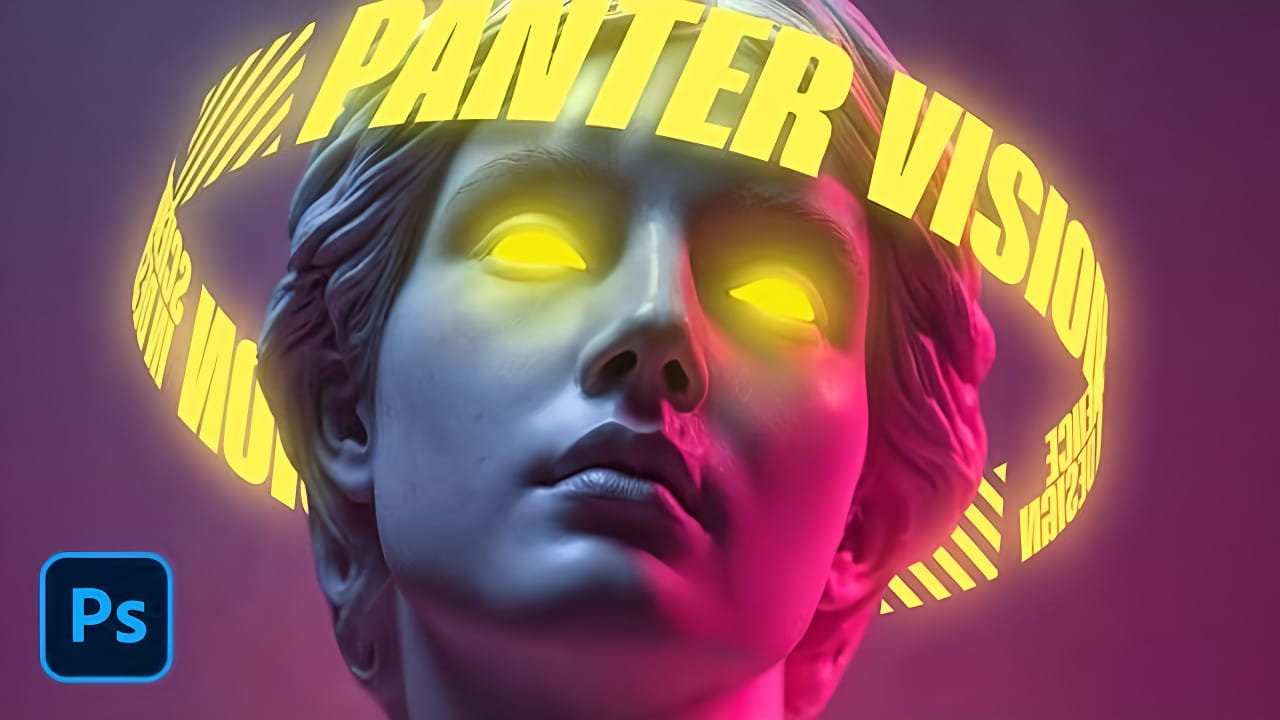
Wrapping text around a three-dimensional cylinder creates dynamic visual effects that make designs pop off the page. This technique transforms flat typography into engaging dimensional elements that appear to curve naturally around objects or models. The process combines Illustrator's 3D revolve capabilities with Photoshop's masking and Read the full article here: How to Create 3D […]

Read more: How to Create 3D Cylindrical Text Around a Model in Photoshop
Create a Colorful Xerox Photocopy Effect in Photoshop

Create a Colorful Xerox Photocopy Effect in Photoshop

The distinctive look of vintage photocopying machines creates a unique aesthetic that blends sharp contrasts with colorful accents. This retro effect transforms ordinary photographs into stylized artwork reminiscent of 1980s design and underground art movements. This tutorial demonstrates how to recreate that classic xerox appearance using Photoshop's adjustment Read the full article here: Create a […]

Read more: Create a Colorful Xerox Photocopy Effect in Photoshop
Create a Vintage CRT Text Effect in Photoshop

Create a Vintage CRT Text Effect in Photoshop

The distinctive visual qualities of vintage CRT monitors—with their characteristic color separation, scanlines, and analog blur—have become a powerful design element in modern digital art. These old television and computer displays created a unique aesthetic through their phosphor-based technology and analog signal processing. This technique recreates that nostalgic Read the full article here: Create a […]

Read more: Create a Vintage CRT Text Effect in Photoshop
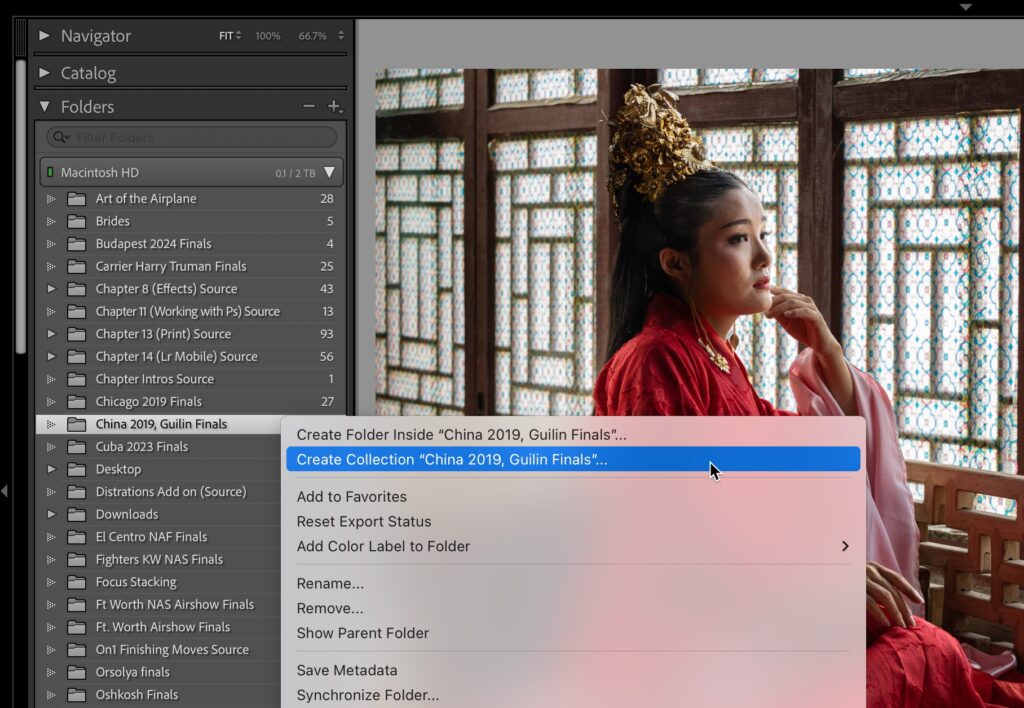
How to Make a Collection From a Folder

How to Make a Collection From a Folder

If you’re ready to get off Folders, here’s how to make that happen. NOTE: Just so ya know, we’re not deleting any folders, we’re just going to use collections instead. Those folders are sacred because our actual photos are inside, so we’re just going to leave them alone once we make our collections. Step One: This […]

Read more: How to Make a Collection From a Folder
Photoshop Roadmap Weekly #19

Photoshop Roadmap Weekly #19

Welcome back, and thanks to all the new subscribers who joined us this week—great to have you here. This is the issue #19 of Photoshop Roadmap Weekly — a curated mix of standout Photoshop tutorials, premium creative assets, and a touch of inspiration from the world of digital design and Read the full article here: […]

Read more: Photoshop Roadmap Weekly #19