Schenectady Photographic Society

Menu

Scott Kelby

What’s New In Lightroom

What’s New In Lightroom

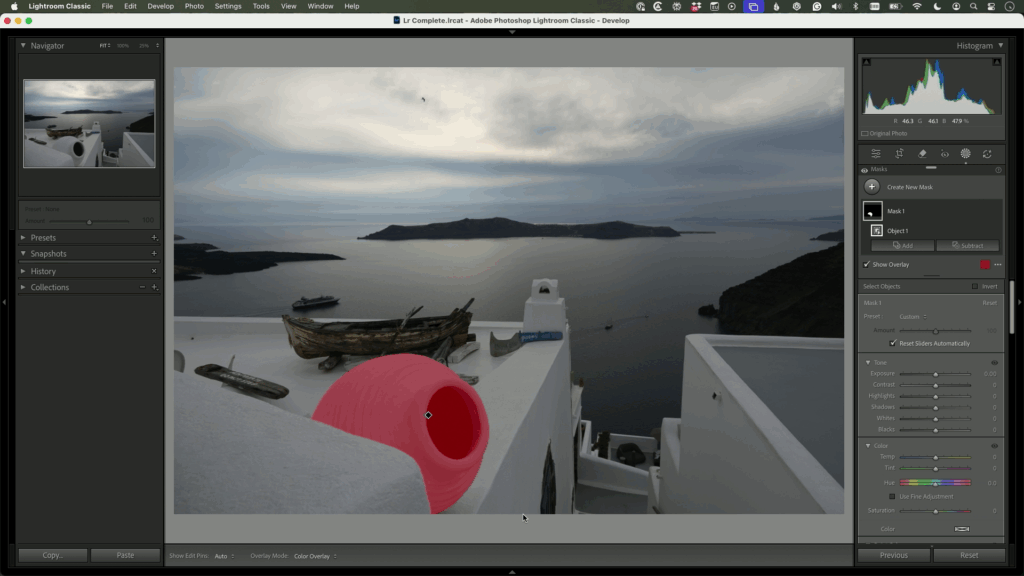
Adobe’s been busy. Lightroom has picked up some really useful new features recently, so I invited Adobe’s Terry White to join me for a hands-on look at everything that’s new across Lightroom Classic, Cloud, and Mobile. Rather than just clicking through menus, we test these features on real images so you can see what they […]

Read more: What’s New In Lightroom
My Top 10 Favorite Photoshop Tips

My Top 10 Favorite Photoshop Tips

If there’s one thing I love about Photoshop, it’s this: no matter how long you’ve been using it, there’s always something hiding in there that makes you say, “How did I not know that?!” In this class, I’m sharing 10 of my all-time favorite Photoshop tips. These aren’t complicated, head-scratching techniques. They’re the smart, practical […]

Read more: My Top 10 Favorite Photoshop Tips
Move All Your Photos To One Drive—Fast!

Move All Your Photos To One Drive—Fast!

Managing your photos across multiple devices can feel like a headache—desktops, laptops, and external drives can make it tricky to stay organized. But it doesn’t have to be complicated. With this organization method, Lightroom doesn’t lose track of anything. Click below for a free tip from the brand-new course Scott Kelby’s Lightroom Easy Organization System, […]

Read more: Move All Your Photos To One Drive—Fast!
Don’t Panic—Lightroom’s Import Step Is Easier Than It Looks

Don’t Panic—Lightroom’s Import Step Is Easier Than It Looks

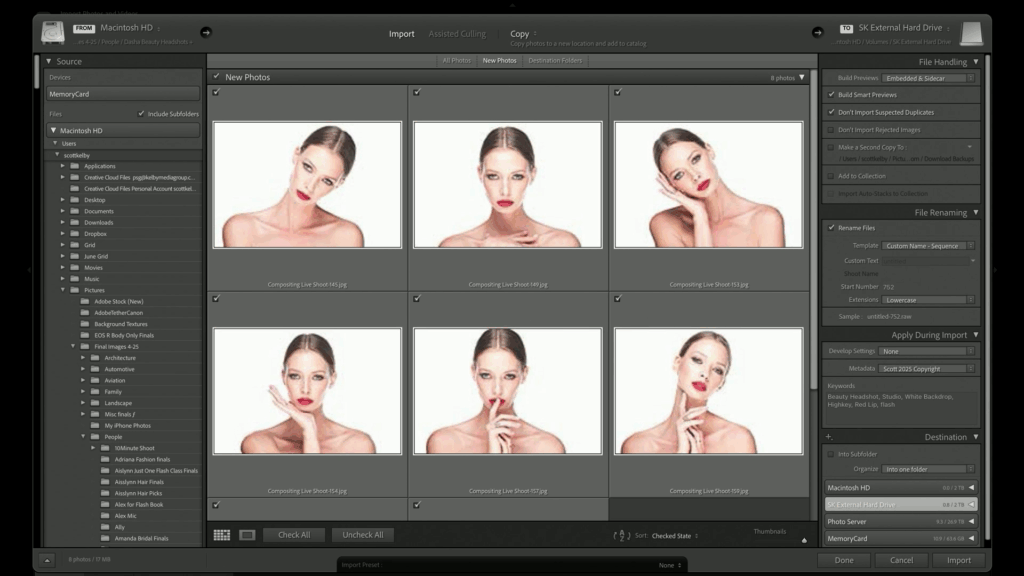
The import screen in Lightroom Classic can feel intimidating, especially when you’re staring at a screen full of options before you’ve edited a single photo. But here’s the truth: import is one of the most important parts of your entire photography workflow—and it doesn’t have to be complicated. There’s a lot going on there, don’t […]

Read more: Don’t Panic—Lightroom’s Import Step Is Easier Than It Looks