Schenectady Photographic Society

Menu

Tools and tips

Photoshop auto masks, new feature no one is talking about

Photoshop auto masks, new feature no one is talking about

Photoshop has introduced a powerful new feature: AI-driven auto masks. This update takes the hassle out of making precise selections, saving you time and effort. Instead of manually refining edges or using traditional tools, the AI can now identify and mask elements of an image with greater accuracy. Colin Smith provides an insightful comparison between […]

Read more: Photoshop auto masks, new feature no one is talking about
7 Photoshop Tools Replaced by AI: Are They Still Relevant?

7 Photoshop Tools Replaced by AI: Are They Still Relevant?

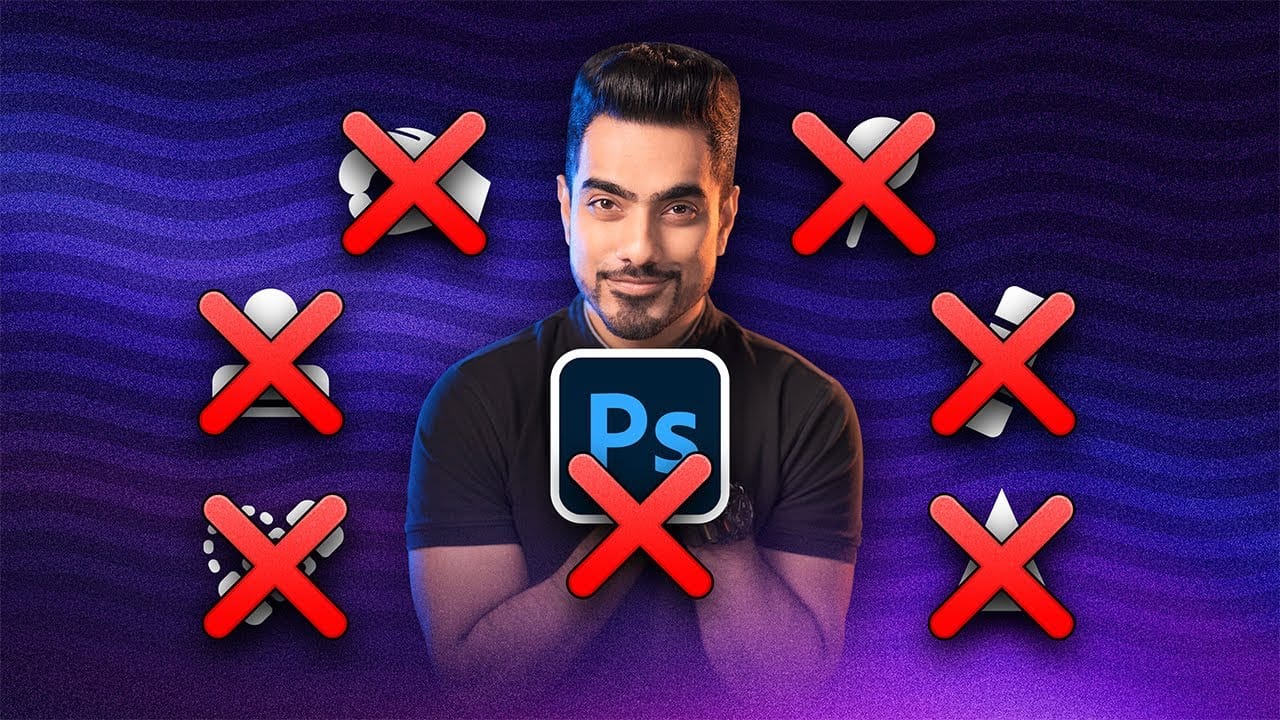
Photoshop continues to push boundaries with advanced tools like Distraction Removal, the Remove Tool, Generative Expand, Super Resolution, and AI Denoise. These features bring new possibilities to photo editing, making complex tasks faster and easier. However, classic tools such as Content-Aware Fill, Clone Stamp, Spot Healing, Dodge & Burn, and Sharpening are far from obsolete. […]

Read more: 7 Photoshop Tools Replaced by AI: Are They Still Relevant?
How to Remove People From Photos in Photoshop: Easy and Advanced Methods

How to Remove People From Photos in Photoshop: Easy and Advanced Methods

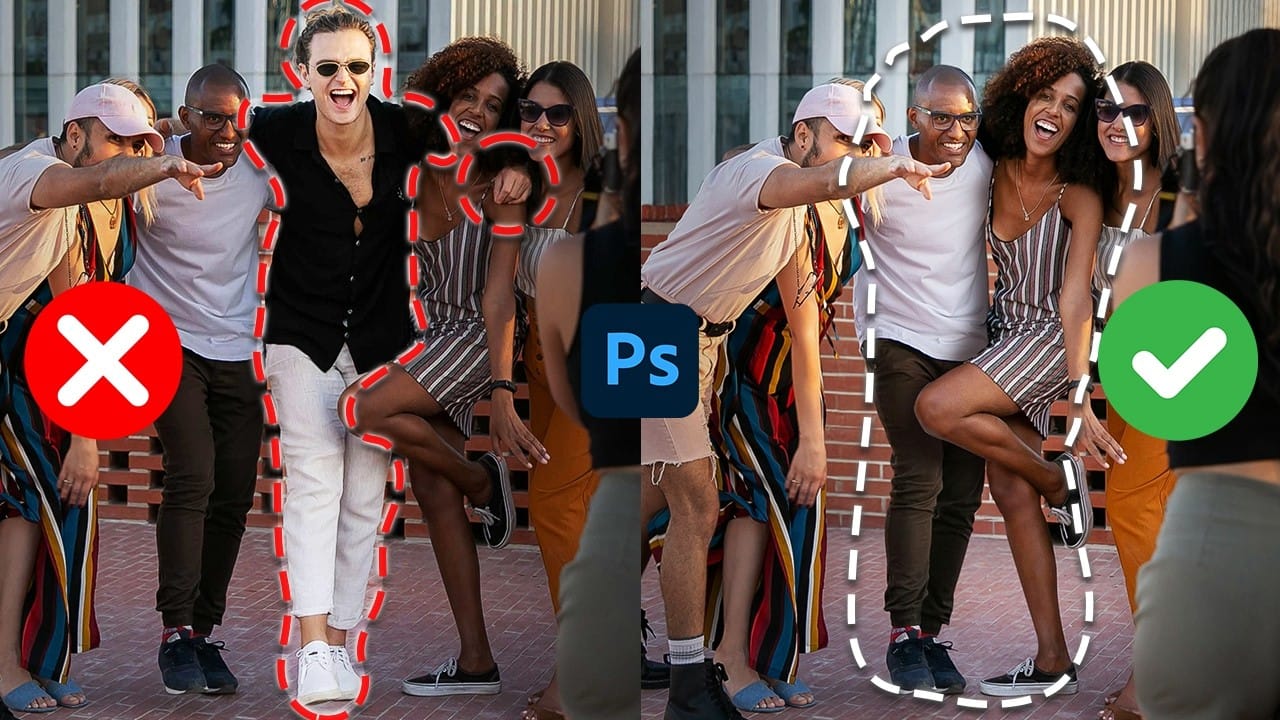
This Photoshop tutorial teaches you two effective ways to remove people from your photos, no matter the situation. For quick edits, you'll explore how the Remove Tool works to erase subjects easily. For more detailed adjustments, you'll use Generative Fill to handle complex edits, such as restoring missing parts of the background. The guide also […]

Read more: How to Remove People From Photos in Photoshop: Easy and Advanced Methods
Understanding the basics of Photoshop Smart Objects

Understanding the basics of Photoshop Smart Objects

Smart Objects in Photoshop offer a non-destructive approach to image editing, a concept every designer should understand. This method allows you to alter layers, be it scaling, rotating, or applying filters, without permanently affecting the original image data. Your edits remain flexible. This is advantageous because you can always go back and modify or remove […]

Read more: Understanding the basics of Photoshop Smart Objects
Stop Ruining Colors with Curves With This Photoshop Trick Instead

Stop Ruining Colors with Curves With This Photoshop Trick Instead

This video presents an exciting technique for achieving the perfect colors when using Curves in Photoshop. You will learn about the Refine Saturation slider in Camera Raw, a tool also available in Lightroom, which helps maintain color balance while you make significant contrast adjustments. Throughout the video, you will see a comparison with traditional methods […]

Read more: Stop Ruining Colors with Curves With This Photoshop Trick Instead