Schenectady Photographic Society

Menu

Tools and tips

The Single Best Color Tool in Photoshop

The Single Best Color Tool in Photoshop

In this tutorial, you will uncover the often-overlooked capabilities of Photoshop’s Selective Color Adjustment Layer. This powerful tool allows you to perform both subtle and dramatic color grading, giving your images a polished look similar to fine art. You’ll learn techniques to intensify colors, separate various hues for added depth, and achieve better overall color […]

Read more: The Single Best Color Tool in Photoshop
3 Powerful Techniques to Create Seamless Patterns in Photoshop

3 Powerful Techniques to Create Seamless Patterns in Photoshop

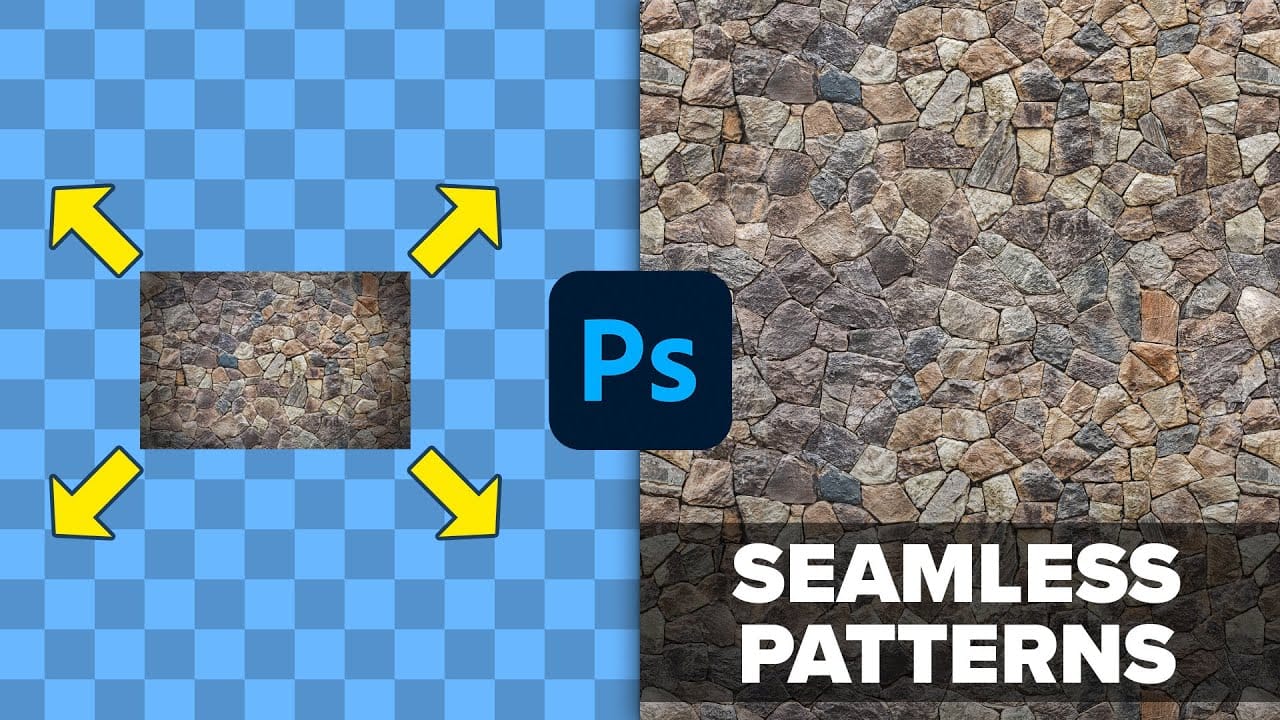
This tutorial by Jesus Ramirez from the PTC Photoshop Training Channel introduces three effective techniques for creating seamless patterns in Photoshop. If you have ever wanted to transform a simple photo into a beautiful repeating design, this is a great place to start. You will become familiar with essential tools such as Pattern Preview and […]

Read more: 3 Powerful Techniques to Create Seamless Patterns in Photoshop
How To Create A Seamless Backdrop In Photoshop

How To Create A Seamless Backdrop In Photoshop

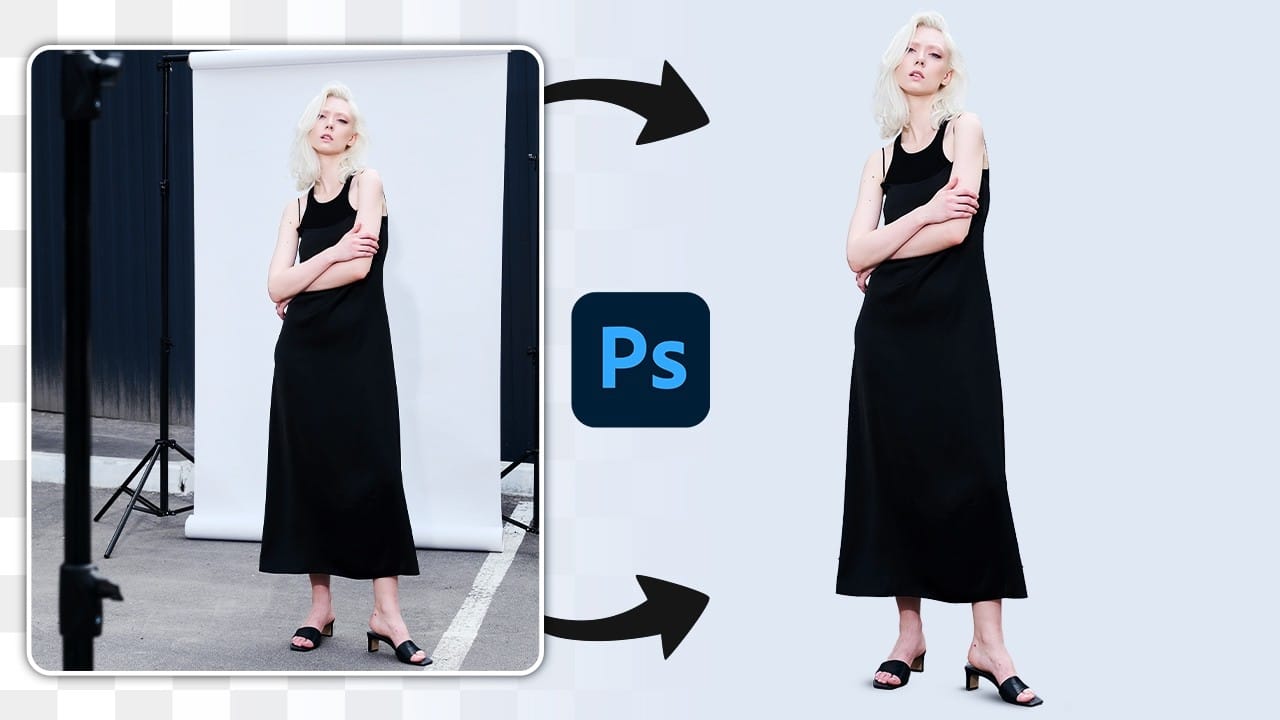
When working with smaller backgrounds, especially on location, it can be challenging to achieve a professional studio look. Fortunately, Photoshop offers simple techniques to transform your images effectively. While generative fill may seem like an easy option, it often leads to unexpected results, such as distorted limbs or mismatched backgrounds. Instead, a manual approach can […]

Read more: How To Create A Seamless Backdrop In Photoshop
Photoshop 2025 Top 7 New Features and Updates Explained

Photoshop 2025 Top 7 New Features and Updates Explained

Adobe Photoshop 2025 has arrived, bringing an array of exciting new features that enhance user experience and functionality. This latest version includes significant upgrades that can help streamline your workflow and improve your editing capabilities. One of the standout features is the upgraded Remove Tool, designed to effortlessly eliminate distractions such as wires, cables, and […]

Read more: Photoshop 2025 Top 7 New Features and Updates Explained
Photoshop Beta: Exploring the New Generative Workspace

Photoshop Beta: Exploring the New Generative Workspace

This Photoshop tutorial focuses on blending graphics with portrait photography to create striking visuals. You will learn how to use the Super Zoom feature, which allows you to upscale graphics while maintaining their resolution. This is particularly useful for achieving high-quality results in your projects. Another key component of the tutorial is the application of […]

Read more: Photoshop Beta: Exploring the New Generative Workspace
Testing Photoshop 2025’s One-Click Remove Tool

Testing Photoshop 2025’s One-Click Remove Tool

Photoshop's New "Find Distractions" Feature: A Game-Changer for Image Editing This tutorial by Aaron Nace from Phlearn introduces a powerful new feature in Photoshop 2025: the Find Distractions option within the Remove Tool. This innovative tool enables users to effortlessly eliminate unwanted elements from their photos, such as stray wires, distracting cables, or even people, […]

Read more: Testing Photoshop 2025’s One-Click Remove Tool