
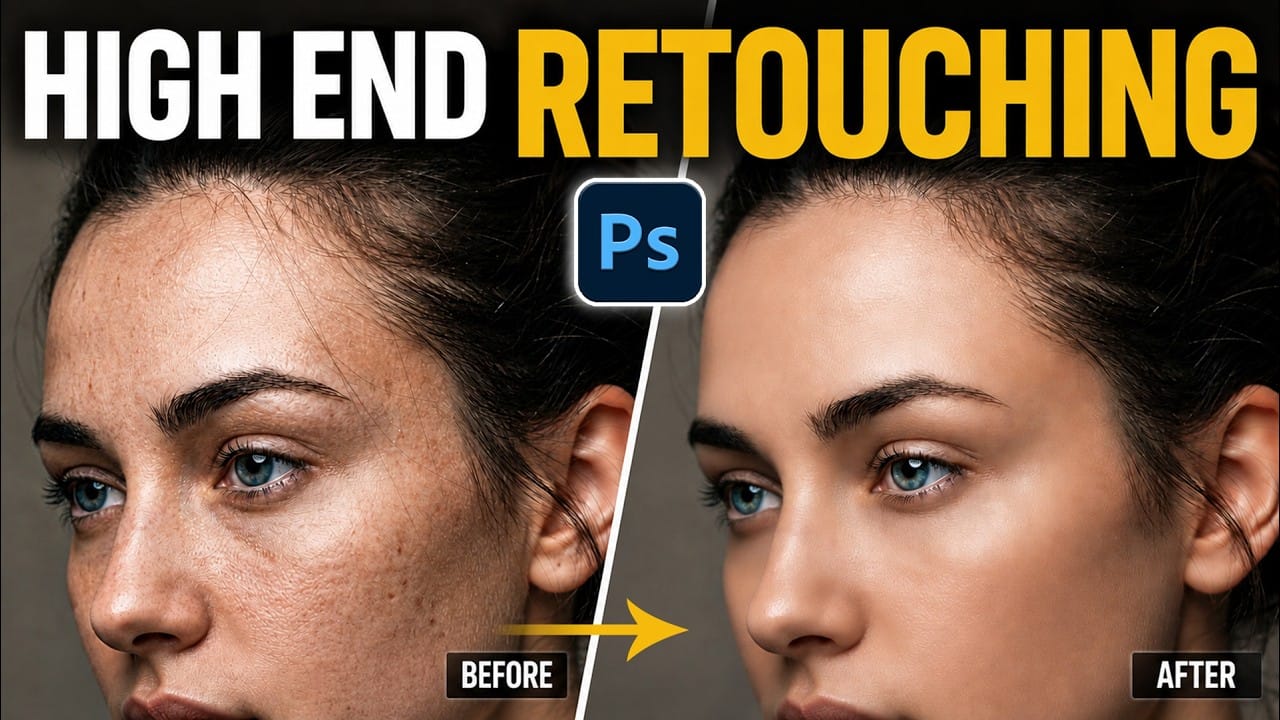
Smooth skin and natural texture are not opposites — achieving both at once is the mark of a professional retouch. This workflow covers blemish removal, flyaway hair cleanup, dark under-eye correction, and eye brightening, all while keeping the skin looking like skin. Watch the Video Practical Tips These key points
Read the full article here: Portrait Retouching in Photoshop: Smooth Skin While Keeping Natural Texture Photoshop Roadmap