
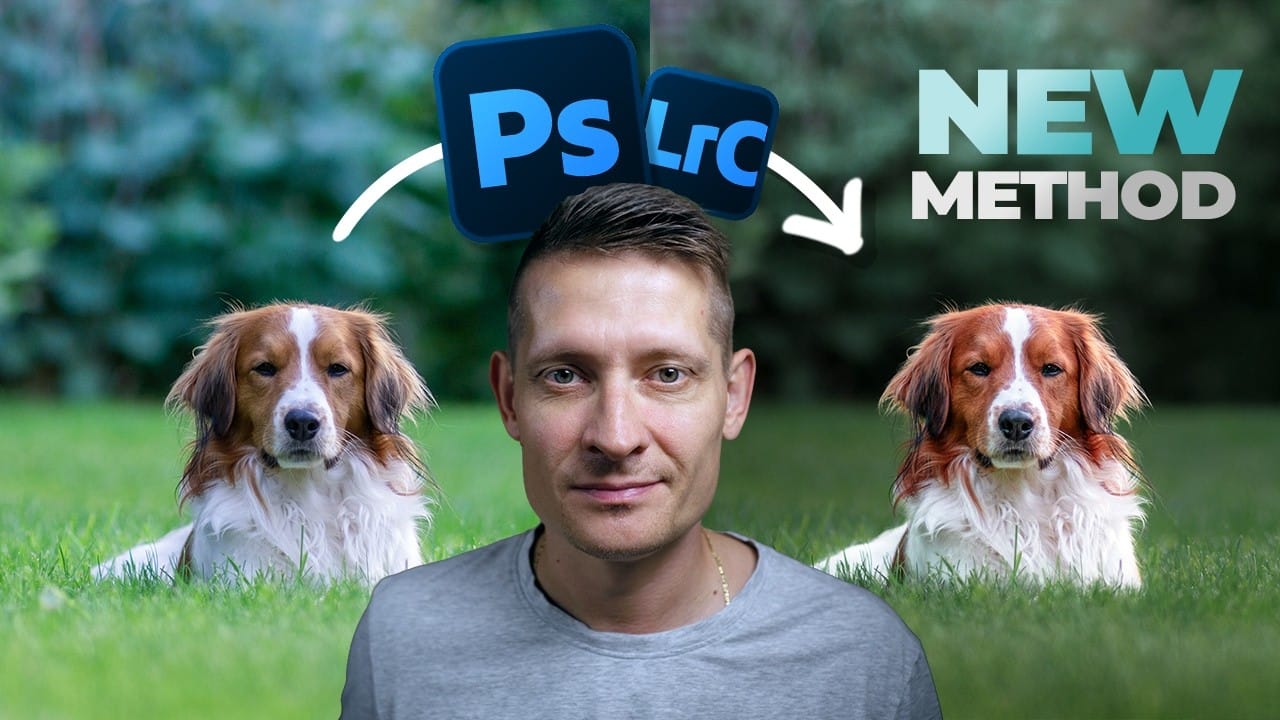
Separating a subject from its background through selective toning is one of the most effective ways to give a photo a cinematic feel. This walkthrough covers a full color grading workflow using Camera Raw masks, radial gradients, and the color mixer to create warm subject tones against a cooler, darker
Read the full article here: How to Apply a Cinematic Color Grade in Photoshop or Lightroom Photoshop Roadmap