
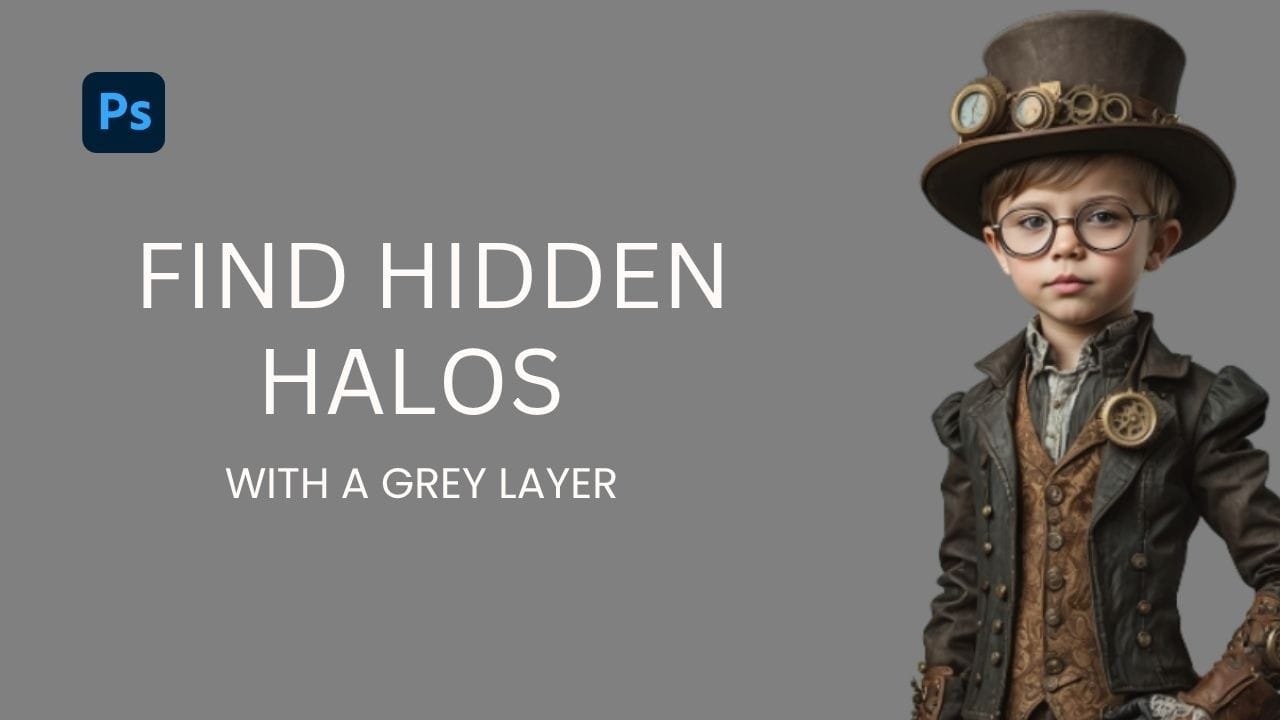
Edge halos and stray artifacts are easy to miss when masking a subject, especially with AI-generated selections. Placing a neutral grey layer beneath your masked subject forces those problem areas into plain view, making cleanup faster and more precise. Practical Tips These steps cover the core workflow shown in
Read the full article here: How to Use a Grey Layer to Spot and Fix Mask Edges in Photoshop Photoshop Roadmap