
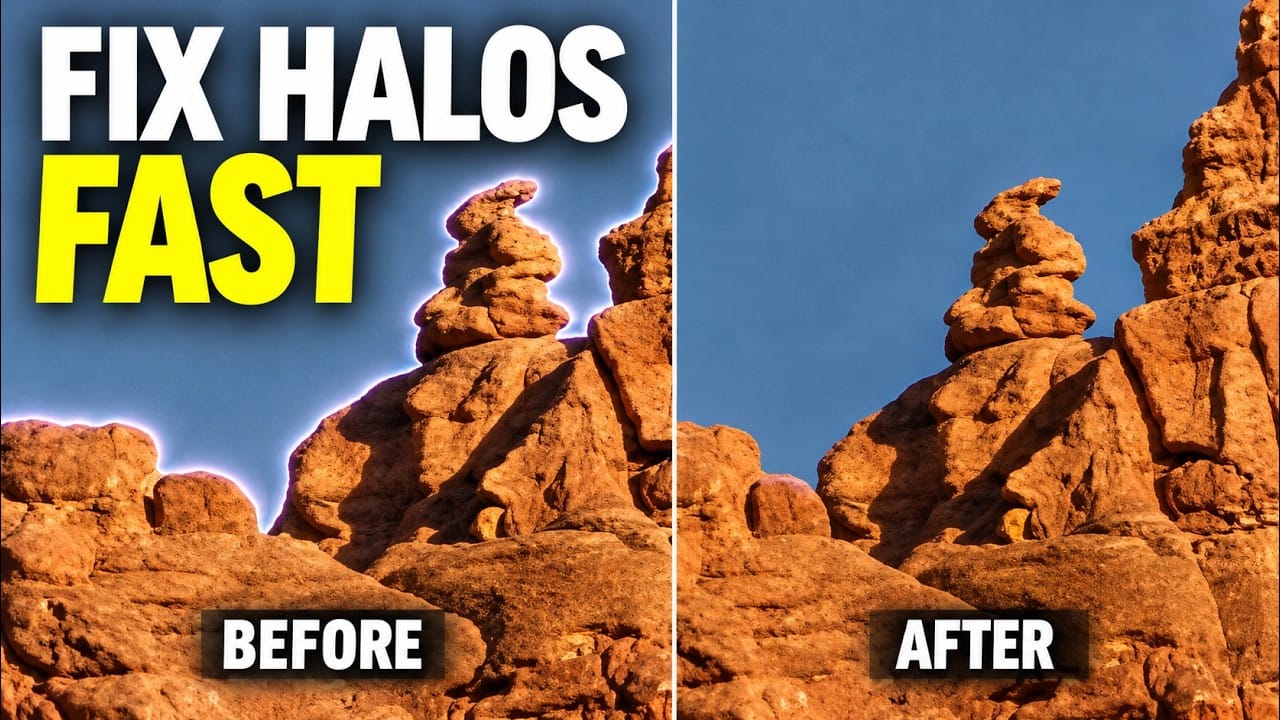
Thin halos along the edge of a mountain, treeline, or other subject can become more obvious as you edit a photo. Fixing them early helps prevent contrast adjustments from exaggerating the problem. This Photoshop workflow uses a downloadable action to create a targeted selection, then the Clone Stamp to clean
Read the full article here: How to Remove Edge Halos in Photoshop with the Clone Stamp Photoshop Roadmap