Schenectady Photographic Society

Menu

Author: Webmaster

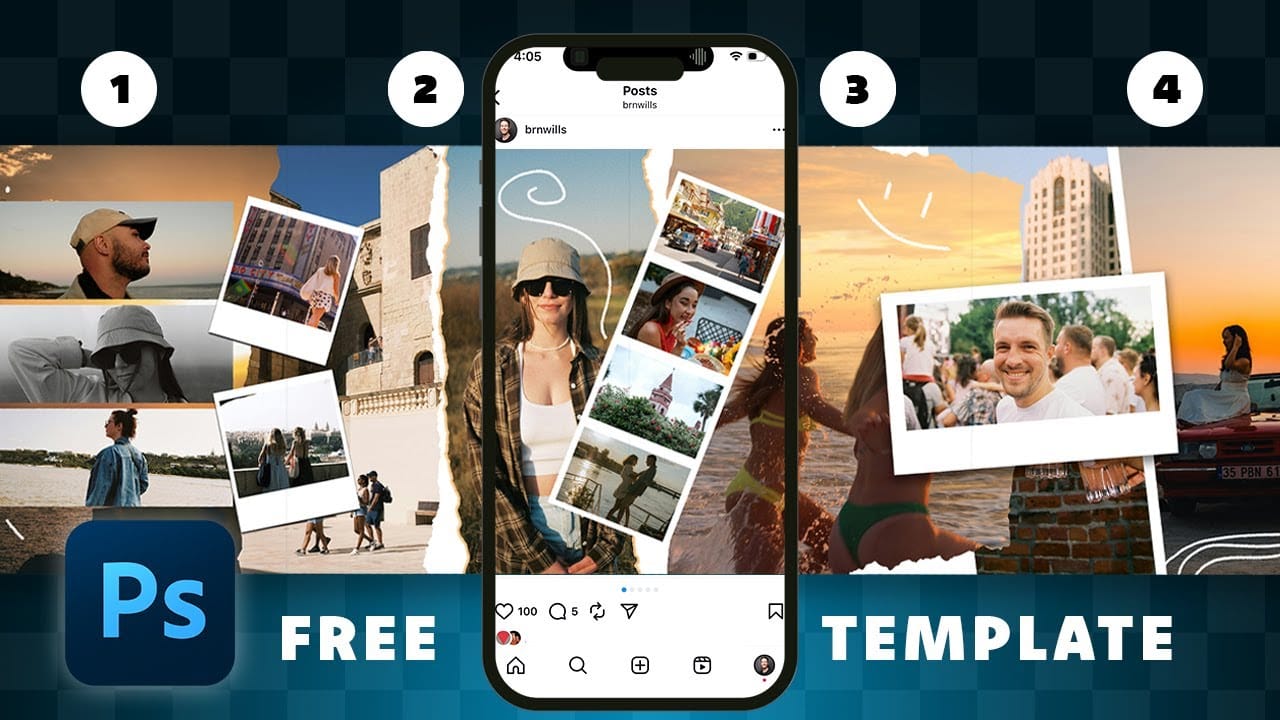
How to Create Digital Scrapbook Carousels in Photoshop

How to Create Digital Scrapbook Carousels in Photoshop

Digital scrapbook pages capture memories beautifully, but a single page limits your storytelling. Creating a carousel format lets you design multiple connected panels that work together as one cohesive piece while giving viewers more content to explore. This technique uses frames, custom shapes, and smart export settings to build templates Read the full article here: […]
Read more: How to Create Digital Scrapbook Carousels in Photoshop
How to Use Auto Align Layers in Photoshop for Perfect Layer Alignment

How to Use Auto Align Layers in Photoshop for Perfect Layer Alignment

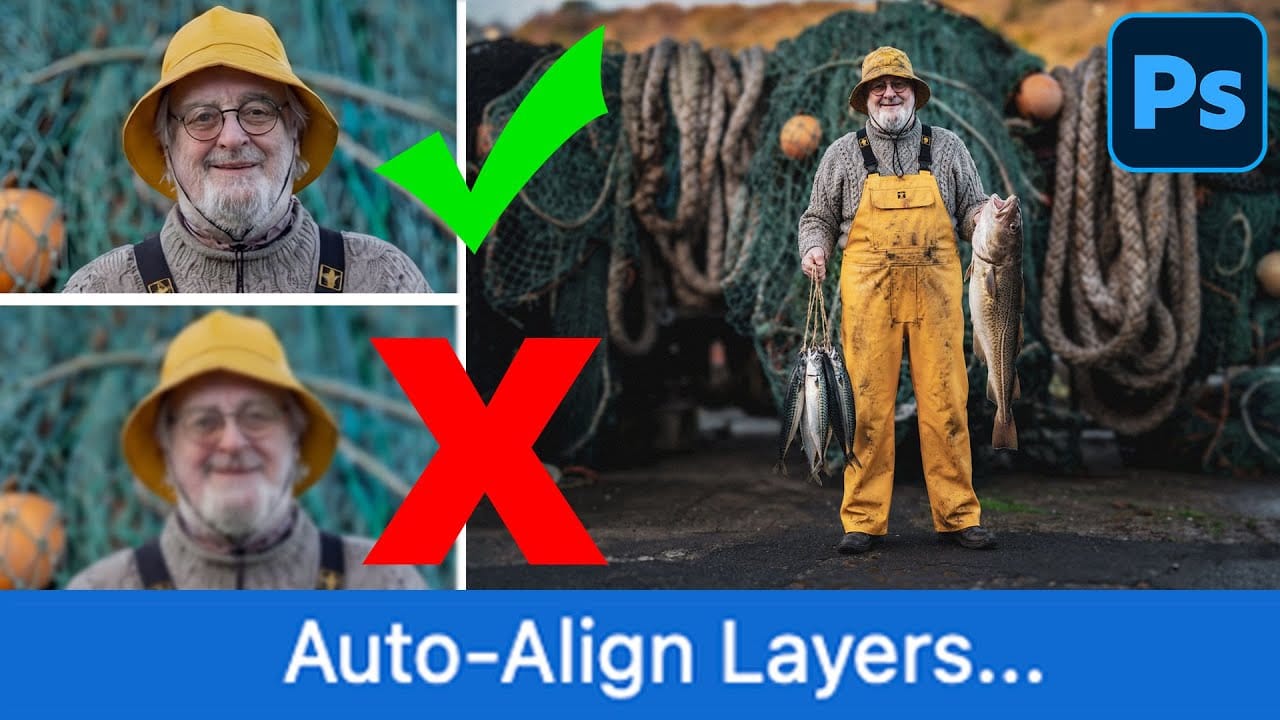
When working with multiple layers that need perfect alignment, manual positioning often falls short. Slight camera movement, different crops, or rotated images can make precise alignment seem impossible through visual adjustment alone. Auto Align Layers automatically handles rotation, scaling, and positioning to create perfect layer alignment, even when images have Read the full article here: […]

Read more: How to Use Auto Align Layers in Photoshop for Perfect Layer Alignment
How to Use Nano Banana Pro in Adobe Firefly for Advanced AI Image Generation

How to Use Nano Banana Pro in Adobe Firefly for Advanced AI Image Generation

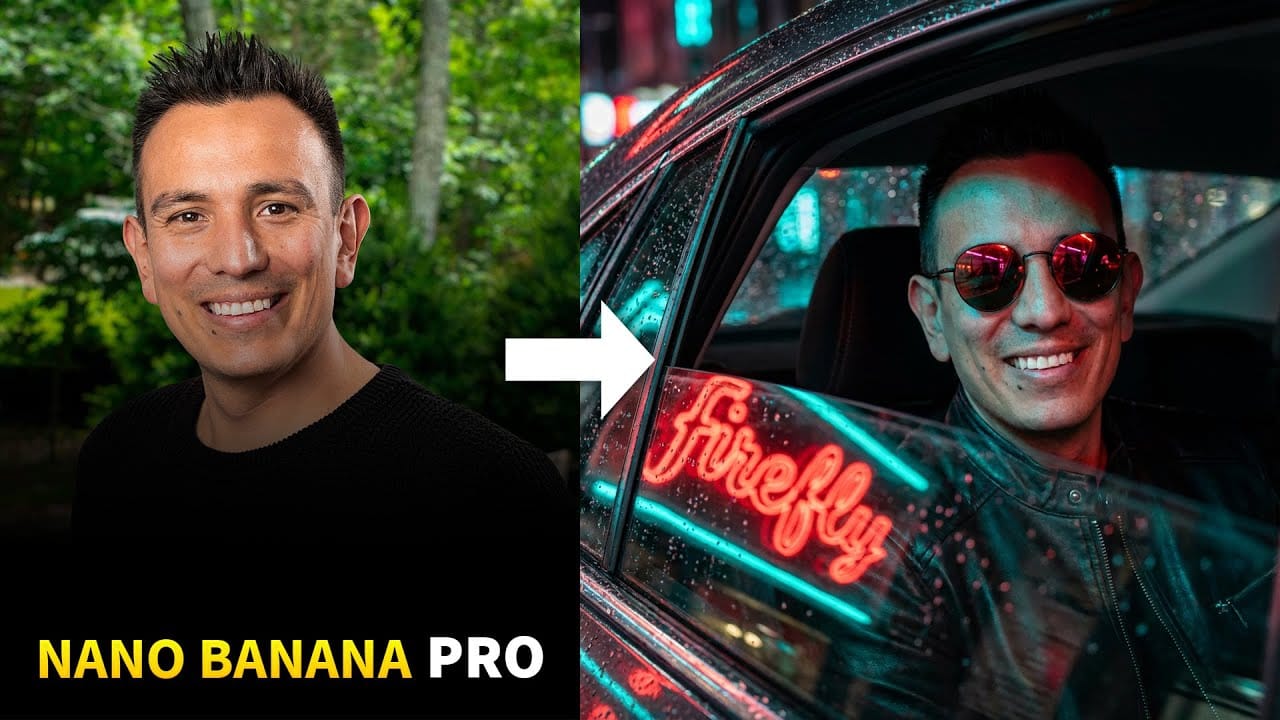
Adobe Firefly now includes Gemini 3 with Nano Banana Pro, offering sharper 2K image generation with improved text clarity and precision blending. This advanced AI model works seamlessly within Firefly's generative workspace, enabling powerful workflows like multi-image composition and virtual try-on effects. The integration provides access to sophisticated Read the full article here: How to […]

Read more: How to Use Nano Banana Pro in Adobe Firefly for Advanced AI Image Generation
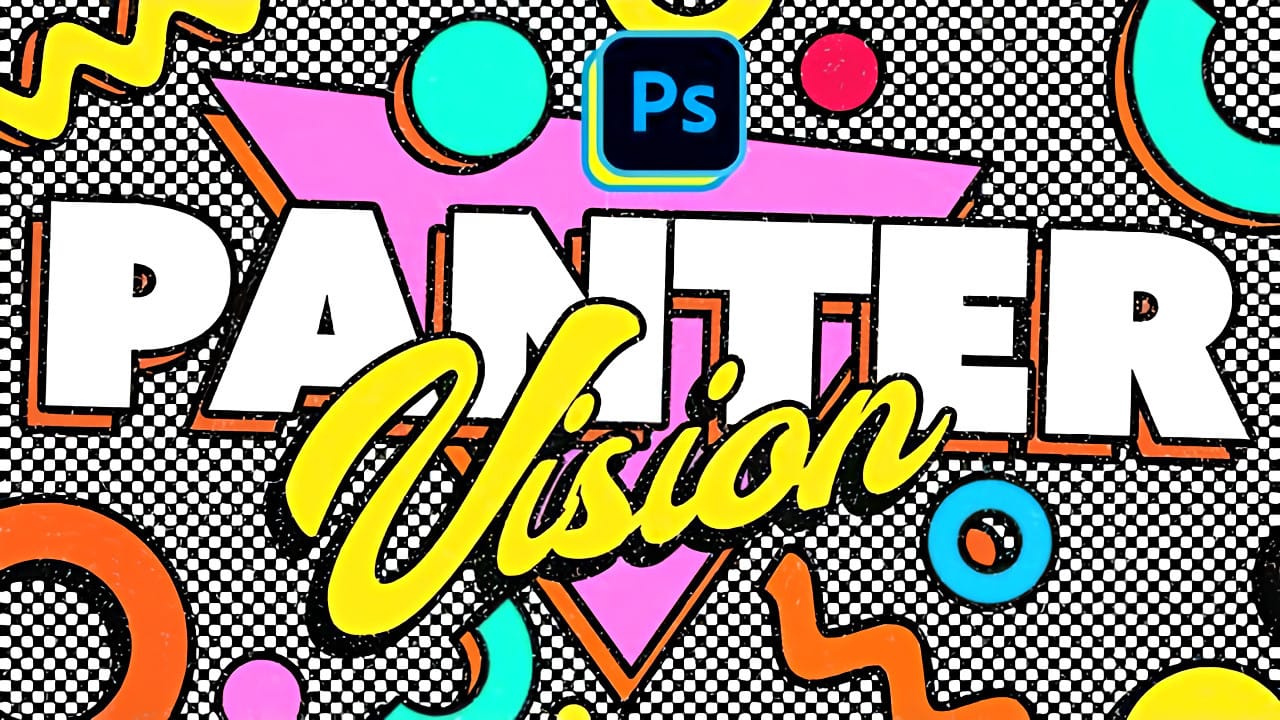
Create Colorful Retro Text Compositions in Photoshop

Create Colorful Retro Text Compositions in Photoshop

Retro design trends continue to captivate audiences with their bold colors and geometric shapes. This tutorial demonstrates how to build a complete vintage-inspired composition using text, geometric elements, and vibrant color schemes that capture the essence of classic graphic design. You'll learn to combine typography with custom shapes, Read the full article here: Create Colorful […]

Read more: Create Colorful Retro Text Compositions in Photoshop
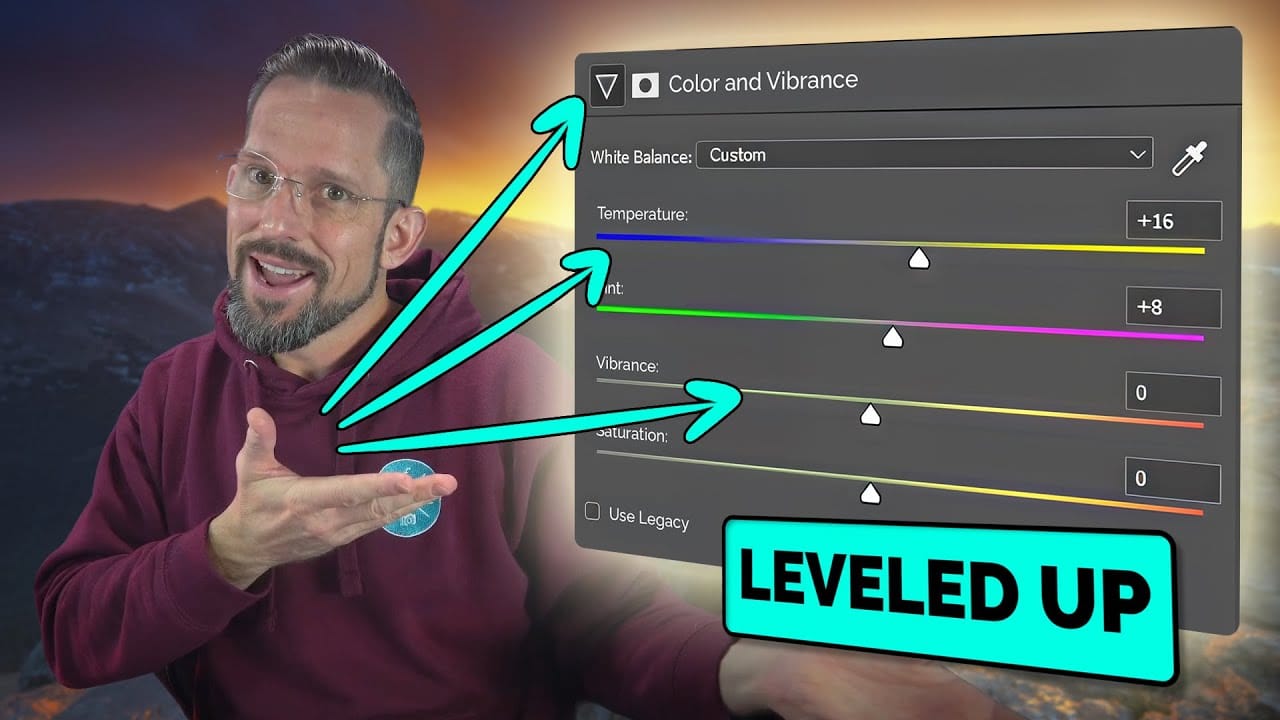
Photoshop's New Color and Temperature Tool for Advanced Color Grading

Photoshop's New Color and Temperature Tool for Advanced Color Grading

Photoshop's latest update introduces temperature and tint controls directly into the adjustment layer panel, bringing white balance tools from Camera Raw into the main editing workspace. This addition transforms color grading workflows by enabling precise local adjustments with custom brushes and blend modes. The new Color and Vibrance Read the full article here: Photoshop's New […]

Read more: Photoshop's New Color and Temperature Tool for Advanced Color Grading
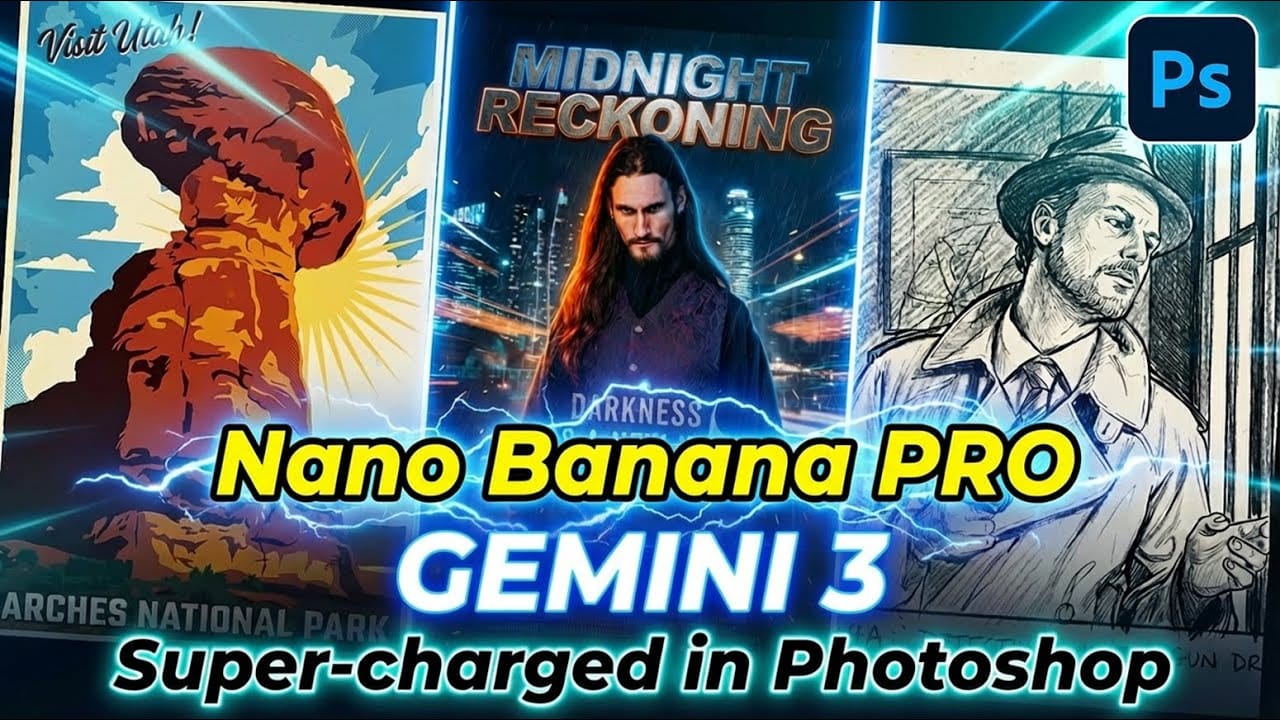
How to Use Gemini 3.0 Nano Banana Pro for Advanced AI Image Transformations in Photoshop

How to Use Gemini 3.0 Nano Banana Pro for Advanced AI Image Transformations in Photoshop

Gemini 3.0 Nano Banana Pro delivers 4K resolution transformations and contextual intelligence that surpasses previous AI models in Photoshop. This advanced system can create movie posters, redesign interiors, sharpen blurry photos, and even translate foreign text while maintaining original design elements. The model costs 10 generative credits per image Read the full article here: How […]

Read more: How to Use Gemini 3.0 Nano Banana Pro for Advanced AI Image Transformations in Photoshop
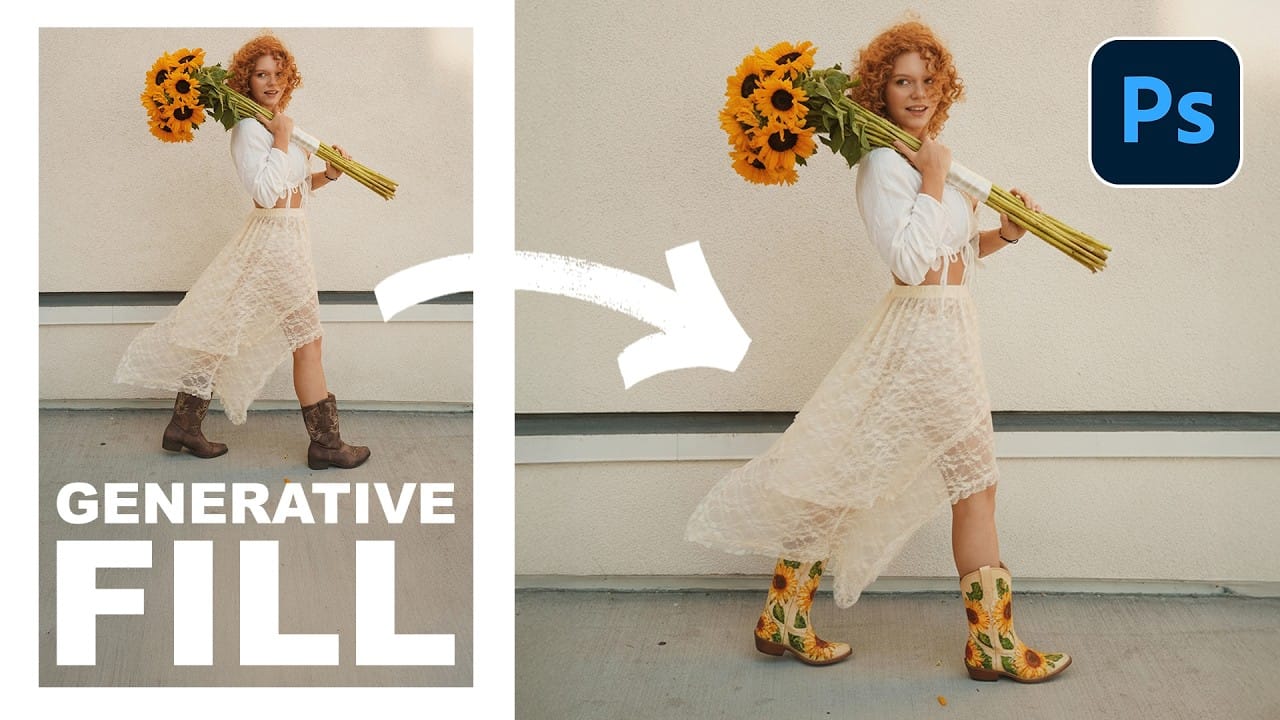
Essential Guide to Generative Fill: Remove, Add, and Replace Objects in Photos

Essential Guide to Generative Fill: Remove, Add, and Replace Objects in Photos

Generative Fill has transformed how photographers handle object removal, additions, and replacements in their images. This comprehensive tutorial demonstrates four practical applications using real examples—from cleaning up unwanted graffiti to adding garden gnomes and creating custom sunflower boots. You'll learn to work with both Adobe's Read the full article here: Essential Guide to Generative Fill: […]

Read more: Essential Guide to Generative Fill: Remove, Add, and Replace Objects in Photos
Glitch Chaos: 3 Free Distorted Pixel Noise CRT Signal Backgrounds

Glitch Chaos: 3 Free Distorted Pixel Noise CRT Signal Backgrounds

Glitch Chaos: 3 Free Distorted CRT Signal Backgrounds is a small sample pack featuring three high-resolution CRT glitch textures taken from the full Glitch Chaos — 10 Corrupted CRT Signal Backgrounds collection. This free pack gives you a clear preview of the overall style, pixel noise patterns, analog distortion, and signal Read the full article […]

Read more: Glitch Chaos: 3 Free Distorted Pixel Noise CRT Signal Backgrounds