
Schenectady Photographic Society

Menu

Author: Webmaster

How to Create WPAP Pop Art Portraits Using Nano Banana in Photoshop

How to Create WPAP Pop Art Portraits Using Nano Banana in Photoshop

WPAP (Wedha's Pop Art Portrait) transforms ordinary photos into striking geometric art with sharp lines and vibrant contrasting colors. This Indonesian art style, created by Wedha Abdul Rasyid in the 1990s, features cubist-inspired deconstructions that turn portraits into dynamic visual statements. Using Google's Nano Banana AI Read the full article here: How to Create WPAP […]
Read more: How to Create WPAP Pop Art Portraits Using Nano Banana in Photoshop
Creating Vintage Color Effects with Three Adjustment Layers in Photoshop

Creating Vintage Color Effects with Three Adjustment Layers in Photoshop

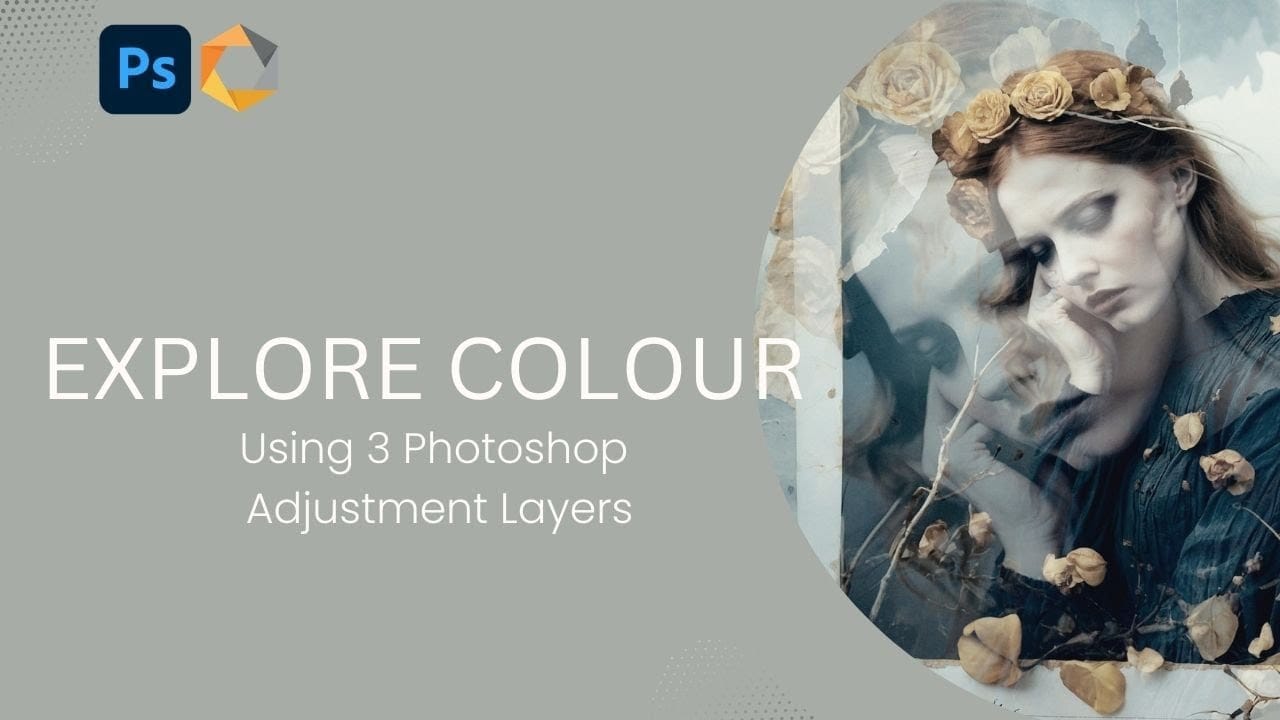
Introduction Transform any image into a vintage masterpiece using just three simple Photoshop adjustment layers. This creative approach demonstrates how to achieve rich, emotive color tones through strategic use of levels, photo filters, and black and white adjustments. Learn how to balance complementary colors, develop your color eye, and create Read the full article here: […]

Read more: Creating Vintage Color Effects with Three Adjustment Layers in Photoshop
Shadow Marks: 15 Free Dry Brushstrokes Photoshop Brushes

Shadow Marks: 15 Free Dry Brushstrokes Photoshop Brushes

Shadow Marks is a set of 15 high-resolution dry brushstroke Photoshop brushes designed to bring bold texture, movement, and contrast to modern digital artwork. Each brush was created from AI-generated texture sources and carefully refined to deliver organic ink and paint effects that feel natural, expressive, and easy to use Read the full article here: […]

Read more: Shadow Marks: 15 Free Dry Brushstrokes Photoshop Brushes
Join Scott & Erik LIVE This Cyber Monday

Join Scott & Erik LIVE This Cyber Monday

Cyber Monday is going to be BIG this year — and we’re kicking it off with a special live webcast hosted by Scott Kelby and Erik Kuna!  Monday, December 1, 2025 11:00 AM ET Streaming on Facebook, YouTube, and the KelbyOne Members Site Scott and Erik will be walking through everything happening right now at KelbyOne — including an inside […]

Read more: Join Scott & Erik LIVE This Cyber Monday
Create Colorful and Decorative Christmas Text Effects in Photoshop

Create Colorful and Decorative Christmas Text Effects in Photoshop

This collection of colorful Christmas text effects tutorials in Photoshop offers a fun way to spread holiday cheer. You can create eye-catching designs that convey your affection for family and friends with just a few simple steps. Each tutorial is laid out in a clear, step-by-step format, making it accessible Read the full article here: […]

Read more: Create Colorful and Decorative Christmas Text Effects in Photoshop
How to Use Photoshop's Match Color Tool for Consistent Image Tones

How to Use Photoshop's Match Color Tool for Consistent Image Tones

Color consistency between images can make or break a professional composition. When combining photos from different sources, lighting conditions and camera settings create jarring color mismatches that immediately reveal the edit. Photoshop's Match Color tool provides a direct solution, automatically analyzing and transferring the color characteristics from one Read the full article here: How to […]

Read more: How to Use Photoshop's Match Color Tool for Consistent Image Tones