Skip to content
Schenectady Photographic Society

Schenectady Photographic Society

Established 1932
Schenectady Photographic Society
Menu
  • Home
  • Downloads
    • The Focus
    • Annual Reports
    • New Member Info
  • Competitions
    • Assigned Topics for 2026-2028
    • Print
      • Competition Galleries
      • Competition Results
        • 2024-2025
        • 2023-2024
        • 2019-2020
        • 2018-2019
        • 2017-2018
        • 2016-2017
        • 2015-2016
      • Competition Rules
      • Submission Card Creator
    • Digital Image
      • Submit Images
      • Submissions
        • 2024-2025
        • 2023-2024
        • 2022-2023
        • 2021-2022
        • 2020-2021
        • 2019-2020
        • 2018-2019
        • 2017-2018
        • 2016-2017
        • 2015-2016
      • Competition Results
        • 2025-2026
        • 2024-2025
        • 2023-2024
        • 2022-2023
        • 2021-2022
        • 2020-2021
        • 2019-2020
        • 2018-2019
        • 2017-2018
        • 2016-2017
        • 2015-2016
      • Preparation Guidelines
      • Competition Rules
    • Photo Essay
      • Competition Rules
  • Programs
    • Mentoring
    • Field Trips
    • Traveling Exhibits
  • Events
    • Full Events Calendar
    • Luba Ricket Creativity Award
      • Submission Form
  • News
    • Announcements
    • Photoshop
    • Lightroom
  • Links
  • About SPS
    • Our FAQ
    • Directions
    • By-Laws
    • Constitution
    • Board of Directors
    • Betty Barker Award
    • Liability Waiver and Safety Requirements Agreement
    • SPS In the News
      • Heritage of Vision - 518 Profiles Magazine
      • 80th Anniversary - Daily Gazette
  • Join Us
CLOSE
Schenectady Photographic Society

Upcoming Events

Nothing from July 6, 2026 to July 6, 2027.

Blog

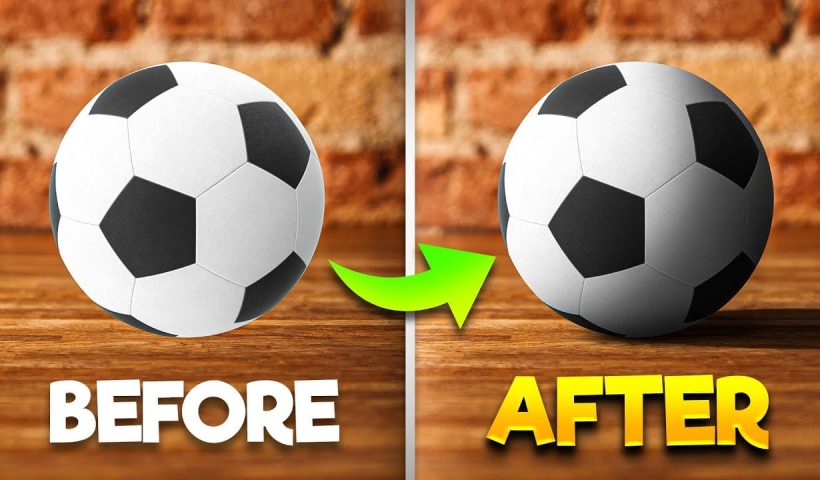
How To Add Realistic Shadows in Photoshop

In this video, you will learn how to add realistic shadows in Photoshop, a skill that can significantly enhance your digital artwork. The tutorial is presented by BennyProductions, who breaks down the process into easy-to-follow…

View More How To Add Realistic Shadows in Photoshop
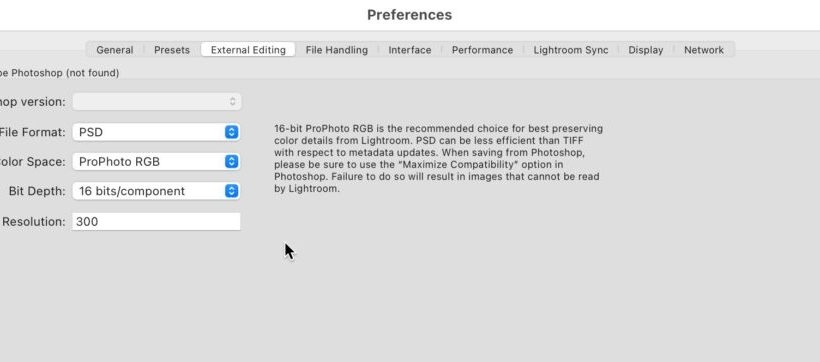
Lightroom Classic Bug Fix Update and Photoshop MIA

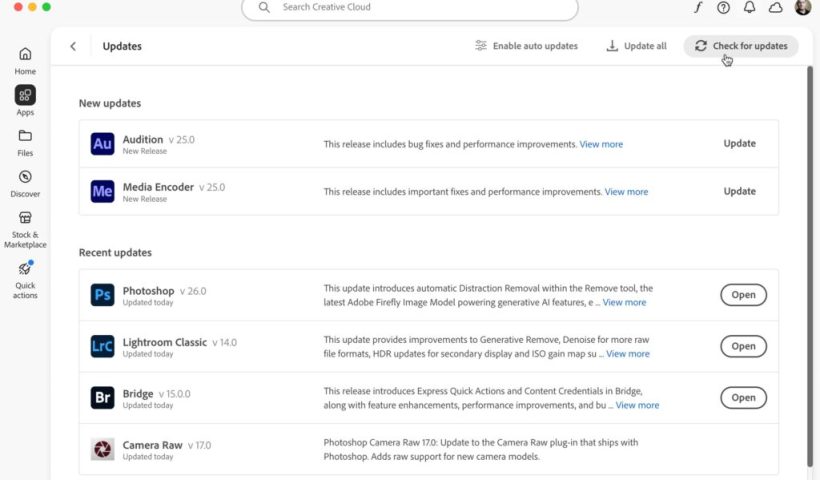
Well, that was fast. Adobe released a new update to Lightroom Classic today that addresses at least 3 bugs: Unable to export images from the collection Masks from previous versions needed to be updated after…

View More Lightroom Classic Bug Fix Update and Photoshop MIA

How to Color Correct Photos in Adobe Camera Raw

Color toning in Photoshop is an essential skill for anyone looking to enhance their images. With the Camera Raw Filter, you can easily adjust the warmth and coolness of your photos, bringing out the desired…

View More How to Color Correct Photos in Adobe Camera Raw

Adobe MAX Release Updates

Happy Adobe MAX day to all who celebrate! If you check your Adobe Application Manager app you should start to see new versions of your favorite Adobe software starting to appear. Don’t worry if you…

View More Adobe MAX Release Updates

Digital Competition Results for April 2024

Congratulations to our winners from this month’s Digital Image Night competition for the General and Monochrome categories. ** Judge: Tom Cuchara **** Assigned Topic: Triangles ** COMPETITION REPLAY

View More Digital Competition Results for April 2024

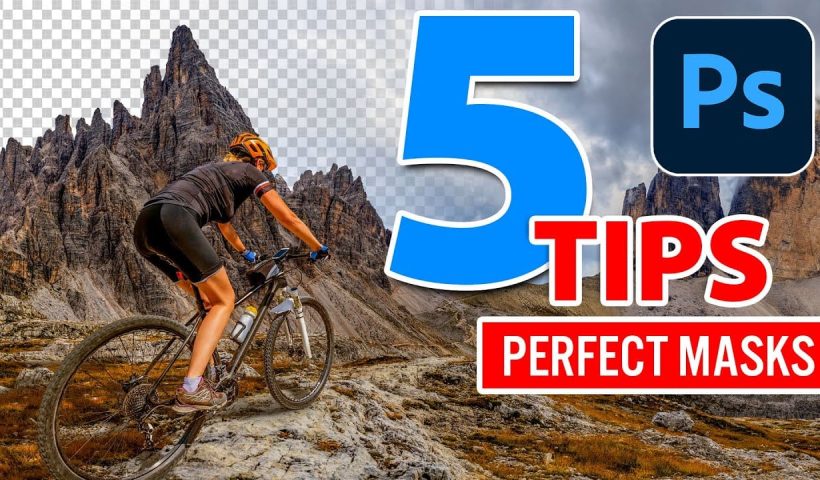
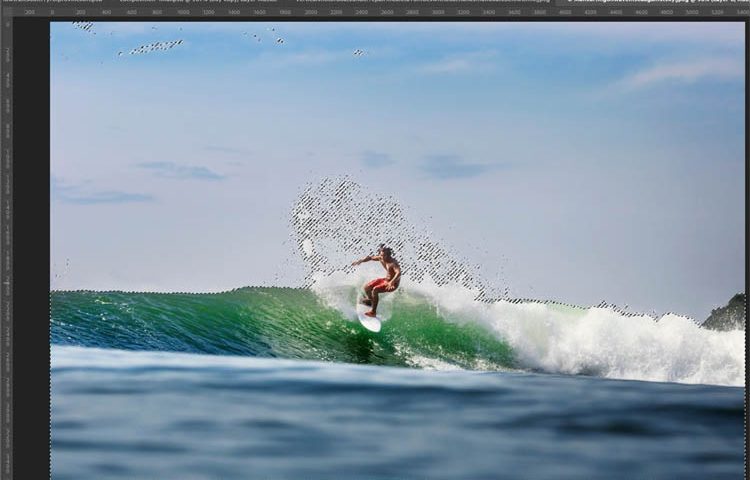
5 hidden Tips to make perfect Photoshop mask edges

Creating perfect mask edges in Photoshop can significantly enhance your editing process. In this guide, you’ll discover five essential tips that will help you achieve cleaner and more polished selections. First, learn how to visualize…

View More 5 hidden Tips to make perfect Photoshop mask edges

5 Tips to fix mask edges in Photoshop

There are a number of powerful tools in Photoshop to make masks. The masks extract images from the background, and isolate them so that you can do compositing or other things. Sometimes the edges aren’t…

View More 5 Tips to fix mask edges in Photoshop

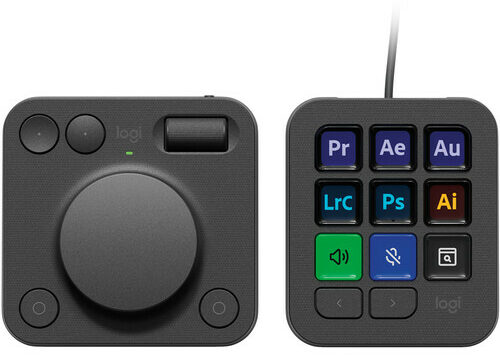
Logitech MX Creative Console, almost free for Adobe Creative Cloud Users

Logitech MX Creative Console, review By Colin Smith Design and Features: The MX Creative Console consists of two parts: a dial and a keypad. The dial is made of high-precision, low-carbon aluminum and has friction…

View More Logitech MX Creative Console, almost free for Adobe Creative Cloud Users

Posts pagination

Previous page Page 1 … Page 117 Page 118 Page 119 … Page 294 Next page
Schenectady Photographic Society
Established 1931
Site design by Sean P Sullivan
Copyright ยฉ SPS|Concepts
Terms of Service/Privacy Policy