Skip to content
Schenectady Photographic Society

Schenectady Photographic Society

Established 1932
Schenectady Photographic Society
Menu
  • Home
  • Downloads
    • The Focus
    • Annual Reports
    • New Member Info
  • Competitions
    • Assigned Topics
    • Print
      • Competition Galleries
      • Competition Results
        • 2025-2026
        • 2024-2025
        • 2023-2024
        • 2019-2020
        • 2018-2019
        • 2017-2018
        • 2016-2017
        • 2015-2016
      • Competition Rules
      • Submission Card Creator
    • Digital Image
      • Submissions
        • 2026-2027
        • 2025-2026
        • 2024-2025
        • 2023-2024
        • 2022-2023
        • 2021-2022
        • 2020-2021
        • 2019-2020
        • 2018-2019
        • 2017-2018
        • 2016-2017
        • 2015-2016
      • Competition Results
        • 2026-2027
        • 2025-2026
        • 2024-2025
        • 2023-2024
        • 2022-2023
        • 2021-2022
        • 2020-2021
        • 2019-2020
        • 2018-2019
        • 2017-2018
        • 2016-2017
        • 2015-2016
      • Preparation Guidelines
      • Competition Rules
    • Photo Essay
      • Competition Rules
  • Programs
    • Mentoring
    • Field Trips
    • Traveling Exhibits
  • Events
    • Full Events Calendar
    • Luba Ricket Creativity Award
      • Submission Form
  • News
    • Announcements
    • Photoshop
    • Lightroom
  • Links
  • About SPS
    • Our FAQ
    • Directions
    • By-Laws
    • Constitution
    • Board of Directors
    • Betty Barker Award
    • Liability Waiver and Safety Requirements Agreement
    • SPS In the News
      • Heritage of Vision - 518 Profiles Magazine
      • 80th Anniversary - Daily Gazette
  • Join Us
CLOSE
Schenectady Photographic Society

Upcoming Events

November 11, 2026
  • Digital Competition  Add to Calendar
    7:00 pm - 9:00 pm
    6 days ago
    See more details

November 18, 2026
  • Event Night  Add to Calendar
    7:00 pm - 9:00 pm
    22 hours from now
    See more details

November 25, 2026
  • No Meeting (Thanksgiving)  Add to Calendar
    7:00 pm - 9:00 pm
    1 week from now
    See more details

December 2, 2026
  • Print Competition  Add to Calendar
    7:00 pm - 9:00 pm
    2 weeks from now
    See more details

December 9, 2026
  • Digital Competition  Add to Calendar
    7:00 pm - 9:00 pm
    3 weeks from now
    See more details

December 16, 2026
  • Event Night  Add to Calendar
    7:00 pm - 9:00 pm
    4 weeks from now
    See more details

December 23, 2026
  • No Meeting (Christmas Holiday)  Add to Calendar
    7:00 pm - 9:00 pm
    1 month from now
    See more details

December 30, 2026
  • No Meeting (New Year's Holiday)  Add to Calendar
    7:00 pm - 9:00 pm
    1 month from now
    See more details

January 6, 2027
  • Print Competition  Add to Calendar
    7:00 pm - 9:00 pm
    2 months from now
    See more details

January 13, 2027
  • Digital Competition  Add to Calendar
    7:00 pm - 9:00 pm
    2 months from now
    See more details

January 20, 2027
  • Event Night  Add to Calendar
    7:00 pm - 9:00 pm
    2 months from now
    See more details

January 27, 2027
  • Event Night  Add to Calendar
    7:00 pm - 9:00 pm
    2 months from now
    See more details

February 3, 2027
  • Print Competition  Add to Calendar
    7:00 pm - 9:00 pm
    3 months from now
    See more details

Blog

5 Recent Photoshop Features Worth Adding to Your Workflow

Photoshop has been receiving a steady stream of updates, and a handful of genuinely useful features have quietly slipped past most users. From one-click lighting harmonization to AI-powered object removal and automatic layer naming, these…

View More 5 Recent Photoshop Features Worth Adding to Your Workflow

How to Combine AI Tools and Traditional Techniques for Realistic Composites in Photoshop

AI background removal gets you most of the way to a clean cutout, but fur, hair, and fine edges demand hands-on refinement. This tutorial by Jesús Ramirez walks through a complete compositing workflow — building…

View More How to Combine AI Tools and Traditional Techniques for Realistic Composites in Photoshop

Professional Retouching and Compositing Workflow Using Generative Fill in Photoshop

Entertainment retoucher Jesús Ramirez walks through the Generative Fill workflow he applies to every TV and movie poster project. The approach handles hair cleanup, skin blemishes, clothing fit, and full compositing without frequency separation or…

View More Professional Retouching and Compositing Workflow Using Generative Fill in Photoshop

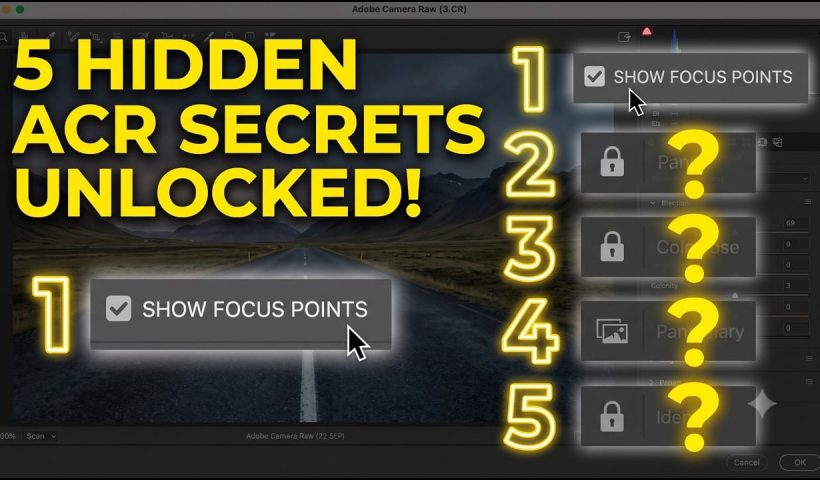
New Camera Raw Features Worth Using: Autofocus Points, Vectorscope, Bidirectional Gradients, and More

Camera Raw has quietly picked up several genuinely useful features that most photographers haven't touched yet. From visualizing exactly where your camera focused to correcting white balance with a vectorscope rather than guesswork, these additions…

View More New Camera Raw Features Worth Using: Autofocus Points, Vectorscope, Bidirectional Gradients, and More

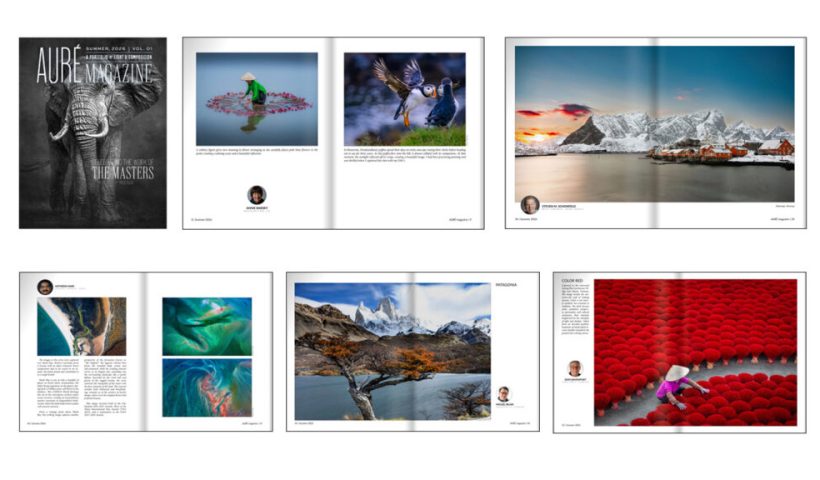
KelbyOne Announces Launch of AURÉ, a New Fine Art Photography Magazine

FOR IMMEDIATE RELEASE KelbyOne Announces Launch of AURÉ, a New Fine Art Photography Magazine TAMPA, FL – July 15, 2026 – Scott Kelby and the team at KelbyOne today announced the launch of AURÉ, a new fine art…

View More KelbyOne Announces Launch of AURÉ, a New Fine Art Photography Magazine

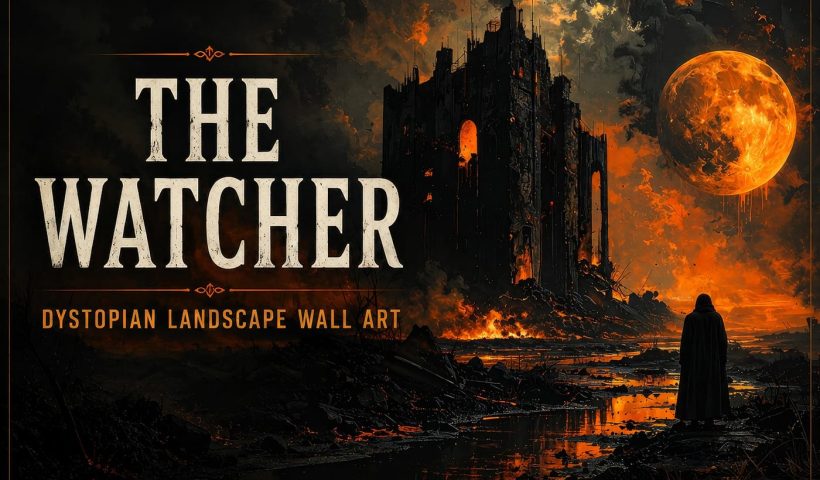
The Watcher: Dystopian Landscape Wall Art

The Watcher: Dystopian Landscape Wall Art is a free AI-generated fantasy artwork featuring a towering ruined fortress beneath a blazing orange moon, with a lone cloaked figure standing among scorched ruins and molten reflections. Inspired…

View More The Watcher: Dystopian Landscape Wall Art

Painting Digital Art Backgrounds: Techniques and Workflow

A well-crafted background can anchor an entire digital painting, providing atmosphere, depth, and visual context for the subject. This video demonstrates practical approaches to building backgrounds from scratch using digital tools, covering brush selection, color…

View More Painting Digital Art Backgrounds: Techniques and Workflow

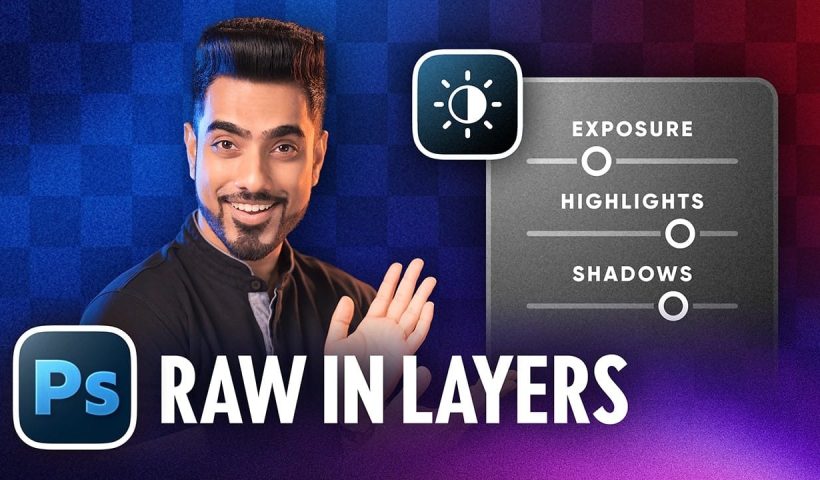
How to Use the Light Adjustment Layer in Photoshop

Photoshop's new Light adjustment layer brings Camera Raw controls — exposure, contrast, highlights, shadows, whites, and blacks — directly into the layers panel as a fully non-destructive, maskable layer. This means you can stack multiple…

View More How to Use the Light Adjustment Layer in Photoshop

Posts pagination

Previous page Page 1 … Page 16 Page 17 Page 18 … Page 312 Next page
Schenectady Photographic Society
Established 1931
Site design by Sean P Sullivan
Copyright © SPS|Concepts
Terms of Service/Privacy Policy