Selections determine the quality and flexibility of almost every edit you make in Photoshop. Three modern tools — the Object Selection tool, Remove Background with Harmonize, and the Selection Brush — handle the most common…
View More How to Use Object Selection, Remove Background, and the Selection Brush in PhotoshopBlog

How to Paint a Digital Background and Composite Wildlife Into It
Building a painted digital background from scratch gives you full control over color, mood, and composition before a single wildlife photo is placed. This walkthrough covers the complete process: blocking in shadows on a black…
View More How to Paint a Digital Background and Composite Wildlife Into ItExperimental iPhone Photography: Artistic Images Beyond the Snapshot with Lisa Carney
Your iPhone is capable of much more than documenting the moment. In this new class, Lisa Carney explores a creative approach to mobile photography, showing how techniques like motion blur, reflections, double exposures, silhouettes, and…
View More Experimental iPhone Photography: Artistic Images Beyond the Snapshot with Lisa CarneyOne Week to Go!
We’re only one week away from the Photographing People Conference, and I couldn’t be more excited about this one. One of the biggest reasons is the instructor lineup. We’ve got 19 world-class photographers teaching everything…
View More One Week to Go!How to Sharpen Skin Texture Using Frequency Separation in Photoshop
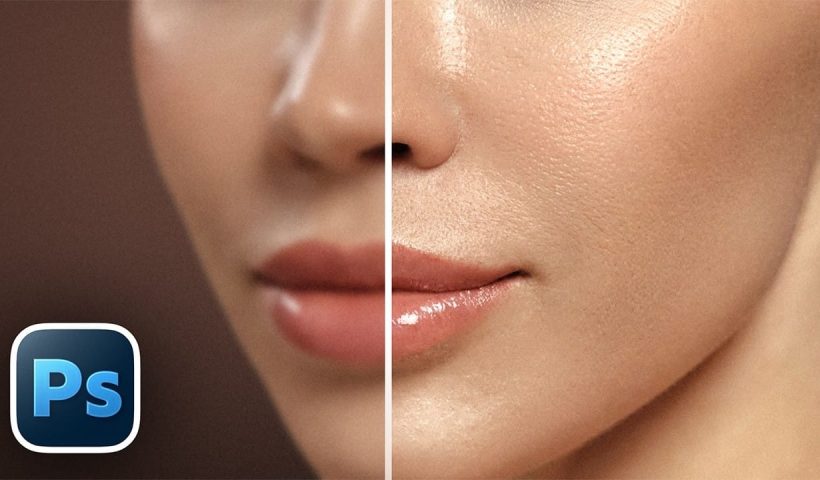
Retouched skin can look great up close but lose all its natural texture the moment you zoom out. Rather than relying on standard sharpening filters, you can recover that texture by duplicating the high-frequency layer…
View More How to Sharpen Skin Texture Using Frequency Separation in PhotoshopAI Reflection Removal in Photoshop 2026: Complete Workflow with Masking and Generative Fill
Photoshop 2026 introduces built-in AI reflection removal for the first time, bringing a capability previously limited to Lightroom and Camera Raw directly into a layer-based workflow. The key advantage here is control: results appear on…
View More AI Reflection Removal in Photoshop 2026: Complete Workflow with Masking and Generative FillFirefly Image Model 5 in Photoshop: Generative Fill, Distraction Removal, and Color Finishing
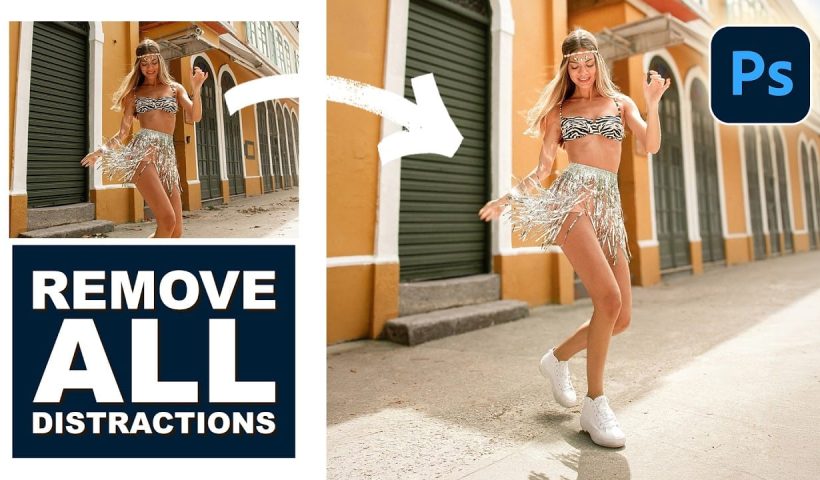
Firefly Image Model 5 brings noticeably higher output quality and more natural language prompting to Photoshop's generative fill workflow. Combined with an updated Remove tool that automatically detects distractions and a Camera Raw finishing pass…
View More Firefly Image Model 5 in Photoshop: Generative Fill, Distraction Removal, and Color FinishingHow to Remove Distractions, Expand Borders, and Polish a Portrait in Photoshop
A cluttered background, tight framing, and flat lighting can undermine an otherwise strong portrait. This workflow covers the full process of cleaning up a photo using Photoshop's AI-powered Remove Tool, extending the canvas with Generative…
View More How to Remove Distractions, Expand Borders, and Polish a Portrait in Photoshop