Skin tones can make or break a portrait, yet color casts and uneven lighting often leave subjects looking unnatural or flat. Whether dealing with mixed lighting conditions, camera white balance issues, or post-processing mishaps, getting…
View More How to Fix Skin Tones in Photoshop – Complete GuideBlog

How to Colorize Black and White Photos in Photoshop Without AI
Transforming black and white photographs into vibrant color images requires precision and technique to achieve natural-looking results. This manual colorization method preserves image quality while giving you complete control over every color choice, avoiding the…
View More How to Colorize Black and White Photos in Photoshop Without AIFlowers and Woods: 3 Detailed Floral Wooden Backgrounds
Flowers and Woods: 3 Detailed Floral Wooden Backgrounds is a free mini pack featuring three high-resolution images taken from the full Woodland Wonders collection of 70 wooden backgrounds. Each background combines richly textured wooden surfaces…
View More Flowers and Woods: 3 Detailed Floral Wooden BackgroundsWoodland Wonders: 70 Detailed Wooden Backgrounds
Introducing Woodland Wonders — a curated collection of 70 wooden backgrounds designed to bring warmth, texture, and natural character into your creative work. This pack features high-resolution wooden surfaces enriched with organic details, ranging from…
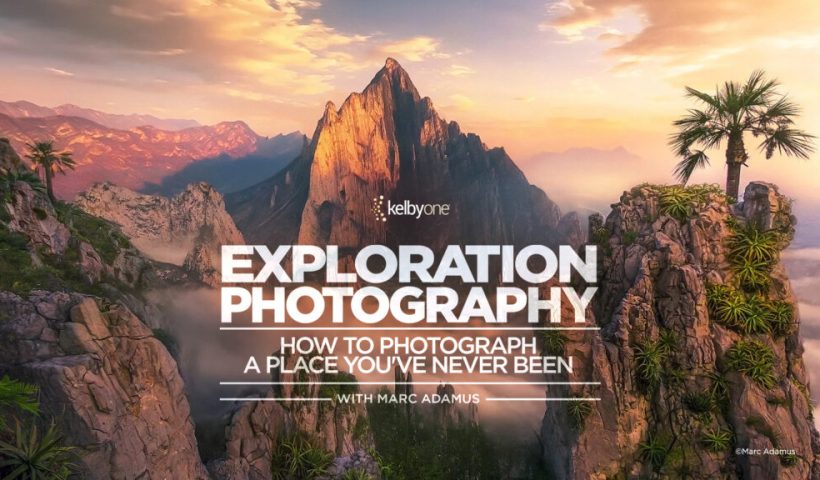
View More Woodland Wonders: 70 Detailed Wooden BackgroundsExploration Photography: How to Photograph a Place You’ve Never Been with Marc Adamus
When you’re photographing a place you’ve never been before, it can feel equal parts exciting and overwhelming. Where do you start? What do you look for? And how do you move past just documenting a…
View More Exploration Photography: How to Photograph a Place You’ve Never Been with Marc AdamusNew Camera Raw Adjustment Layers in Photoshop: Color Grading, Clarity, and Grain
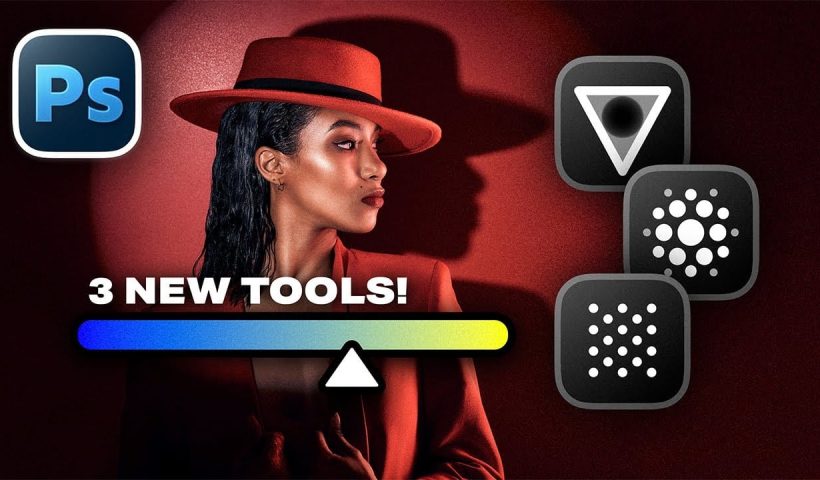
Working with multiple layers in Photoshop traditionally required complex workarounds to apply Camera Raw adjustments. The old process involved merging layers, converting to smart objects, and losing the flexibility that makes adjustment layers so powerful.…
View More New Camera Raw Adjustment Layers in Photoshop: Color Grading, Clarity, and GrainThis Masking Tool in Lightroom is a Game Changer
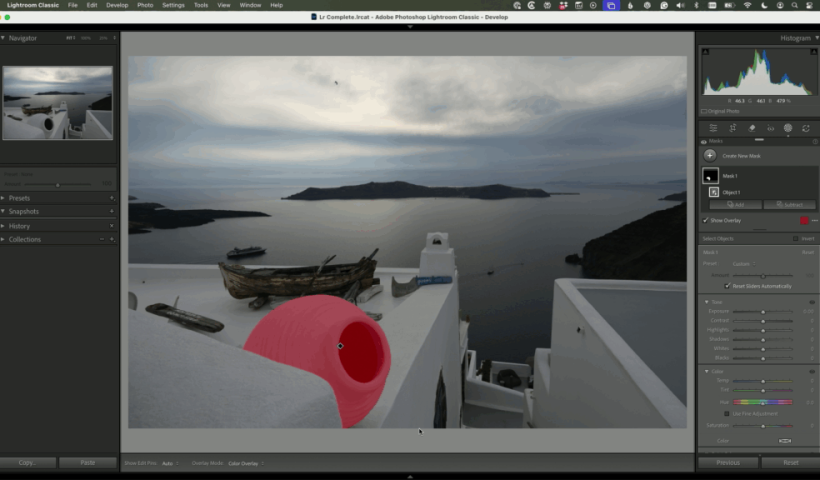
Masking used to be one of the most frustrating parts of working in Lightroom Classic. Too many tools, too many decisions, and too much time spent trying to get a clean selection. That’s changed in…
View More This Masking Tool in Lightroom is a Game ChangerEditing Color in Lightroom Doesn’t Need to Be Complicated
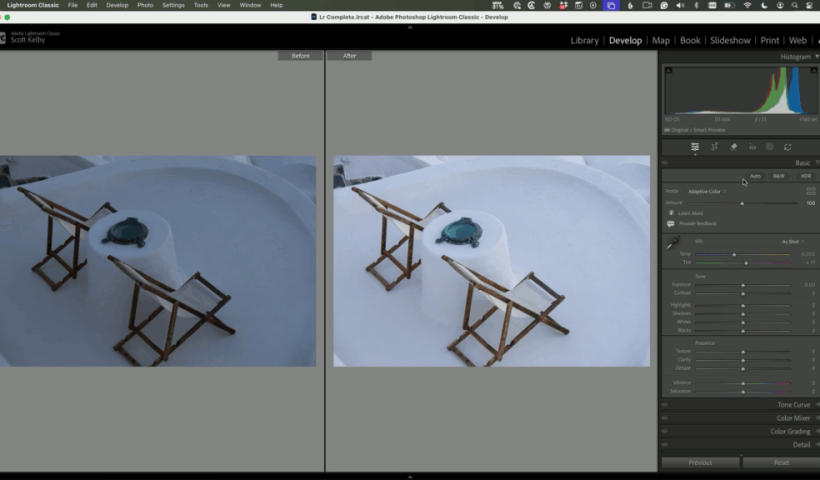
Color is one of the most powerful parts of Lightroom Classic—but for many photographers, it’s also where edits start to feel overwhelming. With newer tools and more options than ever, it’s easy to second-guess yourself…
View More Editing Color in Lightroom Doesn’t Need to Be Complicated