Skip to content
Schenectady Photographic Society

Schenectady Photographic Society

Established 1932
Schenectady Photographic Society
Menu
  • Home
  • Downloads
    • The Focus
    • Annual Reports
    • New Member Info
  • Competitions
    • Assigned Topics for 2026-2028
    • Print
      • Competition Galleries
      • Competition Results
        • 2024-2025
        • 2023-2024
        • 2019-2020
        • 2018-2019
        • 2017-2018
        • 2016-2017
        • 2015-2016
      • Competition Rules
      • Submission Card Creator
    • Digital Image
      • Submissions
        • 2024-2025
        • 2023-2024
        • 2022-2023
        • 2021-2022
        • 2020-2021
        • 2019-2020
        • 2018-2019
        • 2017-2018
        • 2016-2017
        • 2015-2016
      • Competition Results
        • 2025-2026
        • 2024-2025
        • 2023-2024
        • 2022-2023
        • 2021-2022
        • 2020-2021
        • 2019-2020
        • 2018-2019
        • 2017-2018
        • 2016-2017
        • 2015-2016
      • Preparation Guidelines
      • Competition Rules
    • Photo Essay
      • Competition Rules
  • Programs
    • Mentoring
    • Field Trips
    • Traveling Exhibits
  • Events
    • Full Events Calendar
    • Luba Ricket Creativity Award
      • Submission Form
  • News
    • Announcements
    • Photoshop
    • Lightroom
  • Links
  • About SPS
    • Our FAQ
    • Directions
    • By-Laws
    • Constitution
    • Board of Directors
    • Betty Barker Award
    • Liability Waiver and Safety Requirements Agreement
    • SPS In the News
      • Heritage of Vision - 518 Profiles Magazine
      • 80th Anniversary - Daily Gazette
  • Join Us
CLOSE
Schenectady Photographic Society

Upcoming Events

September 30, 2026
  • Opening Day  Add to Calendar
    7:00 pm - 9:00 pm
    6 days ago
    See more details

October 7, 2026
  • Print Competition  Add to Calendar
    7:00 pm - 9:00 pm
    1 day from now
    See more details

October 14, 2026
  • Digital Competition  Add to Calendar
    7:00 pm - 9:00 pm
    1 week from now
    See more details

October 21, 2026
  • Event Night  Add to Calendar
    7:00 pm - 9:00 pm
    2 weeks from now
    See more details

October 28, 2026
  • Event Night  Add to Calendar
    7:00 pm - 9:00 pm
    3 weeks from now
    See more details

November 4, 2026
  • Print Competition  Add to Calendar
    7:00 pm - 9:00 pm
    4 weeks from now
    See more details

November 11, 2026
  • Digital Competition  Add to Calendar
    7:00 pm - 9:00 pm
    1 month from now
    See more details

November 18, 2026
  • Event Night  Add to Calendar
    7:00 pm - 9:00 pm
    1 month from now
    See more details

November 25, 2026
  • No Meeting (Thanksgiving)  Add to Calendar
    7:00 pm - 9:00 pm
    2 months from now
    See more details

December 2, 2026
  • Print Competition  Add to Calendar
    7:00 pm - 9:00 pm
    2 months from now
    See more details

December 9, 2026
  • Digital Competition  Add to Calendar
    7:00 pm - 9:00 pm
    2 months from now
    See more details

December 16, 2026
  • Event Night  Add to Calendar
    7:00 pm - 9:00 pm
    2 months from now
    See more details

December 23, 2026
  • No Meeting (Christmas Holiday)  Add to Calendar
    7:00 pm - 9:00 pm
    3 months from now
    See more details

Blog

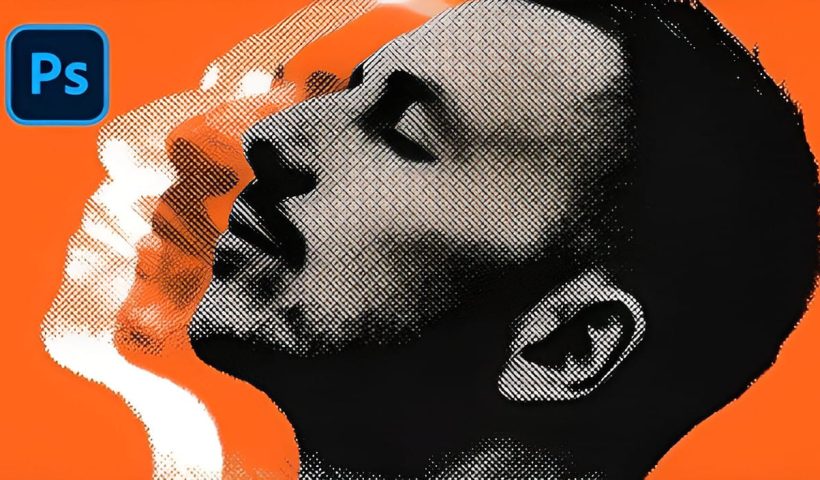
How to Create a Vintage Collage Effect with Halftone Patterns in Photoshop

Vintage collage effects combine the nostalgic appeal of old-school printing techniques with modern digital artistry. This technique uses halftone patterns, emboss effects, and strategic layering to transform ordinary portraits into striking retro compositions that evoke…

View More How to Create a Vintage Collage Effect with Halftone Patterns in Photoshop
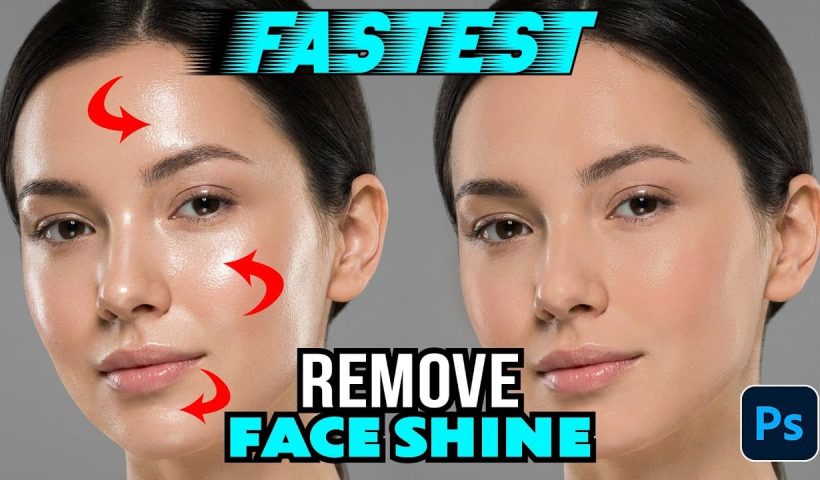
How to Remove Shiny Skin with Selective Color in Photoshop

Skin shine can ruin an otherwise perfect portrait, creating distracting bright spots that draw attention away from your subject. Using Photoshop's Selective Color adjustment layer combined with layer masking provides precise control over these problematic…

View More How to Remove Shiny Skin with Selective Color in Photoshop

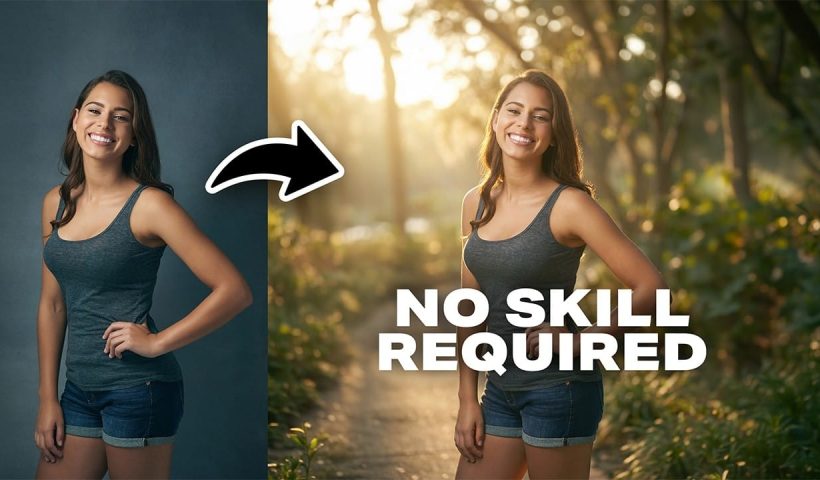
How to Change Photo Backgrounds with AI While Preserving Professional Quality

Professional background replacement has traditionally required hours of meticulous masking and lighting adjustments in studio settings. Modern AI tools now offer an alternative approach that can change backgrounds while maintaining the original subject's lighting, hair…

View More How to Change Photo Backgrounds with AI While Preserving Professional Quality

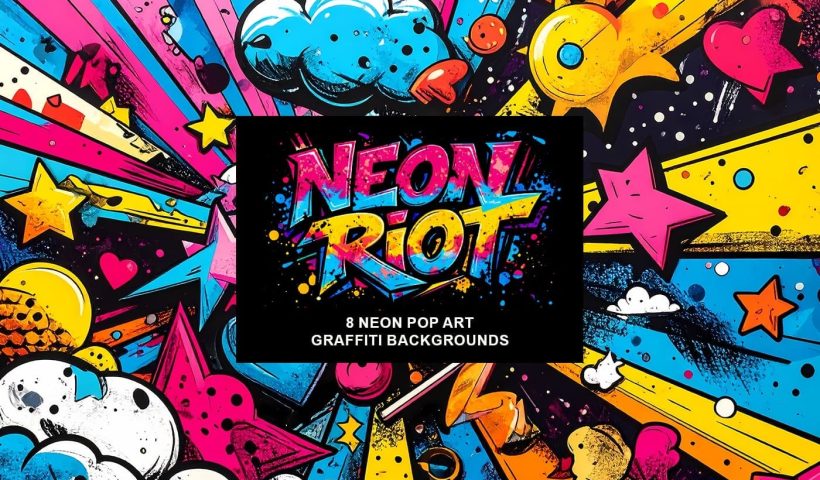
Neon Riot: 8 Neon Colors Pop Art Graffiti Backgrounds

Neon Riot is a free collection of bold, high-energy pop art graffiti AI-generated backgrounds inspired by street murals, urban lettering, and layered wall art found in city neighborhoods. Each design blends chunky 3D graffiti shapes,…

View More Neon Riot: 8 Neon Colors Pop Art Graffiti Backgrounds

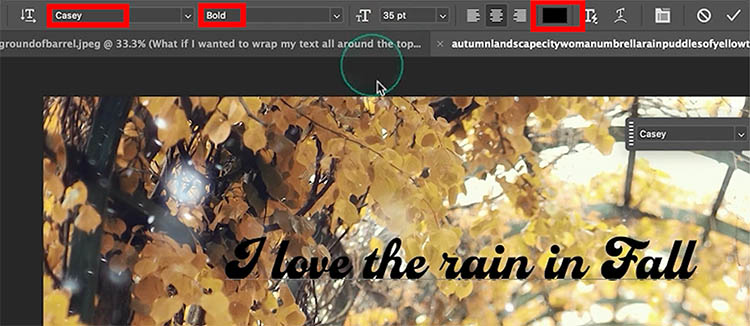
Dynamic Text in Photoshop: Circle, Arch, and Advanced Controls Explained

Better Than Warp Text? Master Circular Typography with Dynamic Text Adding text to a circle or arch in Photoshop has always been possible. The problem is making it look good. Traditionally, we’ve relied on Warp…

View More Dynamic Text in Photoshop: Circle, Arch, and Advanced Controls Explained

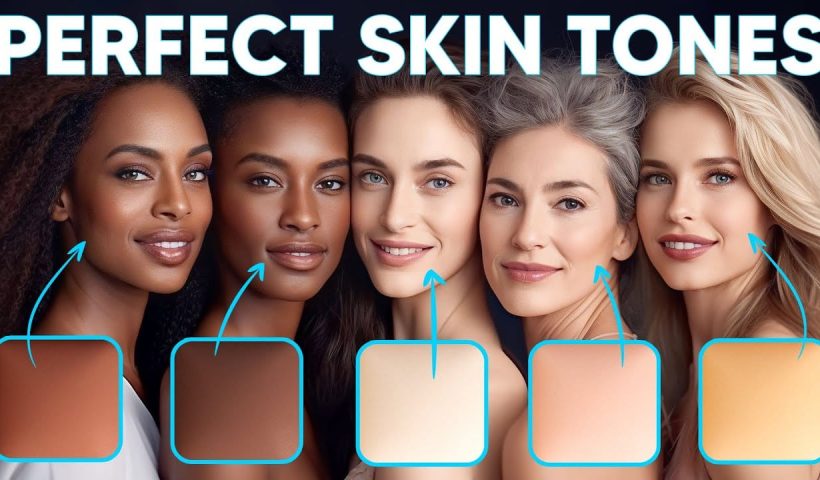
How to Enhance Skin Tones Using Gradients in Photoshop

Skin tones often appear washed out or lifeless in photographs due to challenging lighting conditions or camera settings. This gradient-based technique brings vibrancy back to portraits while creating natural-looking dimensional highlights that draw the viewer's…

View More How to Enhance Skin Tones Using Gradients in Photoshop

7 Signs You're a Photoshop Pro – Skill Assessment Guide

Professional Photoshop mastery isn't about memorizing every menu or filter. It's about developing efficient workflows, understanding core concepts, and building muscle memory for essential techniques. Real pros focus on the right tools for their specific…

View More 7 Signs You're a Photoshop Pro – Skill Assessment Guide

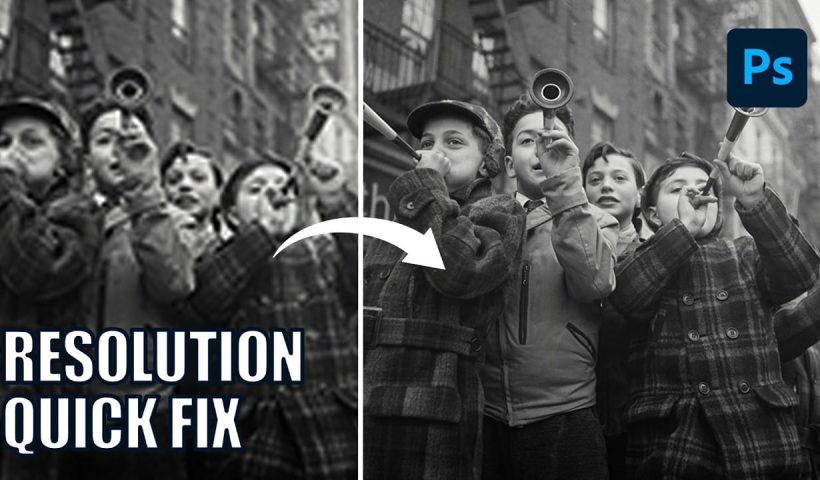
How to Use Generative Upscale with Multiple AI Models in Photoshop

Pixelated vintage photos and low-resolution images no longer need to stay small. Photoshop's Generative Upscale feature now offers multiple AI models to enlarge images up to 4x their original size while adding remarkable detail and…

View More How to Use Generative Upscale with Multiple AI Models in Photoshop

Posts pagination

Previous page Page 1 … Page 32 Page 33 Page 34 … Page 305 Next page
Schenectady Photographic Society
Established 1931
Site design by Sean P Sullivan
Copyright © SPS|Concepts
Terms of Service/Privacy Policy