Skip to content
Schenectady Photographic Society

Schenectady Photographic Society

Established 1932
Schenectady Photographic Society
Menu
  • Home
  • Downloads
    • The Focus
    • Annual Reports
    • New Member Info
  • Competitions
    • Assigned Topics for 2026-2028
    • Print
      • Competition Galleries
      • Competition Results
        • 2024-2025
        • 2023-2024
        • 2019-2020
        • 2018-2019
        • 2017-2018
        • 2016-2017
        • 2015-2016
      • Competition Rules
      • Submission Card Creator
    • Digital Image
      • Submit Images
      • Submissions
        • 2024-2025
        • 2023-2024
        • 2022-2023
        • 2021-2022
        • 2020-2021
        • 2019-2020
        • 2018-2019
        • 2017-2018
        • 2016-2017
        • 2015-2016
      • Competition Results
        • 2025-2026
        • 2024-2025
        • 2023-2024
        • 2022-2023
        • 2021-2022
        • 2020-2021
        • 2019-2020
        • 2018-2019
        • 2017-2018
        • 2016-2017
        • 2015-2016
      • Preparation Guidelines
      • Competition Rules
    • Photo Essay
      • Competition Rules
  • Programs
    • Mentoring
    • Field Trips
    • Traveling Exhibits
  • Events
    • Full Events Calendar
    • Luba Ricket Creativity Award
      • Submission Form
  • News
    • Announcements
    • Photoshop
    • Lightroom
  • Links
  • About SPS
    • Our FAQ
    • Directions
    • By-Laws
    • Constitution
    • Board of Directors
    • Betty Barker Award
    • Liability Waiver and Safety Requirements Agreement
    • SPS In the News
      • Heritage of Vision - 518 Profiles Magazine
      • 80th Anniversary - Daily Gazette
  • Join Us
CLOSE
Schenectady Photographic Society

Upcoming Events

Nothing from June 29, 2026 to June 29, 2027.

Blog

How to Create a Realistic Sun from Scratch in Photoshop

The sun remains one of the most challenging celestial objects to recreate digitally. Its complex surface textures, radiant glow, and dynamic solar flares require a combination of precise techniques and creative approaches. This comprehensive tutorial…

View More How to Create a Realistic Sun from Scratch in Photoshop

How to Calibrate Your Monitor for Photo Editing and Printing

Perfect prints start with an accurate monitor. The colors you see on screen should match what comes out of your printer, but most displays ship with settings optimized for entertainment rather than professional work. This…

View More How to Calibrate Your Monitor for Photo Editing and Printing

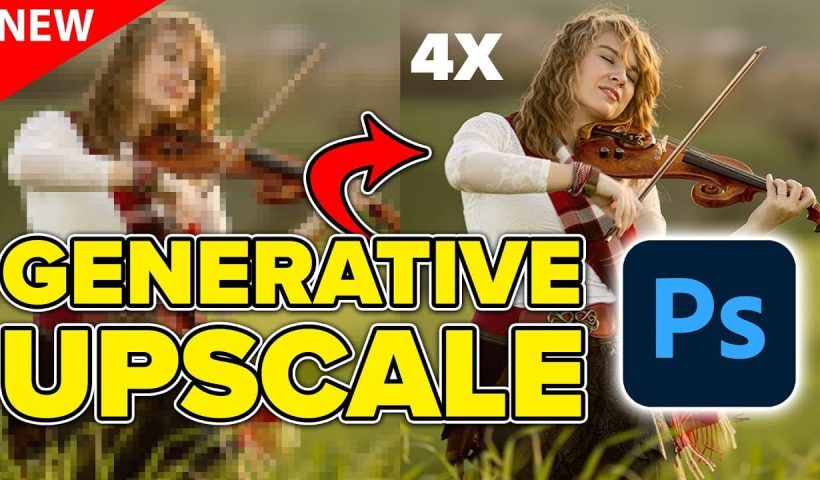
Comparing Photoshop's Three AI Upscaling Tools: Generative Upscale vs Neural Filters vs Preserve Details

Low-resolution images present a constant challenge for designers and photographers who need crisp, detailed prints or high-quality digital displays. Traditional upscaling methods often produce blurry, pixelated results that fail to meet professional standards. Photoshop now…

View More Comparing Photoshop's Three AI Upscaling Tools: Generative Upscale vs Neural Filters vs Preserve Details

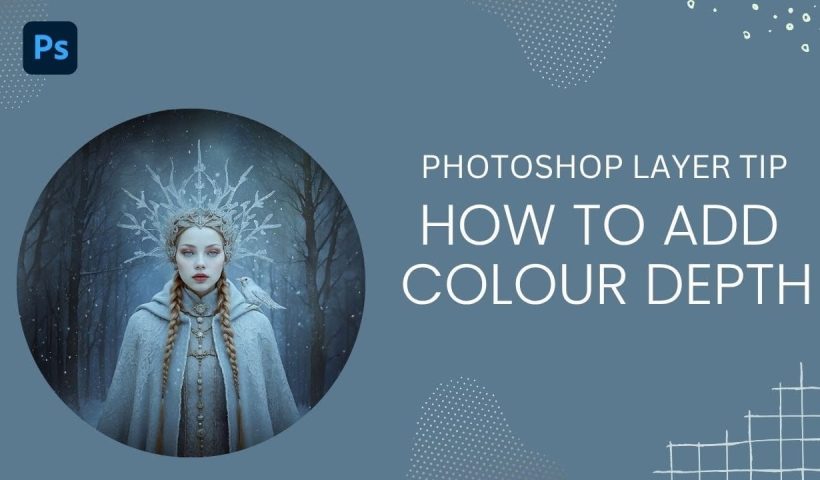
How to Add Color Depth Using Color Dodge Layers in Photoshop

Color depth transforms flat images into rich, dimensional works that hold the viewer's attention. The secret lies in selectively enhancing specific areas rather than applying blanket adjustments that can muddy your colors. The color dodge…

View More How to Add Color Depth Using Color Dodge Layers in Photoshop

5 Essential Pen Tool Tips for Better Photoshop Selections

Perfect selections separate amateur work from professional results in Photoshop. When quick selection tools fail on complex subjects with curves and intricate edges, the Pen Tool becomes your most precise option for creating flawless cutouts.…

View More 5 Essential Pen Tool Tips for Better Photoshop Selections

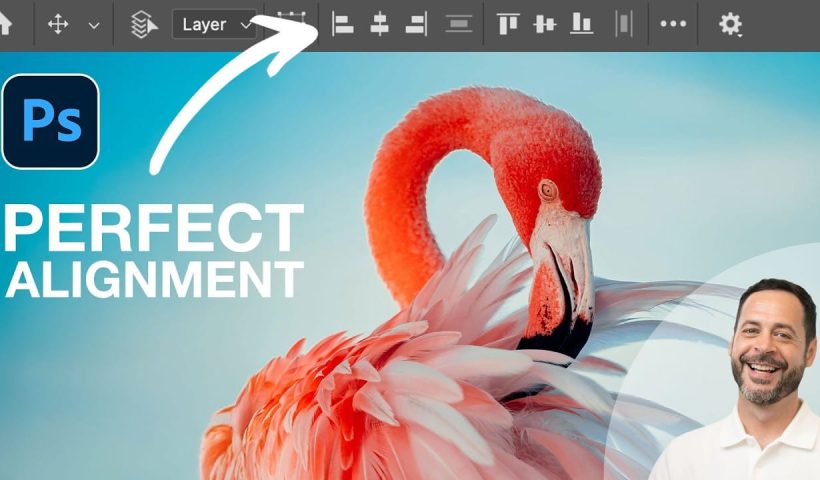
How to Use Photoshop's Alignment Tools for Perfect Object Placement

Perfect alignment transforms amateur-looking designs into polished, professional layouts. When text floats awkwardly or elements appear randomly scattered, the entire composition suffers. Photoshop's alignment tools eliminate guesswork and create visual harmony with mathematical precision. These…

View More How to Use Photoshop's Alignment Tools for Perfect Object Placement

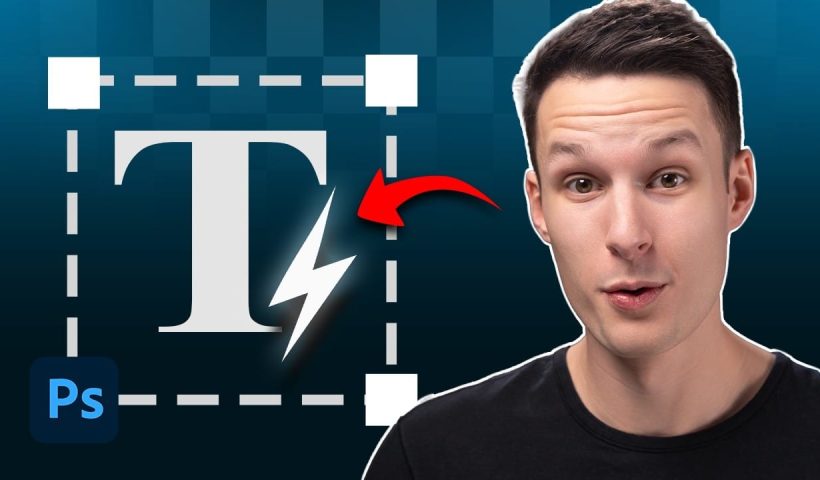
Dynamic Text Tool in Photoshop – Auto-Resizing Text Feature

Text alignment and sizing across multiple layers can quickly turn into a time-consuming puzzle. Manually adjusting each text element, creating guides for alignment, and constantly repositioning elements whenever you make changes disrupts the creative flow.…

View More Dynamic Text Tool in Photoshop – Auto-Resizing Text Feature

How to Create a Grungy Pop Art Collage with Halftone Effects in Photoshop

Pop art collages capture the bold, experimental spirit of 1960s graphic design through layered compositions and striking visual contrasts. This aesthetic combines commercial printing techniques with artistic rebellion, creating designs that feel both nostalgic and…

View More How to Create a Grungy Pop Art Collage with Halftone Effects in Photoshop

Posts pagination

Previous page Page 1 … Page 64 Page 65 Page 66 … Page 293 Next page
Schenectady Photographic Society
Established 1931
Site design by Sean P Sullivan
Copyright © SPS|Concepts
Terms of Service/Privacy Policy