Skip to content
Schenectady Photographic Society

Schenectady Photographic Society

Established 1932
Schenectady Photographic Society
Menu
  • Home
  • Downloads
    • The Focus
    • Annual Reports
    • New Member Info
  • Competitions
    • Assigned Topics for 2026-2028
    • Print
      • Competition Galleries
      • Competition Results
        • 2024-2025
        • 2023-2024
        • 2019-2020
        • 2018-2019
        • 2017-2018
        • 2016-2017
        • 2015-2016
      • Competition Rules
      • Submission Card Creator
    • Digital Image
      • Submit Images
      • Submissions
        • 2024-2025
        • 2023-2024
        • 2022-2023
        • 2021-2022
        • 2020-2021
        • 2019-2020
        • 2018-2019
        • 2017-2018
        • 2016-2017
        • 2015-2016
      • Competition Results
        • 2025-2026
        • 2024-2025
        • 2023-2024
        • 2022-2023
        • 2021-2022
        • 2020-2021
        • 2019-2020
        • 2018-2019
        • 2017-2018
        • 2016-2017
        • 2015-2016
      • Preparation Guidelines
      • Competition Rules
    • Photo Essay
      • Competition Rules
  • Programs
    • Mentoring
    • Field Trips
    • Traveling Exhibits
  • Events
    • Full Events Calendar
    • Luba Ricket Creativity Award
      • Submission Form
  • News
    • Announcements
    • Photoshop
    • Lightroom
  • Links
  • About SPS
    • Our FAQ
    • Directions
    • By-Laws
    • Constitution
    • Board of Directors
    • Betty Barker Award
    • Liability Waiver and Safety Requirements Agreement
    • SPS In the News
      • Heritage of Vision - 518 Profiles Magazine
      • 80th Anniversary - Daily Gazette
  • Join Us
CLOSE
Schenectady Photographic Society

Upcoming Events

Nothing from June 29, 2026 to June 29, 2027.

Blog

How to Create a Realistic Paper Tear in Photoshop

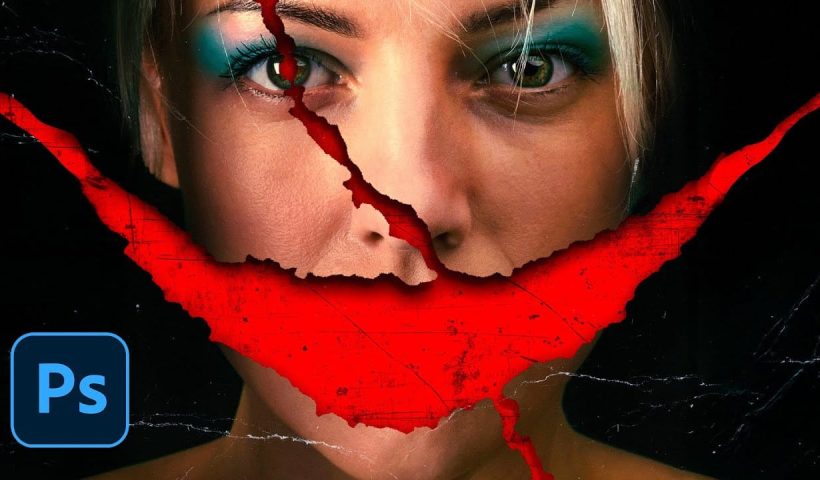
Movie posters with torn paper effects create a sense of mystery and depth that draws viewers in. The technique reveals contrasting elements beneath the surface — perhaps a gritty red background behind a clean portrait,…

View More How to Create a Realistic Paper Tear in Photoshop
How to Design with the Y2K Aesthetic: Typography, Colors, and Effects

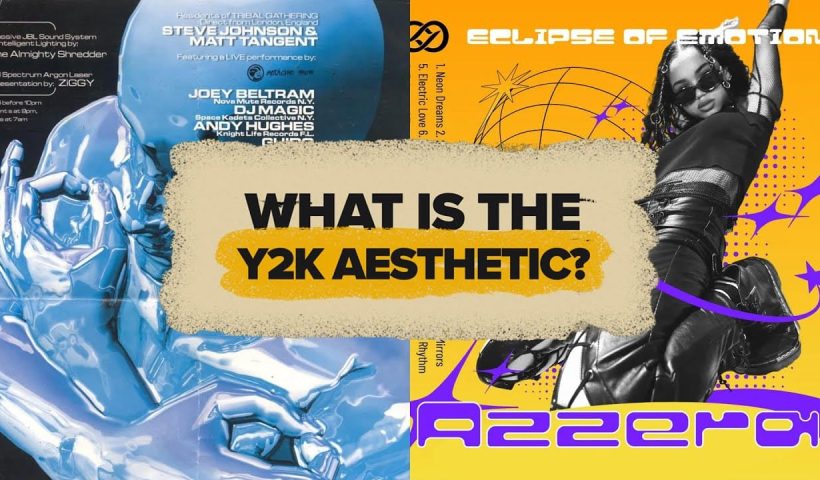
The metallic surfaces, bubble typography, and neon gradients of the late 1990s and early 2000s have made a striking comeback. This retro-futuristic aesthetic captures the millennium era's optimistic vision of digital technology through shiny textures,…

View More How to Design with the Y2K Aesthetic: Typography, Colors, and Effects

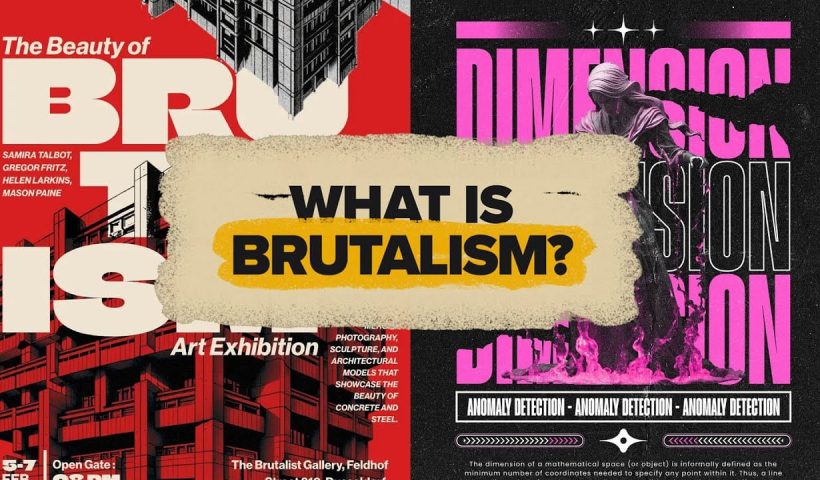
Understanding Brutalist Graphic Design: Principles, Techniques, and Applications

Raw concrete meets bold typography in a design movement that deliberately breaks the rules. Brutalism strips away polish and perfection, embracing rough edges, clashing colors, and unapologetically bold statements that demand attention. This rebellious aesthetic…

View More Understanding Brutalist Graphic Design: Principles, Techniques, and Applications

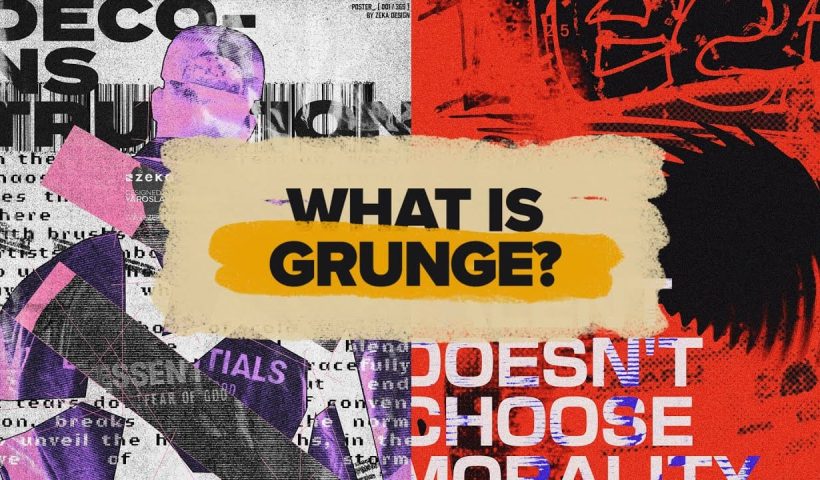
Understanding Grunge Design: Typography, Textures, and Visual Style

Grunge design refuses to play by conventional rules. Born from underground zines and music culture in the late '80s, this aesthetic embraces chaos, imperfection, and raw authenticity over polished perfection. The style thrives on distressed…

View More Understanding Grunge Design: Typography, Textures, and Visual Style

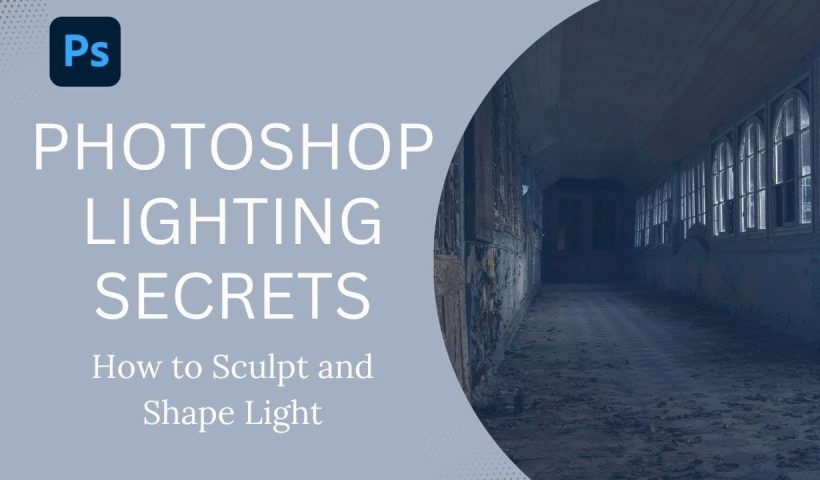
How to Sculpt Light and Add Atmosphere in Photoshop

Light transforms a flat image into something with depth, mood, and visual interest. The ability to enhance existing light sources or create entirely new ones opens up creative possibilities that go far beyond what the…

View More How to Sculpt Light and Add Atmosphere in Photoshop

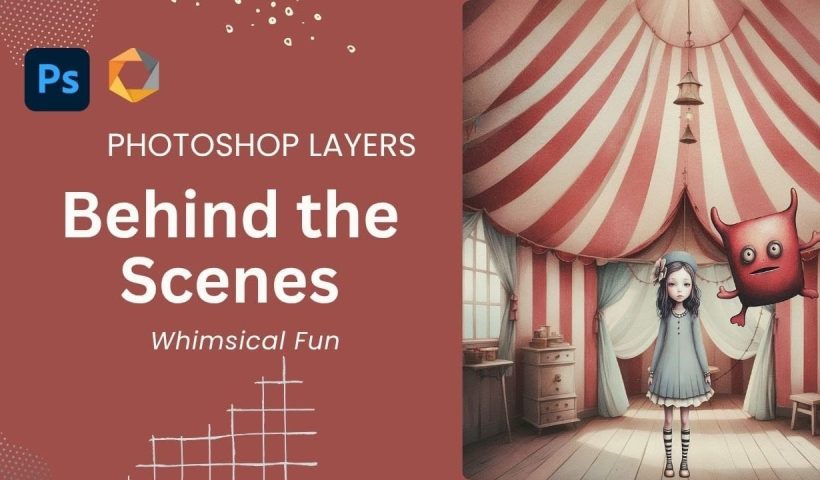
Create a Whimsical Vintage Image in Photoshop: Complete Layer Breakdown and Color Matching Technique

The magic of vintage circus imagery lies in its ability to transport viewers to a world of wonder and nostalgia. Soft, muted tones paired with whimsical characters create compositions that feel both timeless and enchanting.…

View More Create a Whimsical Vintage Image in Photoshop: Complete Layer Breakdown and Color Matching Technique

How to Cut Out Complex Hair and Fur in Photoshop Without Fringing

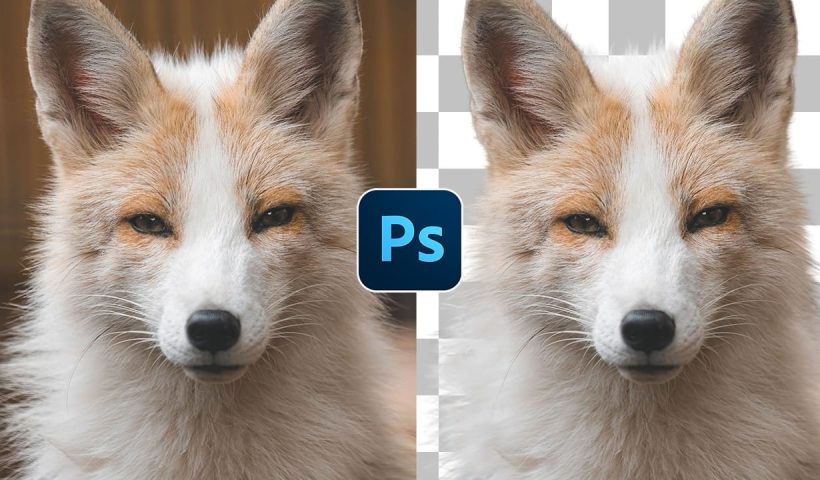
Sharp, clean cutouts separate amateur photo edits from professional composites. Subjects with hair or fur challenge even experienced Photoshop users because standard selection tools often leave noticeable color fringing around delicate edges. This tutorial demonstrates…

View More How to Cut Out Complex Hair and Fur in Photoshop Without Fringing

How to Create a VHS Glitch Effect in Photoshop

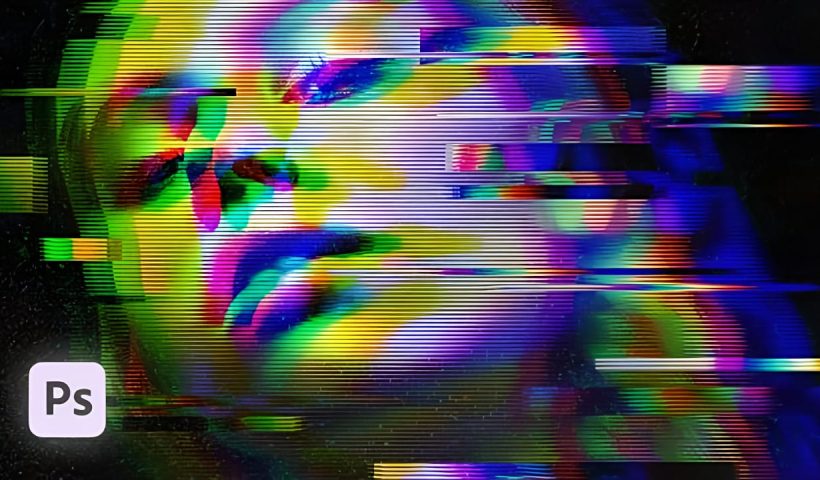
VHS glitch effects capture the nostalgic charm of analog video distortion, transforming clean digital images into retro masterpieces. These effects recreate the visual artifacts of old videotapes — horizontal scan lines, color channel separation, and…

View More How to Create a VHS Glitch Effect in Photoshop

Posts pagination

Previous page Page 1 … Page 66 Page 67 Page 68 … Page 293 Next page
Schenectady Photographic Society
Established 1931
Site design by Sean P Sullivan
Copyright © SPS|Concepts
Terms of Service/Privacy Policy