While exploring the Quick Actions on Lightroom web I also played around with the newly added adaptive presets you can access while editing in your web browser. Anyone needing to make quick edits can take…
View More Adaptive Presets on Lightroom Web

While exploring the Quick Actions on Lightroom web I also played around with the newly added adaptive presets you can access while editing in your web browser. Anyone needing to make quick edits can take…
View More Adaptive Presets on Lightroom Web
It’s easy to forget about all the tools found at lightroom.adobe.com (aka, “Lightroom on the web” or just “Lightroom web”) since I have an actual Lightroom app on all of my devices. That said, every…
View More Lightroom on the Web Quick Actions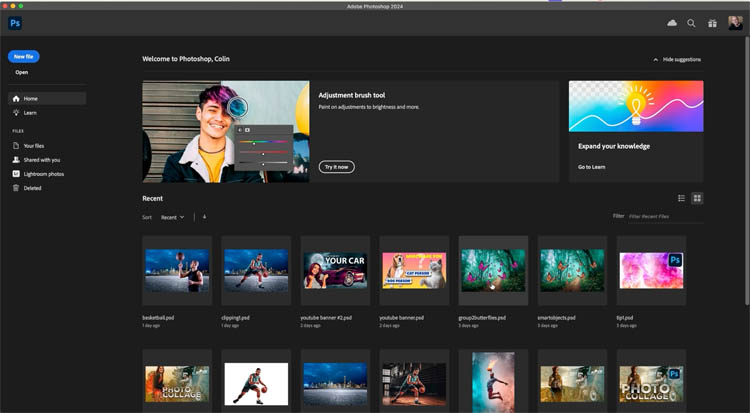
Over time, the interface in Photoshop keeps changing. Sometimes things are better and sometimes you prefer the way they used to work, or you just want to customize some things. These 7 settings will save…
View More Change these Photoshop settings today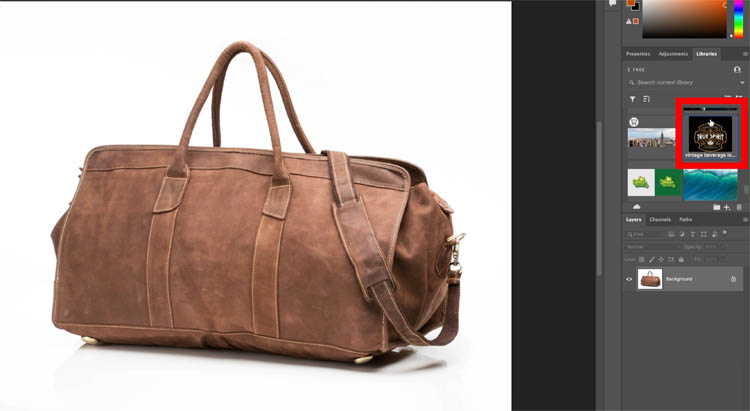
How to add a logo to an object in Photoshop This tutorial shows how to add a loo to any object is a hyperrealistic way. Start with a leather bag in this case. This will…
View More How to Place a logo in Photoshop
The August update for Lightroom Classic, version 13.5, included an improvement to the way we can manage files that get stuck syncing. If you haven’t synced your Lightroom Classic catalog, but are curious about how…
View More New Update for Syncing Catalog to Cloud
Photoshop Selection Brush vs Quick mask, when to use each. The selection brush tool, is a tool that makes selections. Unlike the other selection tools, you just brush this on like a paintbrush, it’s very…
View More How to use Selection brush in Photoshop and Quick mask in Photoshop
I’m up here with my dear friends (and KelbyOne Instructors) Mimo Meidany and Dave Williams, doing a hands-on travel photography workshop for 12 photographers from the US and UK, and we are already having a…
View More Howdy, From Norway’s Lofoten Islands!
There used to be a feature in Photoshop where you could change the type of adjustment layer by right-clicking and choosing change Adjustment type. This feature has been missing from Photoshop since before CS6. But…
View More Photoshop tip. Change Adjustment Layer type in Photoshop