Skip to content
Schenectady Photographic Society

Schenectady Photographic Society

Established 1932
Schenectady Photographic Society
Menu
  • Home
  • Downloads
    • The Focus
    • Annual Reports
    • New Member Info
  • Competitions
    • Assigned Topics for 2026-2028
    • Print
      • Competition Galleries
      • Competition Results
        • 2024-2025
        • 2023-2024
        • 2019-2020
        • 2018-2019
        • 2017-2018
        • 2016-2017
        • 2015-2016
      • Competition Rules
      • Submission Card Creator
    • Digital Image
      • Submit Images
      • Submissions
        • 2024-2025
        • 2023-2024
        • 2022-2023
        • 2021-2022
        • 2020-2021
        • 2019-2020
        • 2018-2019
        • 2017-2018
        • 2016-2017
        • 2015-2016
      • Competition Results
        • 2025-2026
        • 2024-2025
        • 2023-2024
        • 2022-2023
        • 2021-2022
        • 2020-2021
        • 2019-2020
        • 2018-2019
        • 2017-2018
        • 2016-2017
        • 2015-2016
      • Preparation Guidelines
      • Competition Rules
    • Photo Essay
      • Competition Rules
  • Programs
    • Mentoring
    • Field Trips
    • Traveling Exhibits
  • Events
    • Full Events Calendar
    • Luba Ricket Creativity Award
      • Submission Form
  • News
    • Announcements
    • Photoshop
    • Lightroom
  • Links
  • About SPS
    • Our FAQ
    • Directions
    • By-Laws
    • Constitution
    • Board of Directors
    • Betty Barker Award
    • Liability Waiver and Safety Requirements Agreement
    • SPS In the News
      • Heritage of Vision - 518 Profiles Magazine
      • 80th Anniversary - Daily Gazette
  • Join Us
CLOSE
Schenectady Photographic Society

Upcoming Events

Nothing from June 8, 2026 to June 8, 2027.

Category: News

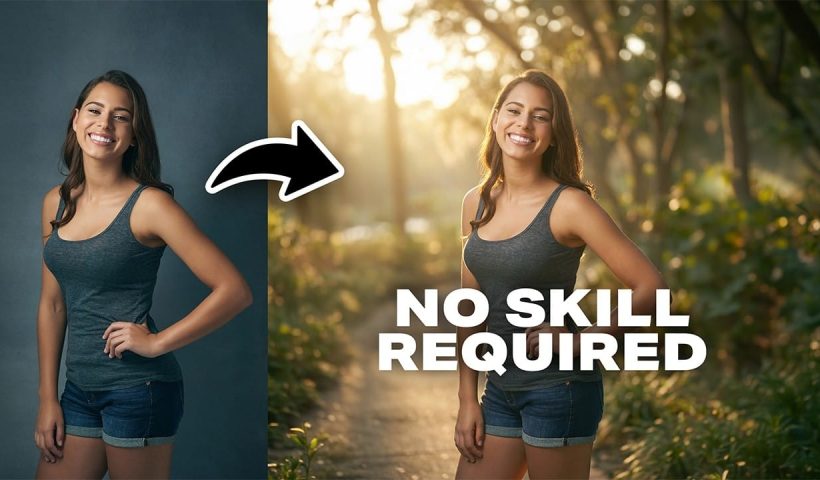
How to Change Photo Backgrounds with AI While Preserving Professional Quality

Professional background replacement has traditionally required hours of meticulous masking and lighting adjustments in studio settings. Modern AI tools now offer an alternative approach that can change backgrounds while maintaining the original subject's lighting, hair…

View More How to Change Photo Backgrounds with AI While Preserving Professional Quality

Neon Riot: 8 Neon Colors Pop Art Graffiti Backgrounds

Neon Riot is a free collection of bold, high-energy pop art graffiti AI-generated backgrounds inspired by street murals, urban lettering, and layered wall art found in city neighborhoods. Each design blends chunky 3D graffiti shapes,…

View More Neon Riot: 8 Neon Colors Pop Art Graffiti Backgrounds

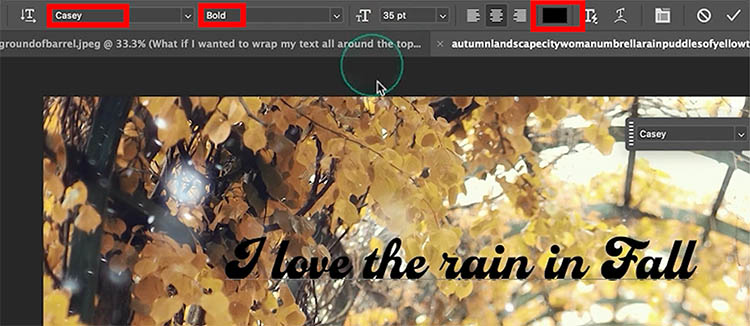
Dynamic Text in Photoshop: Circle, Arch, and Advanced Controls Explained

Better Than Warp Text? Master Circular Typography with Dynamic Text Adding text to a circle or arch in Photoshop has always been possible. The problem is making it look good. Traditionally, we’ve relied on Warp…

View More Dynamic Text in Photoshop: Circle, Arch, and Advanced Controls Explained

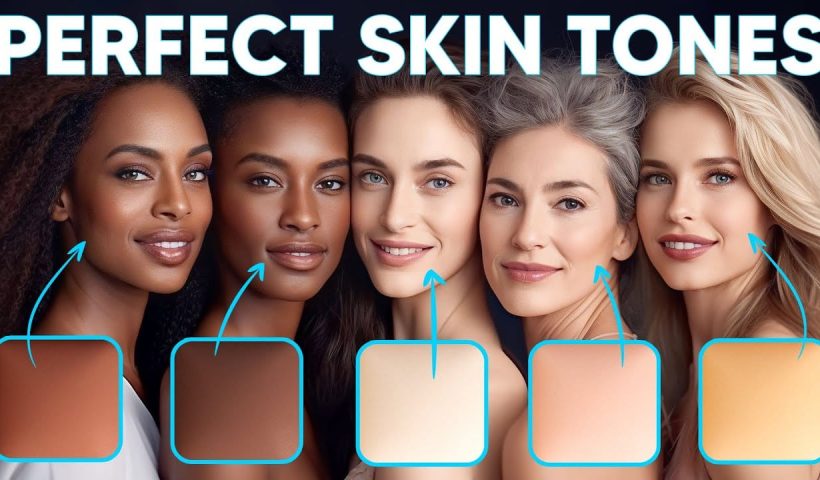
How to Enhance Skin Tones Using Gradients in Photoshop

Skin tones often appear washed out or lifeless in photographs due to challenging lighting conditions or camera settings. This gradient-based technique brings vibrancy back to portraits while creating natural-looking dimensional highlights that draw the viewer's…

View More How to Enhance Skin Tones Using Gradients in Photoshop

7 Signs You're a Photoshop Pro – Skill Assessment Guide

Professional Photoshop mastery isn't about memorizing every menu or filter. It's about developing efficient workflows, understanding core concepts, and building muscle memory for essential techniques. Real pros focus on the right tools for their specific…

View More 7 Signs You're a Photoshop Pro – Skill Assessment Guide

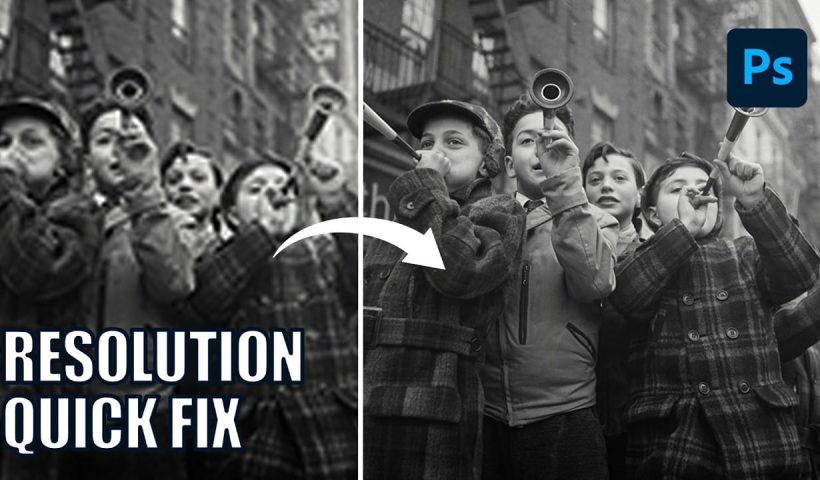
How to Use Generative Upscale with Multiple AI Models in Photoshop

Pixelated vintage photos and low-resolution images no longer need to stay small. Photoshop's Generative Upscale feature now offers multiple AI models to enlarge images up to 4x their original size while adding remarkable detail and…

View More How to Use Generative Upscale with Multiple AI Models in Photoshop

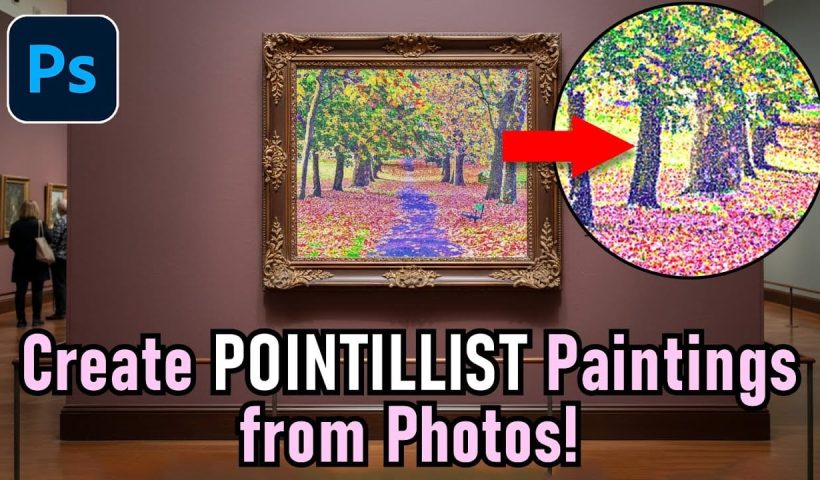
Create a Pointillism Effect in Photoshop

Pointillism, the late 19th-century painting technique that uses small dots of color to form images, creates a distinctive artistic look where colors blend optically when viewed from a distance. This digital recreation technique transforms ordinary…

View More Create a Pointillism Effect in Photoshop

How to Convert WebP to JPEG in Bulk Using Image Processor

Converting large folders of WebP images to JPEG format can be time-consuming when done manually. Image Processor provides an efficient solution for batch conversion, automatically handling multiple files while maintaining quality settings and organization. This…

View More How to Convert WebP to JPEG in Bulk Using Image Processor

Posts pagination

Previous page Page 1 … Page 19 Page 20 Page 21 … Page 270 Next page
Schenectady Photographic Society
Established 1931
Site design by Sean P Sullivan
Copyright © SPS|Concepts
Terms of Service/Privacy Policy