Skip to content
Schenectady Photographic Society

Schenectady Photographic Society

Established 1932
Schenectady Photographic Society
Menu
  • Home
  • Downloads
    • The Focus
    • Annual Reports
    • New Member Info
  • Competitions
    • Assigned Topics for 2026-2028
    • Print
      • Competition Galleries
      • Competition Results
        • 2024-2025
        • 2023-2024
        • 2019-2020
        • 2018-2019
        • 2017-2018
        • 2016-2017
        • 2015-2016
      • Competition Rules
      • Submission Card Creator
    • Digital Image
      • Submit Images
      • Submissions
        • 2024-2025
        • 2023-2024
        • 2022-2023
        • 2021-2022
        • 2020-2021
        • 2019-2020
        • 2018-2019
        • 2017-2018
        • 2016-2017
        • 2015-2016
      • Competition Results
        • 2025-2026
        • 2024-2025
        • 2023-2024
        • 2022-2023
        • 2021-2022
        • 2020-2021
        • 2019-2020
        • 2018-2019
        • 2017-2018
        • 2016-2017
        • 2015-2016
      • Preparation Guidelines
      • Competition Rules
    • Photo Essay
      • Competition Rules
  • Programs
    • Mentoring
    • Field Trips
    • Traveling Exhibits
  • Events
    • Full Events Calendar
    • Luba Ricket Creativity Award
      • Submission Form
  • News
    • Announcements
    • Photoshop
    • Lightroom
  • Links
  • About SPS
    • Our FAQ
    • Directions
    • By-Laws
    • Constitution
    • Board of Directors
    • Betty Barker Award
    • Liability Waiver and Safety Requirements Agreement
    • SPS In the News
      • Heritage of Vision - 518 Profiles Magazine
      • 80th Anniversary - Daily Gazette
  • Join Us
CLOSE
Schenectady Photographic Society

Upcoming Events

Nothing from June 8, 2026 to June 8, 2027.

Category: News

Using Clarity and Dehaze for Natural Depth in Images

Photoshop's new Clarity and Dehaze adjustment layers offer precise control over image depth, but they're often misused to create harsh, over-processed effects. Understanding how these tools work at different frequency levels helps you enhance natural…

View More Using Clarity and Dehaze for Natural Depth in Images

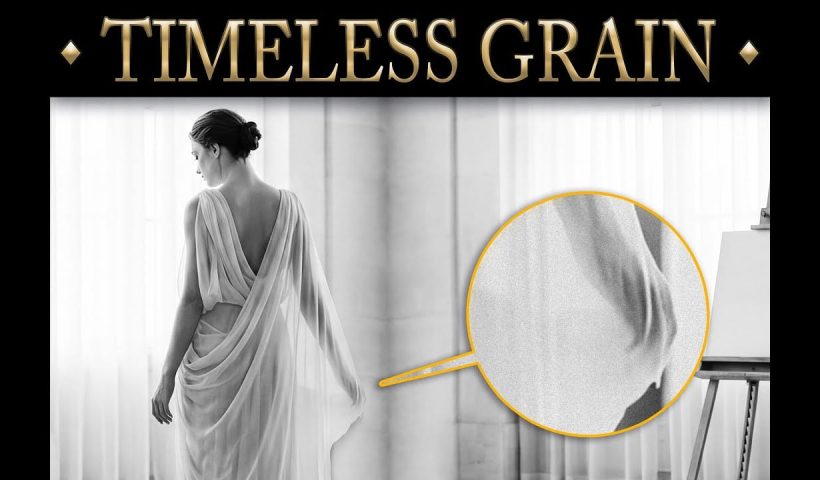
Add Realistic Film Grain in Photoshop Using the New Adjustment Layer

Film grain adds authentic character to digital images, recreating the organic texture that made analog photography compelling. The new grain adjustment layer in Photoshop 27.3 brings this classic effect directly into your workflow, eliminating the…

View More Add Realistic Film Grain in Photoshop Using the New Adjustment Layer

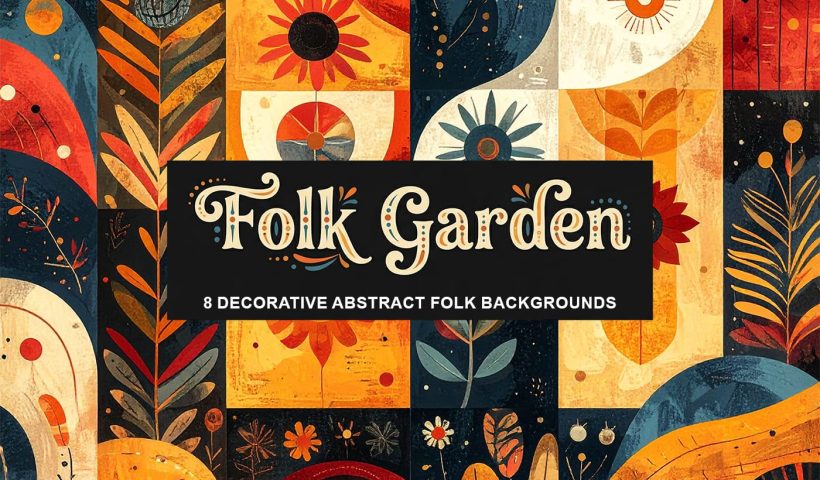
Folk Garden: 8 Free Decorative Abstract Folk Backgrounds

Folk Garden is a collection of symbolic AI-generated abstract background papers inspired by folk-style decoration and handcrafted design. Each piece features simplified floral and geometric motifs, framed panels, and rhythmic compositions, brought together with warm…

View More Folk Garden: 8 Free Decorative Abstract Folk Backgrounds

New This Week in Photoshop Roadmap — Feb 4, 2026

This week’s Photoshop Roadmap roundup focuses on faster workflows and cleaner results. The tutorials cover practical edits like creating glow motion effects with gradient maps, changing object colors using Hue/Saturation, and using reference images to…

View More New This Week in Photoshop Roadmap — Feb 4, 2026

How to Change Object Colors in Photoshop Using Hue/Saturation

Changing the color of specific objects in your photos requires precision and the right technique. The key is creating an accurate selection and using a targeted adjustment layer that affects only your chosen subject while…

View More How to Change Object Colors in Photoshop Using Hue/Saturation

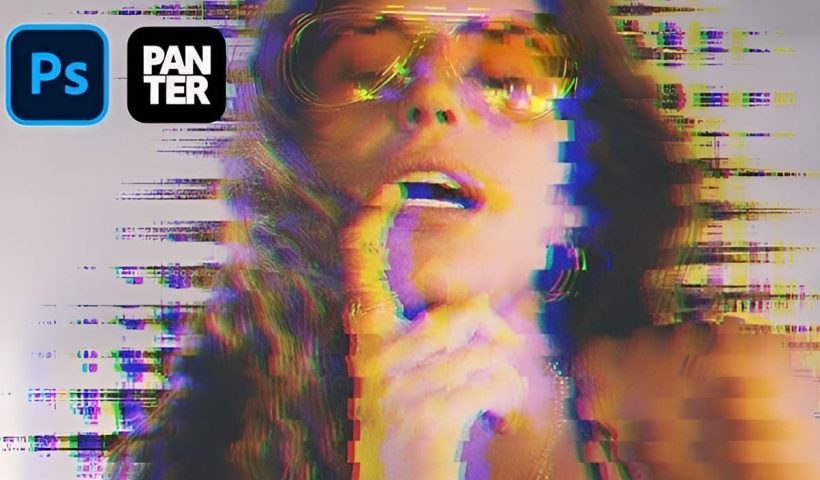
Create a Distorted Wave Glitch Effect in Photoshop

Digital distortion effects transform ordinary portraits into striking visual art by warping reality through deliberate technical manipulation. This technique uses multiple wave filters layered together to create increasingly complex distortions, while selective masking preserves important…

View More Create a Distorted Wave Glitch Effect in Photoshop

Photoshop January 2026 Update: 5 New Features Including Grain and Clarity Adjustment Layers

Photoshop's January 2026 update brings five significant features that streamline common editing tasks. The highlight is new adjustment layers for grain and clarity effects, eliminating the need to work in Camera Raw for these adjustments.…

View More Photoshop January 2026 Update: 5 New Features Including Grain and Clarity Adjustment Layers

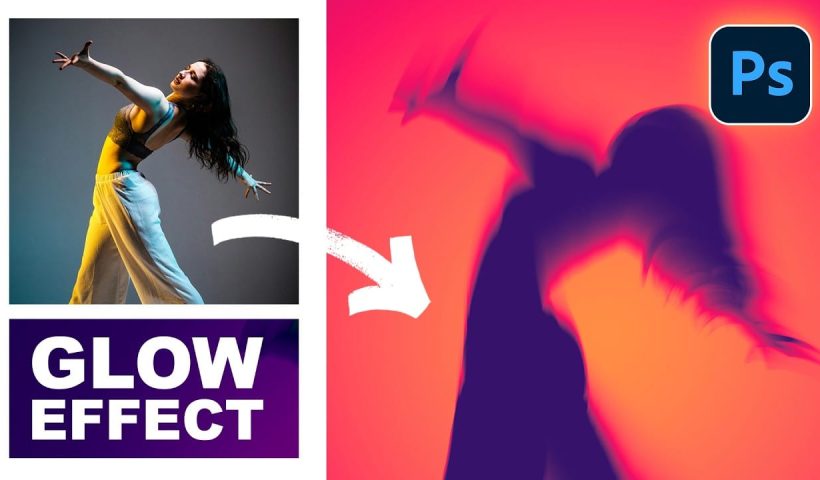
How to Create Glow Motion Effects with Gradient Maps in Photoshop

Motion blur combined with colorful gradients creates striking visual effects that transform ordinary photos into dynamic, cinematic images. This technique uses gradient maps to automatically color light and dark values, producing flowing color transitions that…

View More How to Create Glow Motion Effects with Gradient Maps in Photoshop

Posts pagination

Previous page Page 1 … Page 24 Page 25 Page 26 … Page 270 Next page
Schenectady Photographic Society
Established 1931
Site design by Sean P Sullivan
Copyright © SPS|Concepts
Terms of Service/Privacy Policy