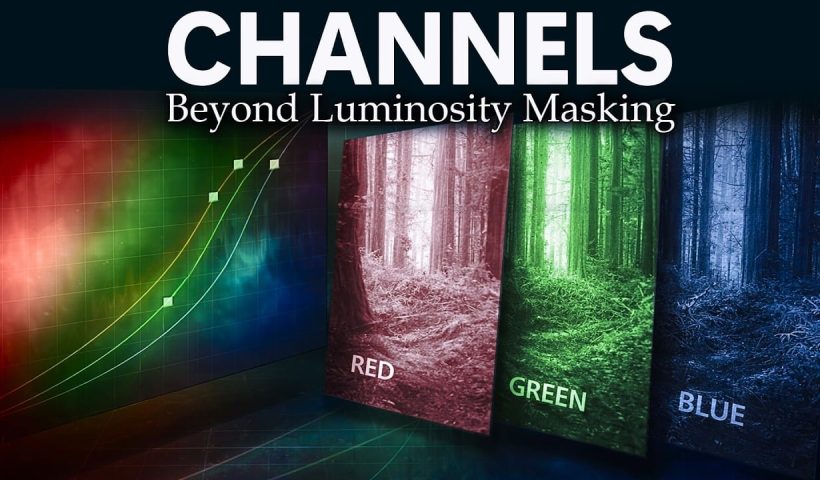
Most photographers avoid channels because they seem technical and intimidating. The breakthrough happens when you stop thinking of channels as red, green, and blue data and start seeing them as mask maps that reveal natural…
View More How to Use Photoshop Channels for Precision Masking and Natural SelectionsCategory: News
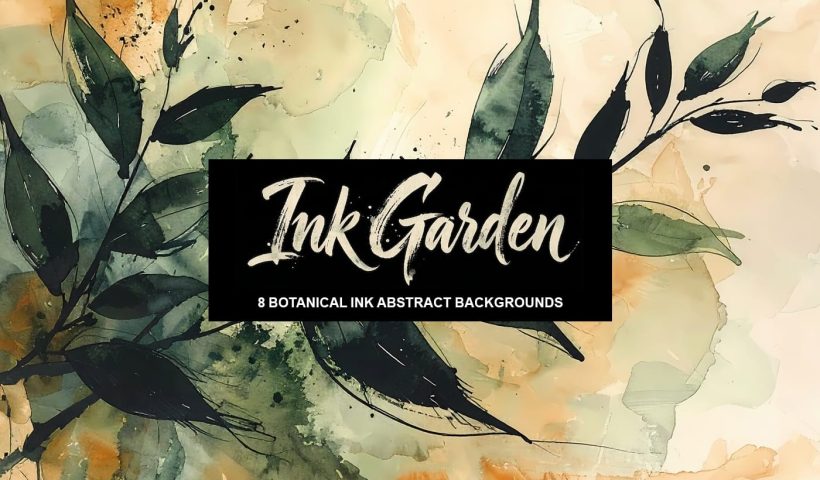
Ink Garden: 8 Botanical Ink Abstract Backgrounds
Ink Garden is a collection of expressive ai-generated botanical abstract background papers inspired by loose ink drawings and flowing natural forms. Each design combines delicate hand-drawn leaves and stems with soft watercolor washes, creating a…
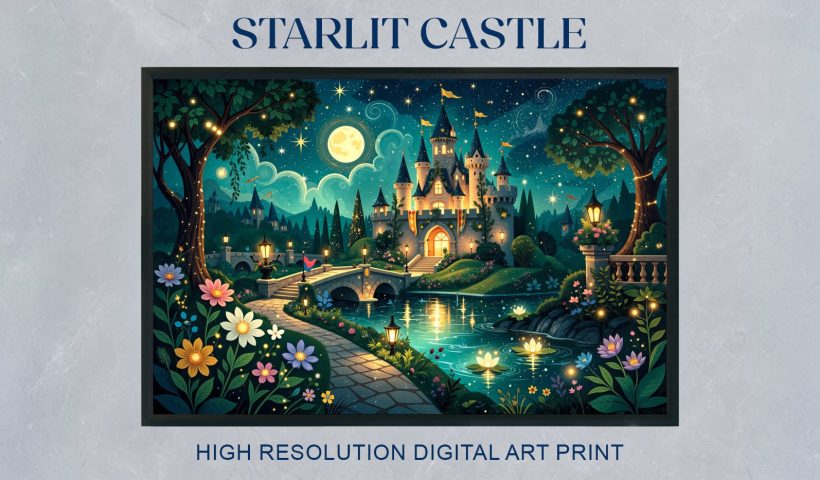
View More Ink Garden: 8 Botanical Ink Abstract BackgroundsStarlit Castle: Magical Fantasy Night Castle Digital Wall Art
Bring a quiet fairytale atmosphere into your space with this magical ai-generated night illustration of a glowing castle beneath a sky full of stars. Warm lights shine from the towers and reflect softly in the…
View More Starlit Castle: Magical Fantasy Night Castle Digital Wall ArtRainy Day Photoshop Action: Realistic Rain on Glass Effect
Rainy Day is a Photoshop action that adds a realistic rain-on-window effect to your photos in just one click. It gives your images a moody, cinematic feel, as if they were shot through wet glass…
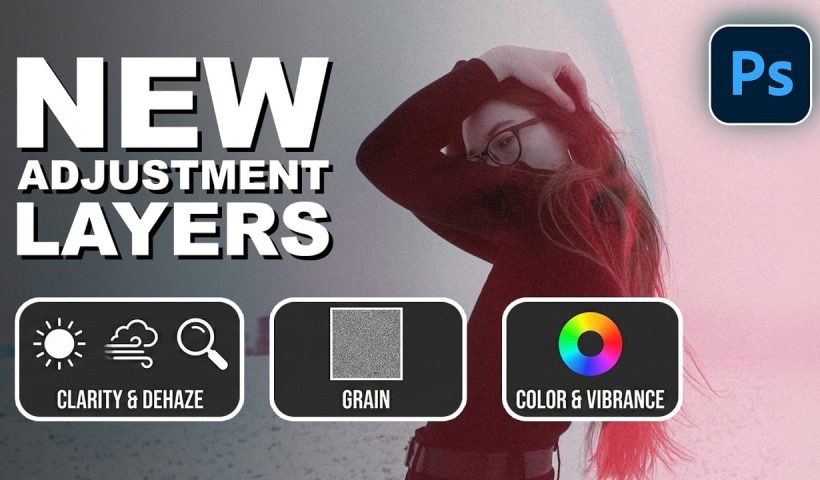
View More Rainy Day Photoshop Action: Realistic Rain on Glass EffectHow to Use the New Color, Clarity, Dehaze, and Grain Adjustment Layers in Photoshop
Three powerful new adjustment layers bring Camera Raw's most popular tools directly into your layers panel. Color and Vibrance, Clarity and Dehaze, and Grain adjustments now work as standard adjustment layers with full masking capabilities…
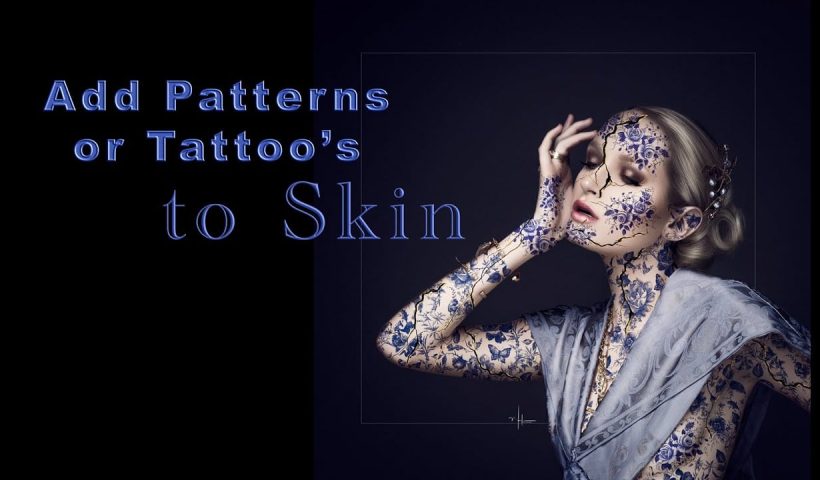
View More How to Use the New Color, Clarity, Dehaze, and Grain Adjustment Layers in PhotoshopHow to Apply Patterns and Tattoos to Skin in Photoshop
Creating realistic skin patterns and tattoos requires more than simply overlaying images onto photographs. The key lies in using proper blending techniques and layer settings to make decorative elements appear naturally integrated with skin texture.…
View More How to Apply Patterns and Tattoos to Skin in PhotoshopHow to Transform Photos into Digital Paintings Using Photoshop Brushes
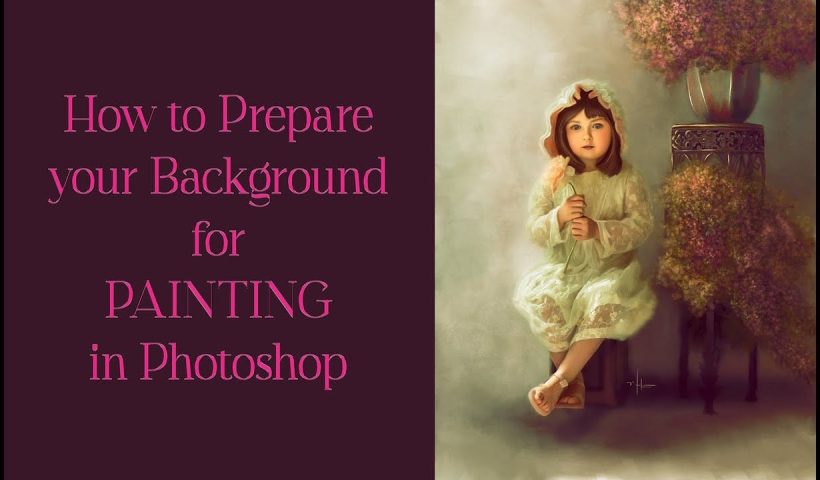
Busy backgrounds and photographic detail can overwhelm your artistic vision. This technique shows how to prepare photos for digital painting by strategically overpainting backgrounds and replacing photographic elements with painterly textures. The approach combines subject…
View More How to Transform Photos into Digital Paintings Using Photoshop BrushesThe Art of Shaping Light & Color with Gilmar Smith
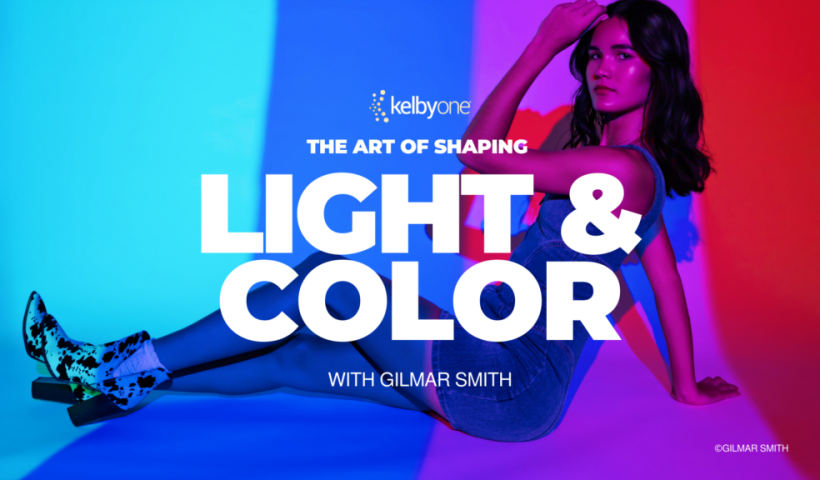
Strong images don’t just happen—they’re shaped through intentional lighting, thoughtful color choices, and a willingness to experiment. In her latest class, Gilmar Smith takes you behind the scenes of a series of creative studio shoots…
View More The Art of Shaping Light & Color with Gilmar Smith