Skip to content
Schenectady Photographic Society

Schenectady Photographic Society

Established 1932
Schenectady Photographic Society
Menu
  • Home
  • Downloads
    • The Focus
    • Annual Reports
    • New Member Info
  • Competitions
    • Assigned Topics for 2026-2028
    • Print
      • Competition Galleries
      • Competition Results
        • 2025-2026
        • 2024-2025
        • 2023-2024
        • 2019-2020
        • 2018-2019
        • 2017-2018
        • 2016-2017
        • 2015-2016
      • Competition Rules
      • Submission Card Creator
    • Digital Image
      • Submissions
        • 2026-2027
        • 2025-2026
        • 2024-2025
        • 2023-2024
        • 2022-2023
        • 2021-2022
        • 2020-2021
        • 2019-2020
        • 2018-2019
        • 2017-2018
        • 2016-2017
        • 2015-2016
      • Competition Results
        • 2026-2027
        • 2025-2026
        • 2024-2025
        • 2023-2024
        • 2022-2023
        • 2021-2022
        • 2020-2021
        • 2019-2020
        • 2018-2019
        • 2017-2018
        • 2016-2017
        • 2015-2016
      • Preparation Guidelines
      • Competition Rules
    • Photo Essay
      • Competition Rules
  • Programs
    • Mentoring
    • Field Trips
    • Traveling Exhibits
  • Events
    • Full Events Calendar
    • Luba Ricket Creativity Award
      • Submission Form
  • News
    • Announcements
    • Photoshop
    • Lightroom
  • Links
  • About SPS
    • Our FAQ
    • Directions
    • By-Laws
    • Constitution
    • Board of Directors
    • Betty Barker Award
    • Liability Waiver and Safety Requirements Agreement
    • SPS In the News
      • Heritage of Vision - 518 Profiles Magazine
      • 80th Anniversary - Daily Gazette
  • Join Us
CLOSE
Schenectady Photographic Society

Upcoming Events

October 28, 2026
  • Event Night  Add to Calendar
    7:00 pm - 9:00 pm
    7 days ago
    See more details

November 4, 2026
  • Print Competition  Add to Calendar
    7:00 pm - 9:00 pm
    9 hours from now
    See more details

November 11, 2026
  • Digital Competition  Add to Calendar
    7:00 pm - 9:00 pm
    1 week from now
    See more details

November 18, 2026
  • Event Night  Add to Calendar
    7:00 pm - 9:00 pm
    2 weeks from now
    See more details

November 25, 2026
  • No Meeting (Thanksgiving)  Add to Calendar
    7:00 pm - 9:00 pm
    3 weeks from now
    See more details

December 2, 2026
  • Print Competition  Add to Calendar
    7:00 pm - 9:00 pm
    4 weeks from now
    See more details

December 9, 2026
  • Digital Competition  Add to Calendar
    7:00 pm - 9:00 pm
    1 month from now
    See more details

December 16, 2026
  • Event Night  Add to Calendar
    7:00 pm - 9:00 pm
    1 month from now
    See more details

December 23, 2026
  • No Meeting (Christmas Holiday)  Add to Calendar
    7:00 pm - 9:00 pm
    2 months from now
    See more details

December 30, 2026
  • No Meeting (New Year's Holiday)  Add to Calendar
    7:00 pm - 9:00 pm
    2 months from now
    See more details

January 6, 2027
  • Print Competition  Add to Calendar
    7:00 pm - 9:00 pm
    2 months from now
    See more details

January 13, 2027
  • Digital Competition  Add to Calendar
    7:00 pm - 9:00 pm
    2 months from now
    See more details

January 20, 2027
  • Event Night  Add to Calendar
    7:00 pm - 9:00 pm
    3 months from now
    See more details

Category: News

How to Place Images Inside Text Using Clipping Masks in Photoshop

Text filled with vibrant images creates striking visual impact that transforms ordinary typography into compelling design elements. This technique uses Photoshop's clipping mask feature to seamlessly insert any photograph into letter shapes. The method works…

View More How to Place Images Inside Text Using Clipping Masks in Photoshop

How to Use Photoshop 2026's New AI Upscale, Sharpen, and Denoise Filters

Photoshop 2026 introduces three powerful AI filters that transform low-quality images into crisp, professional results. These tools tackle common photo problems: pixelated enlargements, soft details, and grain from low-light conditions. Each filter uses advanced AI…

View More How to Use Photoshop 2026's New AI Upscale, Sharpen, and Denoise Filters

Importing Made Really Easy with Scott Kelby

If the Lightroom Classic Import window has ever made you stop and think, “Wait… where are my photos actually going?”—this class is for you! In his latest class, Scott takes the mystery (and the fear)…

View More Importing Made Really Easy with Scott Kelby

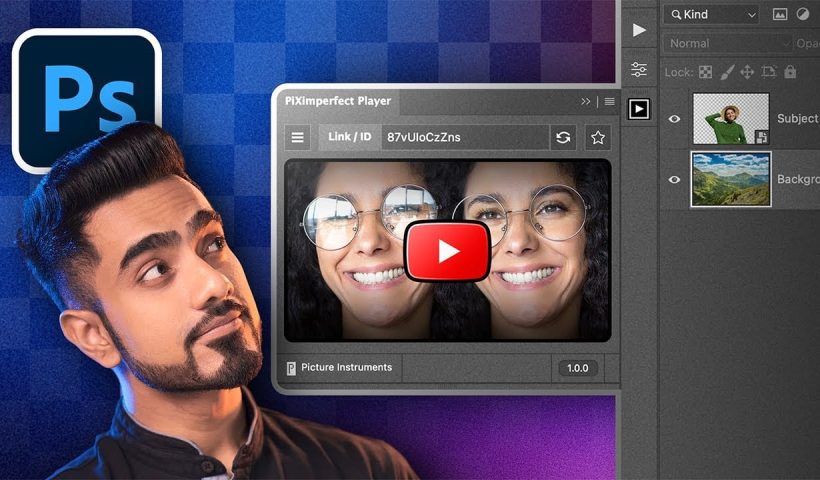
How to Watch YouTube Videos Inside Photoshop with Free Plugin

Following Photoshop tutorials often means constant tab switching between YouTube and your workspace. This free plugin eliminates that frustration by embedding YouTube videos directly inside Photoshop panels. The PiXerfect Player keeps your tutorials visible while…

View More How to Watch YouTube Videos Inside Photoshop with Free Plugin

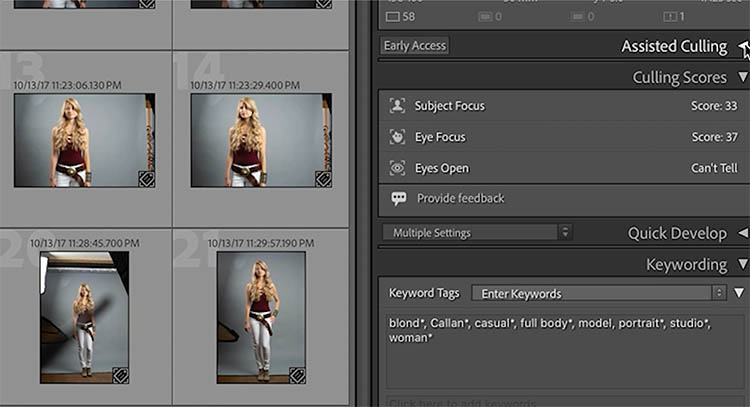
Lightroom Classic 2026 new features (Lightroom 15)

New Features in Adobe Lightroom Classic  2026 aka Lightroom Classic 15 On Nov 28, 2025 at Adobe Max, Adobe released the new version of Lightroom and Photoshop 2026. Let’s have a look at the new…

View More Lightroom Classic 2026 new features (Lightroom 15)

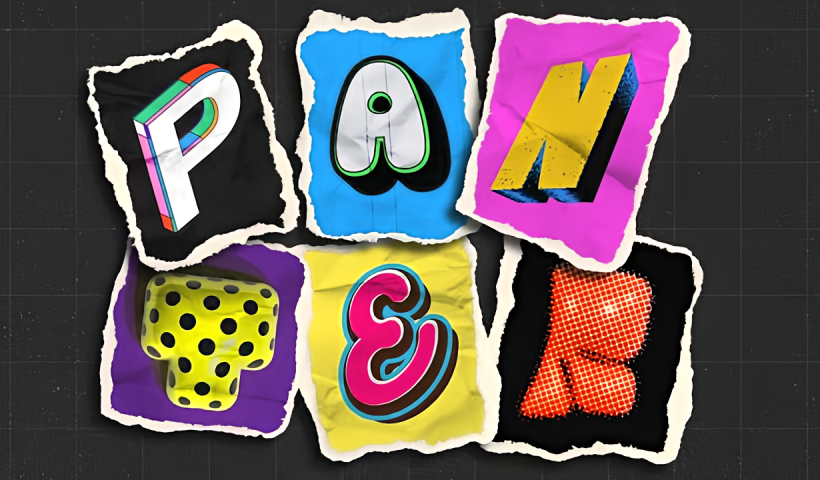
How to Create Collage Text Effects in Photoshop

Collage text transforms simple typography into visually striking artwork by combining wrapped paper textures, strategic warping, and careful masking techniques. This creative approach gives letters dimension and character, perfect for artistic projects and unique design…

View More How to Create Collage Text Effects in Photoshop

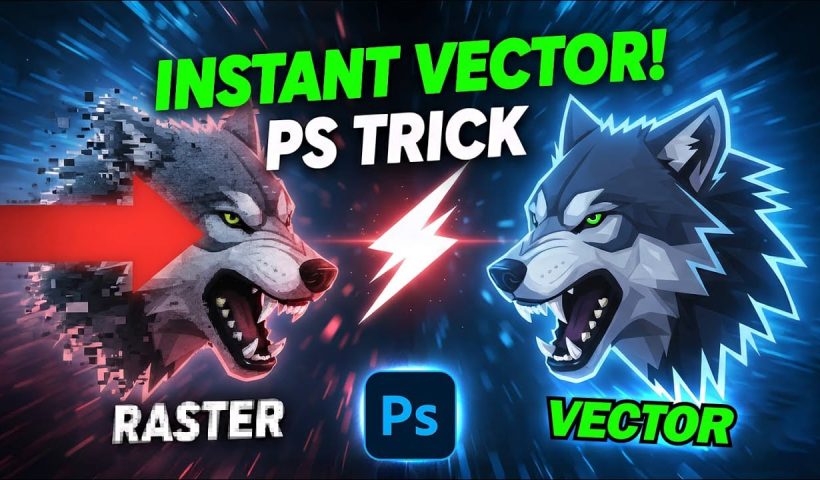
How to Convert Low-Resolution Graphics to Vector Shapes in Photoshop

Pixelated logos and graphics lose their impact when scaled up for print or web projects. Photoshop's Creative Cloud Libraries feature offers a built-in solution for transforming low-resolution black and white images into crisp, scalable vector…

View More How to Convert Low-Resolution Graphics to Vector Shapes in Photoshop

How to Use Photoshop's Select Subject Tool for One-Click Selections

Complex selections in Photoshop just became effortless. The Select Subject tool uses advanced AI to automatically identify and select main subjects in images, even those with intricate details like bicycle spokes or hair. This tutorial…

View More How to Use Photoshop's Select Subject Tool for One-Click Selections

Posts pagination

Previous page Page 1 … Page 59 Page 60 Page 61 … Page 286 Next page
Schenectady Photographic Society
Established 1931
Site design by Sean P Sullivan
Copyright © SPS|Concepts
Terms of Service/Privacy Policy