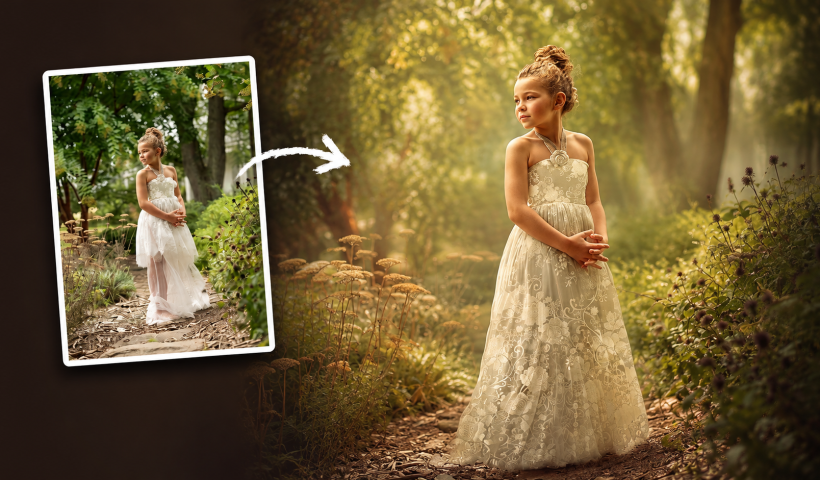
Transform ordinary portraits into dynamic, cinematic images by combining path blur effects with creative background textures. This technique creates the illusion of camera movement while maintaining focus on key elements like the subject's eyes, resulting…
View More Create Motion Blur Light Effects in PhotoshopCategory: Photoshop
Photoshop News and Updates
How to Paint Realistic Jewelry on Portraits in Photoshop
Adding painted jewelry to portraits transforms ordinary photos into fantasy portraits with ornate accessories that never existed. This digital painting technique uses careful layering, proper lighting, and realistic shadows to create convincing rings, earrings, and…
View More How to Paint Realistic Jewelry on Portraits in PhotoshopHow to Sharpen Images Using the High Pass Filter in Photoshop
The High Pass filter method remains one of the most versatile sharpening techniques in Photoshop, offering precise control over which image areas receive enhancement. This non-destructive approach works by identifying edge details and allowing you…
View More How to Sharpen Images Using the High Pass Filter in PhotoshopHow to Find Missing Actions in the New Photoshop Actions Panel
The redesigned Actions panel in Photoshop can catch users off guard when their custom actions seem to disappear. With the new tabbed interface, your previously created actions are still there—they're just located in a different…
View More How to Find Missing Actions in the New Photoshop Actions PanelFast Portrait Retouching: Remove Stray Hairs, Clothing Wrinkles, and Fix Backgrounds
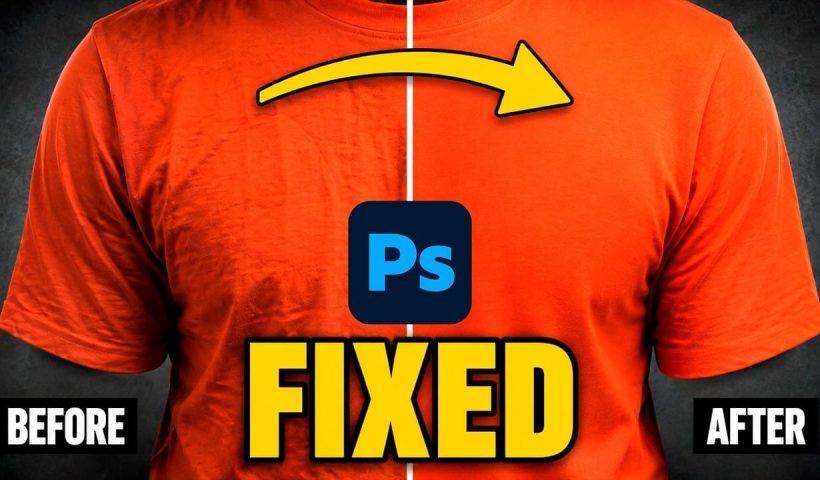
Every portrait photographer knows the feeling: you've captured a beautiful shot, but stray hairs, wrinkled clothing, and messy backgrounds turn editing into hours of tedious work. These common retouching challenges can drain your time and…
View More Fast Portrait Retouching: Remove Stray Hairs, Clothing Wrinkles, and Fix BackgroundsHow to Use the New Rotate Object Feature in Photoshop Beta
Photoshop's latest beta introduces a revolutionary feature that transforms flat 2D images into rotatable 3D objects. The new Rotate Object tool uses generative AI to create new angles and perspectives from a single image, then…
View More How to Use the New Rotate Object Feature in Photoshop BetaEssential New Photoshop Features for Professional Retouchers with Lisa Carney
Professional retoucher Lisa Carney demonstrates the latest Photoshop features that streamline common editing tasks without the flashy headlines. These updates focus on practical workflow improvements—from automated distraction removal to intelligent layer cleanup—that save significant time…
View More Essential New Photoshop Features for Professional Retouchers with Lisa CarneyHow to Use the New Depth Mask in Adobe Camera Raw for Landscape Photography
Adobe's latest Camera Raw update introduces a powerful depth mask that works with any image, not just smartphone photos with depth data. This new masking tool analyzes distance information in your photos to create precise…
View More How to Use the New Depth Mask in Adobe Camera Raw for Landscape Photography