
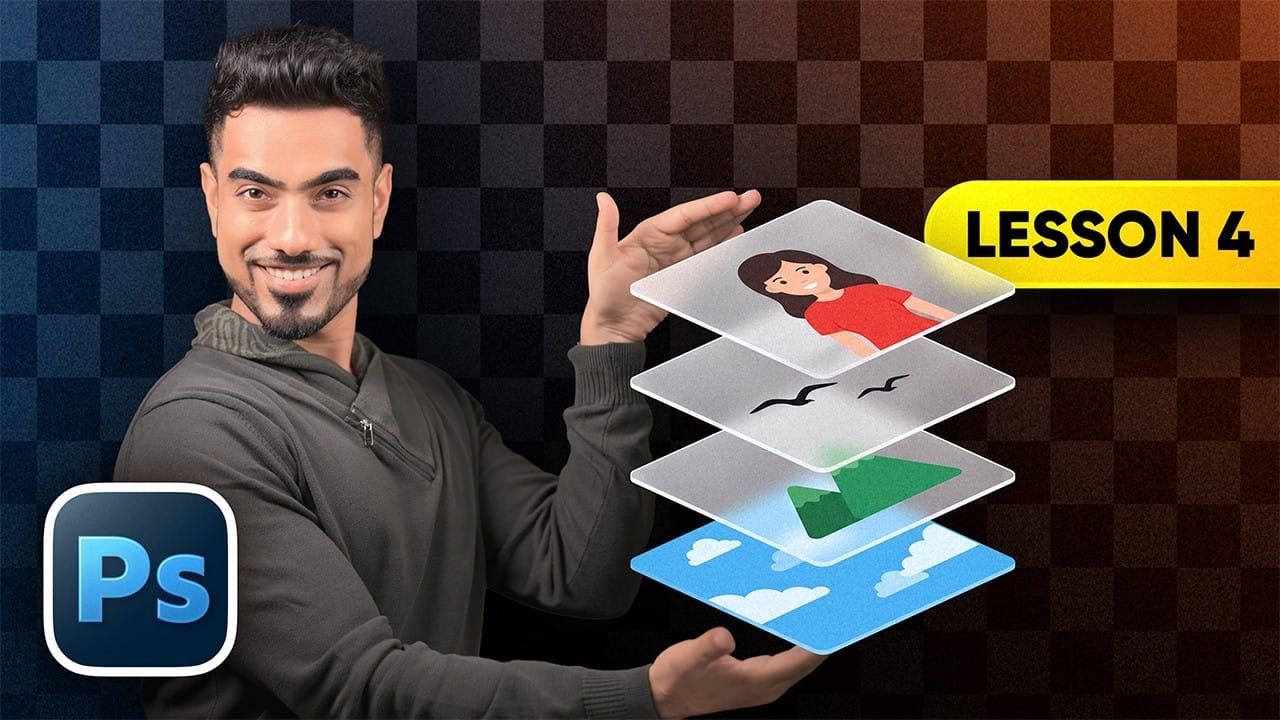
Layers let you edit, arrange, and combine parts of an image without flattening everything into one fixed result. This beginner-friendly guide explains how to work with the Layers panel, control opacity, organize elements, and use different layer types. It also introduces practical techniques such as clipping masks, layer styles,
Read the full article here: Photoshop Layers: A Beginner’s Guide Photoshop Roadmap