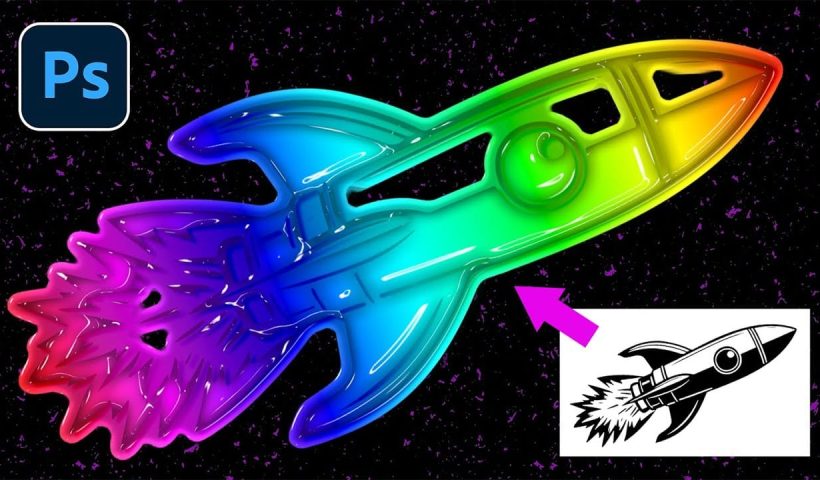
The metallic surfaces, bubble typography, and neon gradients of the late 1990s and early 2000s have made a striking comeback. This retro-futuristic aesthetic captures the millennium era's optimistic vision of digital technology through shiny textures,…
View More How to Design with the Y2K Aesthetic: Typography, Colors, and EffectsCategory: Photoshop
Photoshop News and Updates
Understanding Brutalist Graphic Design: Principles, Techniques, and Applications
Raw concrete meets bold typography in a design movement that deliberately breaks the rules. Brutalism strips away polish and perfection, embracing rough edges, clashing colors, and unapologetically bold statements that demand attention. This rebellious aesthetic…
View More Understanding Brutalist Graphic Design: Principles, Techniques, and ApplicationsUnderstanding Grunge Design: Typography, Textures, and Visual Style
Grunge design refuses to play by conventional rules. Born from underground zines and music culture in the late '80s, this aesthetic embraces chaos, imperfection, and raw authenticity over polished perfection. The style thrives on distressed…
View More Understanding Grunge Design: Typography, Textures, and Visual StyleHow to Sculpt Light and Add Atmosphere in Photoshop
Light transforms a flat image into something with depth, mood, and visual interest. The ability to enhance existing light sources or create entirely new ones opens up creative possibilities that go far beyond what the…
View More How to Sculpt Light and Add Atmosphere in PhotoshopCreate a Whimsical Vintage Image in Photoshop: Complete Layer Breakdown and Color Matching Technique
The magic of vintage circus imagery lies in its ability to transport viewers to a world of wonder and nostalgia. Soft, muted tones paired with whimsical characters create compositions that feel both timeless and enchanting.…
View More Create a Whimsical Vintage Image in Photoshop: Complete Layer Breakdown and Color Matching TechniqueHow to Cut Out Complex Hair and Fur in Photoshop Without Fringing
Sharp, clean cutouts separate amateur photo edits from professional composites. Subjects with hair or fur challenge even experienced Photoshop users because standard selection tools often leave noticeable color fringing around delicate edges. This tutorial demonstrates…
View More How to Cut Out Complex Hair and Fur in Photoshop Without FringingHow to Create a VHS Glitch Effect in Photoshop
VHS glitch effects capture the nostalgic charm of analog video distortion, transforming clean digital images into retro masterpieces. These effects recreate the visual artifacts of old videotapes — horizontal scan lines, color channel separation, and…
View More How to Create a VHS Glitch Effect in PhotoshopCreative Uses of Photoshop's Difference Blending Mode
The Difference blending mode often gets overlooked in Photoshop, dismissed as too unpredictable or harsh for creative work. Most designers know it as a utility tool for layer alignment, but this powerful mode can create…
View More Creative Uses of Photoshop's Difference Blending Mode