
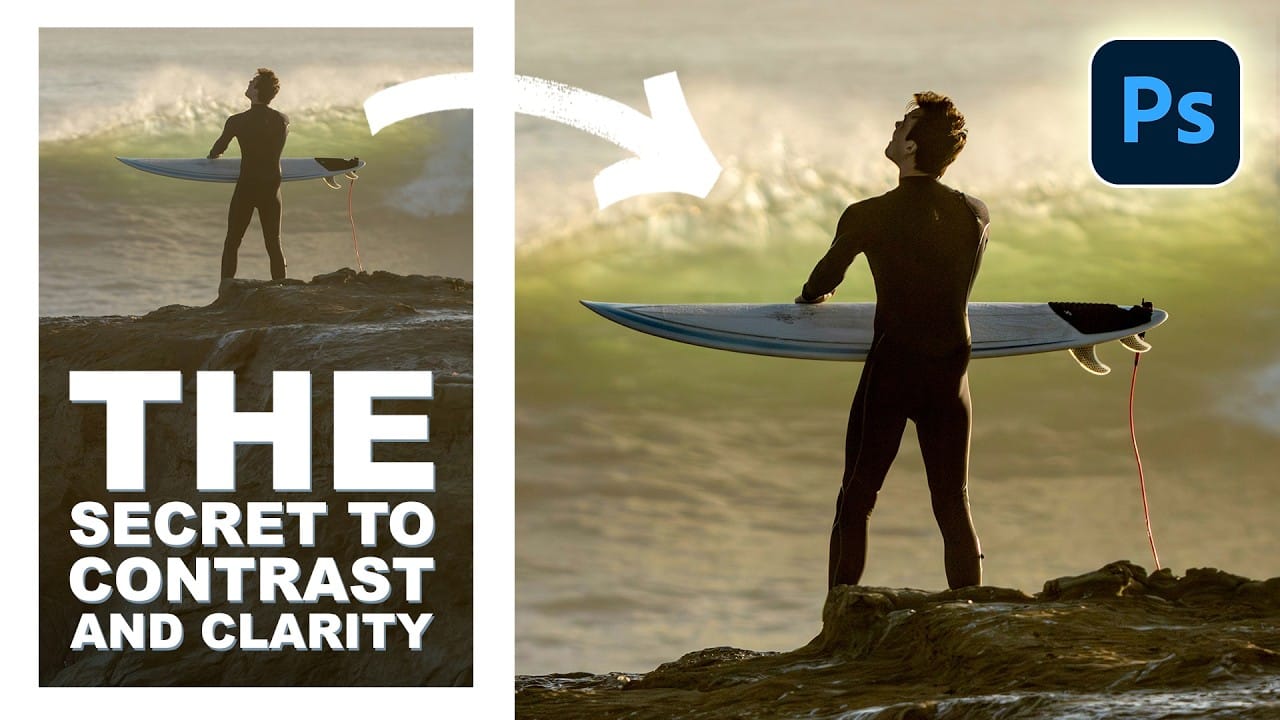
Many photos lack the visual impact they could have simply because contrast and clarity are applied uniformly across the entire image. The key to professional-looking results lies in selectively enhancing specific areas that deserve attention while leaving others untouched. This approach uses the Camera Raw filter's histogram controls
Read the full article here: How to Add Selective Contrast and Clarity Using Camera Raw Filter Photoshop Roadmap