
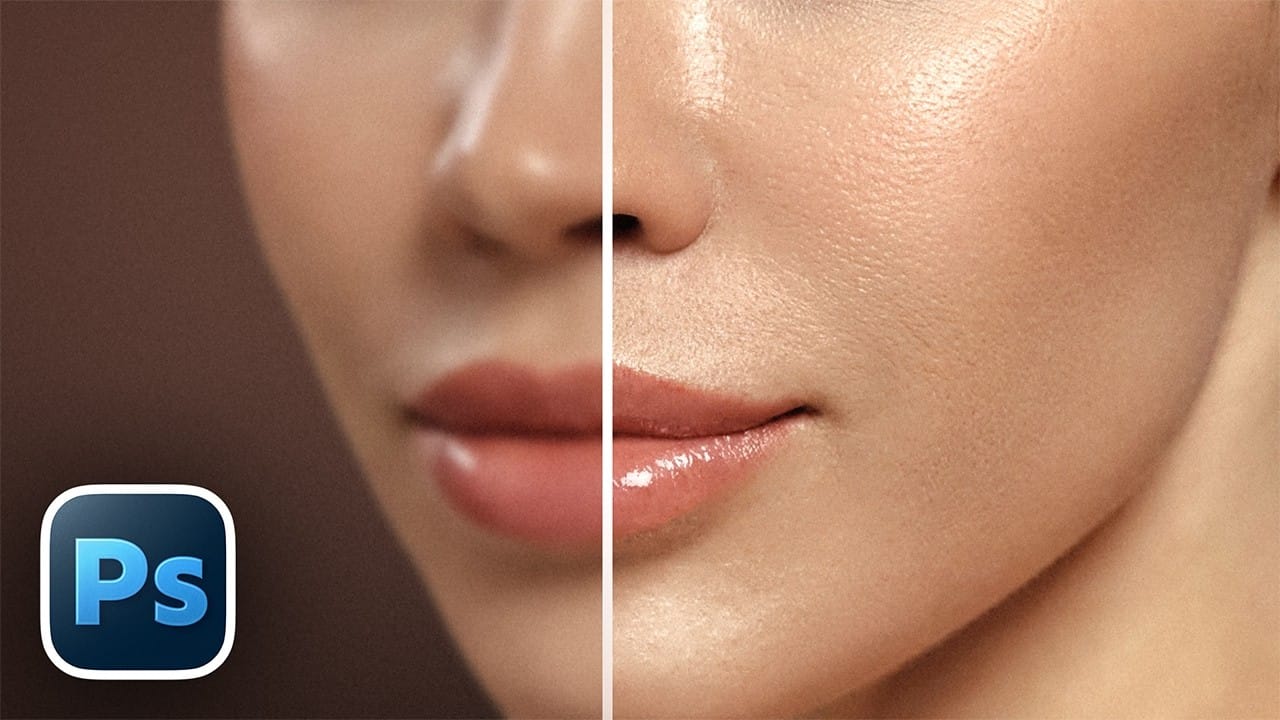
Retouched skin can look great up close but lose all its natural texture the moment you zoom out. Rather than relying on standard sharpening filters, you can recover that texture by duplicating the high-frequency layer inside a frequency separation setup — a method that works whether or not you'
Read the full article here: How to Sharpen Skin Texture Using Frequency Separation in Photoshop Photoshop Roadmap