
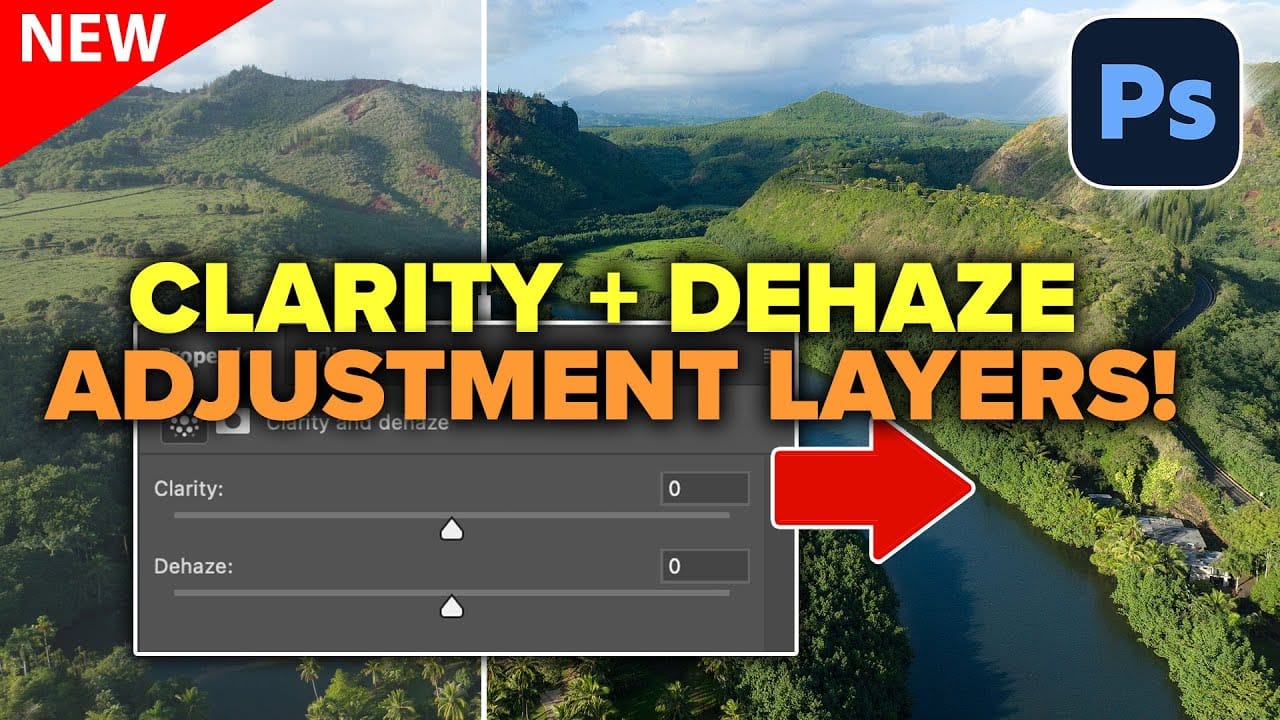
Two of the most popular adjustments from Camera Raw—Clarity and Dehaze—are now available as adjustment layers in Photoshop beta. These tools work on different image frequencies to enhance contrast and cut through atmospheric haze, giving you precise control over midtone contrast and low-frequency areas. Understanding how these adjustments
Read the full article here: How to Use Clarity and Dehaze Adjustments in Photoshop Photoshop Roadmap