
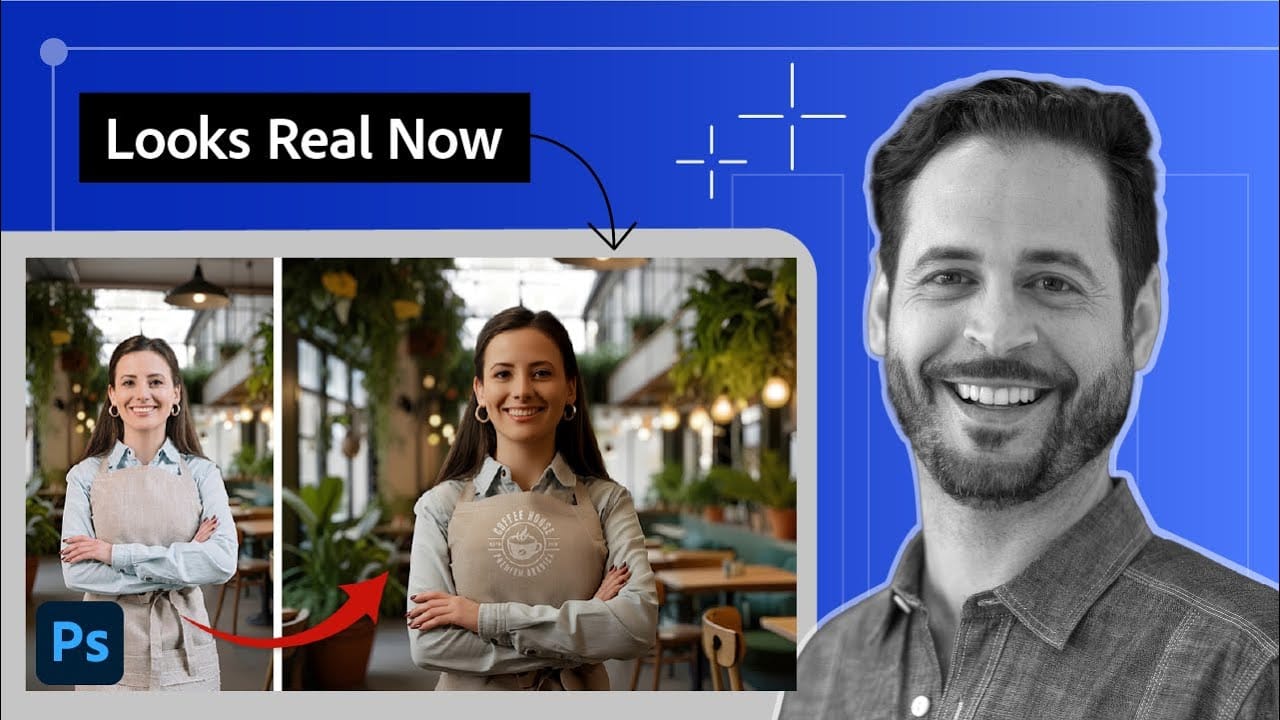
Creating seamless composites traditionally requires hours of manual color correction and lighting adjustments. The new Harmonize tool changes this by automatically analyzing your background and matching your subject's lighting, shadows, and color tones with a single click. This AI-powered feature eliminates the need for complex adjustment layers and
Read the full article here: How to Use Harmonize to Automatically Match Lighting in Photoshop Composites Photoshop Roadmap