Schenectady Photographic Society

Menu

dodge and burn

How to make Landscape photos look better, in depth Photoshop photo editing tutorial

How to make Landscape photos look better, in depth Photoshop photo editing tutorial

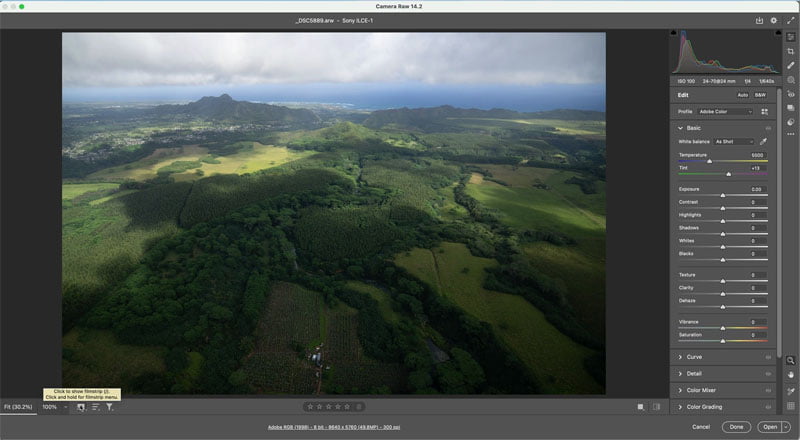
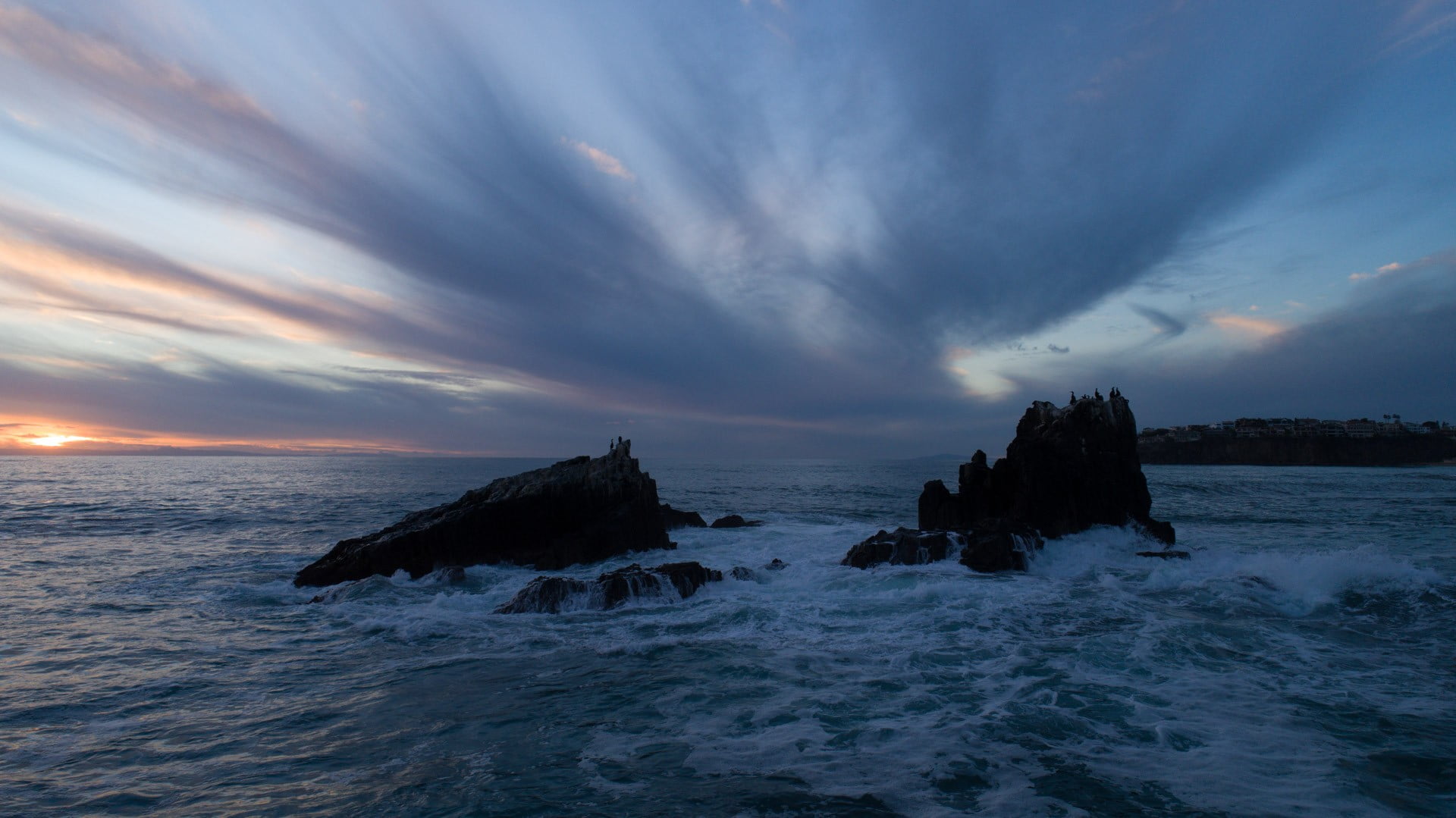
Editing Landscape photos in Photoshop, full workflow In this tutorial, I show you my entire workflow for editing landscape pictures. Please watch the video to see a lot of steps that would be missed in the written steps. This is my general workflow, sometimes I might use additional tool and other times, I might skip […]

Read more: How to make Landscape photos look better, in depth Photoshop photo editing tutorial
Selectively remove shadows in a photo with reverse dodge and burn in Photoshop

Selectively remove shadows in a photo with reverse dodge and burn in Photoshop

Show detail in shadows and highlights selectively in Photoshop with Reverse Dodge and Burn tutorial. This Photoshop tutorial will show you how to remove the shadows exactly where you need them and recover blown out details in the highlights. I call the process “Reverse” Dodge and Burn. Normally you dodge and burn to add highlights […]

Read more: Selectively remove shadows in a photo with reverse dodge and burn in Photoshop
Add 3D Depth to you photos with Dodge and Burn in Photoshop. Paint Shadow and Light

Add 3D Depth to you photos with Dodge and Burn in Photoshop. Paint Shadow and Light

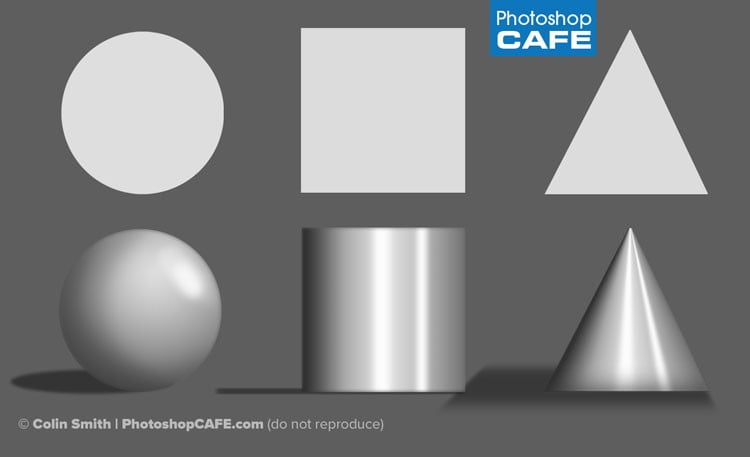
Dodge and Burn Tutorial, Paint with light and shadow to add 3 dimensional depth to your photographs. (and digital art) Dodge and Burn is the art of selectively lightening, or darkening portions of a photograph. Changing the value of light is the main tool employed by artists for centuries to show form, surface quality, texture and […]

Read more: Add 3D Depth to you photos with Dodge and Burn in Photoshop. Paint Shadow and Light